
Fuse Caption Studio
Transcribe, edit, and create captions
Mac
Versão 3.0.1
macOS 26.0 ou posterior
35.3 MB
1 idiomas
Fuse Caption Studio is a powerful caption and transcription editor built for Mac. Import video or audio, transcribe it in about 100 languages, and edit every caption as a clip on a visual timeline. Clean up filler words, customize caption styling, identify speakers, preview your work in 16:9, 4:3, or 9:16, and export subtitle files, transcripts, or videos with captions burned in. With Apple Intelligence, you can also understand your content, ask questions about it, and turn recordings into chapters, titles, descriptions, hashtags, and social posts.
Transcribe video and audio in about 100 languages
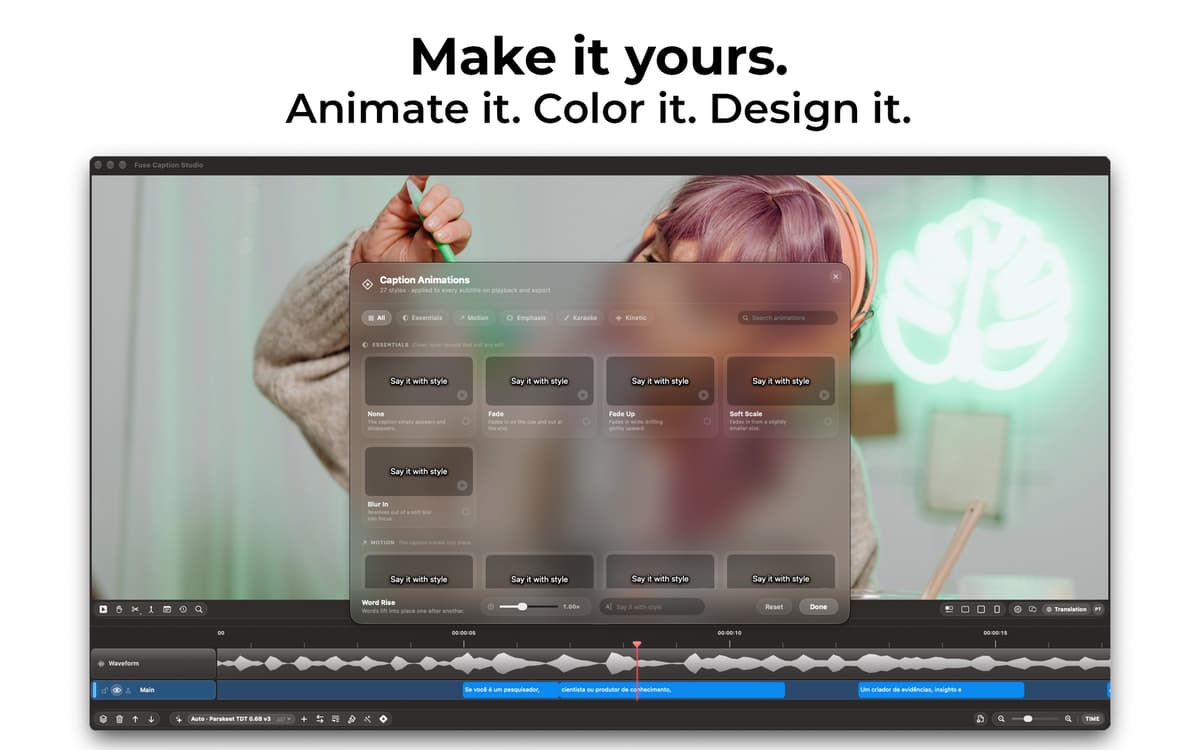
Edit and style captions on a visual timeline
Ask questions and create content with Apple AI
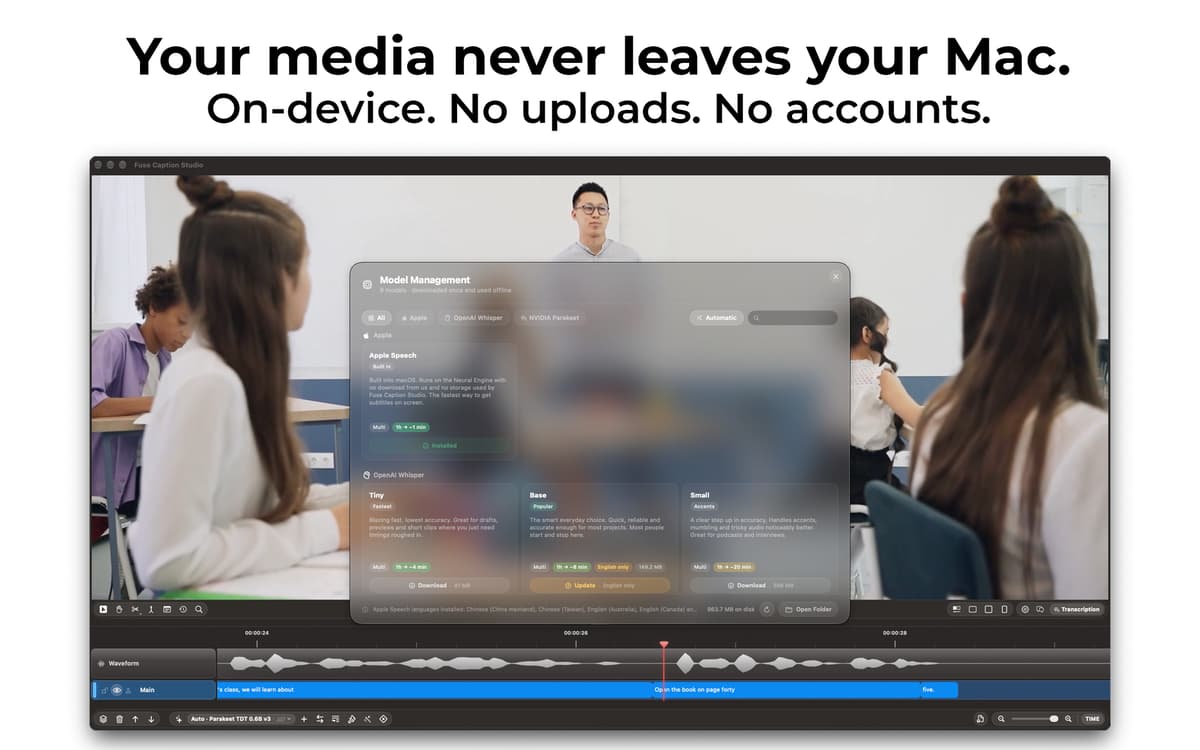
Keep transcription private and on your Mac
Recursos do Fuse Caption Studio
Edit captions like clips
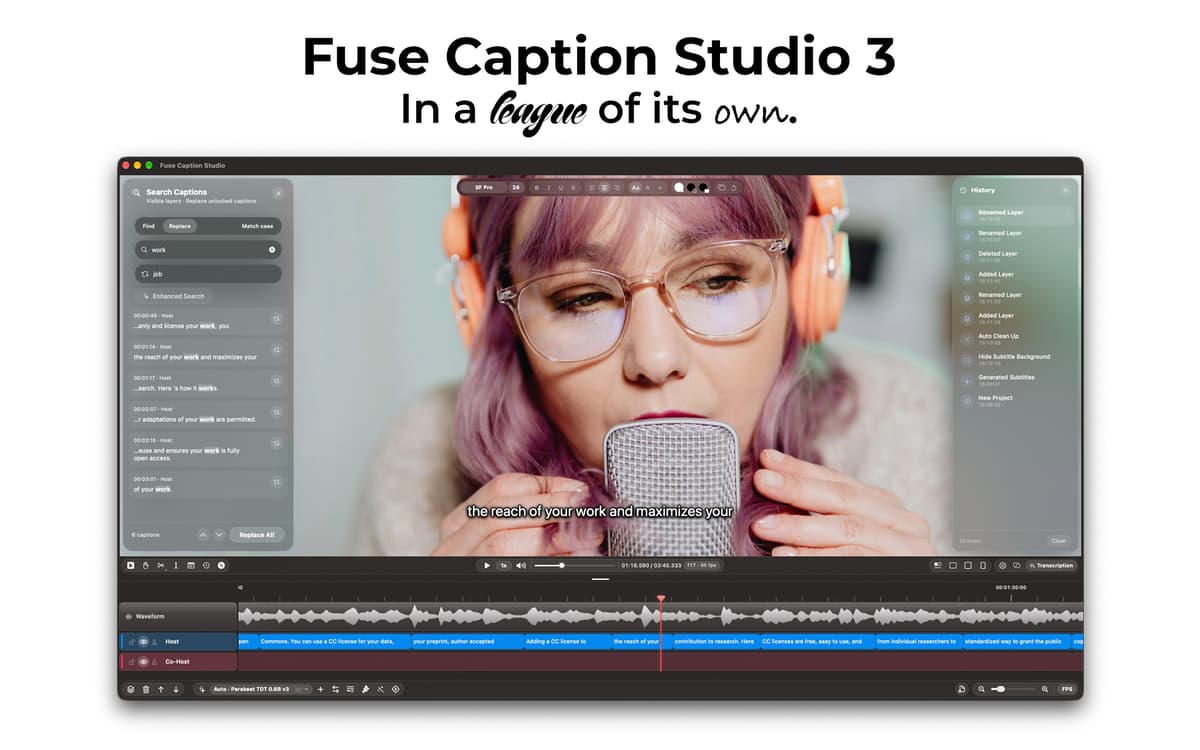
Most transcription apps give you a text file and wave goodbye. Fuse Caption Studio puts your media above a visual timeline, where every caption becomes an editable clip. Split, merge, move, retime, and edit captions while seeing exactly where they appear in your video or audio.
Transcribe in about 100 languages
Turn video, podcasts, interviews, lectures, and other recordings into editable captions in about 100 languages. Fuse Caption Studio gives you multiple transcription options so you can choose the workflow that best fits your content while keeping the entire process inside a native Mac app.
Style captions your way
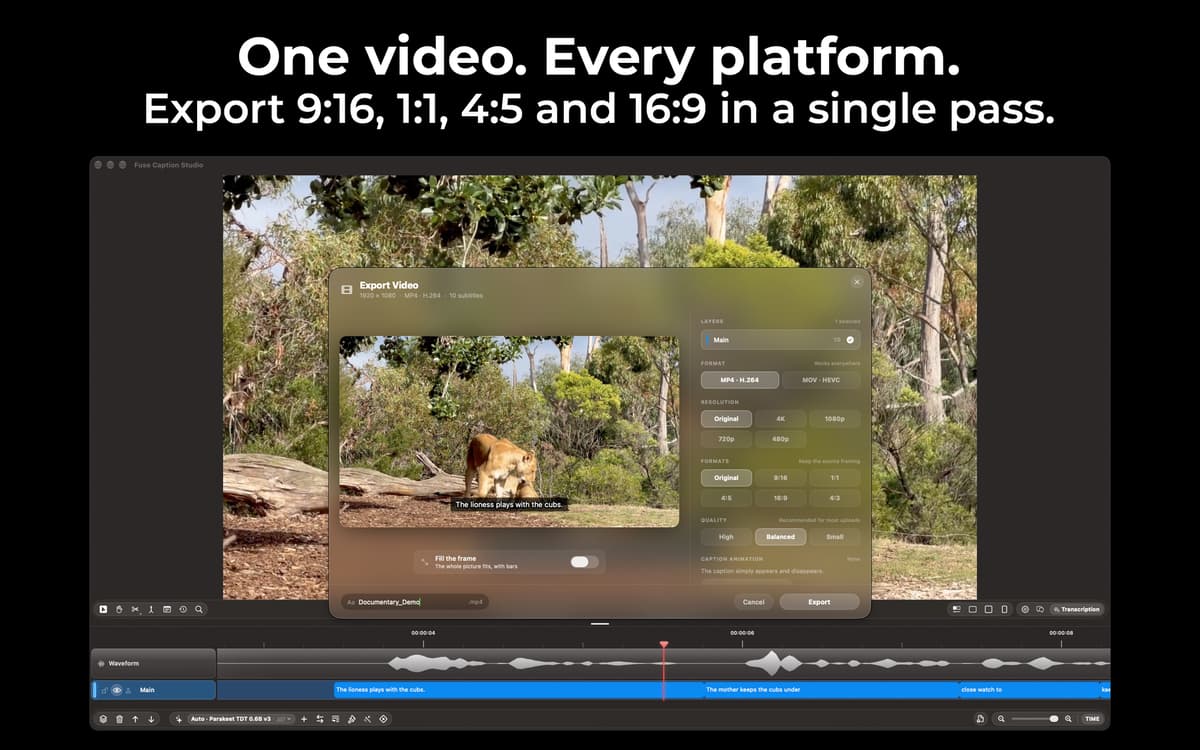
Go beyond plain subtitles with powerful caption customization. Adjust typography and styling with Type Control, create captions that fit your content, and preview the result in 16:9, 4:3, and 9:16 before exporting.
Work faster with Speaker Awareness
Fuse Caption Studio can identify different speakers in your content with Speaker Awareness, making conversations, podcasts, and interviews easier to organize and edit. Spend less time figuring out who said what and more time refining the final result.
Edit in batches and clean up filler words
Fixing captions one by one gets old fast. Make changes across multiple captions at once, adjust timing directly on the timeline, and remove filler words such as “um” and “uh” in one pass. Then preview everything before you export.
Understand your content with Apple Intelligence
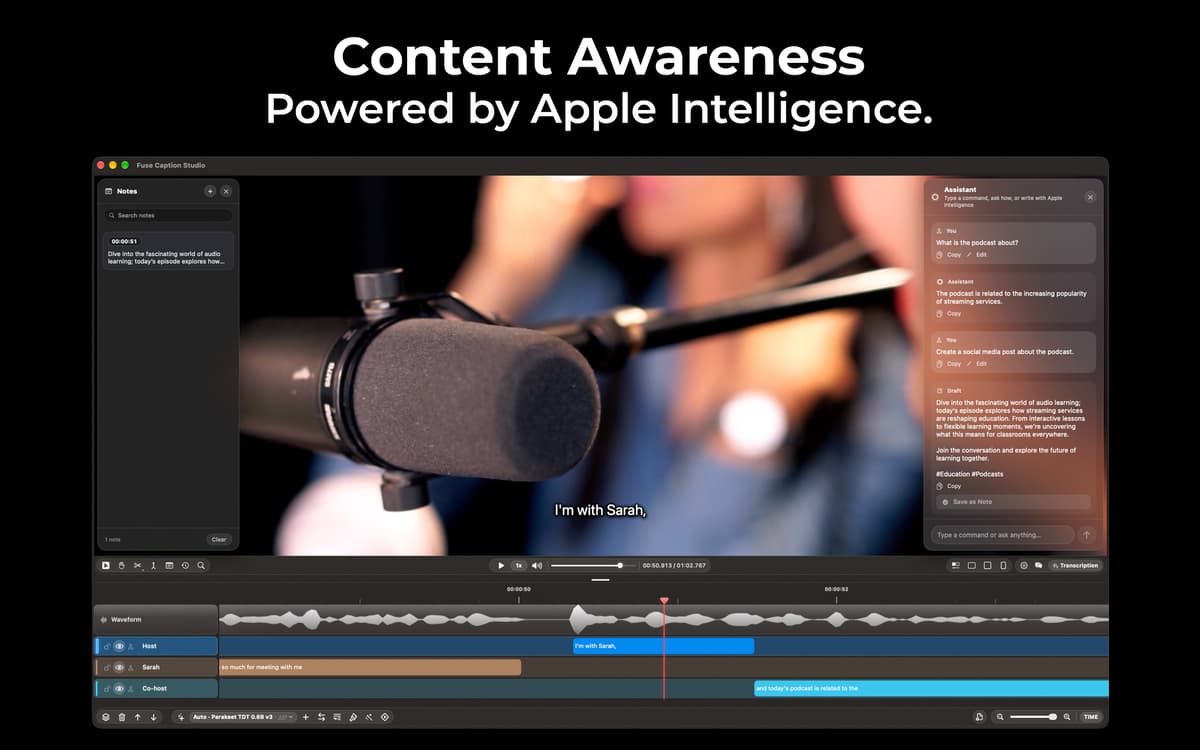
Fuse Caption Studio goes beyond transcription with Content Awareness. Ask questions about what was said or turn a recording into chapters, title ideas, descriptions, hashtags, and ready-to-post social captions using Apple Intelligence. Go from raw recording to useful publishing content without leaving the app.
Obtenha centenas de apps com o Membership
Obtenha um membership do Setapp e use centenas de apps estelares numa única assinatura.
Experimente grátis por 7 dias. Depois, pague um valor único.
Instale o Setapp no Mac
Explore apps para Mac, iOS e web. Encontre formas fáceis de lidar com as tarefas do dia a dia.

Obtenha o app que chamou sua atenção
Aquele app especial está esperando você no Setapp. Instale‑o com um clique.

Fuse Caption Studio
Escolha uma assinatura
Um ou mais apps com um membership do Setapp. Obtenha os apps que você quer.

Obtenha centenas de apps com o Membership
Obtenha um membership do Setapp e use centenas de apps estelares numa única assinatura.
Experimente grátis por 7 dias. Depois, pague um valor único.
1
Instale o Setapp no Mac
Explore apps para Mac, iOS e web. Encontre formas fáceis de lidar com as tarefas do dia a dia.
2
Obtenha o app que chamou sua atenção
Aquele app especial está esperando você no Setapp. Instale‑o com um clique.
Fuse Caption Studio
3
Escolha uma assinatura
Um ou mais apps com um membership do Setapp. Obtenha os apps que você quer.
A casa dos melhores apps
Desde tarefas rotineiras e de planejamento a atividades criativas e de programação, encare suas tarefas com os apps do Setapp.

TypingMind
IU alternativa para conversar com IA
gere ou resuma textos
use uma biblioteca de ações
IA

Spark Mail
Gerencie e‑mails
IA

CleanMyMac
Limpe os detritos

Bartender
Personalize a barra de menus

CleanShot X
Capturas de tela versáteis

Luminar Neo
Edite suas fotos
IA

ClearVPN
Conecte‑se com mais segurança

Craft
Trabalhe com documentos
IA
Fuse Caption Studio
Transcribe, edit, and create captions