
GetFerret
Find any file, any drive
Mac
Versão 1.0.11
macOS 14.0 ou posterior
24.5 MB
1 idiomas
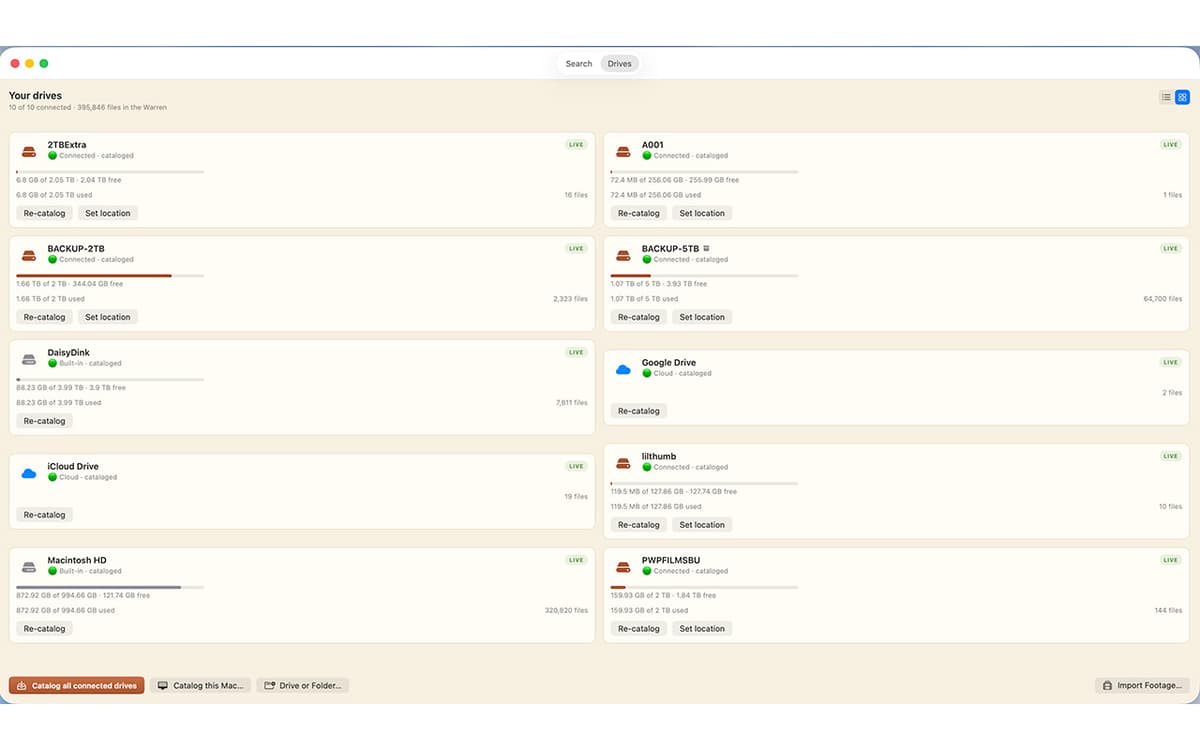
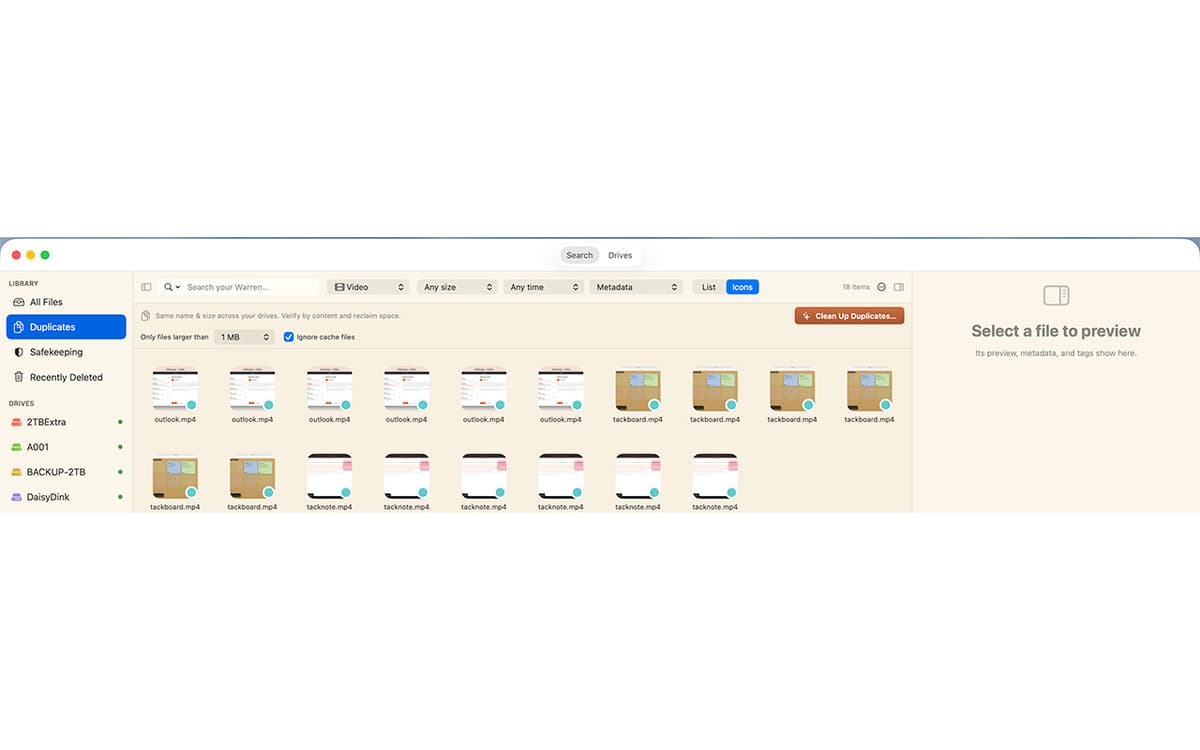
GetFerret is a file finder for Mac with a long memory. Plug in a drive once and GetFerret catalogs it — after that, you can search it anytime, even when it's unplugged and sitting in a drawer. Type a few letters, and GetFerret finds the file, tells you which drive it's on, and reminds you where that drive is stored. It also checks that your important files are backed up and offloads camera cards with verified copies. Everything stays on your Mac, private, with nothing sent to a server.
Search drives plugged in or sitting in a drawer
Find files on disconnected drives
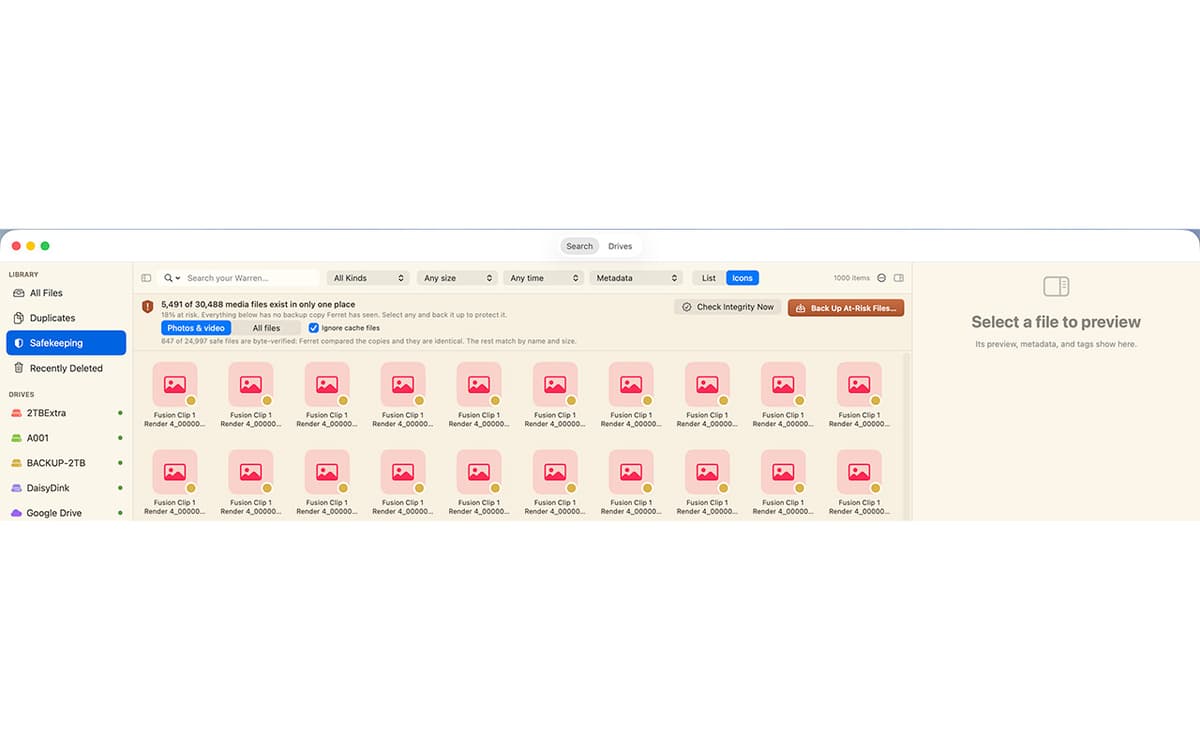
Check that important files are backed up safely
Offload camera cards with verified copies
Recursos do GetFerret
Search across every drive
One bar covers every drive you've cataloged, whether it's plugged in or not. Results appear as you type, merged from live search and your catalog.
Find files on unplugged drives
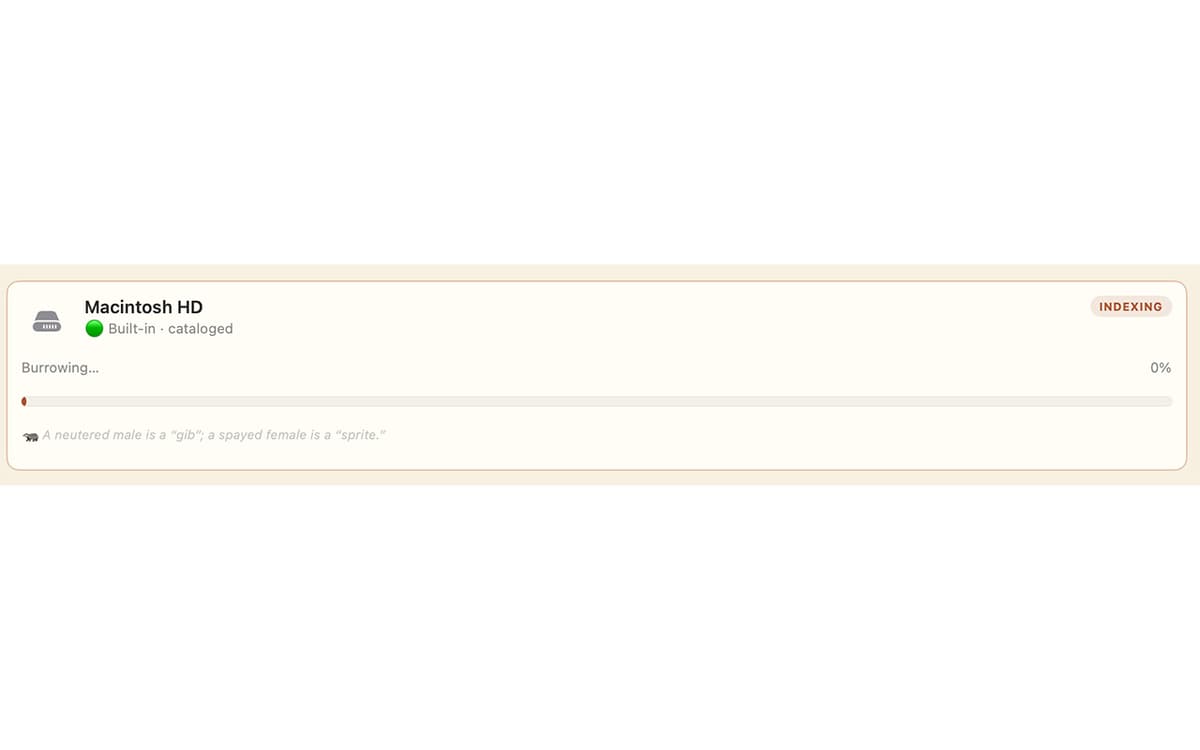
Catalog a drive once by plugging it in, and its files stay searchable after you unplug it. GetFerret even remembers which drawer you put the drive in.
Know your files are safe
Safekeeping checks that your important files live on more than one drive, verifies the copies by their actual contents, and catches silent corruption before it spreads.
Verified camera-card offload
Copy footage off a card to as many drives as you like. Every file is hashed and read back to confirm it landed intact, with a checksum manifest saved beside it.
Back up a drive, the safe way
Make a 1-for-1 backup to another drive. GetFerret copies only what changed, never deletes anything, and confirms every file by content.
Private by design
Your files and their catalog stay on your Mac, encrypted. No account, no cloud, nothing sent to us.
Obtenha centenas de apps com o Membership
Obtenha um membership do Setapp e use centenas de apps estelares numa única assinatura.
Experimente grátis por 7 dias. Depois, pague um valor único.
Instale o Setapp no Mac
Explore apps para Mac, iOS e web. Encontre formas fáceis de lidar com as tarefas do dia a dia.

Obtenha o app que chamou sua atenção
Aquele app especial está esperando você no Setapp. Instale‑o com um clique.

GetFerret
Escolha uma assinatura
Um ou mais apps com um membership do Setapp. Obtenha os apps que você quer.

Obtenha centenas de apps com o Membership
Obtenha um membership do Setapp e use centenas de apps estelares numa única assinatura.
Experimente grátis por 7 dias. Depois, pague um valor único.
1
Instale o Setapp no Mac
Explore apps para Mac, iOS e web. Encontre formas fáceis de lidar com as tarefas do dia a dia.
2
Obtenha o app que chamou sua atenção
Aquele app especial está esperando você no Setapp. Instale‑o com um clique.
GetFerret
3
Escolha uma assinatura
Um ou mais apps com um membership do Setapp. Obtenha os apps que você quer.
A casa dos melhores apps
Desde tarefas rotineiras e de planejamento a atividades criativas e de programação, encare suas tarefas com os apps do Setapp.

TypingMind
IU alternativa para conversar com IA
gere ou resuma textos
use uma biblioteca de ações
IA

Spark Mail
Gerencie e‑mails
IA

CleanMyMac
Limpe os detritos

Bartender
Personalize a barra de menus

CleanShot X
Capturas de tela versáteis

Luminar Neo
Edite suas fotos
IA

ClearVPN
Conecte‑se com mais segurança

Craft
Trabalhe com documentos
IA
GetFerret
Find any file, any drive