Image Stack
Batch image processing, simplified
Mac
Versão 1.1.2
macOS 15.0 ou posterior
20.5 MB
6 idiomas
Image Stack is a batch image processor for Mac that helps you convert, resize, rename, and organize images with reusable presets. Create your workflow once, then apply it to a single image or thousands of files in just a few clicks. Presets sync through iCloud, so your setup is always ready wherever you work. It’s a simple way to keep image processing fast, consistent, and hassle-free.
Convert images in batches
Resize photos with presets
Rename files automatically
Prepare images for delivery
Recursos do Image Stack
Build once, reuse forever
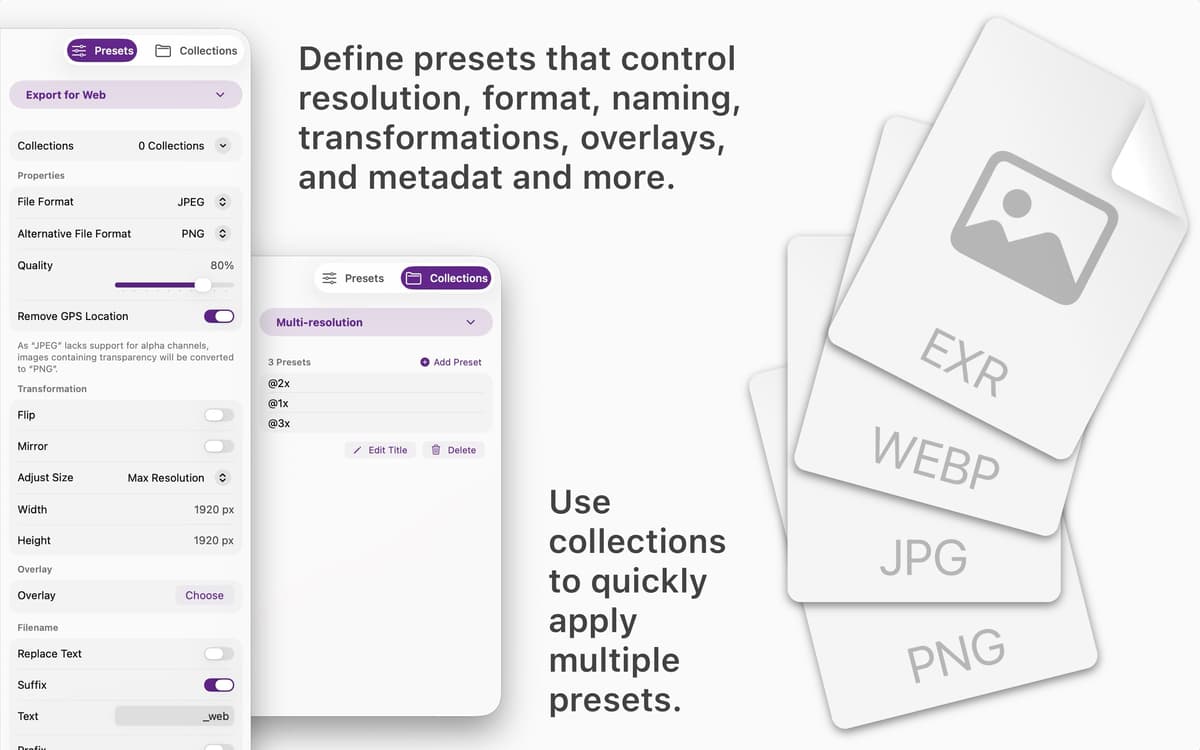
Create presets for formats, dimensions, file names, metadata, watermarks, and more. Save them once and use them whenever you need consistent results.
Process thousands of images at once
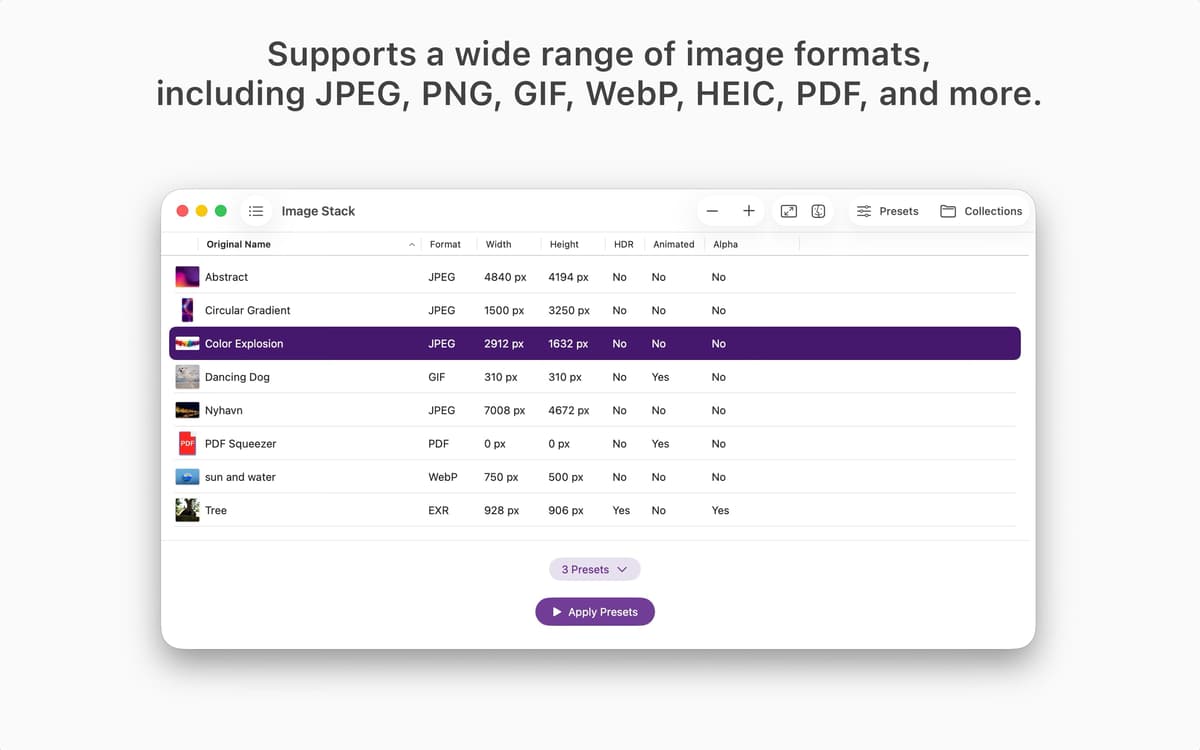
Drop in a single file or a huge image collection. Image Stack handles batch processing quickly without turning your workflow into a waiting game.
Combine presets into collections
Group multiple presets together and run them in one step. Prepare images for websites, social media, clients, archives, or internal projects with less manual work.
Keep your workflow consistent
Every image follows the same rules every time. No forgotten settings, no accidental mismatches, no repetitive adjustments.
Access presets on all your devices
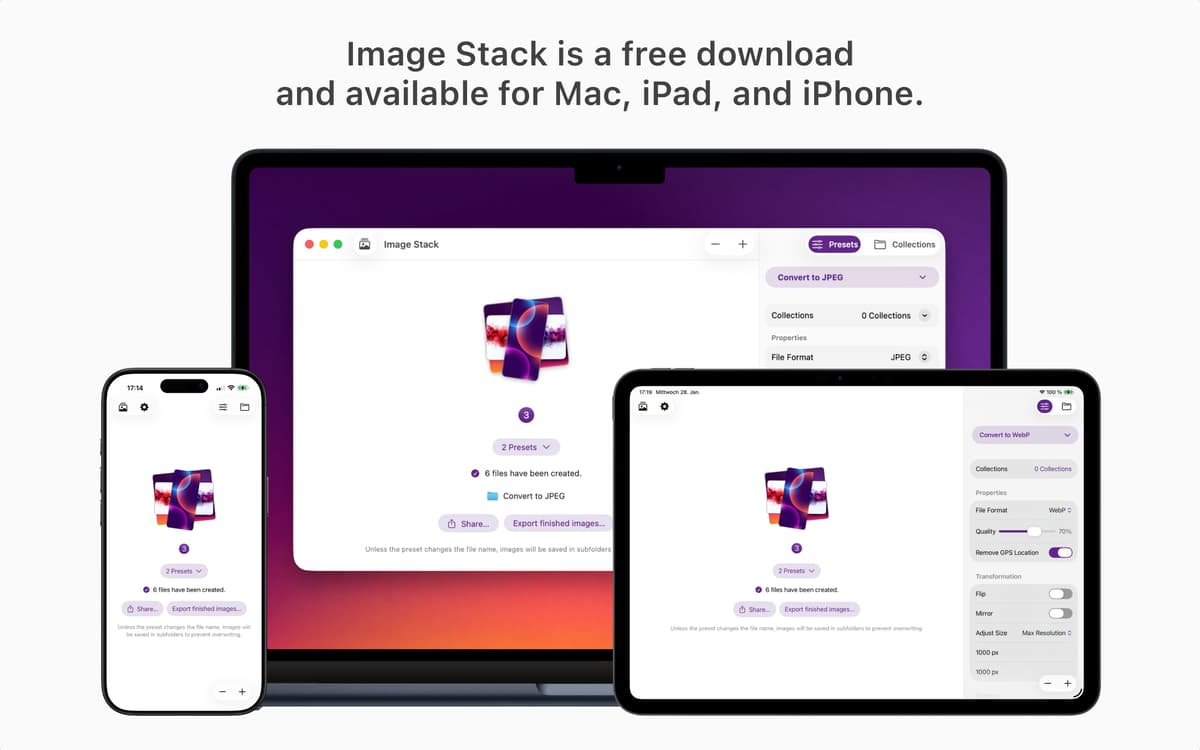
Your presets sync through iCloud, making them available wherever you use Image Stack. Pick up right where you left off.
Designed for speed and clarity
Image Stack focuses on one job: getting images in and ready-to-use files out. No unnecessary menus, no complicated setup, just a clean workflow that stays out of your way.
Obtenha centenas de apps com o Membership
Obtenha um membership do Setapp e use centenas de apps estelares numa única assinatura.
Experimente grátis por 7 dias. Depois, pague um valor único.
Instale o Setapp no Mac
Explore apps para Mac, iOS e web. Encontre formas fáceis de lidar com as tarefas do dia a dia.

Obtenha o app que chamou sua atenção
Aquele app especial está esperando você no Setapp. Instale‑o com um clique.

Image Stack
Escolha uma assinatura
Um ou mais apps com um membership do Setapp. Obtenha os apps que você quer.

Obtenha centenas de apps com o Membership
Obtenha um membership do Setapp e use centenas de apps estelares numa única assinatura.
Experimente grátis por 7 dias. Depois, pague um valor único.
1
Instale o Setapp no Mac
Explore apps para Mac, iOS e web. Encontre formas fáceis de lidar com as tarefas do dia a dia.
2
Obtenha o app que chamou sua atenção
Aquele app especial está esperando você no Setapp. Instale‑o com um clique.
Image Stack
3
Escolha uma assinatura
Um ou mais apps com um membership do Setapp. Obtenha os apps que você quer.
A casa dos melhores apps
Desde tarefas rotineiras e de planejamento a atividades criativas e de programação, encare suas tarefas com os apps do Setapp.

TypingMind
IU alternativa para conversar com IA
gere ou resuma textos
use uma biblioteca de ações
IA

Spark Mail
Gerencie e‑mails
IA

CleanMyMac
Limpe os detritos

Bartender
Personalize a barra de menus

CleanShot X
Capturas de tela versáteis

Luminar Neo
Edite suas fotos
IA

ClearVPN
Conecte‑se com mais segurança

Craft
Trabalhe com documentos
IA
Image Stack
Batch image processing, simplified