KeyStruck
Make every shortcut visible
Mac
Versão 1.1.6
macOS 13.0 ou posterior
15.6 MB
11 idiomas
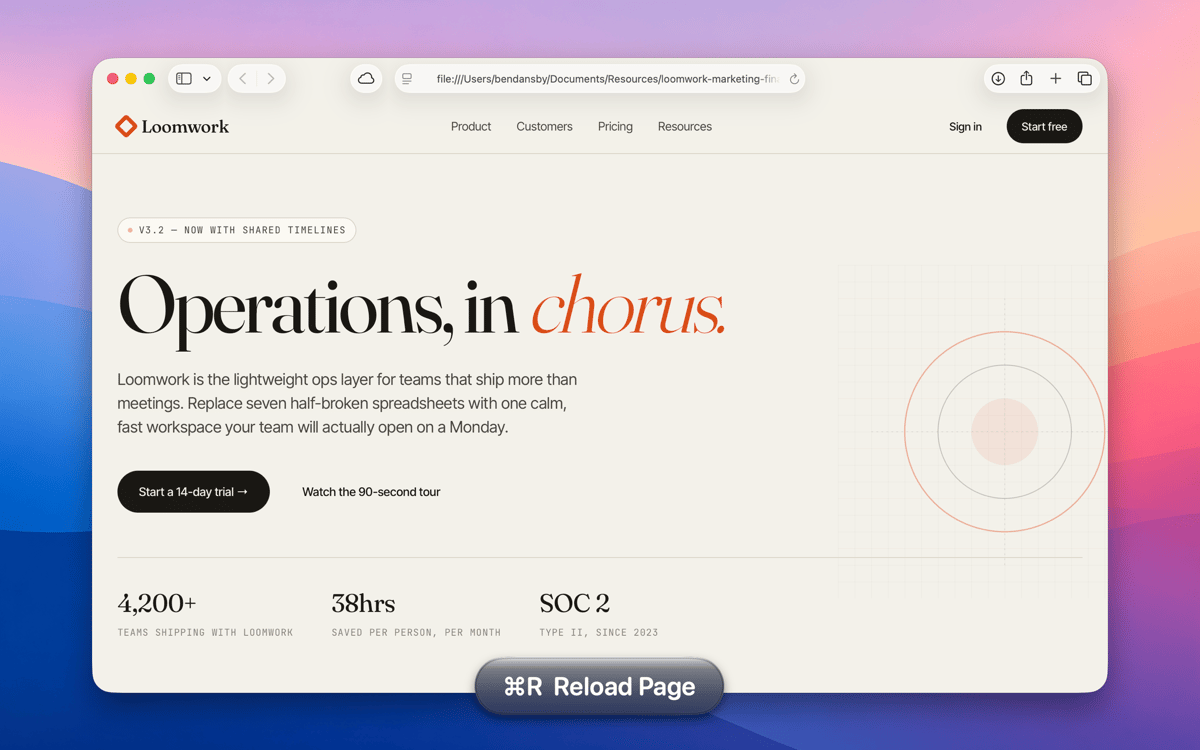
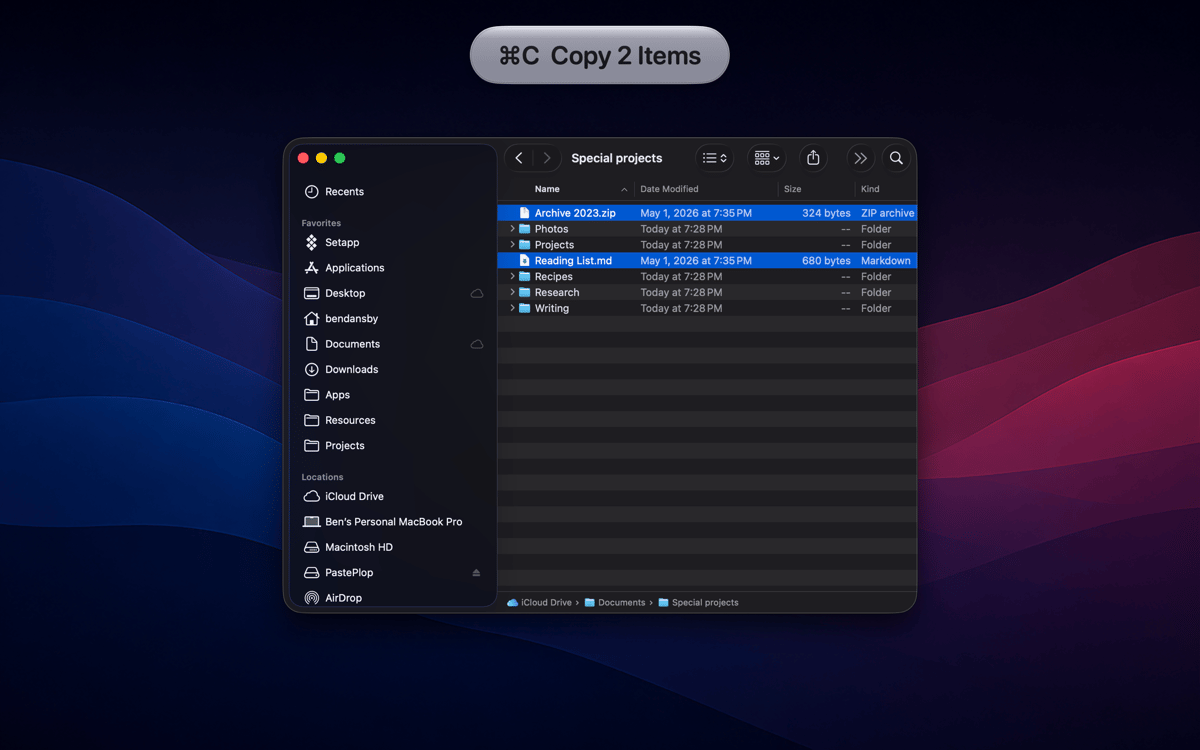
KeyStruck pops a clean HUD with the action name every time you fire a keyboard shortcut. Record a demo, run a class, or share your screen, and the audience sees what you're doing instead of leaning in to read your keyboard. It’s also great for anyone learning shortcuts and to feel confident you invoked the right function.
Record tutorials without narrating keys
Learn a new app's shortcuts fast
Confirm you hit the right shortcut
Create onboarding videos that teach
Recursos do KeyStruck
HUD on every shortcut
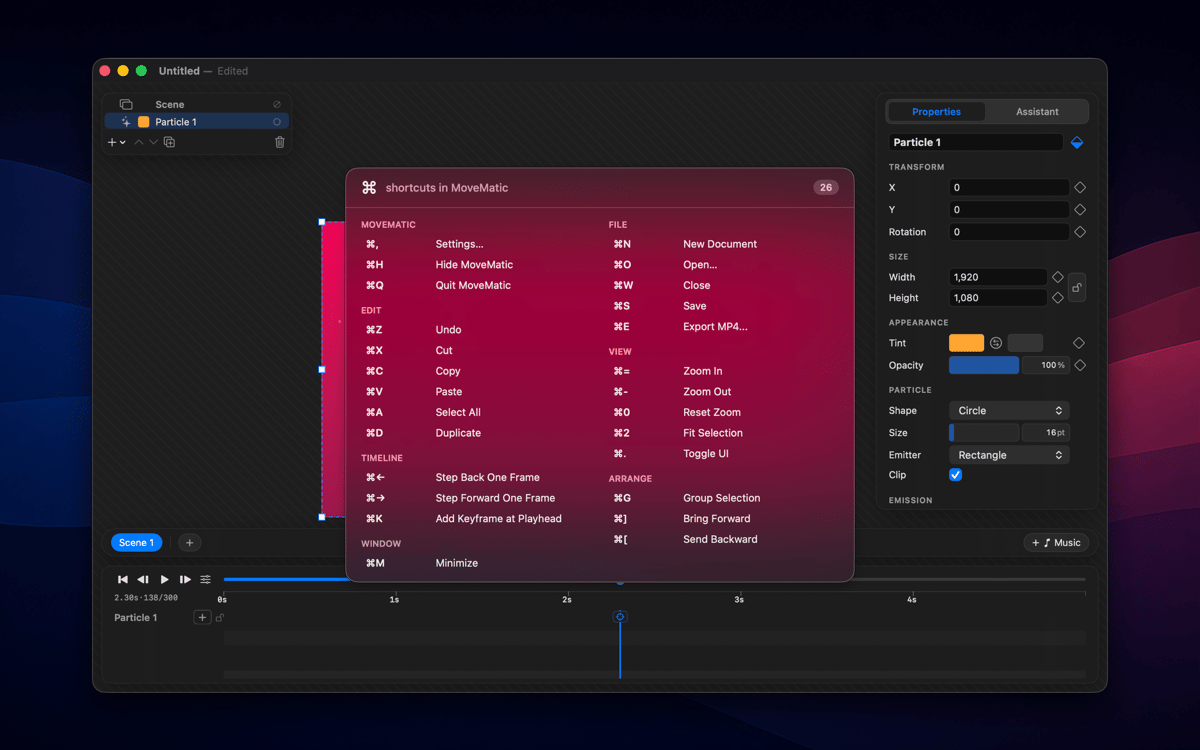
The moment you hit a keyboard shortcut, KeyStruck pops a small, readable overlay showing the menu action's name. No need to pause and explain what just happened — your audience can read it right on screen. It works quietly in the background and shows up only when it's needed.
Make it yours
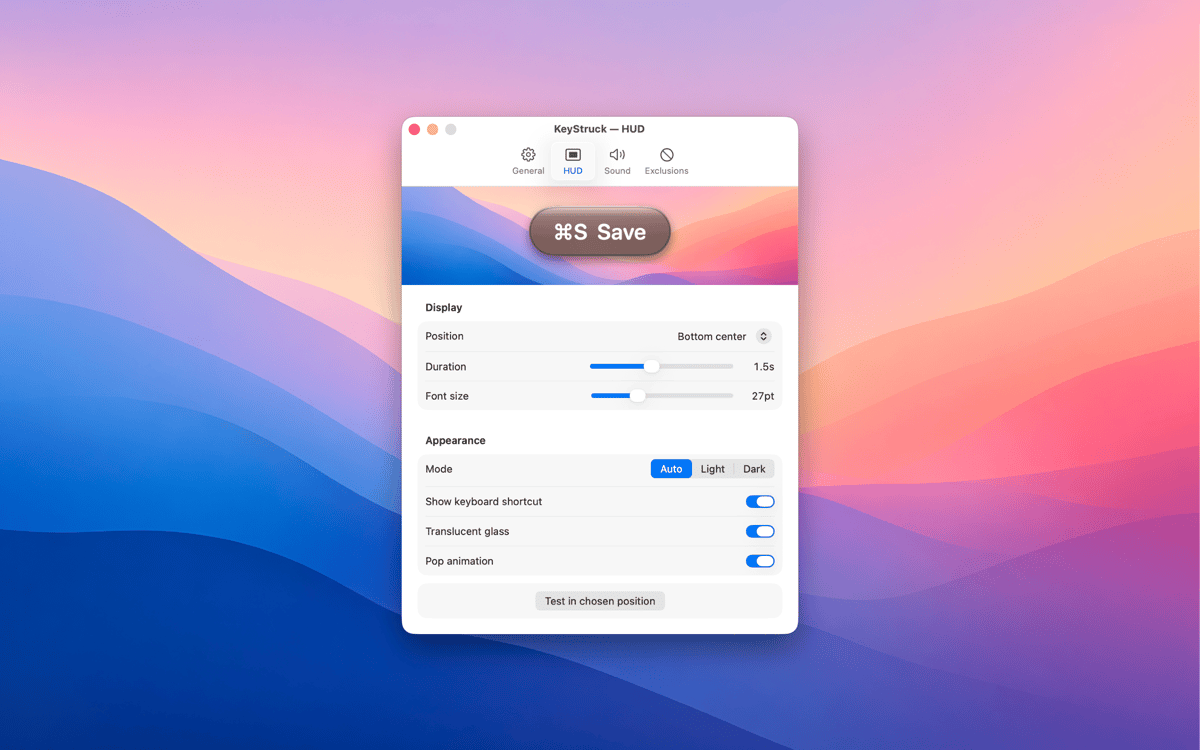
KeyStruck comes with light, dark, glossy, and flat themes so the overlay fits whatever's on screen. Pick a position that works for you — top-left, bottom-right, center, or anywhere in between. The HUD is there to help, not to get in the way.
Mute it when you need to
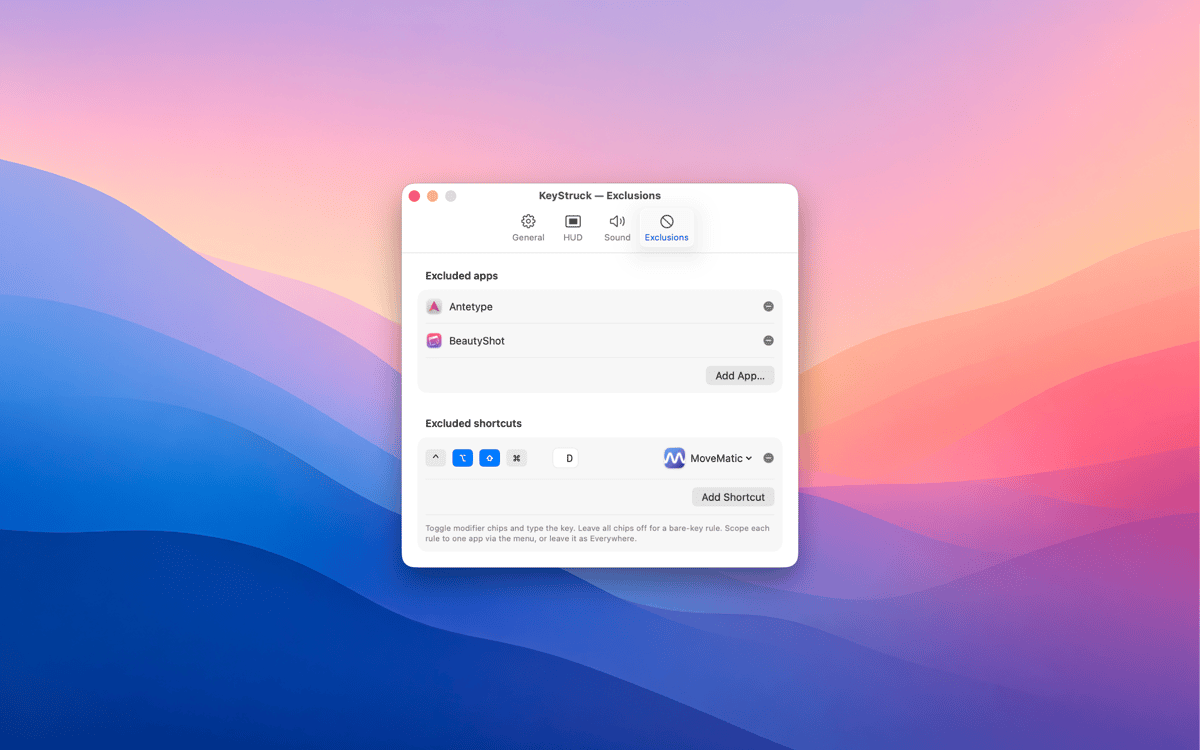
Not every shortcut needs an audience. With exclusions, you can silence the HUD for specific apps or particular shortcuts you'd rather keep private. Share your screen confidently, knowing KeyStruck only shows what you want it to show.
Built-in shortcut cheat sheet
Forget Alt-tabbing to a reference doc. KeyStruck can display every shortcut available in the active app, right there when you need it. It's a great way to explore an app's shortcuts or brush up on ones you haven't memorized yet.
Menu-bar only, no distractions
KeyStruck lives in your menu bar and stays out of your Dock. When you don't need it, pause it with one click. It's the kind of tool that only shows up when it's useful — which is exactly the kind of tool you want.
Obtenha centenas de apps com o Membership
Obtenha um membership do Setapp e use centenas de apps estelares numa única assinatura.
Experimente grátis por 7 dias. Depois, pague um valor único.
Instale o Setapp no Mac
Explore apps para Mac, iOS e web. Encontre formas fáceis de lidar com as tarefas do dia a dia.

Obtenha o app que chamou sua atenção
Aquele app especial está esperando você no Setapp. Instale‑o com um clique.

KeyStruck
Escolha uma assinatura
Um ou mais apps com um membership do Setapp. Obtenha os apps que você quer.

Obtenha centenas de apps com o Membership
Obtenha um membership do Setapp e use centenas de apps estelares numa única assinatura.
Experimente grátis por 7 dias. Depois, pague um valor único.
1
Instale o Setapp no Mac
Explore apps para Mac, iOS e web. Encontre formas fáceis de lidar com as tarefas do dia a dia.
2
Obtenha o app que chamou sua atenção
Aquele app especial está esperando você no Setapp. Instale‑o com um clique.
KeyStruck
3
Escolha uma assinatura
Um ou mais apps com um membership do Setapp. Obtenha os apps que você quer.
A casa dos melhores apps
Desde tarefas rotineiras e de planejamento a atividades criativas e de programação, encare suas tarefas com os apps do Setapp.

TypingMind
IU alternativa para conversar com IA
gere ou resuma textos
use uma biblioteca de ações
IA

Spark Mail
Gerencie e‑mails
IA

CleanMyMac
Limpe os detritos

Bartender
Personalize a barra de menus

CleanShot X
Capturas de tela versáteis

Luminar Neo
Edite suas fotos
IA

ClearVPN
Conecte‑se com mais segurança

Craft
Trabalhe com documentos
IA
KeyStruck
Make every shortcut visible