
MacMD Viewer
Leitor nativo de Markdown para Mac
Mac
Versão 1.6.1
macOS 14.0 ou posterior
20.1 MB
1 idiomas
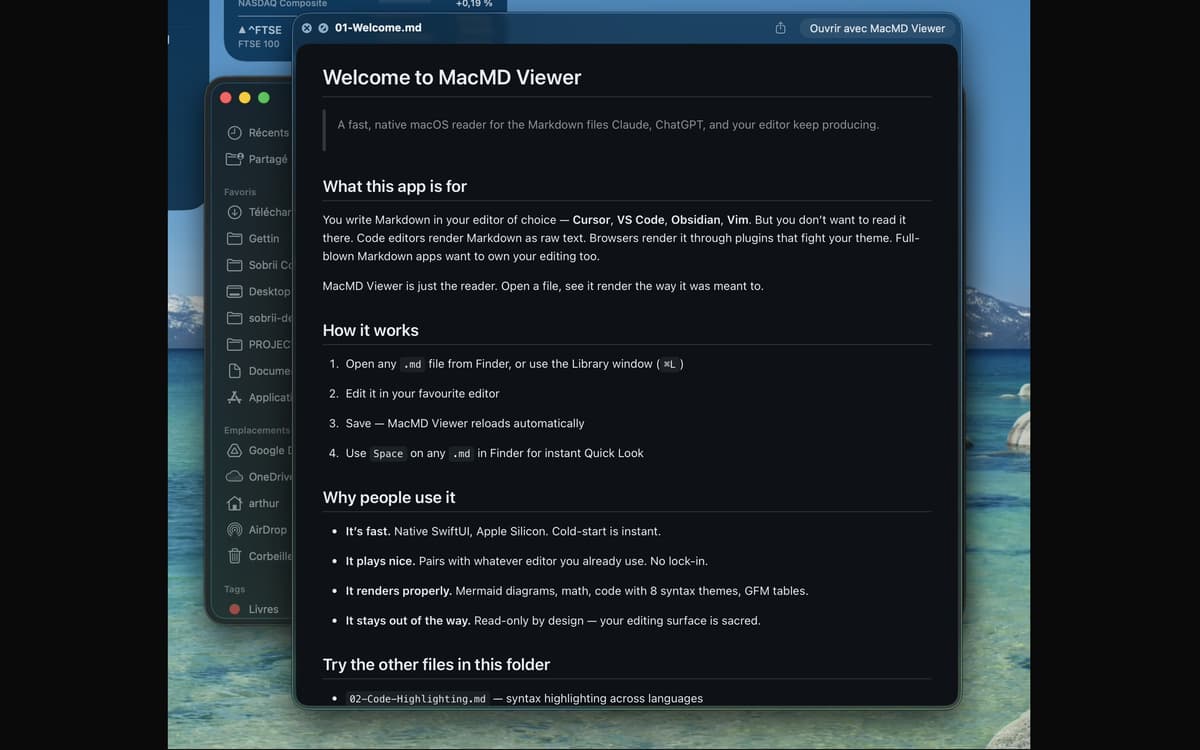
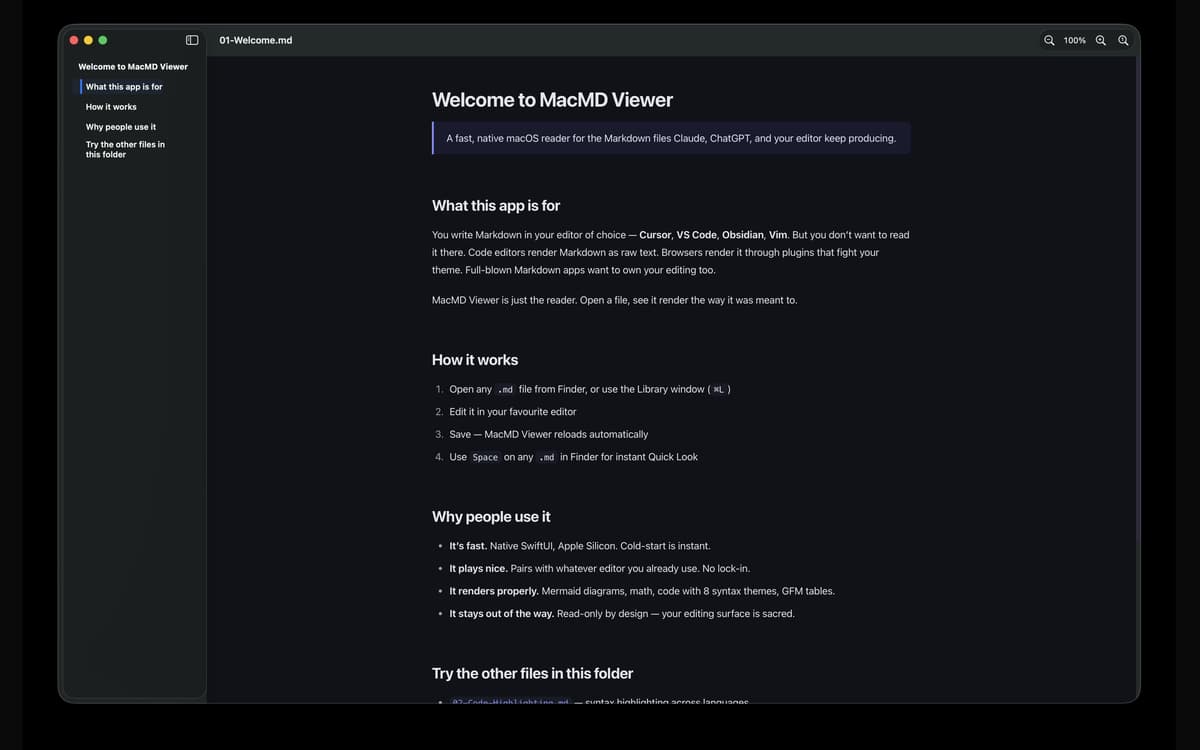
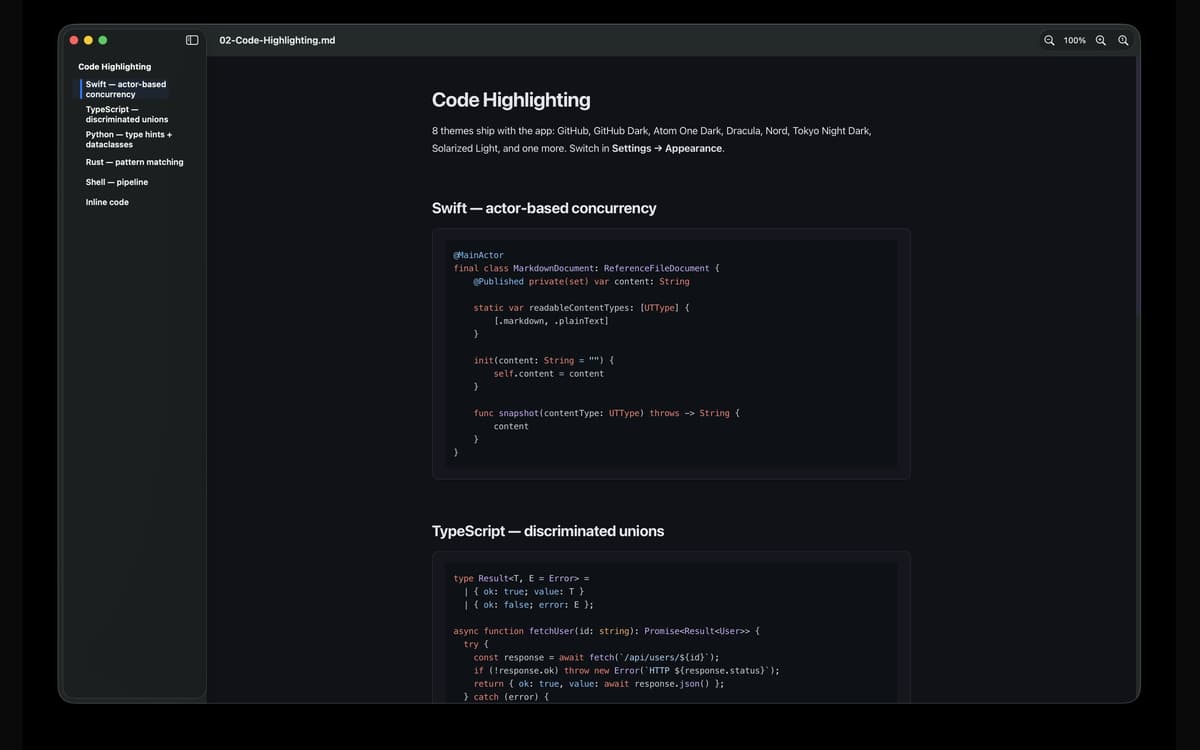
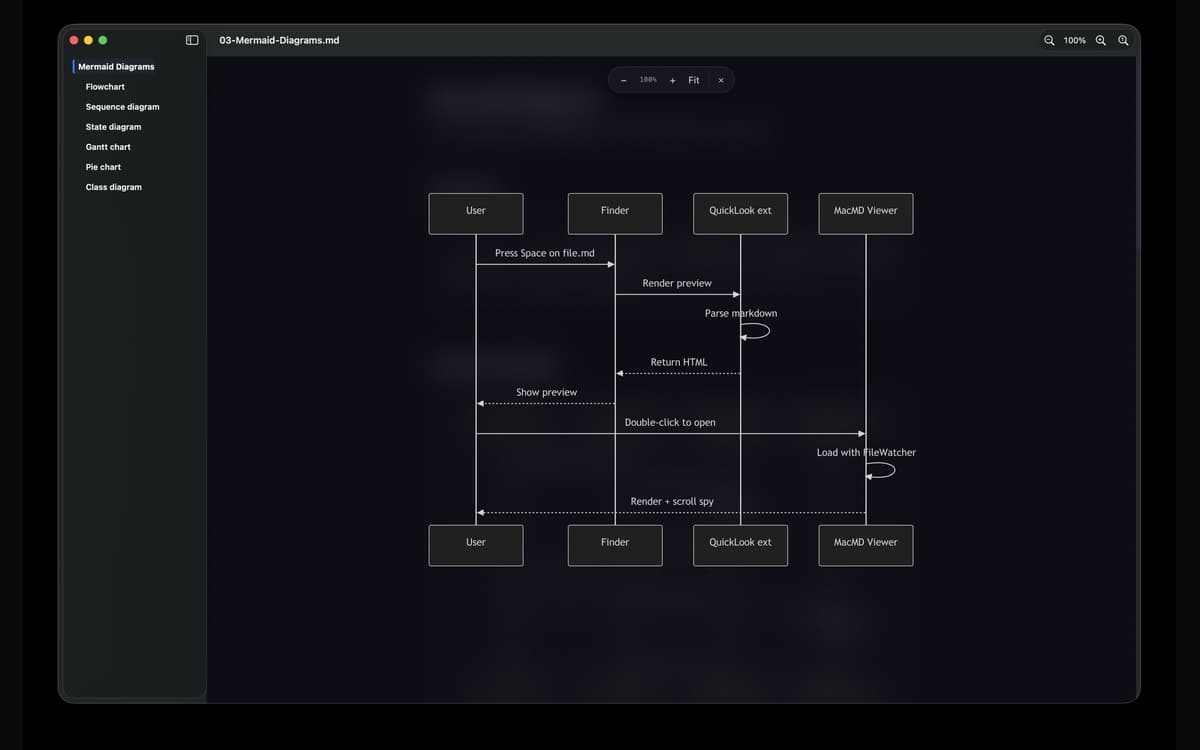
O MacMD Viewer é um leitor de markdown para Mac. Abra um arquivo .md e ele será renderizado exatamente como pretendido — tipografia limpa, blocos de código com destaque de sintaxe, tabelas funcionais e diagramas Mermaid. Ele se conecta com qualquer editor que você já usa, monitora o arquivo e atualiza no momento em que você salva. Sem edição, sem complicação — apenas seu conteúdo, com a aparência que deveria ter.
Visualize arquivos README sem texto bruto
Leia documentos gerados por IA do Claude ou GPT
Visualize diagramas Mermaid renderizados
Visualize arquivos .md rapidamente do Finder
Recursos do MacMD Viewer
Renderização belíssima, sem dúvida
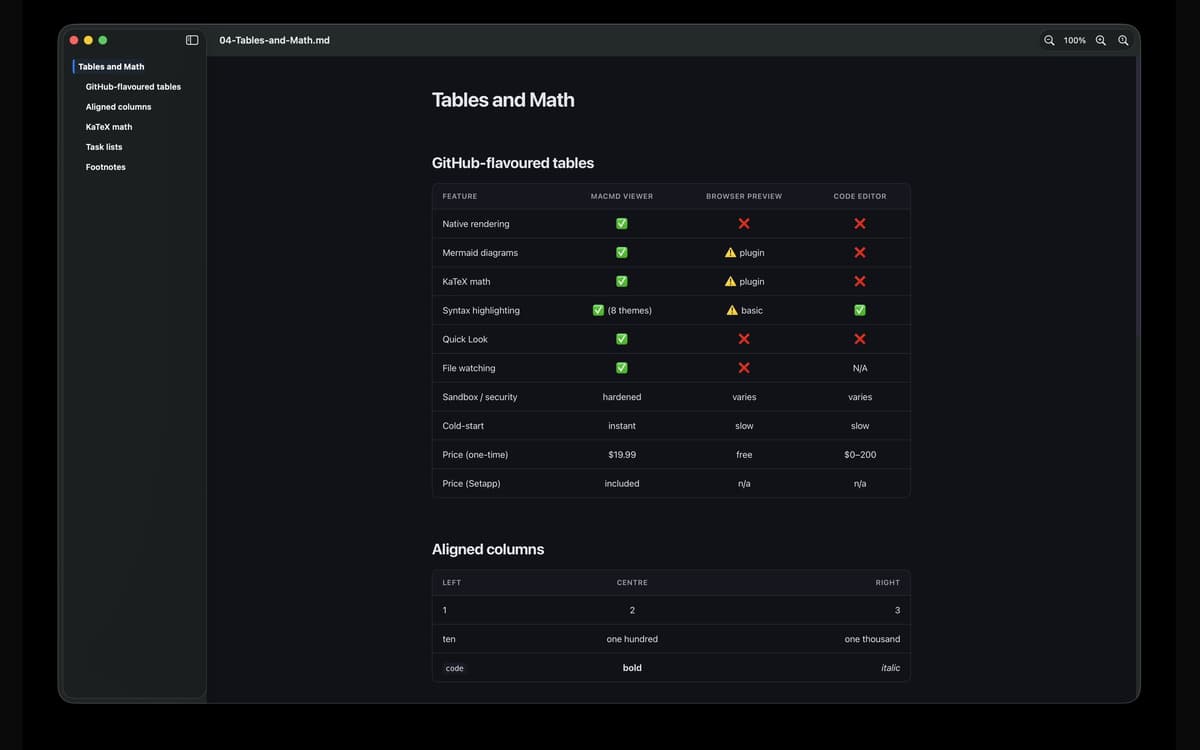
Abra qualquer arquivo .md e o MacMD Viewer fará exatamente o que foi criado para fazer — renderizá-lo adequadamente. As mesas são enfileiradas. Destaque de blocos de código. Os diagramas de sereias são desenhos que você realmente faz. Sem texto bruto, sem suposições.
Visualização rápida que realmente funciona
Pressione Espaço em qualquer arquivo .md no Finder e você verá uma prévia renderizada real — não uma parede de sintaxe. É a atualização que o Quick Look do macOS deveria ter vindo.
Visualização de arquivos ao vivo
O MacMD Viewer monitora seu arquivo. No momento em que você salva no seu editor — VS Code, Cursor, Vim, Obsidian, qualquer coisa — a pré-visualização é atualizada automaticamente. Não é necessário atualizar manualmente.
Barra lateral do índice
Documentos longos são mais fáceis de navegar com uma barra lateral que acompanha sua posição conforme você rola a página. Vá para qualquer seção com um clique e sempre saiba onde você está no documento.
Sete temas de realce de sintaxe
Alterne entre os temas GitHub, GitHub Dark, Atom One Dark, Dracula, Nord, Solarized Light e Tokyo Night Dark. Claro, Escuro ou Seguir o Sistema — inclui personalização de aparência por aplicativo. Seus olhos, sua vocação.
Feito para Mac, corretamente
SwiftUI nativo. Binário universal para Apple Silicon e Intel. A partida a frio é instantânea. Com runtime protegido e sandbox, os arquivos vinculados abrem através das permissões padrão do macOS — sem surpresas, nada suspeito.
Classificações e avaliações
MacMD Viewer
•
1 classificações
Aldo Bergamini
1 de jul. de 2026
Versão do app: 1.2.2
Surprised by how well the app fits with my evolving AI coding setup. Well thought product.
Obtenha centenas de apps com o Membership
Obtenha um membership do Setapp e use centenas de apps estelares numa única assinatura.
Experimente grátis por 7 dias. Depois, pague um valor único.
Instale o Setapp no Mac
Explore apps para Mac, iOS e web. Encontre formas fáceis de lidar com as tarefas do dia a dia.

Obtenha o app que chamou sua atenção
Aquele app especial está esperando você no Setapp. Instale‑o com um clique.

MacMD Viewer
Escolha uma assinatura
Um ou mais apps com um membership do Setapp. Obtenha os apps que você quer.

Obtenha centenas de apps com o Membership
Obtenha um membership do Setapp e use centenas de apps estelares numa única assinatura.
Experimente grátis por 7 dias. Depois, pague um valor único.
1
Instale o Setapp no Mac
Explore apps para Mac, iOS e web. Encontre formas fáceis de lidar com as tarefas do dia a dia.
2
Obtenha o app que chamou sua atenção
Aquele app especial está esperando você no Setapp. Instale‑o com um clique.
MacMD Viewer
3
Escolha uma assinatura
Um ou mais apps com um membership do Setapp. Obtenha os apps que você quer.
A casa dos melhores apps
Desde tarefas rotineiras e de planejamento a atividades criativas e de programação, encare suas tarefas com os apps do Setapp.

TypingMind
IU alternativa para conversar com IA
gere ou resuma textos
use uma biblioteca de ações
IA

Spark Mail
Gerencie e‑mails
IA

CleanMyMac
Limpe os detritos

Bartender
Personalize a barra de menus

CleanShot X
Capturas de tela versáteis

Luminar Neo
Edite suas fotos
IA

ClearVPN
Conecte‑se com mais segurança

Craft
Trabalhe com documentos
IA
MacMD Viewer
Leitor nativo de Markdown para Mac