
MindNode Next
Visualize ideias com mapas mentais

Mac, iOS
Versão 2026.6.2
macOS 15.0 ou posterior
230.1 MB
14 idiomas
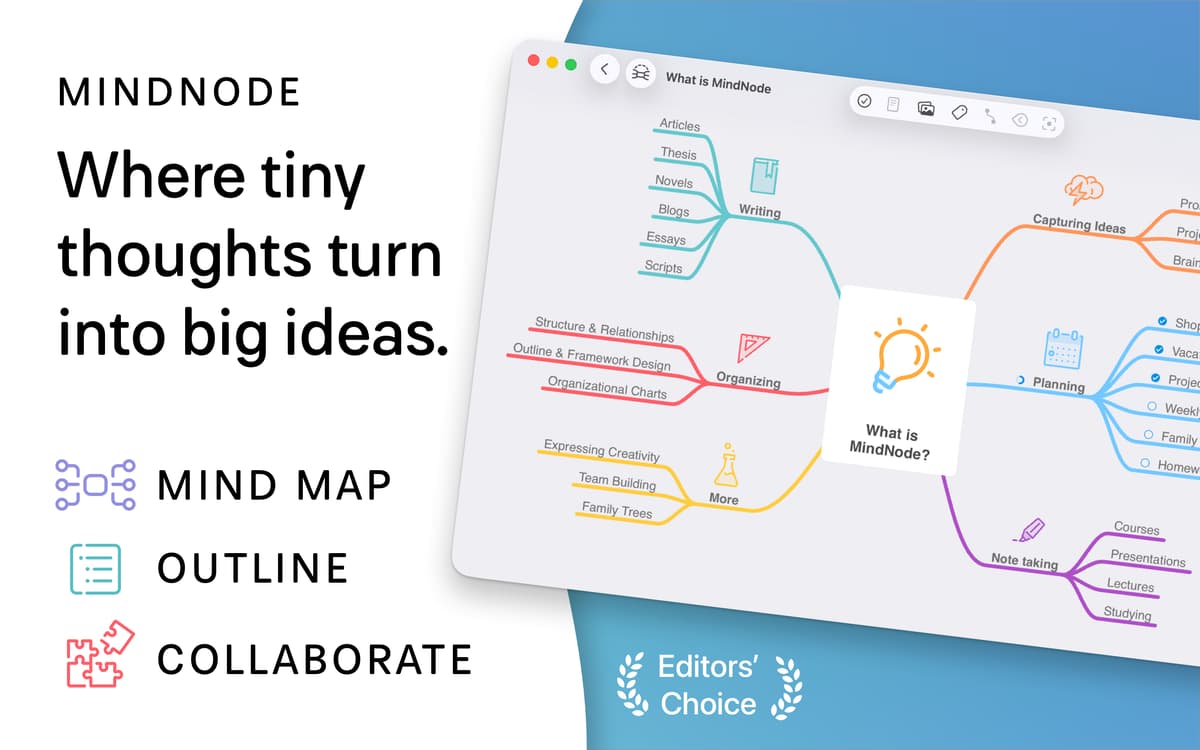
Você tem dificuldade para organizar suas ideias ou estruturar o caos criativo? Com o MindNode Next, você transforma ideias espalhadas em planos realizáveis e claros, que você pode concretizar.
Crie belos mapas mentais e planos
Transforme ideias em tarefas e veja o progresso
Personalize mapas com adesivos e etiquetas visuais
Colabore com a equipe em tempo real
Recursos do MindNode Next
Crie mapas mentais e planos
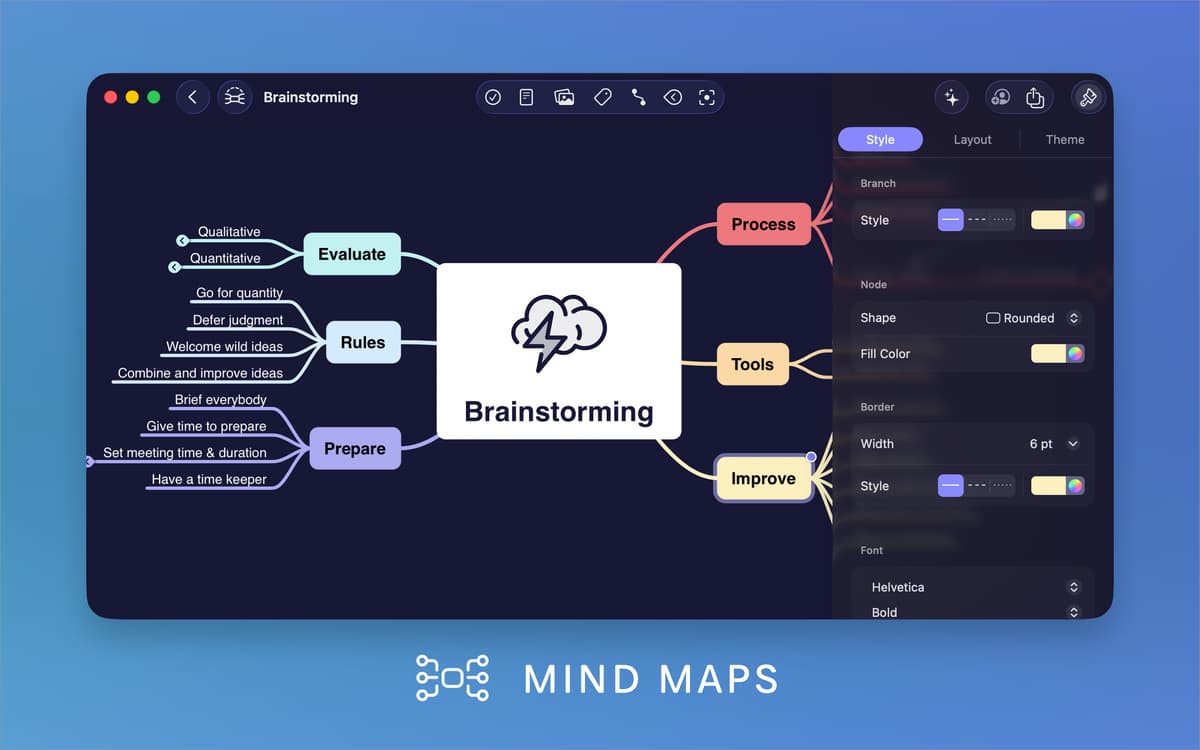
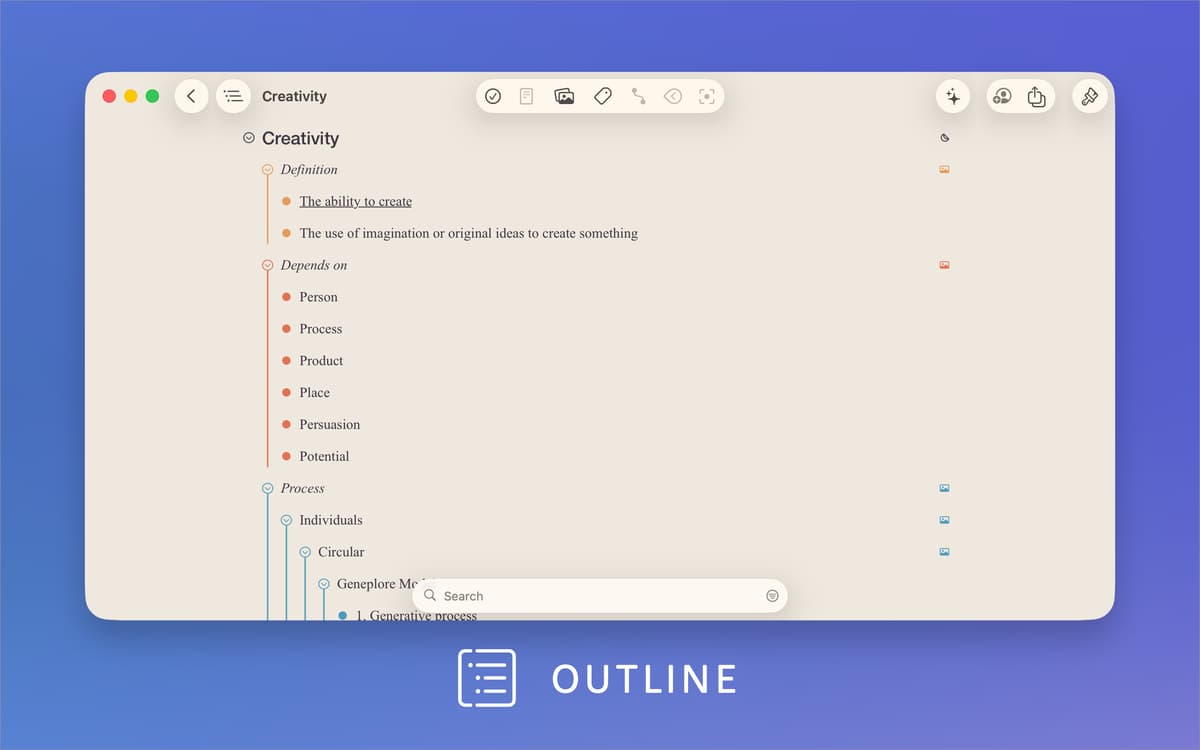
Para começar, insira o tópico principal e adicione notas ou aspectos relacionados. Gere rapidamente um diagrama colorido em forma de árvore, com galhos e nós. Arraste, solte, contraia e reordene para ter uma visão geral clara. Mostre o relacionamento entre ideias para entender as conexões, seja para delinear de um livro, planejar um projeto ou mapear tarefas. Tudo de forma simples e intuitiva para ajudar você a organizar facilmente suas ideias.
Transforme ideias em tarefas
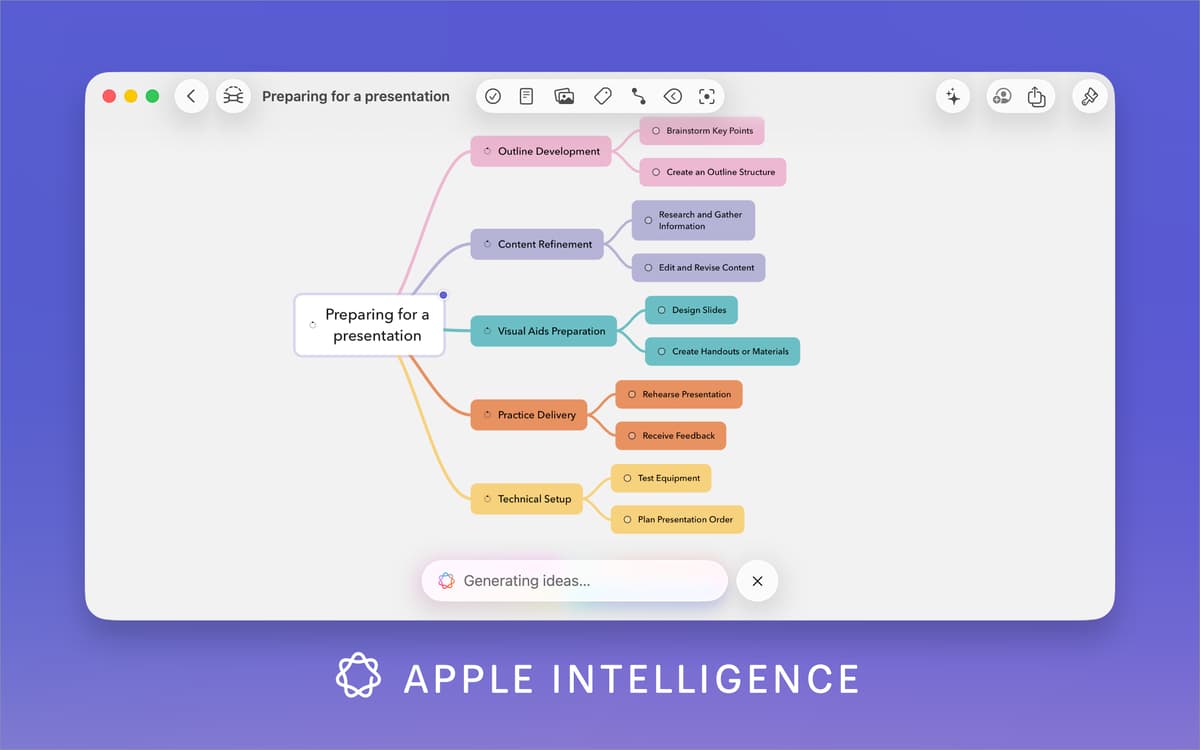
O MindNode não serve apenas para brainstorming. Conte com ele também para transformar ideias em tarefas realizáveis. Se você estiver planejando um almoço de negócios, pode desenvolvê‑lo das estratégias de marketing aos recursos do produto e transformar cada item numa tarefa a ser ticada. Negócios não são a sua praia? Crie uma lista de mercado ou planeje seu próximo treino.
Personalize visualmente os mapas
Mapas mentais não precisam ser chatos nem monocromáticos. O MindNode Next tem várias opções para deixar seus mapas mais bonitos: nós coloridos para representar categorias diferentes, temas para unificar a aparência e etiquetas visuais ou adesivos para contextualizar de forma rápida. Com mais de 250 adesivos, você representa ideias, prazos ou prioridades e deixa seus mapas mais engajantes e fáceis de entender num relance.
Colabore em tempo real
Convide membros da equipe para editar o mesmo mapa e trabalhar em conjunto de forma instantânea. Não importa onde estejam, todas as pessoas podem contribuir com ideias, refinar conceitos e acompanhar as atualizações em tempo real. Dessa forma, os projetos colaborativos (como um lançamento de produto ou planejamento de artigo) ficam mais fluidos, eficientes e interativos.
Compartilhe e exporte facilmente
É fácil e rápido compartilhar seus mapas mentais O MindNode Next é compatível com diversos formatos de exportação, incluindo PDF, SVG, FreeMind, OPML, PNG, Markdown e TextBundle, além de texto simples ou formatado. Você também pode salvar os mapas como imagens e inseri‑los facilmente em apresentações ou relatórios. Seja ao colaborar com a equipe ou apresentar ideias para clientes, com o MindNode Next seu trabalho está sempre acessível e tem um visual profissional em qualquer situação.
Classificações e avaliações
MindNode Next
•
168 classificações
Malcolm
17 de ago. de 2026
Versão do app: 2026.4.2
It’s great. I don’t need the AI features (so I turned them off), but I do appreciate a number of small changes from MindNode Classic. I thought I had to pay more to use MindNode Next, but it seems not.
Ian Townsend
12 de ago. de 2026
Versão do app: 2026.4.2
MindNode has been my mind mapper of choice for many years.
AH
11 de jul. de 2026
Versão do app: 2026.4
Amazing app
Obtenha centenas de apps com o Membership
Obtenha um membership do Setapp e use centenas de apps estelares numa única assinatura.
Experimente grátis por 7 dias. Depois, pague um valor único.
Instale o Setapp no Mac
Explore apps para Mac, iOS e web. Encontre formas fáceis de lidar com as tarefas do dia a dia.

Obtenha o app que chamou sua atenção
Aquele app especial está esperando você no Setapp. Instale‑o com um clique.

MindNode Next
Escolha uma assinatura
Um ou mais apps com um membership do Setapp. Obtenha os apps que você quer.

Obtenha centenas de apps com o Membership
Obtenha um membership do Setapp e use centenas de apps estelares numa única assinatura.
Experimente grátis por 7 dias. Depois, pague um valor único.
1
Instale o Setapp no Mac
Explore apps para Mac, iOS e web. Encontre formas fáceis de lidar com as tarefas do dia a dia.
2
Obtenha o app que chamou sua atenção
Aquele app especial está esperando você no Setapp. Instale‑o com um clique.
MindNode Next
3
Escolha uma assinatura
Um ou mais apps com um membership do Setapp. Obtenha os apps que você quer.
A casa dos melhores apps
Desde tarefas rotineiras e de planejamento a atividades criativas e de programação, encare suas tarefas com os apps do Setapp.

TypingMind
IU alternativa para conversar com IA
gere ou resuma textos
use uma biblioteca de ações
IA

Spark Mail
Gerencie e‑mails
IA

CleanMyMac
Limpe os detritos

Bartender
Personalize a barra de menus

CleanShot X
Capturas de tela versáteis

Luminar Neo
Edite suas fotos
IA

ClearVPN
Conecte‑se com mais segurança

Craft
Trabalhe com documentos
IA
MindNode Next
Visualize ideias com mapas mentais