
Movist Pro
Reproduza qualquer formato de vídeo


Mac
Versão 2.21.0
macOS 12.0 ou posterior
64 MB
6 idiomas
Assista a filmes com todo o conforto. O Movist cuida da experiência e deixa o controle em suas mãos. Reproduza vídeos favoritos com legendas, personalize ajustes enquanto assiste e deixe que o app construa playlists automaticamente para você. Com direito a uma extensão do Safari para assistir a vídeos da web com todos os recursos do Movist.
Reproduza vídeos em 4K sem afetar a bateria
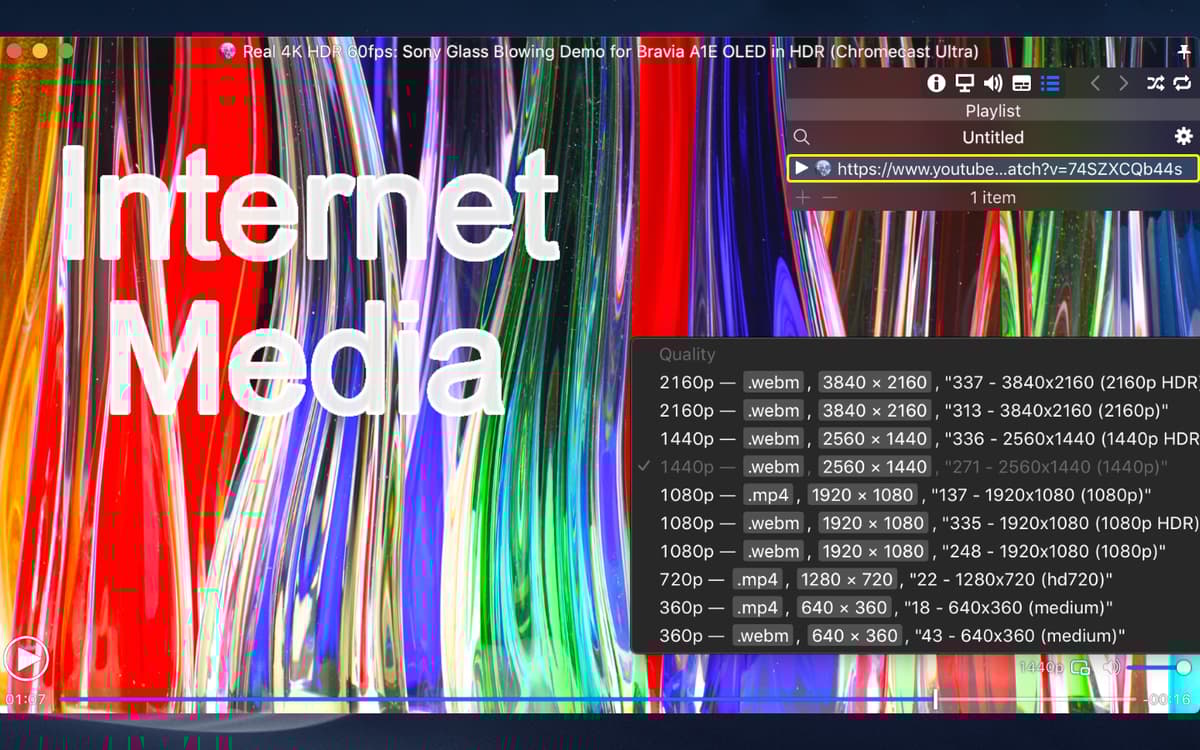
Escolha a qualidade do vídeo e o idioma preferidos
Organize filmes automaticamente por playlist
Adapte vídeos para telas que não sejam HDR
Recursos do Movist Pro
Decodificação sem esforço
Reproduza vídeos suavemente com o Movist, seja com QuickTime ou FFmpeg. Você pode reabrir um filme com qualquer outro decodificador quando quiser. O app oferece compatibilidade integrada para decodificação de H.265/HEVC acelerada por hardware. Assim, você tem acesso instantâneo aos seus filmes.
Defina o seu fluxo
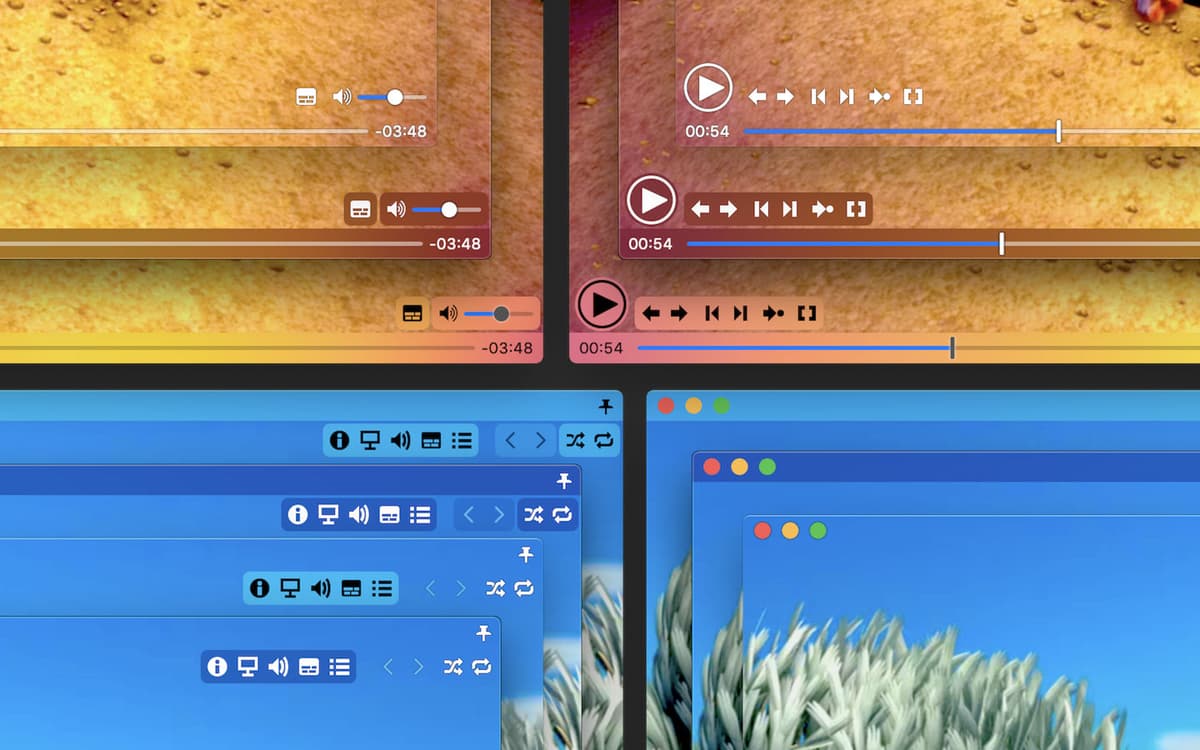
Graças a preferências totalmente personalizáveis, você pode configurar o Movist para mostrar legendas, especificar a qualidade e o tamanho do vídeo, e até aplicar filtros a mídias. Alterne entre temas claros e escuros para agradar os olhos. Com o painel de controle na tela, você também pode alterar preferências enquanto assiste.
Compatibilidade ampla com legendas
Algo que você não encontrará no QuickTime: o Movist disponibiliza milhões de formatos e ajustes para que você tenha legendas turbinadas. Visualize legendas em vários idiomas, coloque‑as em caixas que se ajustam à tela ou faça com que o Movist as leia para você.
Mapeamento de tons HDR
Outro superpoder do Movist é sua capacidade de melhorar telas que não são HDR. Normalmente, ao visualizar mídias HDR em uma tela que não seja HDR, as cores aparecem claras ou desbotadas. A tecnologia de mapeamento de tons HDR do Movist corrige esse problema ao ajustar cores profissionalmente.
Playlists automáticas
Você nomeia a playlist e o Movist cuida do resto. Sempre que um vídeo é aberto, o app busca séries e arquivos de legendas relacionados para colocar a mídia na playlist certa. Se quiser, você também pode adicionar ou remover filmes manualmente a qualquer hora.
Compatibilidade com reprodução da web e em rede
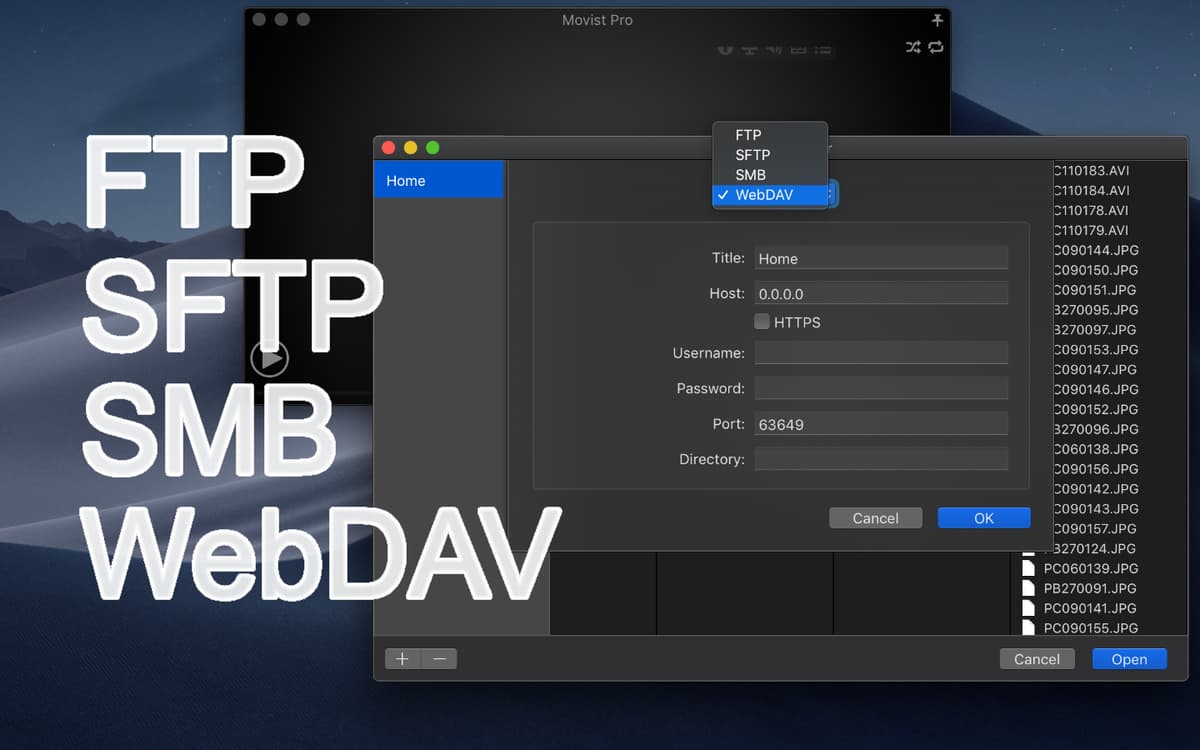
Na versão pro, o Movist adiciona a possibilidade de assistir vídeos diretamente do navegador com uma extensão para o Safari. Todos os recursos permanecem lá, incluindo legendas, playlists automáticas e controles sobrepostos. E mais, o Movist permite que você reproduza mídias em servidores de rede, como FTP, SFTP e SMB.
Classificações e avaliações
Movist Pro
•
1009 classificações
John N.
25 de ago. de 2026
Versão do app: 2.17.5
Have been using IINA for a couple of years, hadn’t known about Movist Pro. Haven’t needed to take advantage yet of the HDR and more sophisticated options but as good as IINA is, this is better in probably every way.
Joseph
17 de ago. de 2026
Versão do app: 2.17.3
this was my default, but now it no longer opens.
Carlos Barboza
13 de jul. de 2026
Versão do app: 2.15.5
My default player for all media types.
Obtenha centenas de apps com o Membership
Obtenha um membership do Setapp e use centenas de apps estelares numa única assinatura.
Experimente grátis por 7 dias. Depois, pague um valor único.
Instale o Setapp no Mac
Explore apps para Mac, iOS e web. Encontre formas fáceis de lidar com as tarefas do dia a dia.

Obtenha o app que chamou sua atenção
Aquele app especial está esperando você no Setapp. Instale‑o com um clique.

Movist Pro
Escolha uma assinatura
Um ou mais apps com um membership do Setapp. Obtenha os apps que você quer.

Obtenha centenas de apps com o Membership
Obtenha um membership do Setapp e use centenas de apps estelares numa única assinatura.
Experimente grátis por 7 dias. Depois, pague um valor único.
1
Instale o Setapp no Mac
Explore apps para Mac, iOS e web. Encontre formas fáceis de lidar com as tarefas do dia a dia.
2
Obtenha o app que chamou sua atenção
Aquele app especial está esperando você no Setapp. Instale‑o com um clique.
Movist Pro
3
Escolha uma assinatura
Um ou mais apps com um membership do Setapp. Obtenha os apps que você quer.
A casa dos melhores apps
Desde tarefas rotineiras e de planejamento a atividades criativas e de programação, encare suas tarefas com os apps do Setapp.

TypingMind
IU alternativa para conversar com IA
gere ou resuma textos
use uma biblioteca de ações
IA

Spark Mail
Gerencie e‑mails
IA

CleanMyMac
Limpe os detritos

Bartender
Personalize a barra de menus

CleanShot X
Capturas de tela versáteis

Luminar Neo
Edite suas fotos
IA

ClearVPN
Conecte‑se com mais segurança

Craft
Trabalhe com documentos
IA
Movist Pro
Reproduza qualquer formato de vídeo