
MurmurType
Transcrição de fala

Mac
Versão 4.0.3
macOS 14.6 ou posterior
28.4 MB
1 idiomas
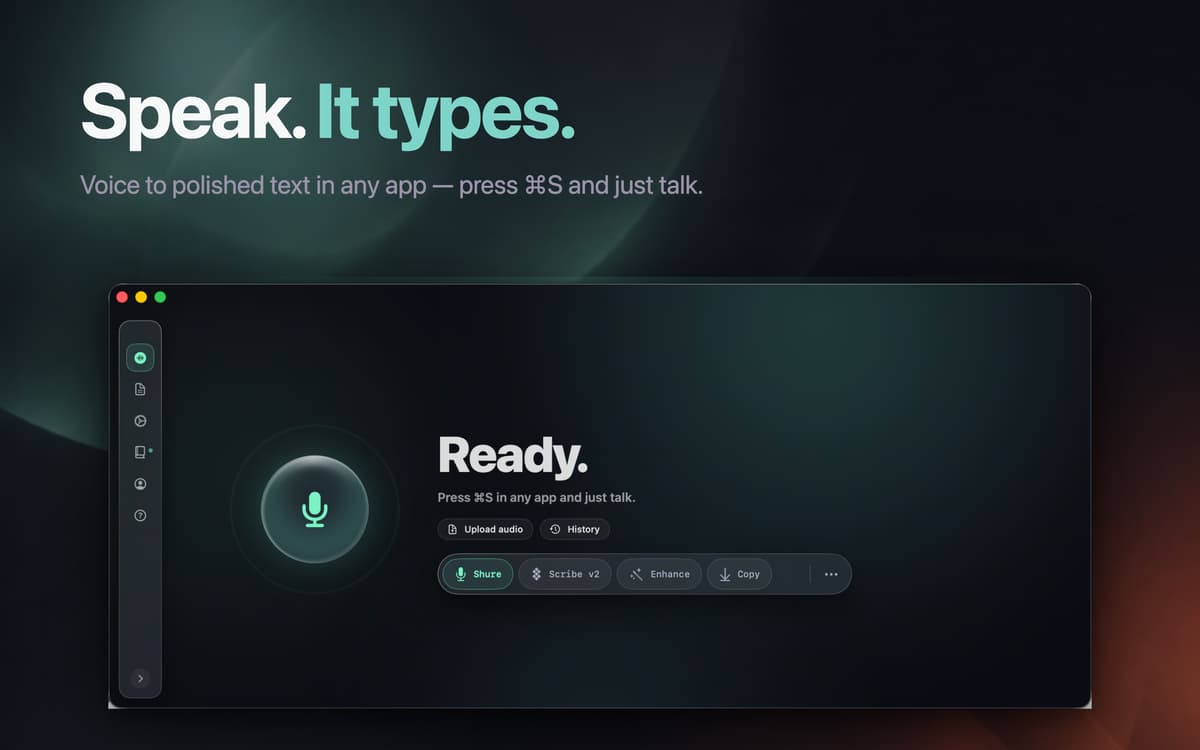
Você tem muito a dizer e pouco tempo para digitar? Conheça o MurmurType. Grave a sua voz e veja a transcrição imediatamente. Caso prefira se comunicar em outro idioma, basta configurar o app para traduzir para inglês o que você disse.
Transforme fala em texto
Copie a transcrição com um clique
Obtenha a tradução automática em inglês
Controle com atalhos
Recursos do MurmurType
Interface fácil de usar
O MurmurType é um app simples que você não precisa aprender a usar — simplesmente pressione o botão para gravar, fale e pressione o botão de transcrição quando terminar. Pronto, a fala é imediatamente transformada em texto. Copie a transcrição com um clique e cole‑a onde quiser.
Identificação de silêncio
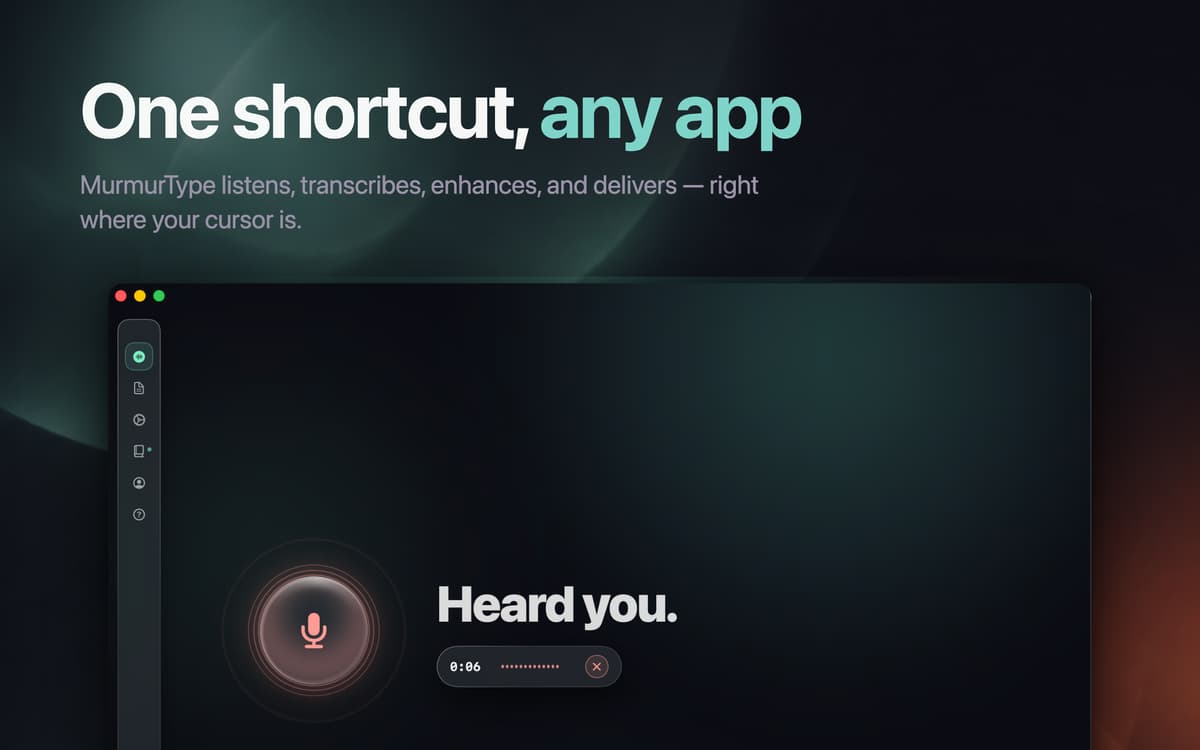
Para simplificar ainda mais o uso do app, o MurmurType identifica silêncios, para a gravação quando você para de falar e apresenta a transcrição. Personalize a duração do silêncio nos ajustes de acordo com o jeito que você fala.
Tradução rápida
Quando precisar traduzir sua mensagem para outro idioma, basta ativar o recurso de tradução, selecionar o idioma para o qual deseja traduzir, clicar em gravar e falar. O app pode traduzir em 19 idiomas diferentes, incluindo inglês, alemão, chinês e muitos outros. Copie rapidamente a transcrição traduzida com apenas um clique!
Atalhos de teclado
O MurmurType oferece atalhos personalizados para controlar as ações. Para começar a gravar, pressione Command + R ou escolha outra combinação nos ajustes. Para copiar a transcrição, basta clicar. Para colar o texto copiado, pressione Command + V.
Gerenciamento de dados
Seus dados (chaves de API, transcrições e arquivos de áudio) são armazenados localmente no seu dispositivo. Para transcrever a fala, o MurmurType envia um pedido para a OpenAI. Embora o pedido passe pelo servidor do MurmurType, ele não registra nem armazena nenhum dado.
Classificações e avaliações
MurmurType
•
374 classificações
Bryson Travieso
19 de set. de 2026
Versão do app: 4.0.3
Beautiful interface. Smooth and easy to use. Feels responsive, and the AI touches are really delightfully surprising. My top pick.
Sky Fresh
14 de set. de 2026
Versão do app: 4.0.1
I’ve loved using MurmurType for months on my MacBook Pro M2, but the recent update has made it frustrating. The new “silence detected” setting stops recording after just one second of pause, which breaks my flow and forces constant re-recording. As a musician and speaker, silence is part of how I think and express. I want the ability to disable this feature and control my own settings. Please bring back manual control or let us toggle silence detection off. I don’t want to stop using a product I love—but this change makes it unusable. 14 Sept 2026 ~ new issue. There’s been an auto-update from the stable version I was last using. It was working great! Now, I cannot rely on this app. It keeps crashing. My API settings won’t save. the app routing is glitching and broken in the latest update. please get this app stable again!!!
Alexey
1 de abr. de 2026
Versão do app: 3.3.16
Ignores the “Target language (Translate to)” setting for local models. Always translates to english. Annoying
Obtenha centenas de apps com o Membership
Obtenha um membership do Setapp e use centenas de apps estelares numa única assinatura.
Experimente grátis por 7 dias. Depois, pague um valor único.
Instale o Setapp no Mac
Explore apps para Mac, iOS e web. Encontre formas fáceis de lidar com as tarefas do dia a dia.

Obtenha o app que chamou sua atenção
Aquele app especial está esperando você no Setapp. Instale‑o com um clique.

MurmurType
Escolha uma assinatura
Um ou mais apps com um membership do Setapp. Obtenha os apps que você quer.

Obtenha centenas de apps com o Membership
Obtenha um membership do Setapp e use centenas de apps estelares numa única assinatura.
Experimente grátis por 7 dias. Depois, pague um valor único.
1
Instale o Setapp no Mac
Explore apps para Mac, iOS e web. Encontre formas fáceis de lidar com as tarefas do dia a dia.
2
Obtenha o app que chamou sua atenção
Aquele app especial está esperando você no Setapp. Instale‑o com um clique.
MurmurType
3
Escolha uma assinatura
Um ou mais apps com um membership do Setapp. Obtenha os apps que você quer.
A casa dos melhores apps
Desde tarefas rotineiras e de planejamento a atividades criativas e de programação, encare suas tarefas com os apps do Setapp.

TypingMind
IU alternativa para conversar com IA
gere ou resuma textos
use uma biblioteca de ações
IA

Spark Mail
Gerencie e‑mails
IA

CleanMyMac
Limpe os detritos

Bartender
Personalize a barra de menus

CleanShot X
Capturas de tela versáteis

Luminar Neo
Edite suas fotos
IA

ClearVPN
Conecte‑se com mais segurança

Craft
Trabalhe com documentos
IA
MurmurType
Transcrição de fala