
PDF Content Search
Search inside scanned files
Mac
Versão 1.50
macOS 14.0 ou posterior
17.7 MB
23 idiomas
PDF Content Search is a document search app for Mac that reads what Spotlight can't. Point it at a folder, and it finds text in scanned PDFs, photos, screenshots, and Mail attachments. Type a word, get the document, and jump to the exact page. No more opening files one by one to hunt for that one IBAN.
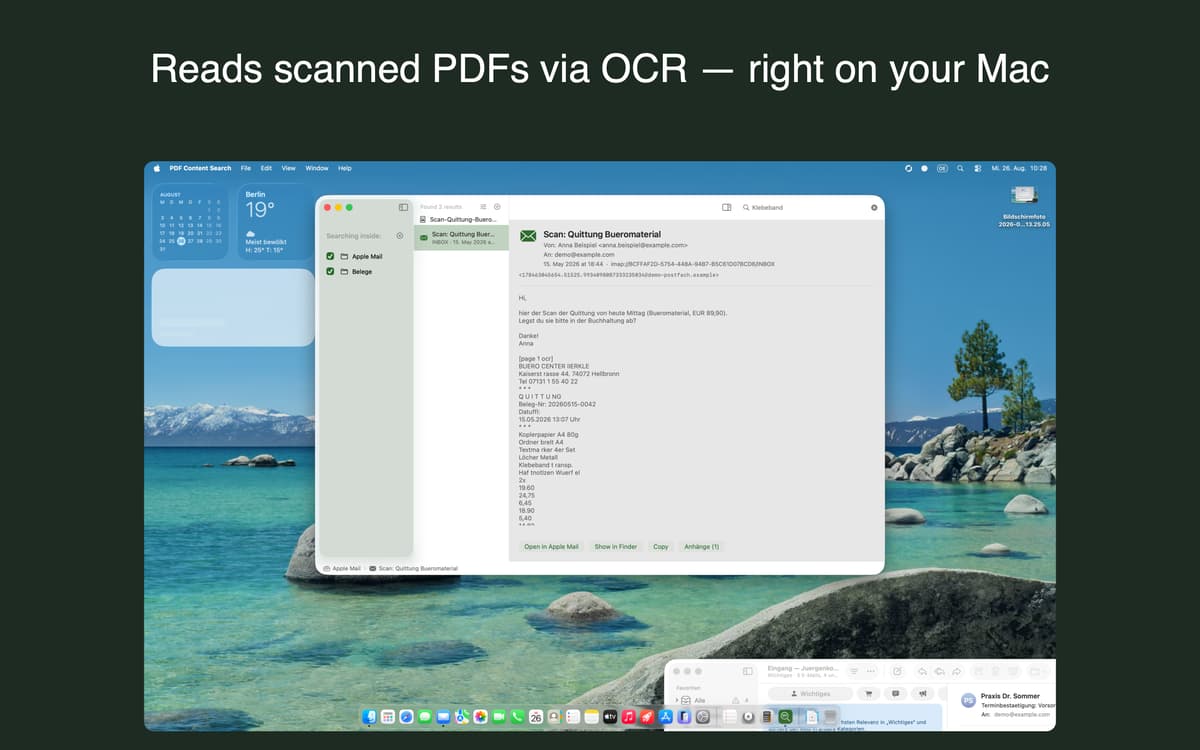
Search scanned PDFs and images
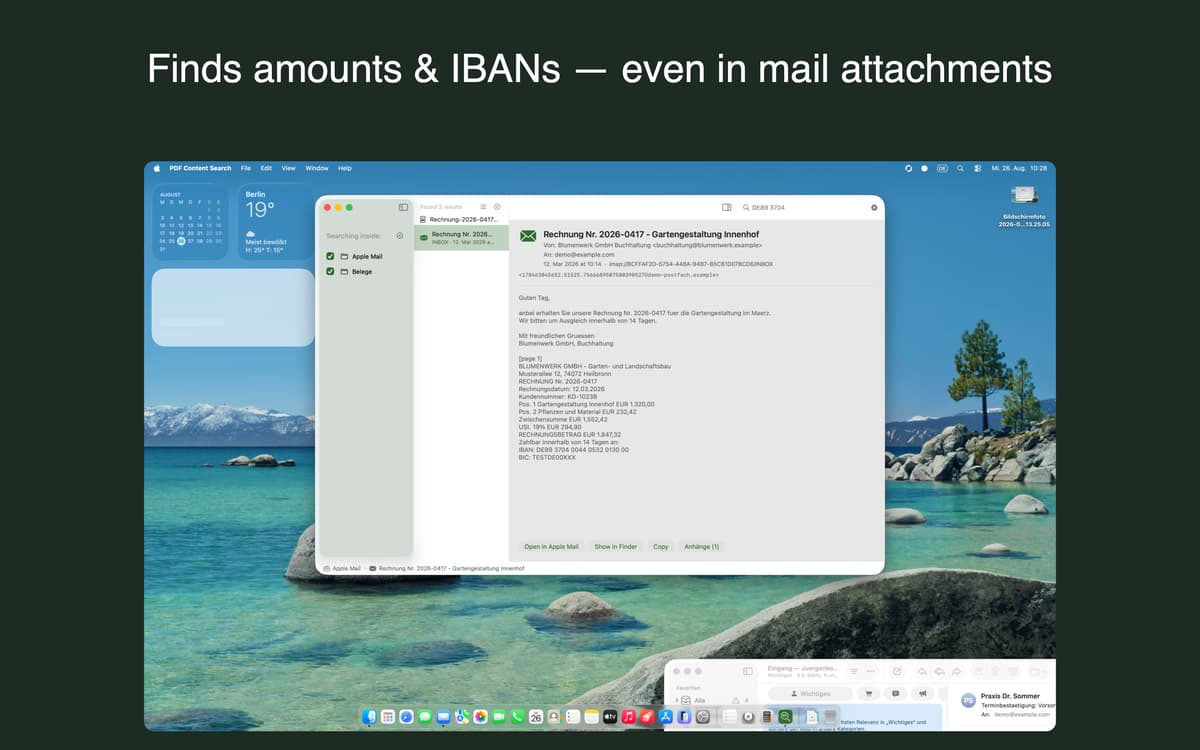
Find text in Mail attachments
Find invoices and contract numbers
Filter a decade of files by date
Recursos do PDF Content Search
Scanned files, finally searchable
To macOS, a scanned invoice is just a picture. PDF Content Search reads the text inside it, so you can find it like any other document. It works on scanned PDFs, photos, screenshots, and plain text files. Text recognition runs on your Mac, and the index updates when your files change.
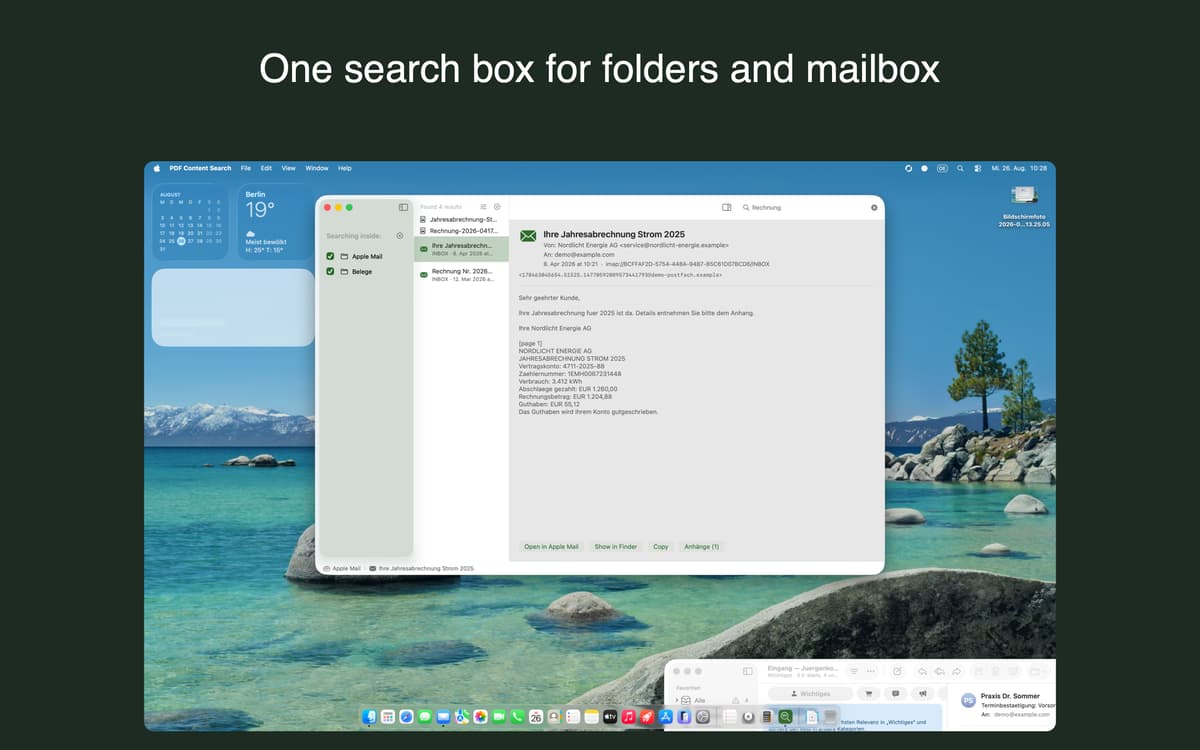
Apple Mail in the same search
Subjects, message bodies, and attachment contents show up right next to your files. Open an attachment straight from a result. Or reveal the original message in Mail with one keystroke.
Search that gets what you mean
Type "Mueller" and it finds "Müller" too. Accents and umlauts just work. Partial word search helps with those very long German compound words. The app is available in 23 languages.
Office and iWork, covered
Word, Excel, Pages, Numbers and Keynote files get indexed too, so your whole archive lives in one search box. Reading these formats needs an optional conversion service that stays off until you switch it on. The file is then sent to our own server in Germany for text extraction and deleted within 24 hours.
Date filters and highlighted previews
Narrow a decade of paperwork down to a single quarter. Then open the preview, where matches are highlighted. You'll see right away why a document came up.
Works with your AI assistant
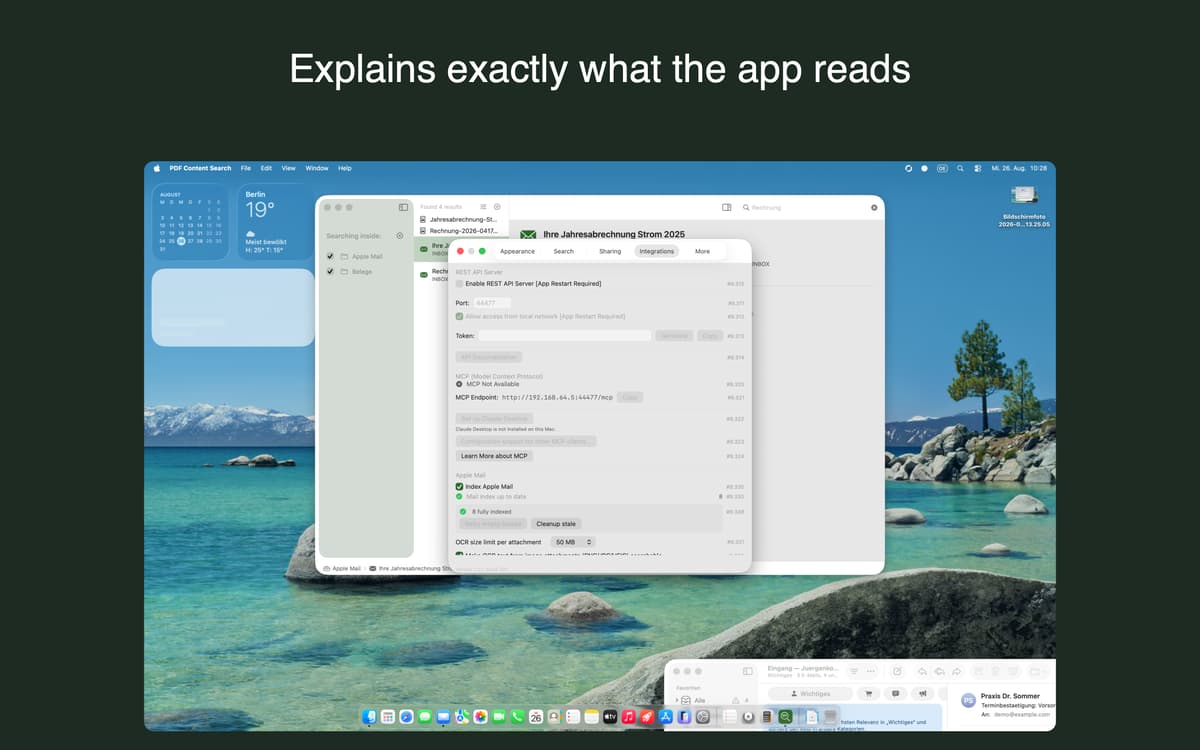
AI assistants like Claude Desktop, Claude Code, VS Code or Cursor can search your documents directly through the Model Context Protocol (MCP). A local REST API is there for your own scripts and automations. Both run on your Mac, without a relay server or an extra account, and stay off until you turn them on.
Obtenha centenas de apps com o Membership
Obtenha um membership do Setapp e use centenas de apps estelares numa única assinatura.
Experimente grátis por 7 dias. Depois, pague um valor único.
Instale o Setapp no Mac
Explore apps para Mac, iOS e web. Encontre formas fáceis de lidar com as tarefas do dia a dia.

Obtenha o app que chamou sua atenção
Aquele app especial está esperando você no Setapp. Instale‑o com um clique.

PDF Content Search
Escolha uma assinatura
Um ou mais apps com um membership do Setapp. Obtenha os apps que você quer.

Obtenha centenas de apps com o Membership
Obtenha um membership do Setapp e use centenas de apps estelares numa única assinatura.
Experimente grátis por 7 dias. Depois, pague um valor único.
1
Instale o Setapp no Mac
Explore apps para Mac, iOS e web. Encontre formas fáceis de lidar com as tarefas do dia a dia.
2
Obtenha o app que chamou sua atenção
Aquele app especial está esperando você no Setapp. Instale‑o com um clique.
PDF Content Search
3
Escolha uma assinatura
Um ou mais apps com um membership do Setapp. Obtenha os apps que você quer.
A casa dos melhores apps
Desde tarefas rotineiras e de planejamento a atividades criativas e de programação, encare suas tarefas com os apps do Setapp.

TypingMind
IU alternativa para conversar com IA
gere ou resuma textos
use uma biblioteca de ações
IA

Spark Mail
Gerencie e‑mails
IA

CleanMyMac
Limpe os detritos

Bartender
Personalize a barra de menus

CleanShot X
Capturas de tela versáteis

Luminar Neo
Edite suas fotos
IA

ClearVPN
Conecte‑se com mais segurança

Craft
Trabalhe com documentos
IA
PDF Content Search
Search inside scanned files