
PhotosRevive
Colorize fotos antigas
Mac
Versão 3.1.0
macOS 26.0 ou posterior
250.6 MB
15 idiomas
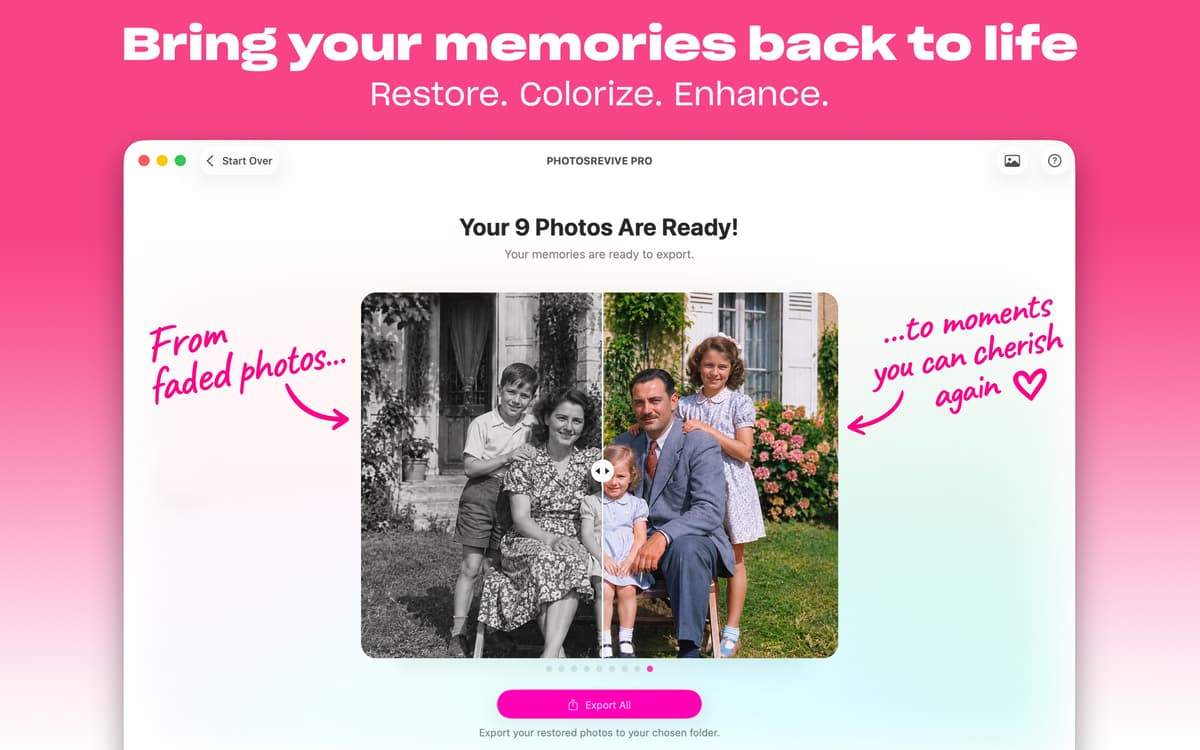
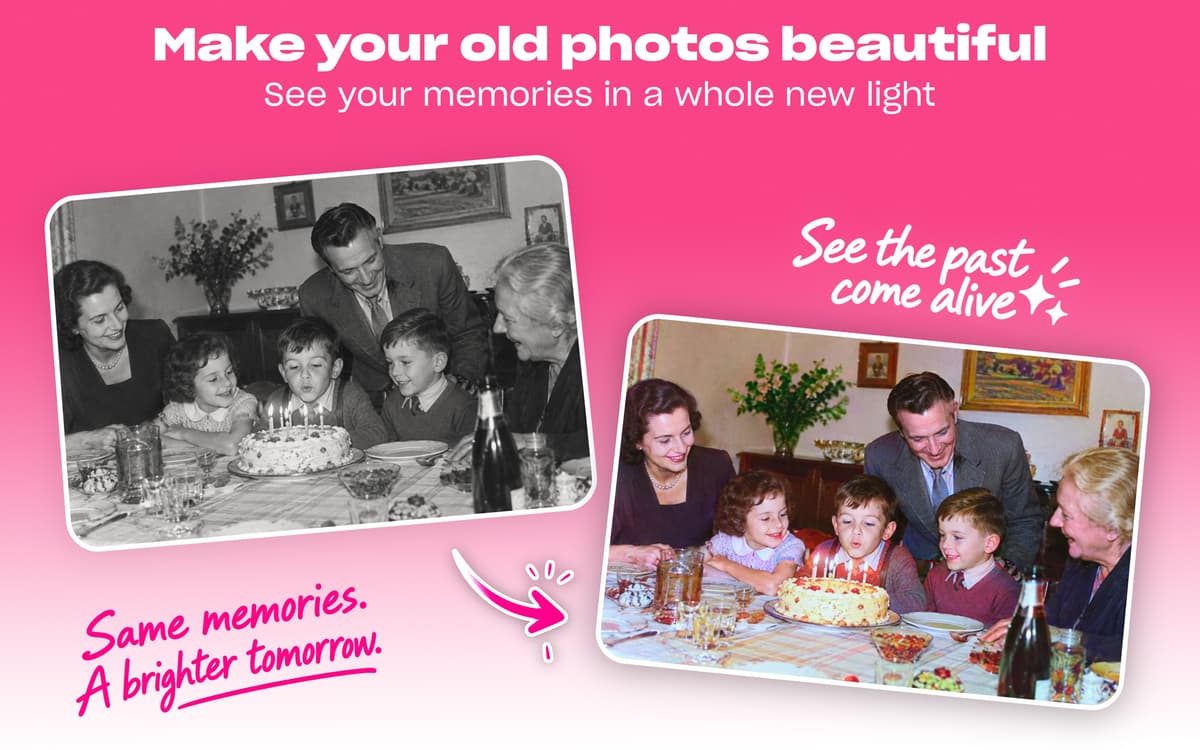
Emocione-se com um visual colorido das suas fotos antigas em preto e branco. Colorize fotos antigas com ajuda de IA no PhotosRevive. Basta arrastar e soltar as imagens e clicar em “Colorize”. Se necessário, ajuste os resultados e salve a imagem nova.
Colorize fotos em preto e branco
Use colorização automática de IA
Ajuste cores manualmente
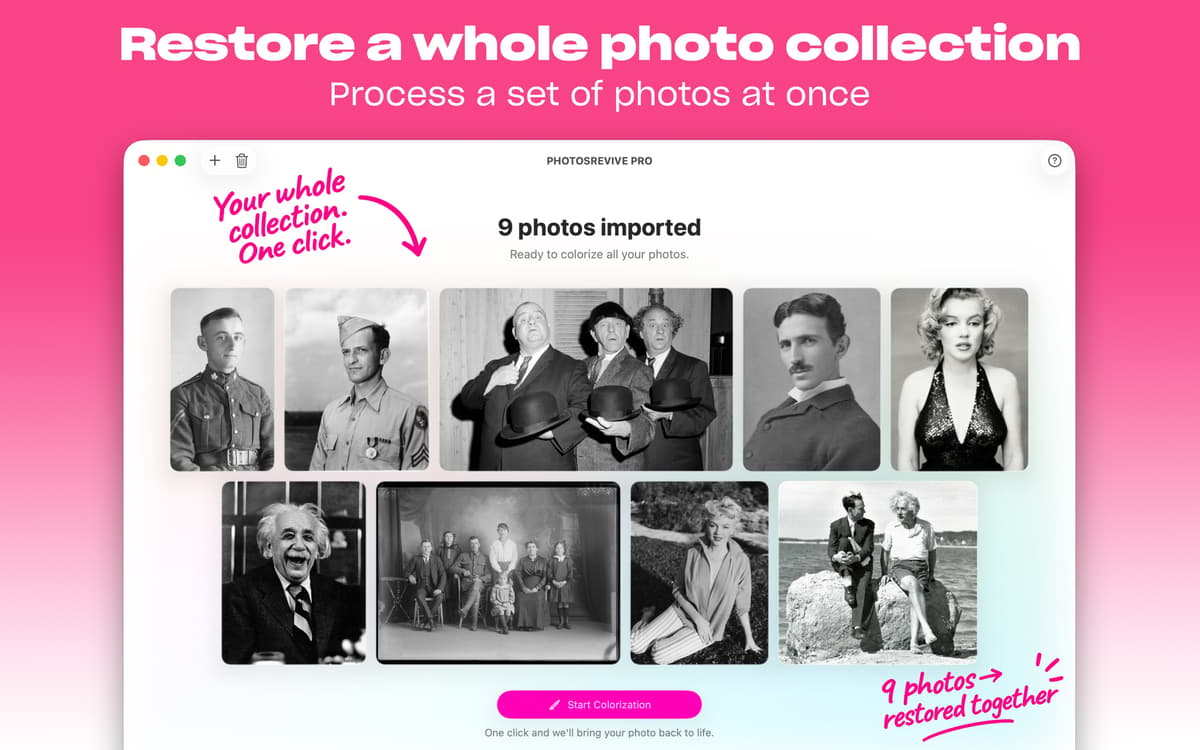
Importe fotos com um scanner integrado
Recursos do PhotosRevive
Colorize automaticamente
Quer ver como uma foto antiga em preto e branco ficaria em cores? Você tem fotos de família antigas que gostaria de colorizar? Você não precisa apelar para um especialista, a tecnologia de IA do PhotosRevive pode ajudar! Basta adicionar a foto ao app e clicar em “Colorize”.
Ajuste cores manualmente
Para soltar a criatividade em fotos antigas, obter um visual específico ou simplesmente conhecer a aparência real de algo na época em que uma foto foi tirada, você pode fornecer pontos de cores para ajudar a IA a ser mais precisa, assim como ajustar o brilho, contraste e outras características da imagem.
Importe ou escaneie fotos
Importe as fotos que deseja colorizar da sua fototeca (você pode adicionar a partir do app Fotos ou do Finder) ou use o scanner integrado do app para escanear a imagem diretamente no PhotosRevive. Você também pode explorar a fototeca de amostras do app enquanto aprende a usar a ferramenta.
Use no Mac ou iOS
O PhotosRevive está disponível no Mac e em dispositivos iOS (iPhone ou iPad). Dessa forma, você pode colorizar imagens em preto e branco mesmo quando não estiver usando o Mac. Sem equipamentos sofisticados, só uma IA sofisticada!
Use uma extensão no app Fotos
Se aquela nostalgia bater ao ver fotos no app Fotos, você nem precisa mudar de app para colorizar as imagens. Use a extensão do PhotosRevive para colorizar imagens em preto e branco diretamente do app Fotos.
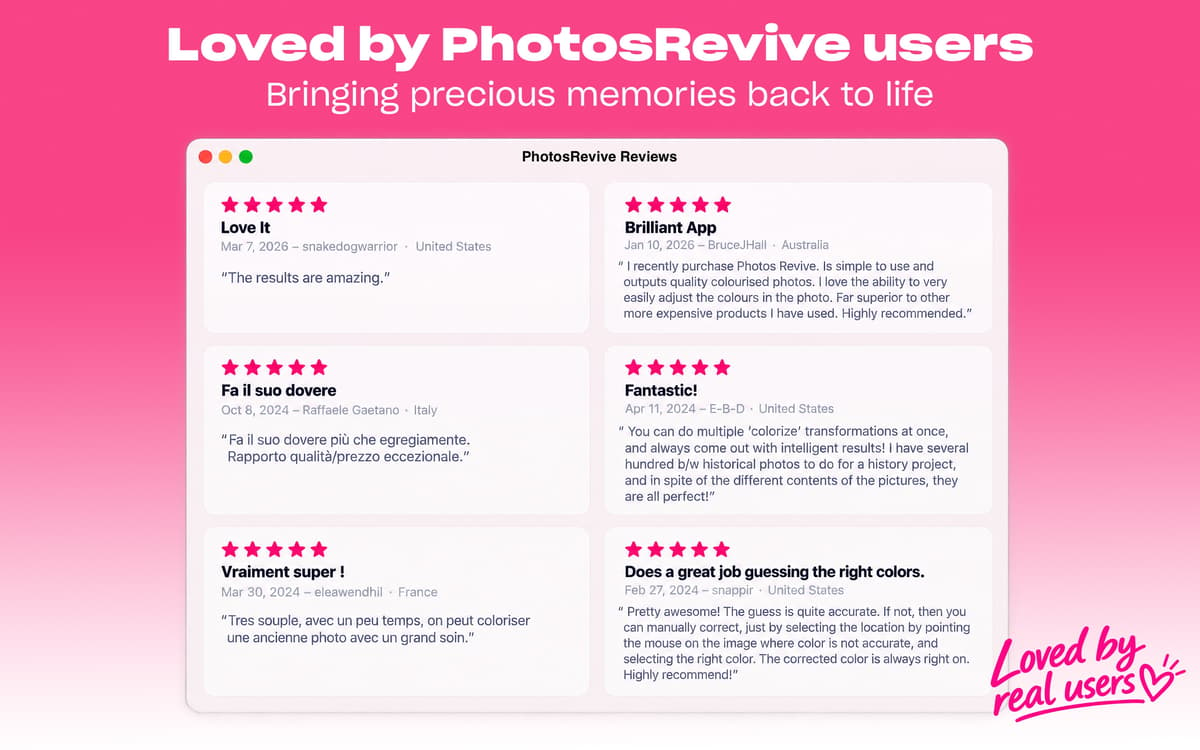
Classificações e avaliações
PhotosRevive
•
162 classificações
Randall Sikes
11 de jul. de 2026
Versão do app: 2.2.0
Colorization worked modestly well for skin tones and hair of 2-person head-and-shoulders portait. However the app failed to colorize woman’s clothing, which was supposed to be orange. When I tried to manually place a suitable color onto the subject’s blouse, the orange color bled into the subject’s face and neck. This app needs a way to mask off selected areas or to designate limits for manually-added color
Dan Buffington
20 de out. de 2025
Versão do app: 2.1.8
Great photo editing application. Simple to navigate and great quality images.
Tim
19 de dez. de 2024
Versão do app: 2.1.7
Fantastic tool for bringing new life into old black & white photos. Accuracy is reasonable and with a little adjustment the results are amazing.
Obtenha centenas de apps com o Membership
Obtenha um membership do Setapp e use centenas de apps estelares numa única assinatura.
Experimente grátis por 7 dias. Depois, pague um valor único.
Instale o Setapp no Mac
Explore apps para Mac, iOS e web. Encontre formas fáceis de lidar com as tarefas do dia a dia.

Obtenha o app que chamou sua atenção
Aquele app especial está esperando você no Setapp. Instale‑o com um clique.

PhotosRevive
Escolha uma assinatura
Um ou mais apps com um membership do Setapp. Obtenha os apps que você quer.

Obtenha centenas de apps com o Membership
Obtenha um membership do Setapp e use centenas de apps estelares numa única assinatura.
Experimente grátis por 7 dias. Depois, pague um valor único.
1
Instale o Setapp no Mac
Explore apps para Mac, iOS e web. Encontre formas fáceis de lidar com as tarefas do dia a dia.
2
Obtenha o app que chamou sua atenção
Aquele app especial está esperando você no Setapp. Instale‑o com um clique.
PhotosRevive
3
Escolha uma assinatura
Um ou mais apps com um membership do Setapp. Obtenha os apps que você quer.
A casa dos melhores apps
Desde tarefas rotineiras e de planejamento a atividades criativas e de programação, encare suas tarefas com os apps do Setapp.

TypingMind
IU alternativa para conversar com IA
gere ou resuma textos
use uma biblioteca de ações
IA

Spark Mail
Gerencie e‑mails
IA

CleanMyMac
Limpe os detritos

Bartender
Personalize a barra de menus

CleanShot X
Capturas de tela versáteis

Luminar Neo
Edite suas fotos
IA

ClearVPN
Conecte‑se com mais segurança

Craft
Trabalhe com documentos
IA
PhotosRevive
Colorize fotos antigas