
Pie Menu
Acesso fácil às ações de apps
Mac
Versão 2.0.4
macOS 13.0 ou posterior
31.1 MB
5 idiomas
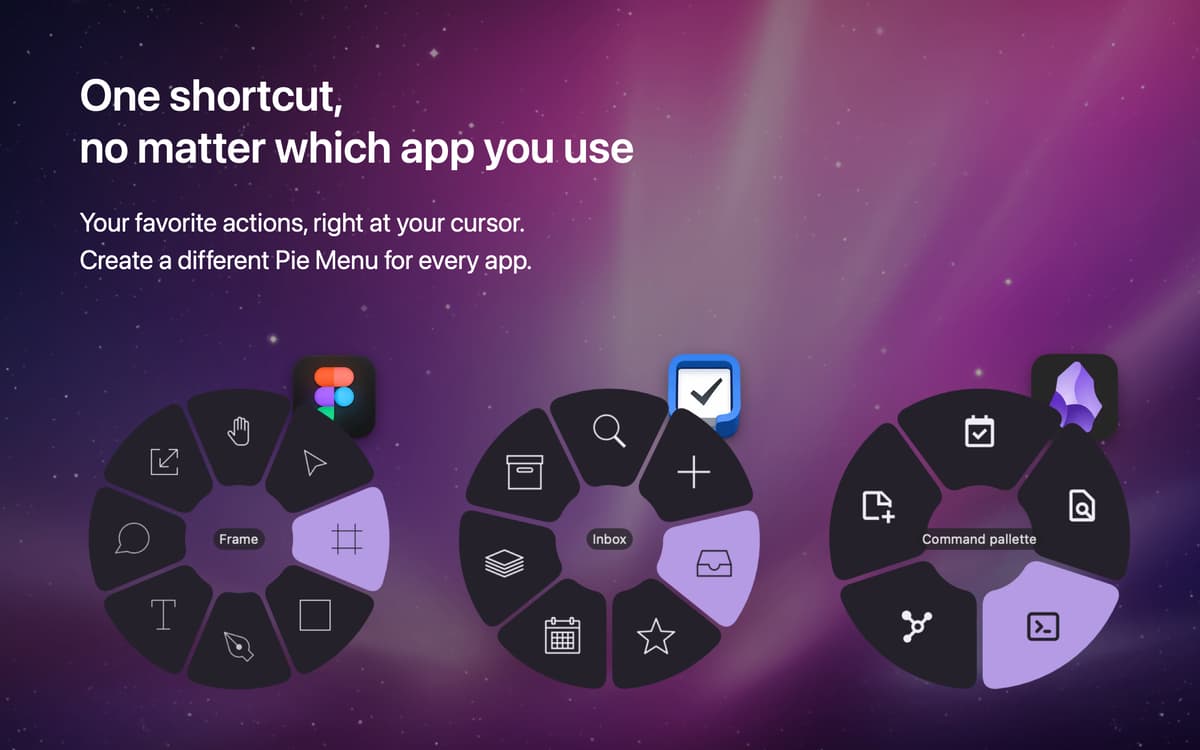
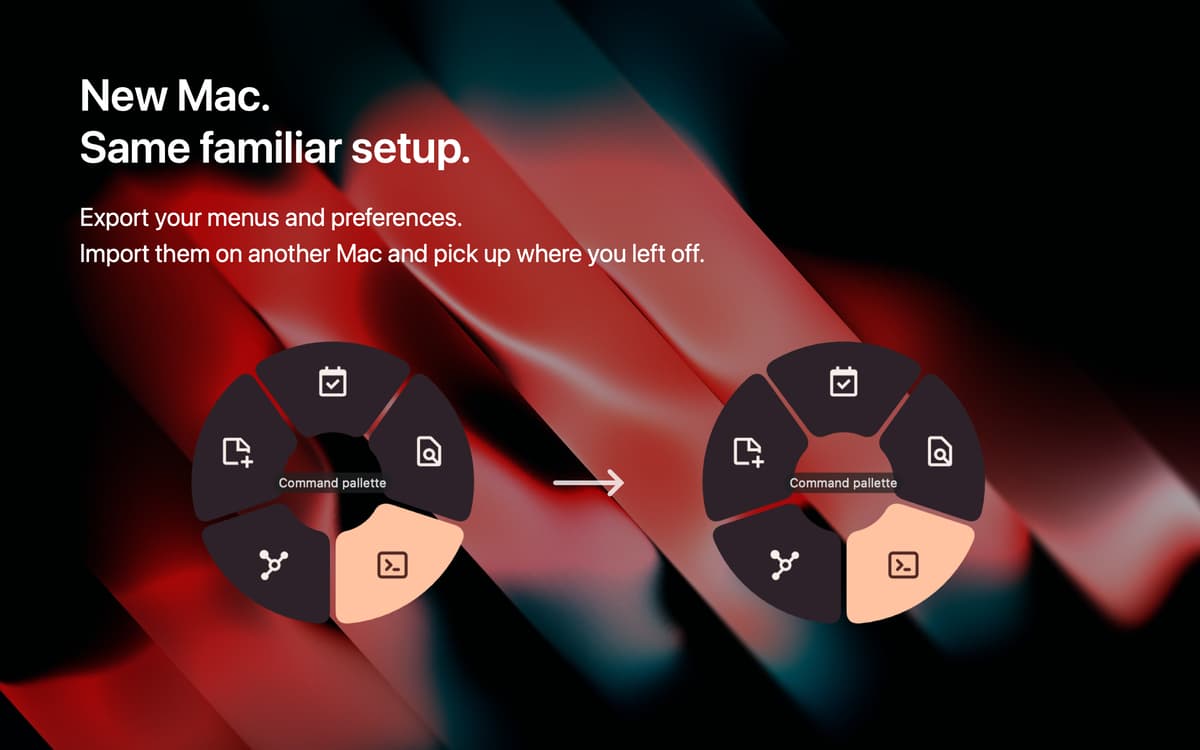
Revolucione a forma como você acessa as ações de apps com o Pie Menu. Acione o app com um atalho rápido para ver um menu redondo com ações rápidas ao redor do cursor. As ações no Pie Menu são personalizadas para o app que você está usando. Assim, você poupa tempo e não precisa se lembrar dos atalhos de ações individuais em apps diferentes.
Menu flutuante de atalhos que poupa tempo
Acesse atalhos personalizados por app
Adicione ou remova atalhos
Use com vários apps populares
Recursos do Pie Menu
Acesse ações de apps rapidamente
Acione o Pie Menu enquanto você trabalha para ter acesso rápido às ações do app que você está usando. Trabalhe mais rápido e não se preocupe em memorizar os atalhos das ações que você mais usa em cada app.
Personalize o atalho de acionamento
Use a combinação de teclas que você quiser para acionar o Pie Menu. Basta configurar o atalho desejado e começar a trabalhar.
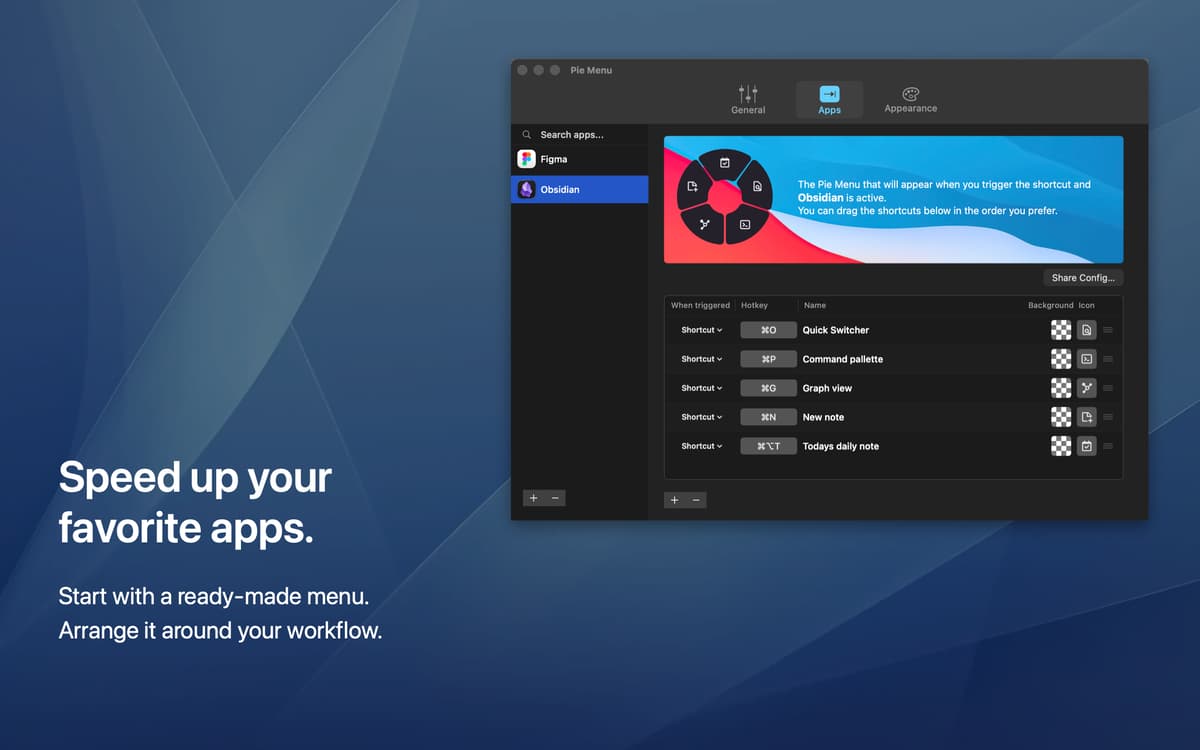
Defina ações de atalhos por app
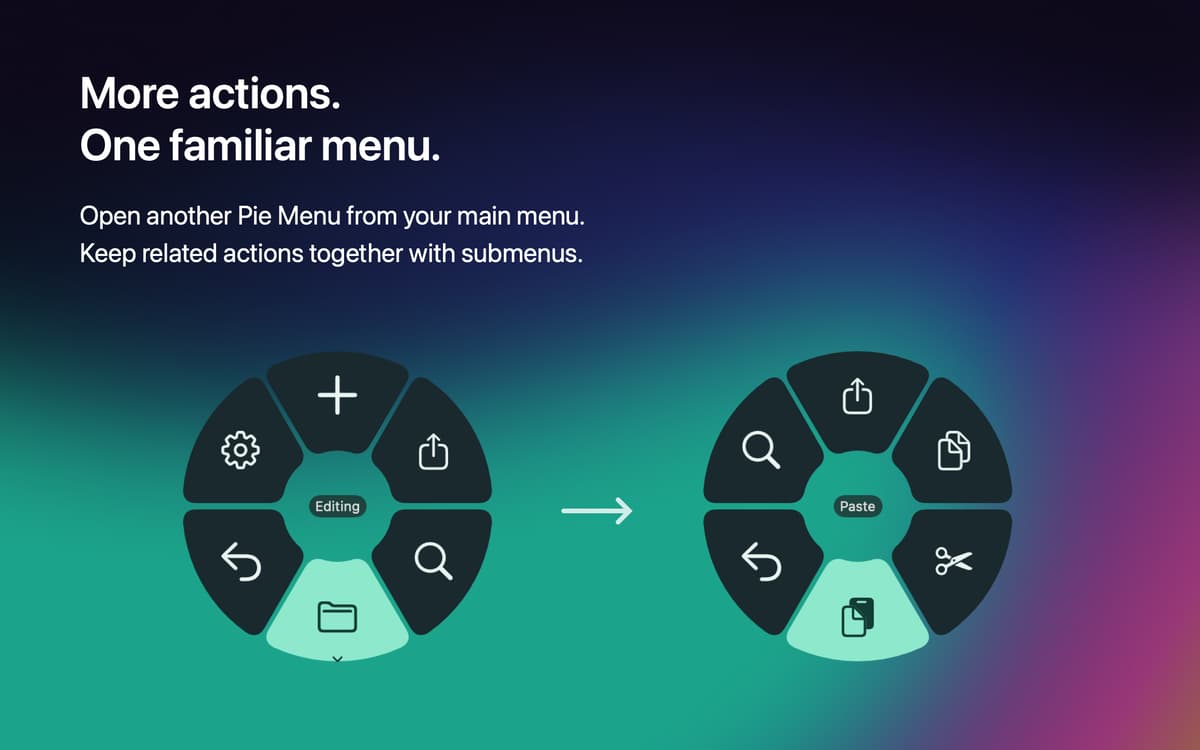
Selecione quais ações você quer que o Pie Menu mostre em diversos apps. As ações escolhidas aparecem no menu e podem ser personalizadas de acordo com o app, para que você poupe tempo e use suas ações favoritas.
Explore a biblioteca de atalhos
Você pode adicionar as ações que você já conhece ao Pie Menu ou explorar a biblioteca de atalhos do app para encontrar atalhos de ações úteis para vários apps populares no Mac.
Classificações e avaliações
Pie Menu
•
115 classificações
MacMillan
4 de out. de 2026
Versão do app: 2.0.1
Los submenus no funcionan en ninguna app lo van a rreglar lo demas pues ¡mas bonito! pero lo principal no funciona
Resposta do Desenvolvedor
5 de out. de 2026
¡Gracias por avisarnos! Ya hemos corregido el problema con los submenús en la versión 2.0.2, que ya está disponible. Actualiza la app para recibir la corrección. ¡Sentimos las molestias y gracias por tu paciencia!
Rik Welter
28 de jul. de 2026
Versão do app: 1.2.39
It’s a real pity that the app doesn’t get the recognition it deserves, and its low ratings go back to reviews in 2025… I am really happy with PieMenu. It’s now fully incorporated in my workflow for a number of apps I use multiple times per day. To note that I am not a user of a couple of core Mac apps like Safari (replaced by Brave), Mail (replaced by MailMaven), Notes (replaced by Obsidian), etc. But that’s just personal taste, already a fact before installing PieMenu. PieMenu perfectly supports all my main apps, and because I have set a gesture (3 fingers tap) as trigger, it’s now fully part of my gestures muscle memory and very easy to use. Long story short - I am a very happy chappy with Pie Menu. Well done Marius!
Dark Of Lord
13 de mai. de 2025
Versão do app: 1.2.39
I can’t even add many apps like Safari. It’s always lagging… Apps don’t appear even though they’re in the Applications folder.
Resposta do Desenvolvedor
14 de mai. de 2025
We've had an issue with some of the native apps after the latest release of MacOS. We're working on a fix for this we hope to have out soon!
Obtenha centenas de apps com o Membership
Obtenha um membership do Setapp e use centenas de apps estelares numa única assinatura.
Experimente grátis por 7 dias. Depois, pague um valor único.
Instale o Setapp no Mac
Explore apps para Mac, iOS e web. Encontre formas fáceis de lidar com as tarefas do dia a dia.

Obtenha o app que chamou sua atenção
Aquele app especial está esperando você no Setapp. Instale‑o com um clique.

Pie Menu
Escolha uma assinatura
Um ou mais apps com um membership do Setapp. Obtenha os apps que você quer.

Obtenha centenas de apps com o Membership
Obtenha um membership do Setapp e use centenas de apps estelares numa única assinatura.
Experimente grátis por 7 dias. Depois, pague um valor único.
1
Instale o Setapp no Mac
Explore apps para Mac, iOS e web. Encontre formas fáceis de lidar com as tarefas do dia a dia.
2
Obtenha o app que chamou sua atenção
Aquele app especial está esperando você no Setapp. Instale‑o com um clique.
Pie Menu
3
Escolha uma assinatura
Um ou mais apps com um membership do Setapp. Obtenha os apps que você quer.
A casa dos melhores apps
Desde tarefas rotineiras e de planejamento a atividades criativas e de programação, encare suas tarefas com os apps do Setapp.

TypingMind
IU alternativa para conversar com IA
gere ou resuma textos
use uma biblioteca de ações
IA

Spark Mail
Gerencie e‑mails
IA

CleanMyMac
Limpe os detritos

Bartender
Personalize a barra de menus

CleanShot X
Capturas de tela versáteis

Luminar Neo
Edite suas fotos
IA

ClearVPN
Conecte‑se com mais segurança

Craft
Trabalhe com documentos
IA
Pie Menu
Acesso fácil às ações de apps