
PopChar
Busque e use caracteres rápido
Mac
Versão 10.5
macOS 12.0 ou posterior
11.7 MB
4 idiomas
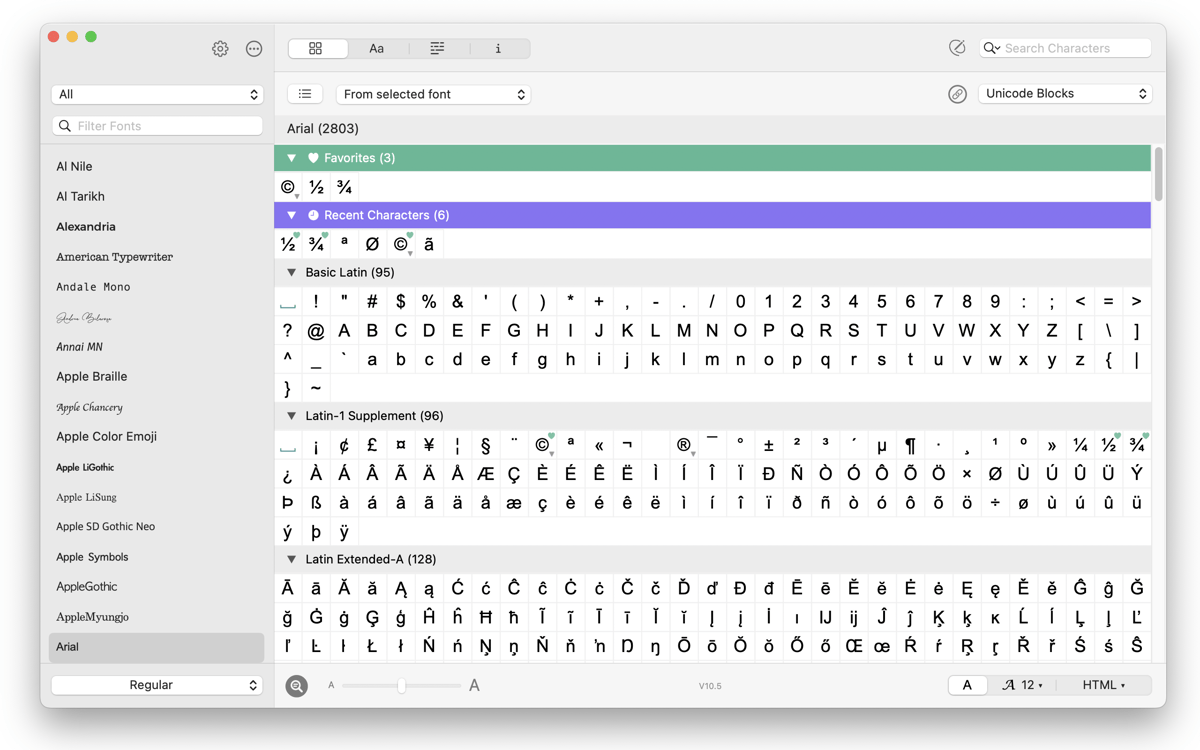
Ter que rolar por um menu para encontrar um certo símbolo não é nada divertido. Para piorar, os atalhos raramente são fáceis de memorizar. O PopChar elimina a confusão e simplifica todo o processo, fazendo com que encontrar e inserir caracteres vire parte de uma rotina simples. Diacríticos, ligaduras e até emojis aparecem superorganizados e prontos sempre que você precisa. Em qualquer app. No sistema todo.
Busque caracteres por nome ou forma
Veja os atalhos de caracteres especiais
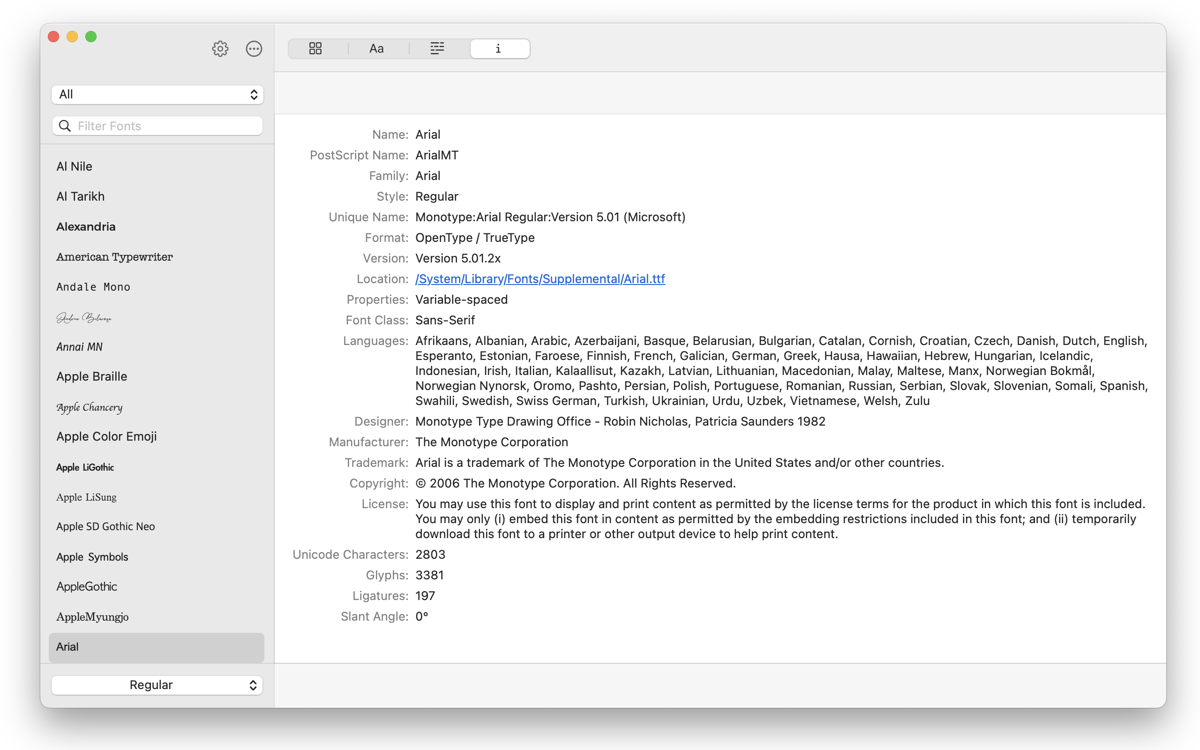
Amplie os símbolos para ver cada detalhe
Compare fontes e explore emojis
Recursos do PopChar
Busca mais inteligente
Se você não sabe o nome de algum símbolo curvilíneo e serpenteado, não tem problema. Basta fazer um desenho simples para que o PopChar o encontre em segundos. É como se você delegasse a tarefa a alguém eficiente que nunca se esquece de nada.
Veja atalhos ocultos
Cada caractere especial tem um atalho, mas quem tem tempo de memorizar todos eles? Com o PopChar, você pode finalmente ver cada atalho, para que da próxima vez que precisar de uma meia‑rica, sinal de grau ou símbolo de copyright, você não precise consultar nada e se lembre de imediato.
Amplie os caracteres
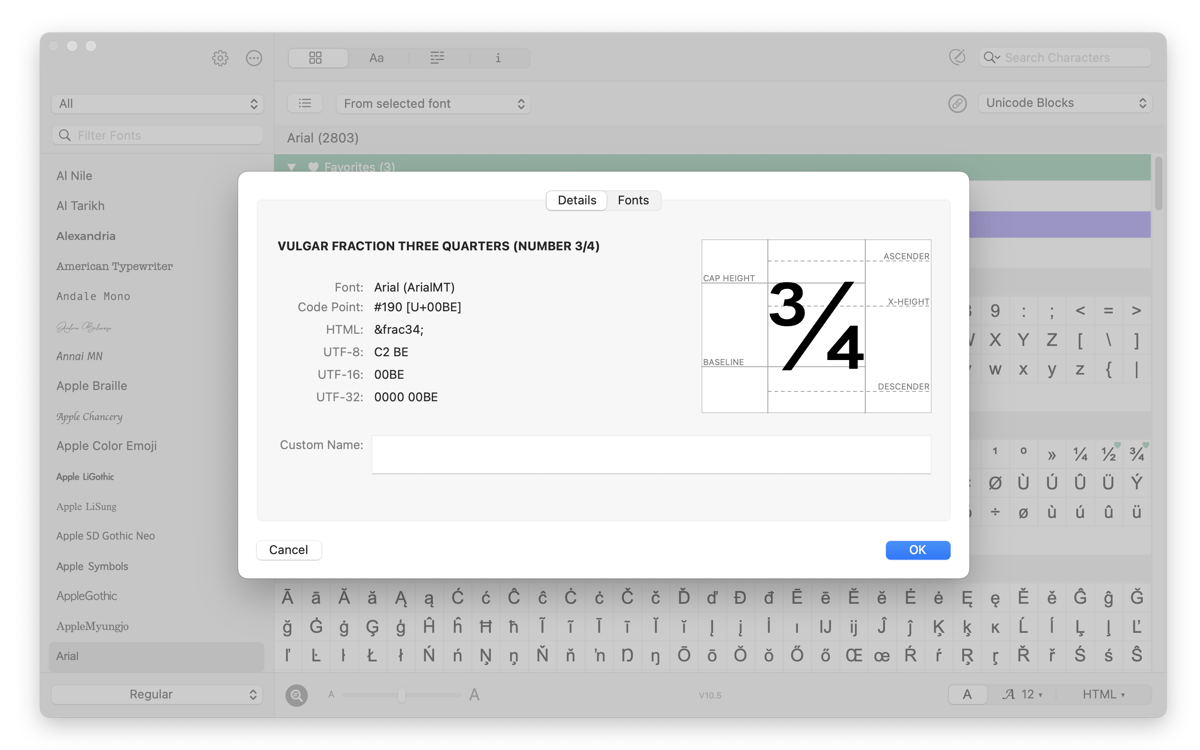
Já se pegou apertando os olhos para ver se a cedilha estava no devido lugar ou se o acento estava virado pro lado certo? Com a lupa, você amplia para ver cada curva e detalhe. Tenha clareza total ao inspecionar um caractere e posicioná‑lo no local exato.
Compare as fontes
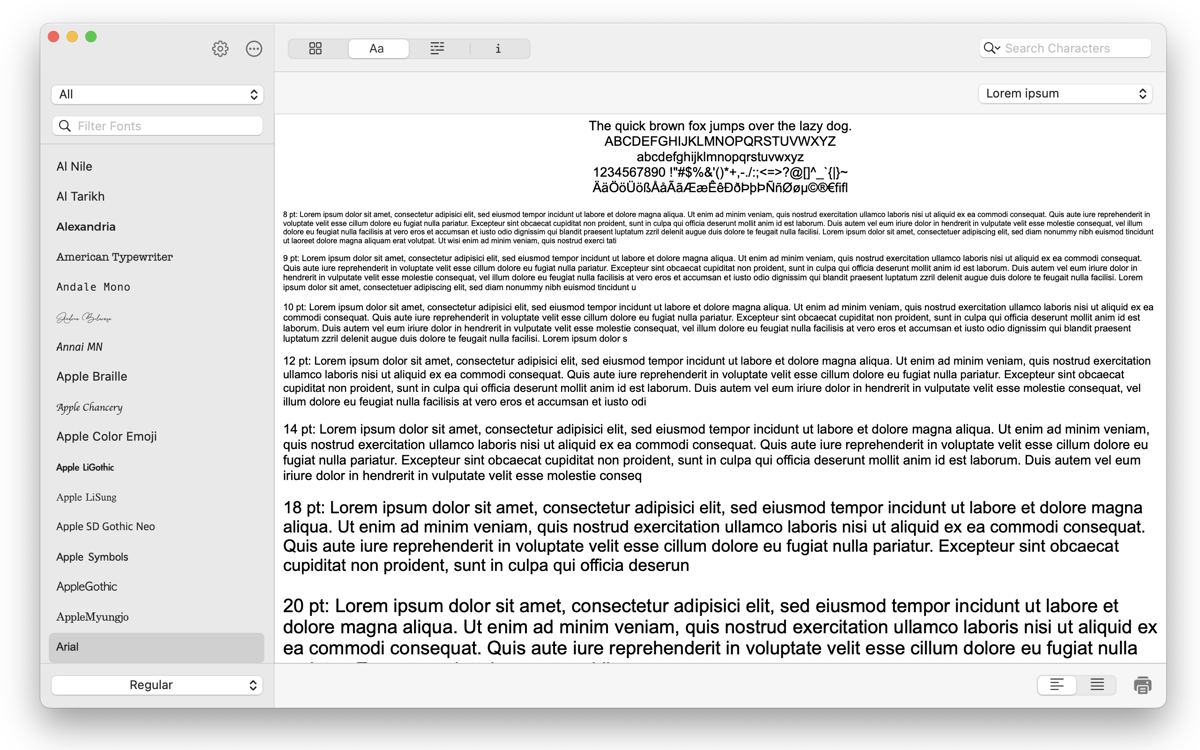
Quem trabalha com design passa por isto: um mesmo caractere é perfeito numa fonte e horroroso em outra. Com o PopChar, você compara o caractere lado a lado em cada fonte, sem precisar mudar freneticamente entre elas, para facilitar o processo de escolha. O PopChar também indica se o caractere existe ou não numa fonte.
Emojis e ligaduras
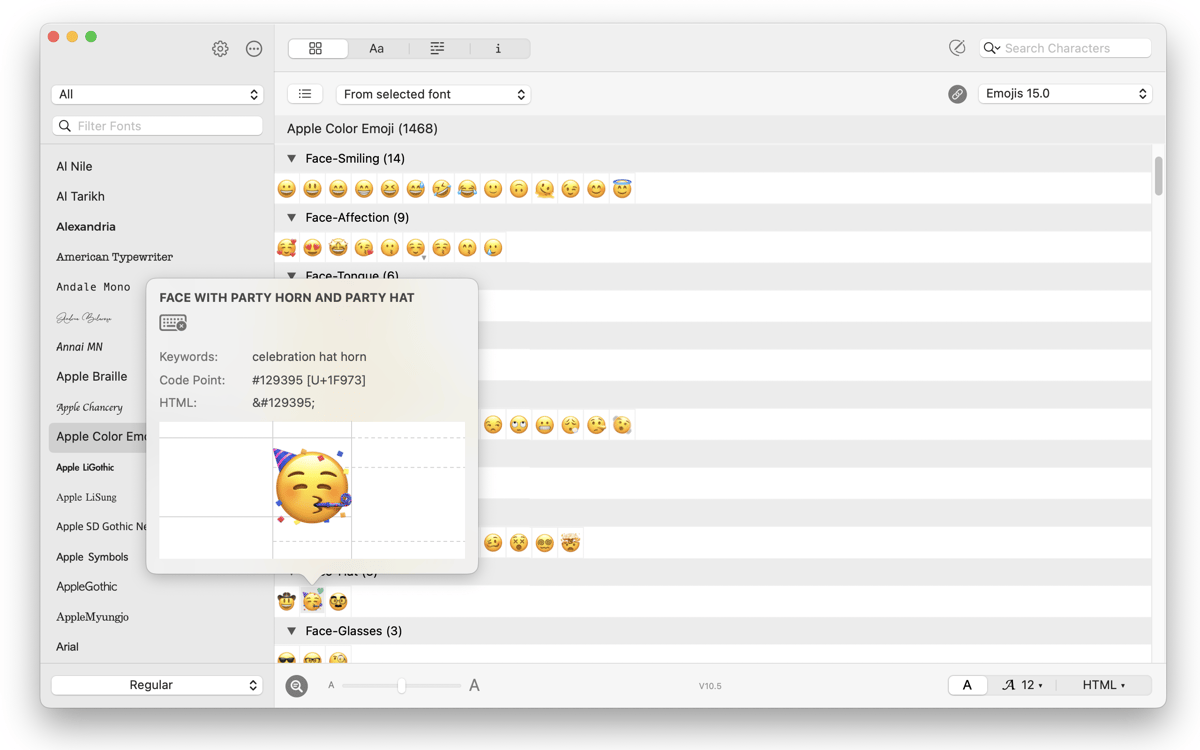
Hoje em dia, um texto não é composto só de letras. Com o PopChar, você tem uma coleção organizada e pesquisável de emojis e ligaduras. Precisando encontrar a bandeira certa? Basta digitar o nome do país. Que tal aquela ligadura elegante com duas letras? Logo ali, a um clique de distância. Escrever acaba de ficar mais prazeroso e interativo.
Classificações e avaliações
PopChar
•
88 classificações
William Busch
10 de set. de 2026
Versão do app: 10.5
Wow! Where has this app been hiding all this time? Searching for special characters was always a chore, and now I can set my favorites or search for something I hadn’t needed until now.
Anthony Harmon
6 de mai. de 2026
Versão do app: 10.5
There is just NO Way I’d ever be as productive if I did not have PopChar as a tool in my software toolbox
Turgut Derman
5 de mai. de 2026
Versão do app: 10.5
Using it on a daily basis, I love it for the last ten years.
Obtenha centenas de apps com o Membership
Obtenha um membership do Setapp e use centenas de apps estelares numa única assinatura.
Experimente grátis por 7 dias. Depois, pague um valor único.
Instale o Setapp no Mac
Explore apps para Mac, iOS e web. Encontre formas fáceis de lidar com as tarefas do dia a dia.

Obtenha o app que chamou sua atenção
Aquele app especial está esperando você no Setapp. Instale‑o com um clique.

PopChar
Escolha uma assinatura
Um ou mais apps com um membership do Setapp. Obtenha os apps que você quer.

Obtenha centenas de apps com o Membership
Obtenha um membership do Setapp e use centenas de apps estelares numa única assinatura.
Experimente grátis por 7 dias. Depois, pague um valor único.
1
Instale o Setapp no Mac
Explore apps para Mac, iOS e web. Encontre formas fáceis de lidar com as tarefas do dia a dia.
2
Obtenha o app que chamou sua atenção
Aquele app especial está esperando você no Setapp. Instale‑o com um clique.
PopChar
3
Escolha uma assinatura
Um ou mais apps com um membership do Setapp. Obtenha os apps que você quer.
A casa dos melhores apps
Desde tarefas rotineiras e de planejamento a atividades criativas e de programação, encare suas tarefas com os apps do Setapp.

TypingMind
IU alternativa para conversar com IA
gere ou resuma textos
use uma biblioteca de ações
IA

Spark Mail
Gerencie e‑mails
IA

CleanMyMac
Limpe os detritos

Bartender
Personalize a barra de menus

CleanShot X
Capturas de tela versáteis

Luminar Neo
Edite suas fotos
IA

ClearVPN
Conecte‑se com mais segurança

Craft
Trabalhe com documentos
IA
PopChar
Busque e use caracteres rápido