
Proximate
Traga os alertas para o seu cursor

Mac
Versão 1.13.6
macOS 14.0 ou posterior
239 MB
52 idiomas
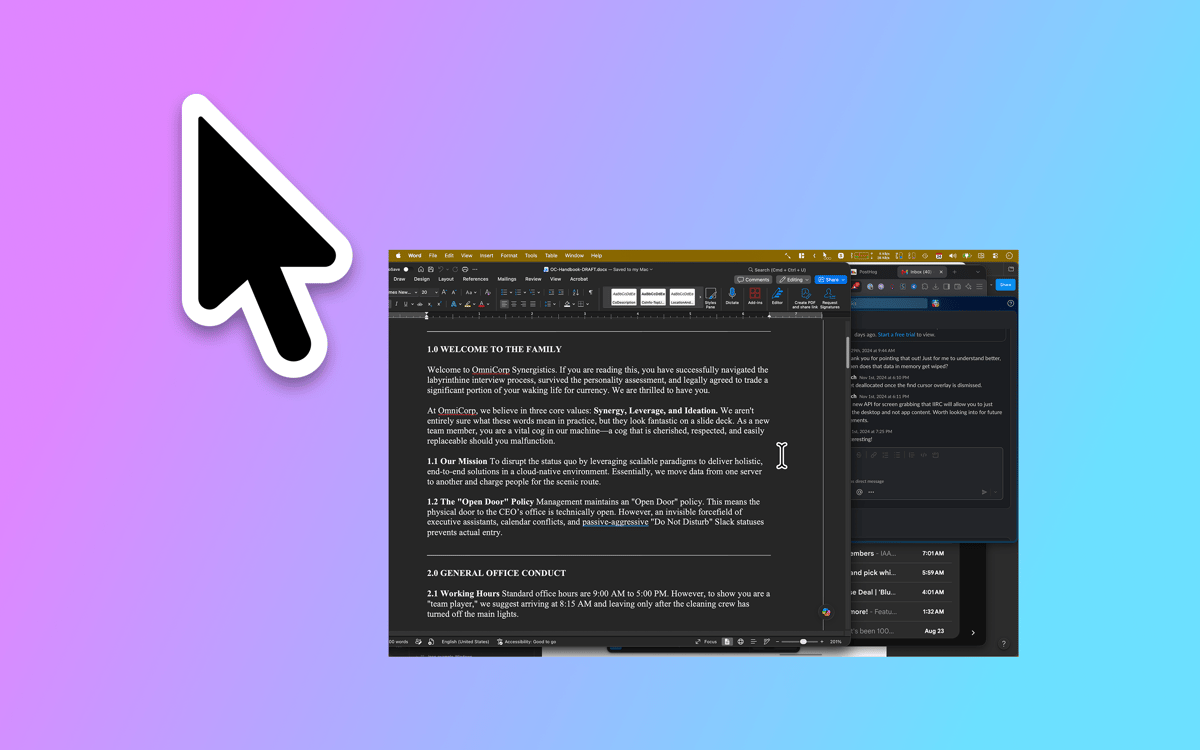
Proximate é um utilitário de notificação do cursor para Mac. Ele move as coisas que você costuma não notar — alertas de aplicativos, as horas, cronômetros de contagem regressiva — bem perto de onde seus olhos já estão: no ponteiro do mouse. Em telas grandes, as notificações aparecem num canto bem distante enquanto você está concentrado no trabalho. O Proximate revela discretamente o que é importante sem tirar você do seu foco.
Pare de perder notificações em telas grandes
Veja a hora sem desviar o olhar
Defina timers no ponteiro do mouse
Mantenha o foco sem perder o que acontece
Recursos do Proximate
Notificações do cursor
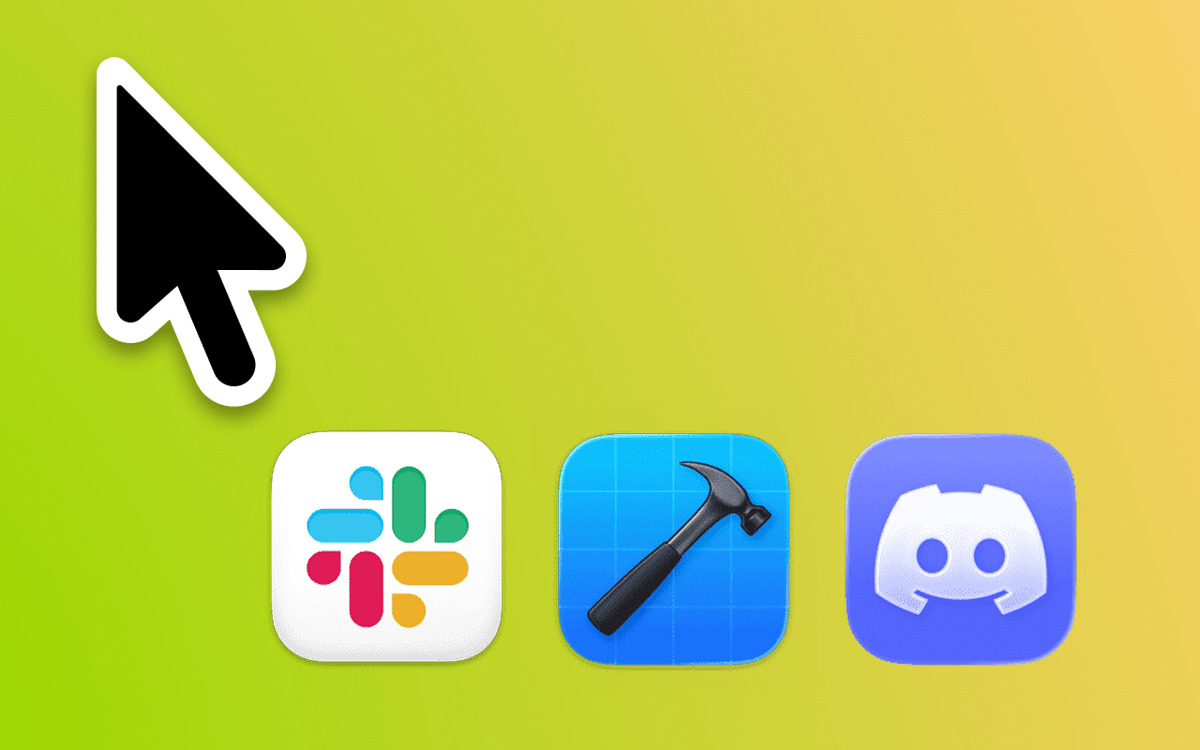
Escolha quais aplicativos monitorar e o Proximate mostrará os ícones deles bem ao lado do seu ponteiro no momento em que precisarem de atenção. Chega de forçar a vista no canto superior direito de uma tela de 27 polegadas. Os ícones desaparecem automaticamente depois que você faz o check-in — não é preciso fazer limpeza.
Relógio com cursor
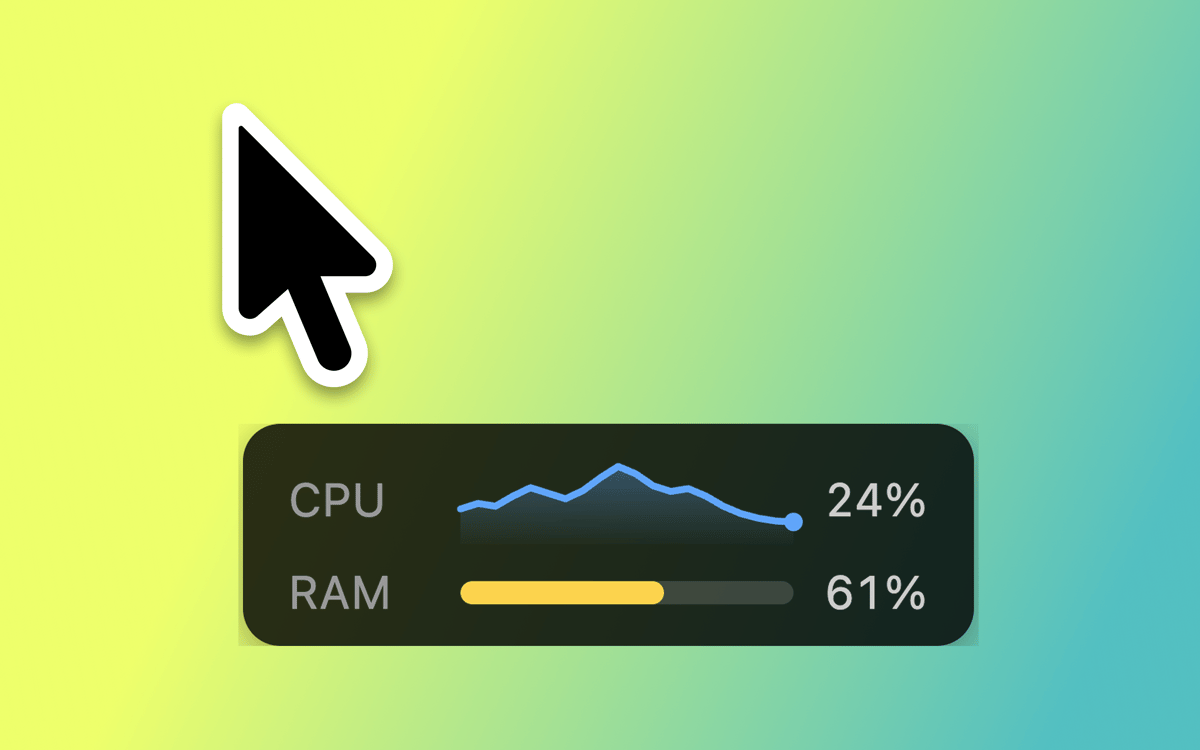
Funcionando em tela cheia? O relógio da barra de menu desaparece junto com ela. O Proximate mantém a hora e a data flutuando ao lado do seu cursor para que você sempre saiba a situação — sem nunca precisar desviar o olhar do seu trabalho.
Temporizadores do cursor
Configure um ou mais temporizadores que ficam bem ao lado do seu ponteiro. Faça uma contagem regressiva para um prazo, cronômetro um período de trabalho focado ou simplesmente acompanhe há quanto tempo algo está rodando. Escolha entre um contador digital, uma barra de progresso ou um círculo que muda de cor.
Atalhos de teclado para tudo
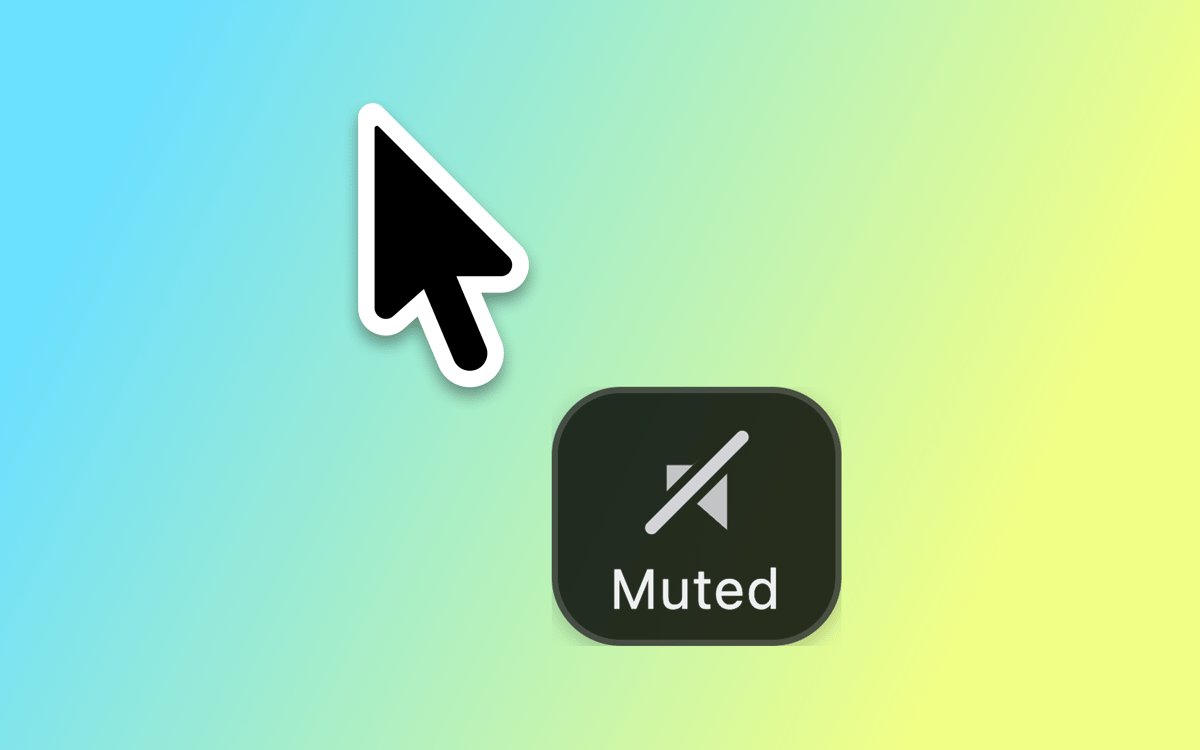
Ative e desative todos os elementos do Proximate, limpe as notificações de ícones de uma só vez ou recentralize o ponteiro do mouse na tela — tudo sem tocar no trackpad. Rápido, limpo e sempre ao seu alcance.
Visual totalmente personalizável
Posicione ícones de aplicativos e o relógio em qualquer ângulo e distância do cursor. Ajuste o tamanho do ícone, fonte do relógio, cores e formato de hora. Defina regras de transparência baseadas no movimento ou na imobilidade do seu mouse. O Proximate se adapta exatamente como você quer.
Sincronização do iCloud para configurações
Use o Proximate em vários Macs? Suas configurações seguem você automaticamente via iCloud. Configure uma vez e funciona em qualquer lugar — sem necessidade de configuração manual.
Obtenha centenas de apps com o Membership
Obtenha um membership do Setapp e use centenas de apps estelares numa única assinatura.
Experimente grátis por 7 dias. Depois, pague um valor único.
Instale o Setapp no Mac
Explore apps para Mac, iOS e web. Encontre formas fáceis de lidar com as tarefas do dia a dia.

Obtenha o app que chamou sua atenção
Aquele app especial está esperando você no Setapp. Instale‑o com um clique.

Proximate
Escolha uma assinatura
Um ou mais apps com um membership do Setapp. Obtenha os apps que você quer.

Obtenha centenas de apps com o Membership
Obtenha um membership do Setapp e use centenas de apps estelares numa única assinatura.
Experimente grátis por 7 dias. Depois, pague um valor único.
1
Instale o Setapp no Mac
Explore apps para Mac, iOS e web. Encontre formas fáceis de lidar com as tarefas do dia a dia.
2
Obtenha o app que chamou sua atenção
Aquele app especial está esperando você no Setapp. Instale‑o com um clique.
Proximate
3
Escolha uma assinatura
Um ou mais apps com um membership do Setapp. Obtenha os apps que você quer.
A casa dos melhores apps
Desde tarefas rotineiras e de planejamento a atividades criativas e de programação, encare suas tarefas com os apps do Setapp.

TypingMind
IU alternativa para conversar com IA
gere ou resuma textos
use uma biblioteca de ações
IA

Spark Mail
Gerencie e‑mails
IA

CleanMyMac
Limpe os detritos

Bartender
Personalize a barra de menus

CleanShot X
Capturas de tela versáteis

Luminar Neo
Edite suas fotos
IA

ClearVPN
Conecte‑se com mais segurança

Craft
Trabalhe com documentos
IA
Proximate
Traga os alertas para o seu cursor