Remote Mouse
Controle o Mac a partir do telefone
Mac
Versão 3.303
macOS 10.13 ou posterior
17.1 MB
2 idiomas
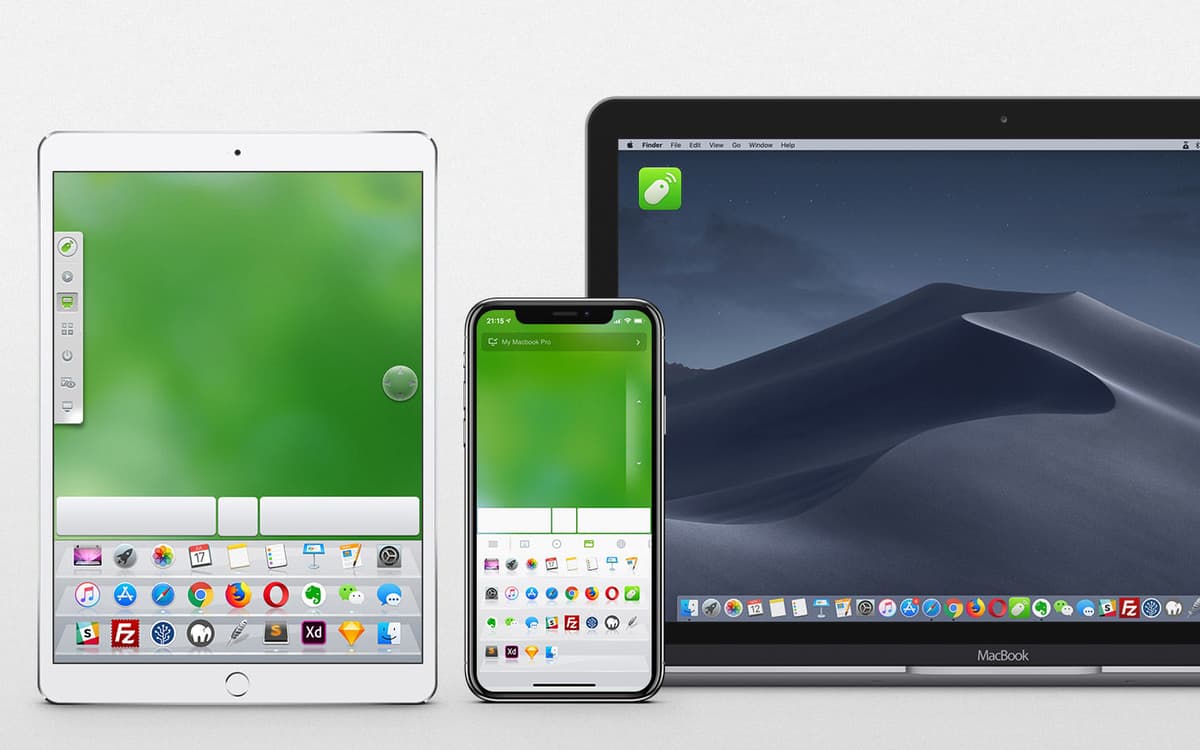
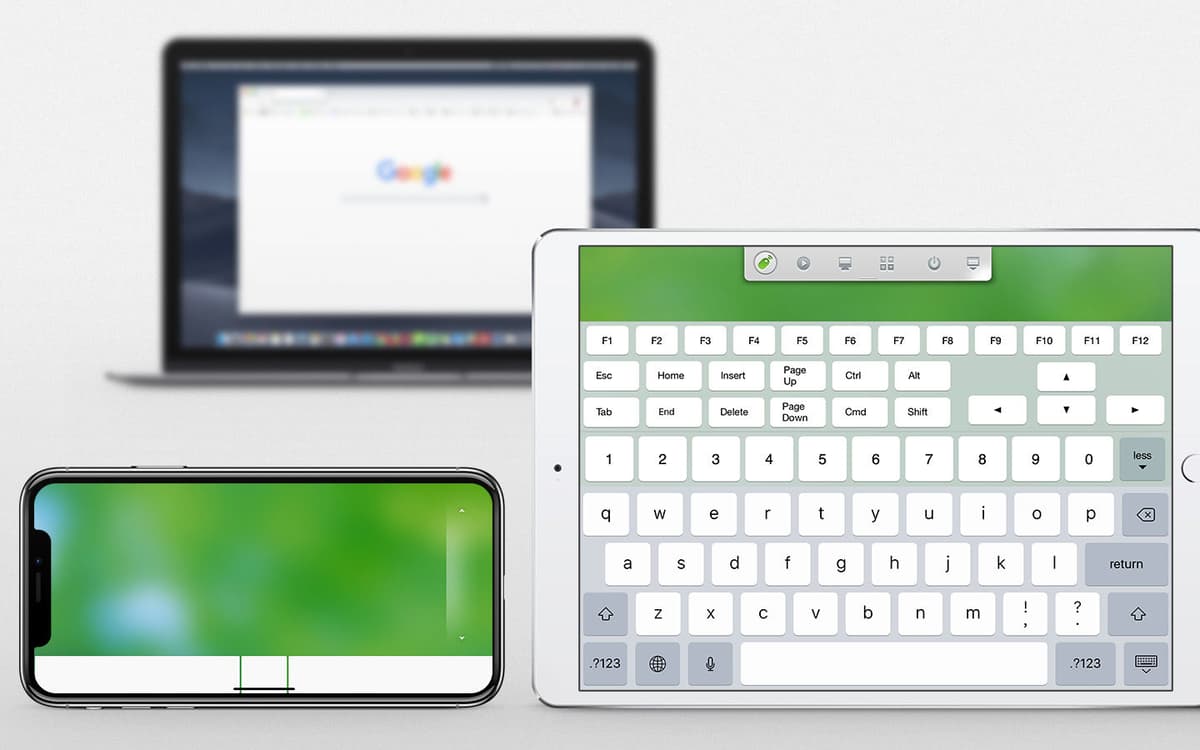
O Remote Mouse é um app conveniente para controlar o Mac via conexão sem fio. Com ele, você pode transformar o seu telefone em um outro dispositivo de entrada para o Mac. Basicamente, o Remote Mouse é uma mistura de mouse e teclado sem fio — quando o app está instalado no seu dispositivo iOS ou Android. Use gestos multi-touch inteligentes, transmita para o Mac, digite, role e manipule o computador de várias formas diferentes. Há muitos cenários de uso úteis, inclusive quando você está cansado demais para mexer no teclado.
Desligue o Mac a partir do iPhone ou iPad
Ajuste o volume quando estiver longe do Mac
Dite texto para que o Mac digite
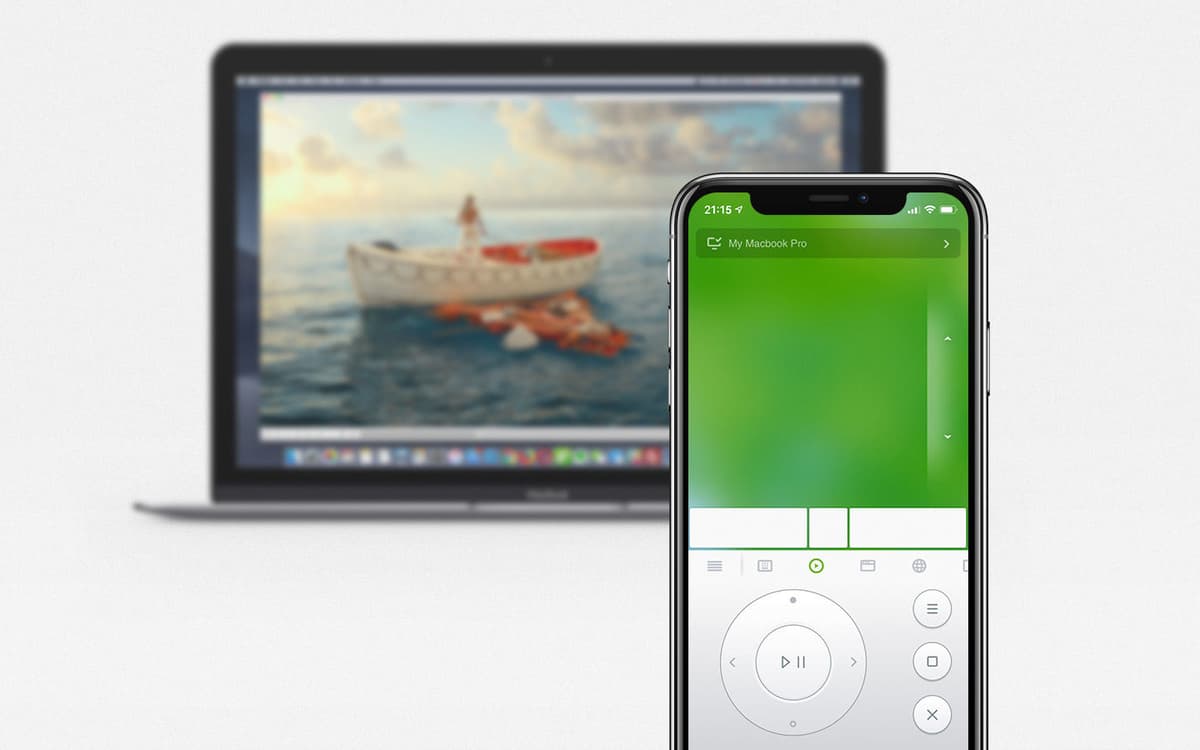
Use o Mac como uma TV e o iPhone como controle
Recursos do Remote Mouse
Opções de desligamento no telefone
Com um touchpad simulado, porém completo, para fornecer controle total do Mac, o Remote Mouse também permite que você desligue, reinicie ou finalize a sessão no Mac. Basta um toque no telefone.
Alterne entre Macs facilmente
Use o Remote Mouse para abrir qualquer app rapidamente e alternar entre o Mac de casa, do trabalho e outros computadores onde o Setapp estiver instalado. Você também curtirá o recurso superprático para mostrar a mesa. Seu mouse e teclado já estão com ciúmes.
Interface adaptável às suas necessidades
Determine os recursos que você realmente precisa e oculte o restante. O app do telefone fornece opções suficientes para deixar todos os controles exatamente do seu jeito. Assim, você realmente pode tirar proveito de uma interface totalmente personalizável de acordo com o seu gosto e as suas necessidade.
Recurso de digitação por voz
O Remote Mouse integra-se perfeitamente com o reconhecimento de voz do macOS, iOS e Android. Para usar a digitação por voz no Mac, basta tocar no botão de microfone e falar no iPhone ou telefone Android. O texto aparece na tela do Mac, como se você estivesse digitando.
Mouse giroscópico
Gosta de novidades tecnológicas? Que tal usar um mouse giroscópico então? Mova o telefone no ar para mover o cursor do mouse. Moderno, não? Divirta-se com o giroscópio e o acelerômetro de dispositivos móveis.
Controle remoto de volume
Use os botões físicos do telefone para ajustar o volume do Mac ou de outros computadores. E você também pode mudar slides em uma apresentação de forma prática e rápida com este app de controle remoto.
Classificações e avaliações
Remote Mouse
•
119 classificações
THnZone6
20 de set. de 2026
Versão do app: 3.303
This worked perfectly, and still does, except that now the iOS app is limited and asks for a subscription, and is no longer included in Setapp. The fact that the Setapp desktop version hasn’t been updated in years supports this. So, yes, it works, and yes, it works well, but you’re not getting any benefit from using the Setapp version - in fact, it’s so far behind it might be incompatible with Mac OS 27 but I don’t know because I haven’t updated yet.
ST
10 de ago. de 2026
Versão do app: 3.303
Works fine, but yes, why the ads on the phone since it’s incl in SetApp ??
Alex Campkin
25 de mai. de 2026
Versão do app: 3.303
ios app is psid, no. point to being on here
Obtenha centenas de apps com o Membership
Obtenha um membership do Setapp e use centenas de apps estelares numa única assinatura.
Experimente grátis por 7 dias. Depois, pague um valor único.
Instale o Setapp no Mac
Explore apps para Mac, iOS e web. Encontre formas fáceis de lidar com as tarefas do dia a dia.

Obtenha o app que chamou sua atenção
Aquele app especial está esperando você no Setapp. Instale‑o com um clique.

Remote Mouse
Escolha uma assinatura
Um ou mais apps com um membership do Setapp. Obtenha os apps que você quer.

Obtenha centenas de apps com o Membership
Obtenha um membership do Setapp e use centenas de apps estelares numa única assinatura.
Experimente grátis por 7 dias. Depois, pague um valor único.
1
Instale o Setapp no Mac
Explore apps para Mac, iOS e web. Encontre formas fáceis de lidar com as tarefas do dia a dia.
2
Obtenha o app que chamou sua atenção
Aquele app especial está esperando você no Setapp. Instale‑o com um clique.
Remote Mouse
3
Escolha uma assinatura
Um ou mais apps com um membership do Setapp. Obtenha os apps que você quer.
A casa dos melhores apps
Desde tarefas rotineiras e de planejamento a atividades criativas e de programação, encare suas tarefas com os apps do Setapp.

TypingMind
IU alternativa para conversar com IA
gere ou resuma textos
use uma biblioteca de ações
IA

Spark Mail
Gerencie e‑mails
IA

CleanMyMac
Limpe os detritos

Bartender
Personalize a barra de menus

CleanShot X
Capturas de tela versáteis

Luminar Neo
Edite suas fotos
IA

ClearVPN
Conecte‑se com mais segurança

Craft
Trabalhe com documentos
IA
Remote Mouse
Controle o Mac a partir do telefone