
Riveo
Edite vídeos e use efeitos

Mac, iOS
Versão 4.21
macOS 13.5 ou posterior
281.1 MB
11 idiomas
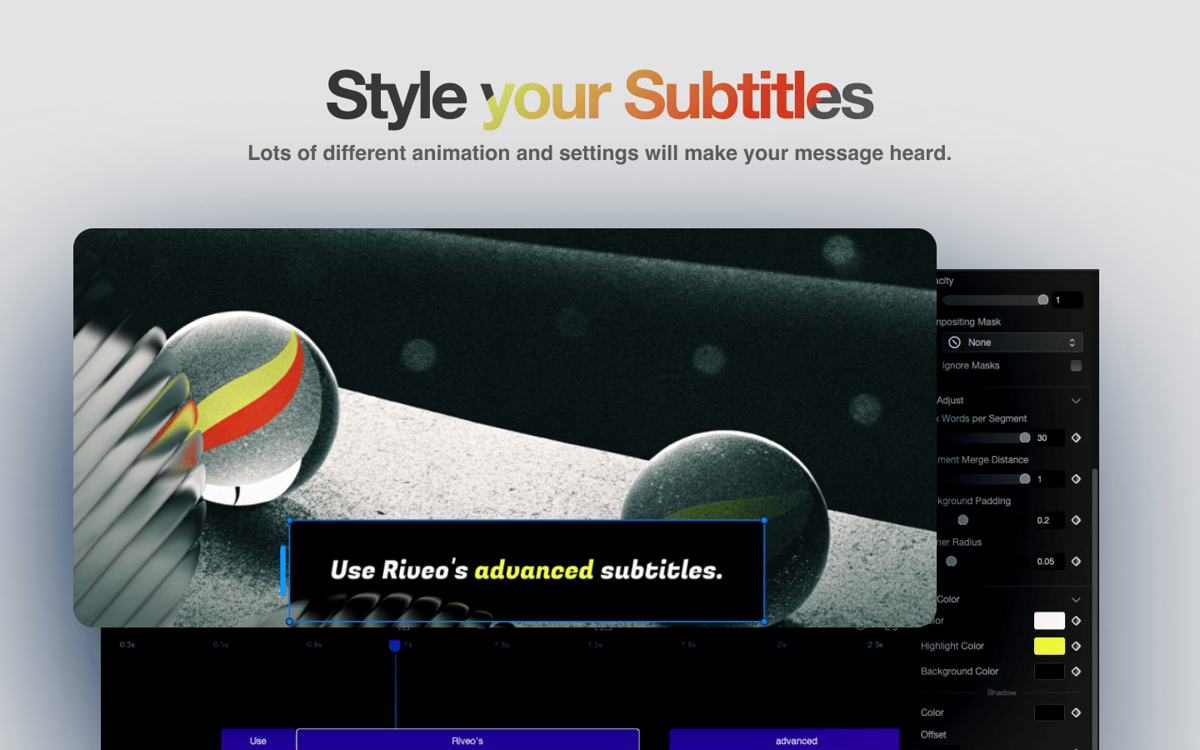
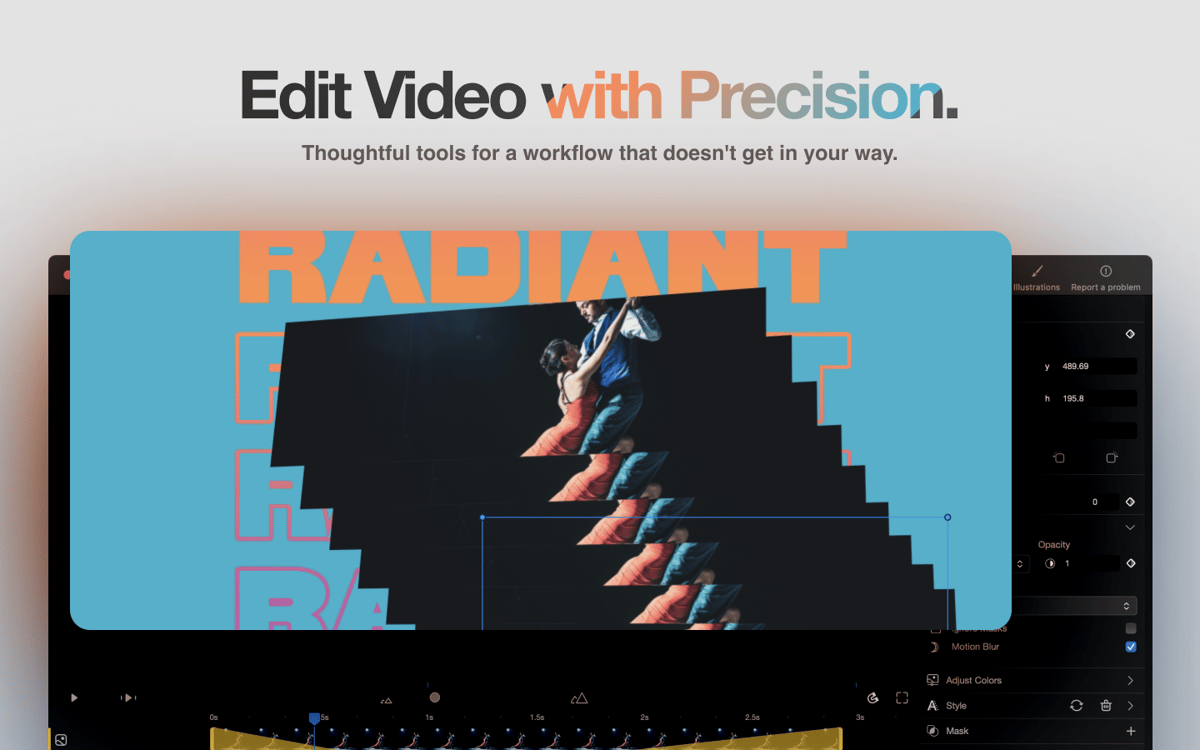
Seus vídeos merecem um visual tão criativo e desenvolvido quanto suas ideias. Com o Riveo, fica fácil transformar um conteúdo normal em algo memorável. Você pode adicionar efeitos incríveis, combinar clipes e imagens, ajustar o tempo, colocar o texto em camadas e escolher a música certa — tudo num único app. Sem usar softwares complicados nem lidar com menus confusos — apenas as ferramentas que você precisa para criar vídeos de destaque.
Use efeitos incríveis nos seus vídeos
Anime texto, sobreposições e transições
Ajuste de velocidade, tempo e movimento
Escolha música e exporte em alta qualidade
Recursos do Riveo
Adicione efeitos especiais
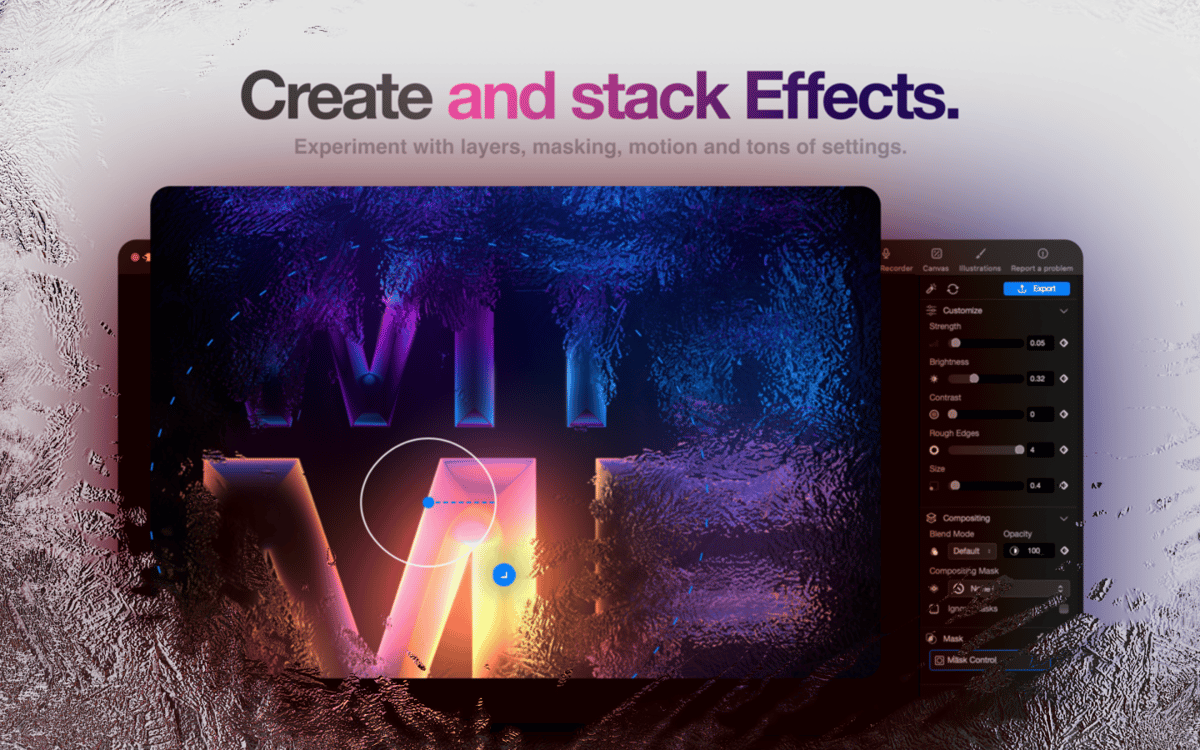
Sem capricho no visual, os vídeos ficam sem graça. Com o Riveo, você combina efeitos de fogo, fumaça, falhas, VHS antigo e até de partículas animadas, como névoa ou bolhas. Transforme clipes normais em cenas dinâmicas, para que cada quadro tenha vida.
Anime o movimento e o texto
Falta dar um pouco de movimento ao seu vídeo? Use o Riveo para adicionar efeitos de movimento, transições e texto em 3D que se move naturalmente com a cena. Com os quadros principais, você controla exatamente quando os objetos aparecem ou se deslocam. Dessa forma, os títulos, sobreposições e visuais sempre têm um propósito.
Controle a velocidade e o tempo
Às vezes, o ritmo de um vídeo não tem a energia que você quer. Com o Riveo, você ajusta a velocidade do clipe, adiciona efeitos de câmera lenta ou bumerangue e suaviza os movimentos. Assim, os momentos de ação ficam mais dramáticos e as edições mais precisas, fazendo com que a história flua perfeitamente.
Use ferramentas de IA para editar com facilidade
Pode ser complicado remover os fundos ou ajustar as camadas. O Riveo inclui máscaras, tela verde, pré-visualizações ao vivo e fundos gradientes fornecidos pela IA. Você vê todas as mudanças em tempo real e faz ajustes quando quiser, para criar vídeos elaborados de forma natural, e não técnica.
Adicione música e compartilhe
O som dá vida ao vídeo. O Riveo oferece mais de 100 faixas sem royalties que você pode sincronizar com a filmagem. Exporte em 720p, 1080p ou 4K a 60 fps, pronto para redes sociais ou telas grandes.
Classificações e avaliações
Riveo
•
39 classificações
jose
17 de abr. de 2026
Versão do app: 3.96
love it
Maggie
3 de abr. de 2026
Versão do app: 3.96
Impossible to use. Can’t even cut a video into segments. No tutorials anywhere online.
Resposta do Desenvolvedor
7 de abr. de 2026
Hey Maggie, to edit video segments you can just higlight the video -> edit -> split. You can also duplicate the video and drag the handles. Happy to answer any additional questions you may have -> [email protected]. I understand the frustration around tutorials but it's a one man show and there's always the question of how to best allocate resources. The ios app has a bunch of video tutorials in the app.
Pete
9 de mar. de 2026
Versão do app: 3.96
“Riveo needs your permission to save your video to your media library.” Uhm nope. Just want to save. Not give you permissions to access my personal stuff.
Resposta do Desenvolvedor
9 de mar. de 2026
Fair, I'll remove it. It's a vestige from the iOS app where there is no other way to save. -Marcus
Obtenha centenas de apps com o Membership
Obtenha um membership do Setapp e use centenas de apps estelares numa única assinatura.
Experimente grátis por 7 dias. Depois, pague um valor único.
Instale o Setapp no Mac
Explore apps para Mac, iOS e web. Encontre formas fáceis de lidar com as tarefas do dia a dia.

Obtenha o app que chamou sua atenção
Aquele app especial está esperando você no Setapp. Instale‑o com um clique.

Riveo
Escolha uma assinatura
Um ou mais apps com um membership do Setapp. Obtenha os apps que você quer.

Obtenha centenas de apps com o Membership
Obtenha um membership do Setapp e use centenas de apps estelares numa única assinatura.
Experimente grátis por 7 dias. Depois, pague um valor único.
1
Instale o Setapp no Mac
Explore apps para Mac, iOS e web. Encontre formas fáceis de lidar com as tarefas do dia a dia.
2
Obtenha o app que chamou sua atenção
Aquele app especial está esperando você no Setapp. Instale‑o com um clique.
Riveo
3
Escolha uma assinatura
Um ou mais apps com um membership do Setapp. Obtenha os apps que você quer.
A casa dos melhores apps
Desde tarefas rotineiras e de planejamento a atividades criativas e de programação, encare suas tarefas com os apps do Setapp.

TypingMind
IU alternativa para conversar com IA
gere ou resuma textos
use uma biblioteca de ações
IA

Spark Mail
Gerencie e‑mails
IA

CleanMyMac
Limpe os detritos

Bartender
Personalize a barra de menus

CleanShot X
Capturas de tela versáteis

Luminar Neo
Edite suas fotos
IA

ClearVPN
Conecte‑se com mais segurança

Craft
Trabalhe com documentos
IA
Riveo
Edite vídeos e use efeitos