
SaneBar
Private menu bar control

Mac
Versão 2.1.71
macOS 14.0 ou posterior
22.8 MB
1 idiomas
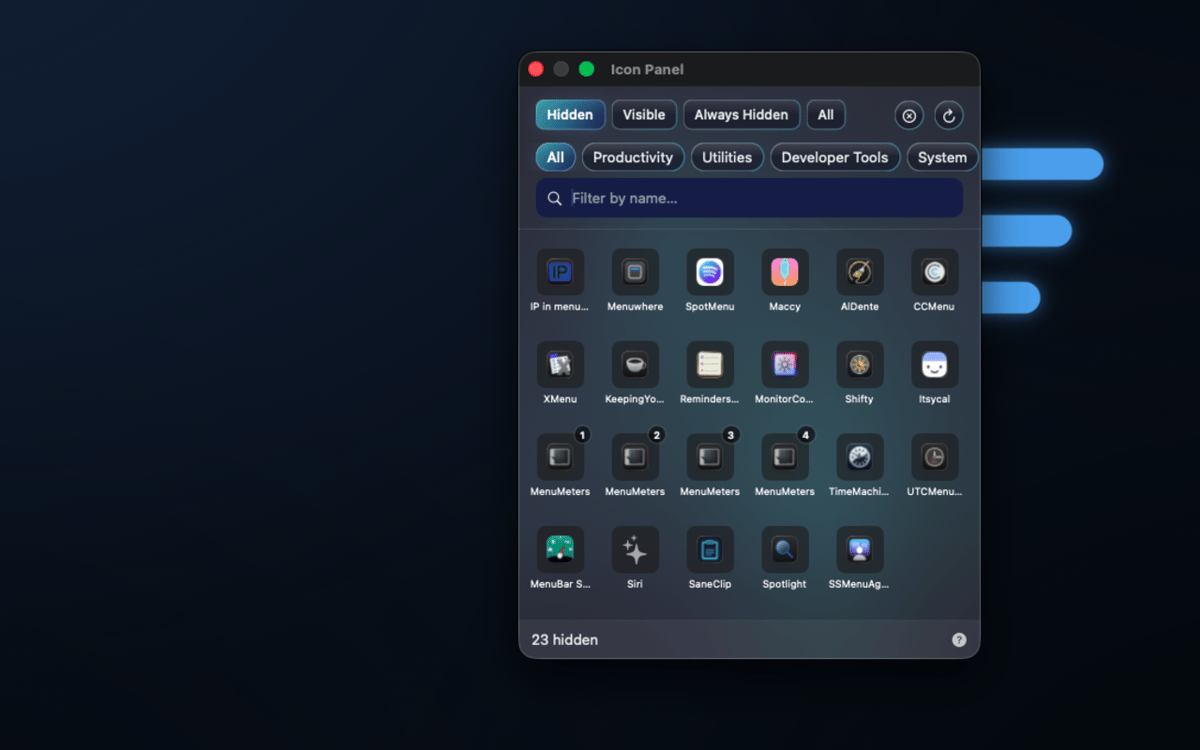
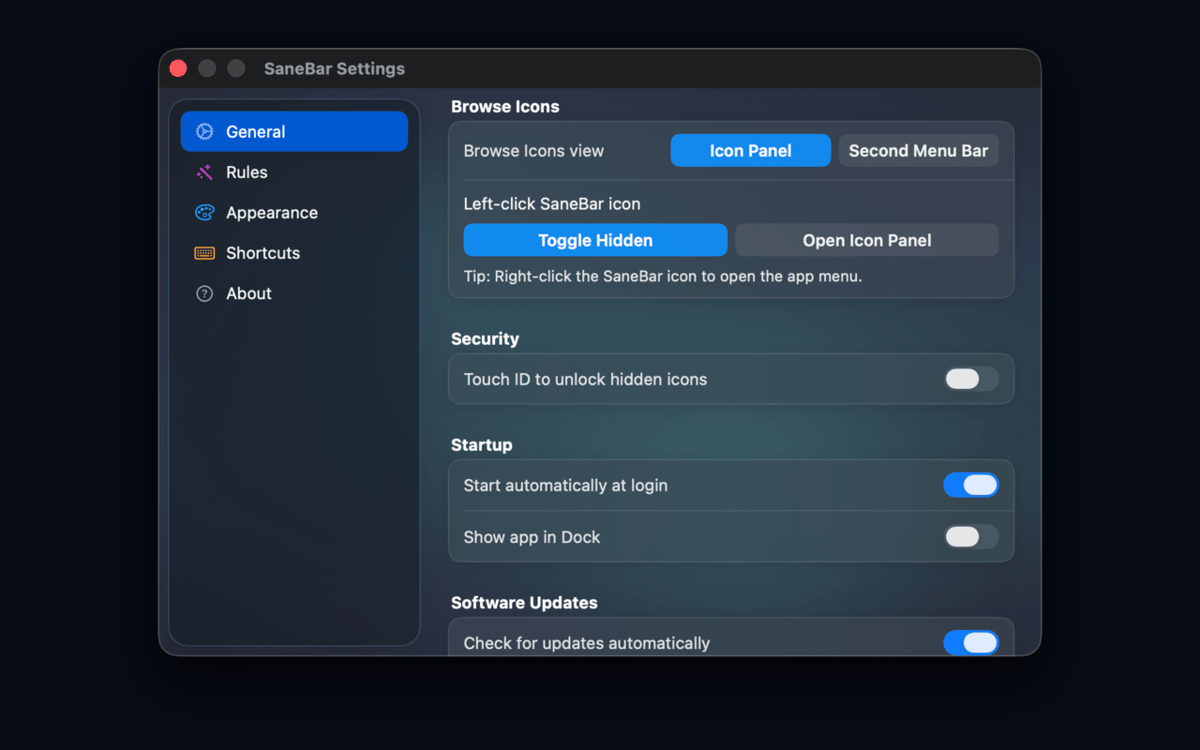
SaneBar is a privacy-first menu bar manager for Mac. It keeps your menu bar setup on your Mac: no cloud account, no user-content upload, and no spying on your menu bar contents. Hide icons you do not need, reveal them with a click, search, hotkey, hover, or scroll, and lock sensitive hidden icons behind Touch ID or a password.
Hide clutter privately
Lock icons with Touch ID
Find hidden icons fast
Automate menu bar layouts
Recursos do SaneBar
Keep menu bar organization private
SaneBar keeps everything on your Mac — layouts, preferences, icon names, screenshots, and personal content never reach SaneApps servers. No cloud account required, no data uploaded. What's in your menu bar stays exactly where it belongs: with you.
Hide and reveal icons your way
Keep the icons you actually use front and center. Tuck the rest away and bring them back whenever you need them — with a click, a hotkey, a hover, or a scroll. You're always one gesture away from the full picture.
Lock sensitive icons from prying eyes
Screen sharing or presenting to a crowd? Lock hidden icons behind Touch ID or a password so no one accidentally glimpses what's tucked away. It's a small thing that makes a big difference.
Smart triggers that read the room
Set SaneBar to reveal icons automatically based on context — Focus mode, battery level, Wi-Fi network, schedule, app launch, or a custom script. Your menu bar adapts to what you're doing, not the other way around.
Find any icon in seconds
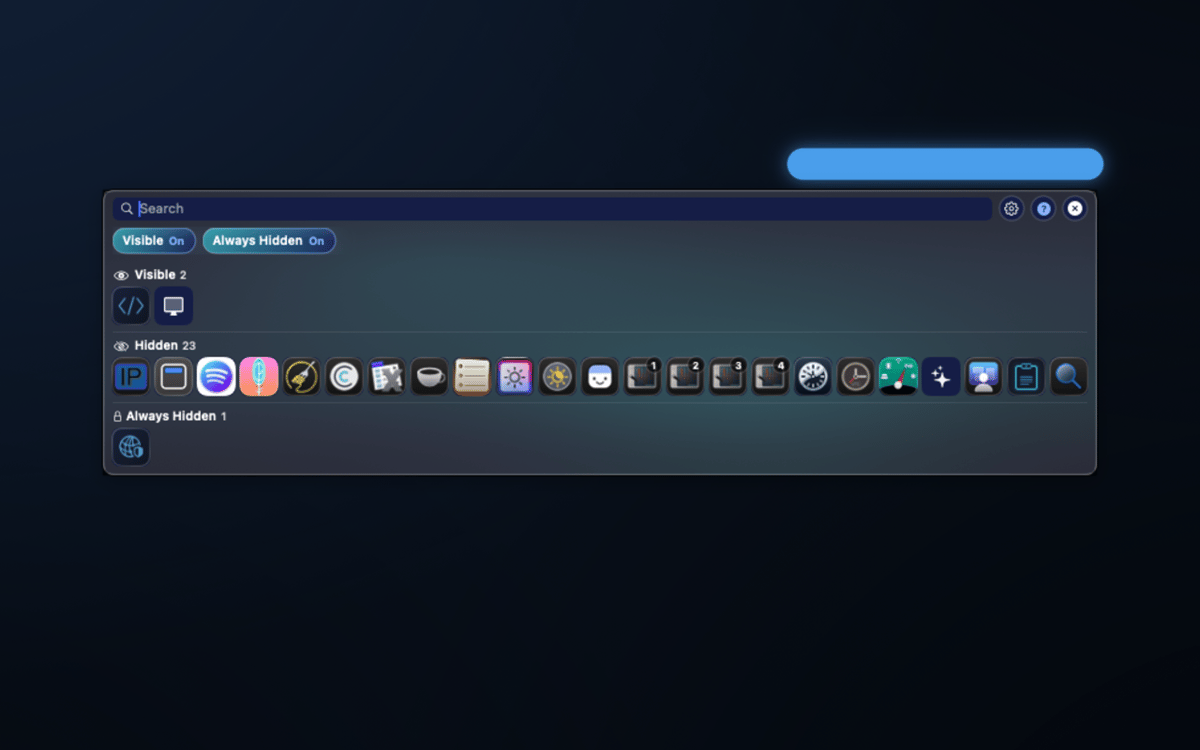
A floating icon panel and a second menu bar let you search hidden icons by app name and open their menu items on the spot — no need to shuffle your layout every time you need something buried.
Organize like a pro
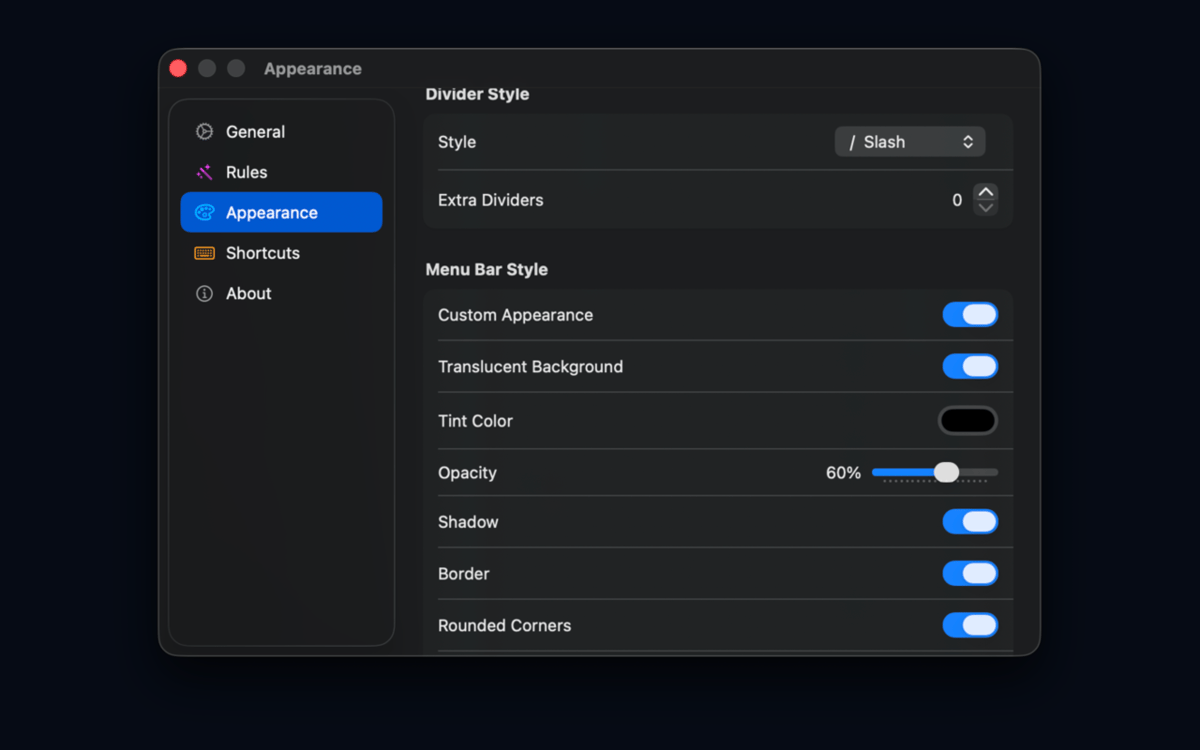
Group icons, create profiles, set up an Always Hidden zone, adjust spacing, tweak appearance, and use import/export to back up or share your setup. Migrating from Bartender or Ice? SaneBar handles that too.
Obtenha centenas de apps com o Membership
Obtenha um membership do Setapp e use centenas de apps estelares numa única assinatura.
Experimente grátis por 7 dias. Depois, pague um valor único.
Instale o Setapp no Mac
Explore apps para Mac, iOS e web. Encontre formas fáceis de lidar com as tarefas do dia a dia.

Obtenha o app que chamou sua atenção
Aquele app especial está esperando você no Setapp. Instale‑o com um clique.

SaneBar
Escolha uma assinatura
Um ou mais apps com um membership do Setapp. Obtenha os apps que você quer.

Obtenha centenas de apps com o Membership
Obtenha um membership do Setapp e use centenas de apps estelares numa única assinatura.
Experimente grátis por 7 dias. Depois, pague um valor único.
1
Instale o Setapp no Mac
Explore apps para Mac, iOS e web. Encontre formas fáceis de lidar com as tarefas do dia a dia.
2
Obtenha o app que chamou sua atenção
Aquele app especial está esperando você no Setapp. Instale‑o com um clique.
SaneBar
3
Escolha uma assinatura
Um ou mais apps com um membership do Setapp. Obtenha os apps que você quer.
A casa dos melhores apps
Desde tarefas rotineiras e de planejamento a atividades criativas e de programação, encare suas tarefas com os apps do Setapp.

TypingMind
IU alternativa para conversar com IA
gere ou resuma textos
use uma biblioteca de ações
IA

Spark Mail
Gerencie e‑mails
IA

CleanMyMac
Limpe os detritos

Bartender
Personalize a barra de menus

CleanShot X
Capturas de tela versáteis

Luminar Neo
Edite suas fotos
IA

ClearVPN
Conecte‑se com mais segurança

Craft
Trabalhe com documentos
IA
SaneBar
Private menu bar control