Screenshot Blur
Oculte detalhes sigilosos rapidamente

Mac
Versão 1.1.0
macOS 13.0 ou posterior
23.3 MB
1 idiomas
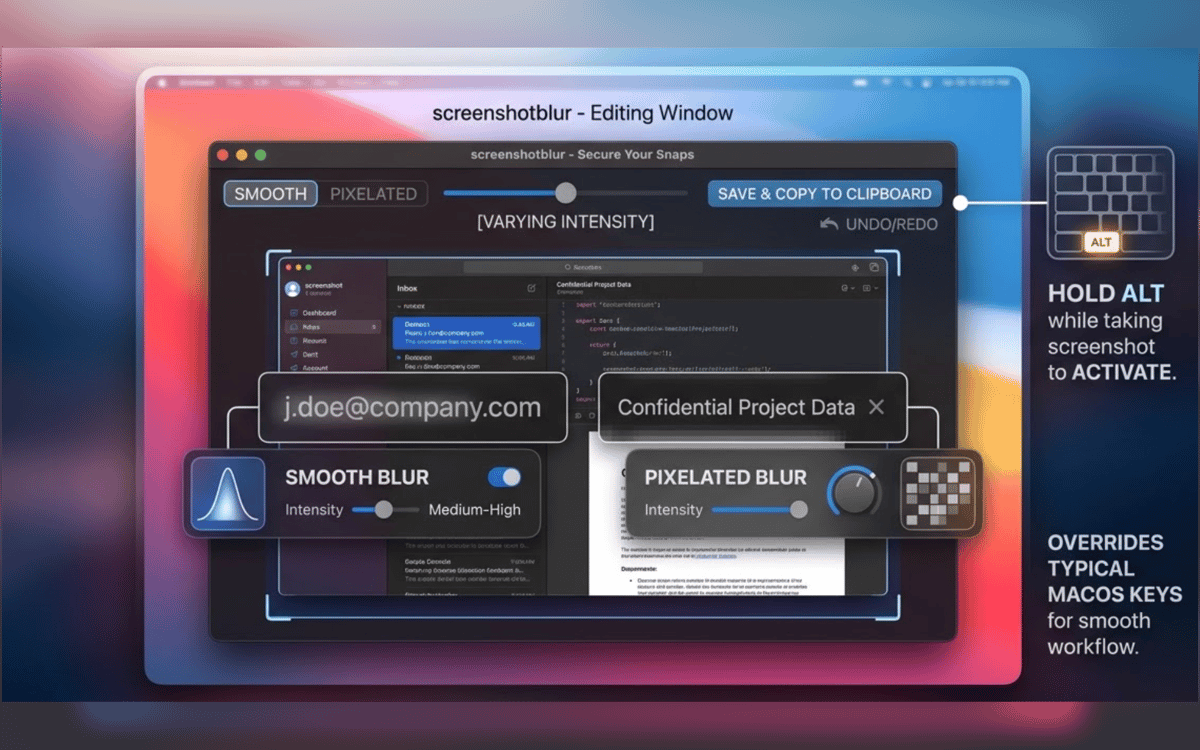
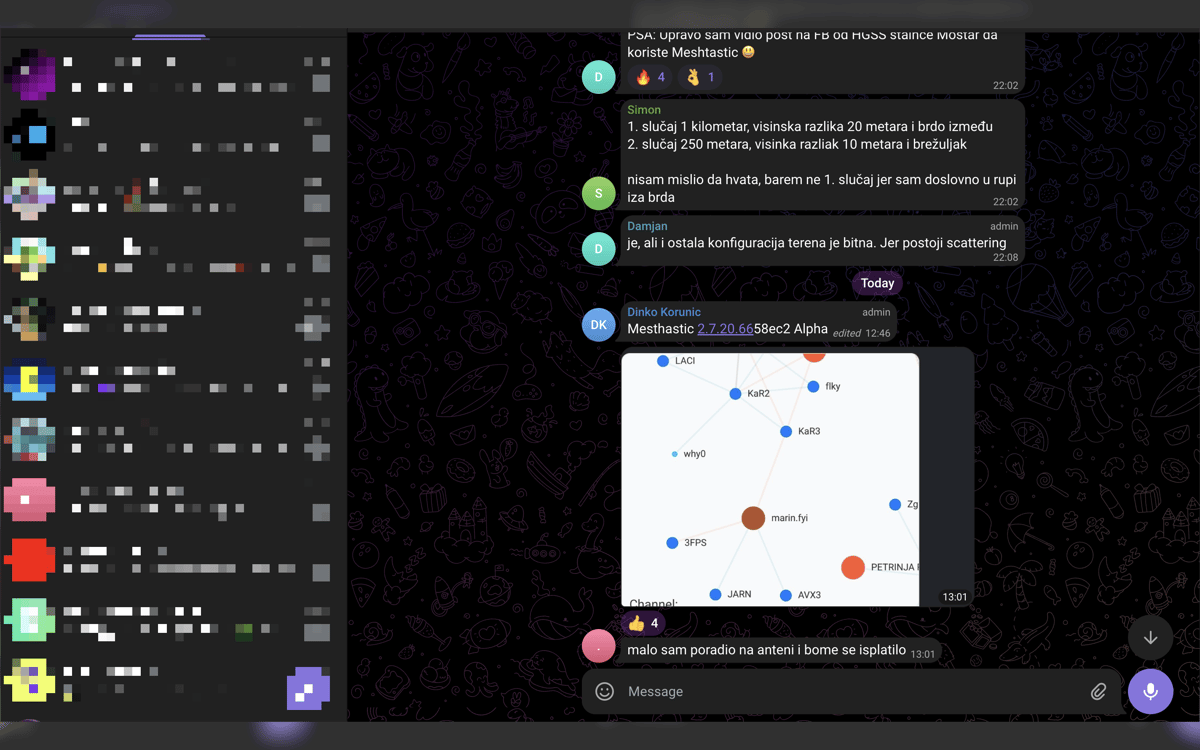
Screenshot Blur é uma ferramenta de privacidade para capturas de tela no Mac. Integra-se ao fluxo nativo de captura de tela do macOS, permitindo que você passe diretamente da captura para a limpeza sem interromper seu ritmo. Desfoque ou pixelize senhas, tokens, e-mails, endereços de carteira e outros detalhes sensíveis antes de compartilhar. Toda edição fica local no seu Mac, e você pode salvar o resultado, copiá-lo ou fazer ambos em uma etapa.
Oculte dados privados antes de compartilhar
Ocultar tokens, e-mails e URLs
Capturas limpas para docs e posts
Salve ou copie em um movimento
Recursos do Screenshot Blur
Edite capturas de tela logo após capturar
Não reabre arquivos. Sem precisar vasculhar pastas. Tire uma captura de tela com o atalho nativo do macOS, segure Option, e o Screenshot Blur abre a imagem imediatamente para que você possa limpá-la na hora.
Mantenha o fluxo de capturas de tela que você já usa
O Screenshot Blur funciona com o fluxo de captura de tela nativo do macOS, em vez de forçar você a usar uma ferramenta de captura separada. Isso significa menos complicação e menos etapas sempre que você precisar compartilhar algo rapidamente.
Desfocar ou pixelizar detalhes privados
Oculte o que não deve sair da sua tela: senhas, chaves de API, tokens de acesso, dados de clientes, endereços de carteira, URLs internas e muito mais. Escolha entre desfoque suave e pixelização, dependendo do que fica melhor na imagem final.
Mantenha todas as edições locais
Este app foi criado para privacidade, não uploads. Suas capturas de tela permanecem no seu Mac, sem editor na nuvem, sem conta obrigatória e sem dependência de um serviço online apenas para ocultar alguns detalhes.
Exporte do seu jeito
Após limpar a captura de tela, salve-a, copie-a ou faça ambas de uma vez. É um detalhe pequeno, mas elimina aquela última etapa irritante quando você está trabalhando em documentos, respostas de suporte, chats internos ou posts em redes sociais.
Obtenha centenas de apps com o Membership
Obtenha um membership do Setapp e use centenas de apps estelares numa única assinatura.
Experimente grátis por 7 dias. Depois, pague um valor único.
Instale o Setapp no Mac
Explore apps para Mac, iOS e web. Encontre formas fáceis de lidar com as tarefas do dia a dia.

Obtenha o app que chamou sua atenção
Aquele app especial está esperando você no Setapp. Instale‑o com um clique.

Screenshot Blur
Escolha uma assinatura
Um ou mais apps com um membership do Setapp. Obtenha os apps que você quer.

Obtenha centenas de apps com o Membership
Obtenha um membership do Setapp e use centenas de apps estelares numa única assinatura.
Experimente grátis por 7 dias. Depois, pague um valor único.
1
Instale o Setapp no Mac
Explore apps para Mac, iOS e web. Encontre formas fáceis de lidar com as tarefas do dia a dia.
2
Obtenha o app que chamou sua atenção
Aquele app especial está esperando você no Setapp. Instale‑o com um clique.
Screenshot Blur
3
Escolha uma assinatura
Um ou mais apps com um membership do Setapp. Obtenha os apps que você quer.
A casa dos melhores apps
Desde tarefas rotineiras e de planejamento a atividades criativas e de programação, encare suas tarefas com os apps do Setapp.

TypingMind
IU alternativa para conversar com IA
gere ou resuma textos
use uma biblioteca de ações
IA

Spark Mail
Gerencie e‑mails
IA

CleanMyMac
Limpe os detritos

Bartender
Personalize a barra de menus

CleanShot X
Capturas de tela versáteis

Luminar Neo
Edite suas fotos
IA

ClearVPN
Conecte‑se com mais segurança

Craft
Trabalhe com documentos
IA
Screenshot Blur
Oculte detalhes sigilosos rapidamente