
ShelfShot
Fotos de produtos, impecáveis
Mac
Versão 0.5.7
macOS 13.0 ou posterior
43.3 MB
1 idiomas
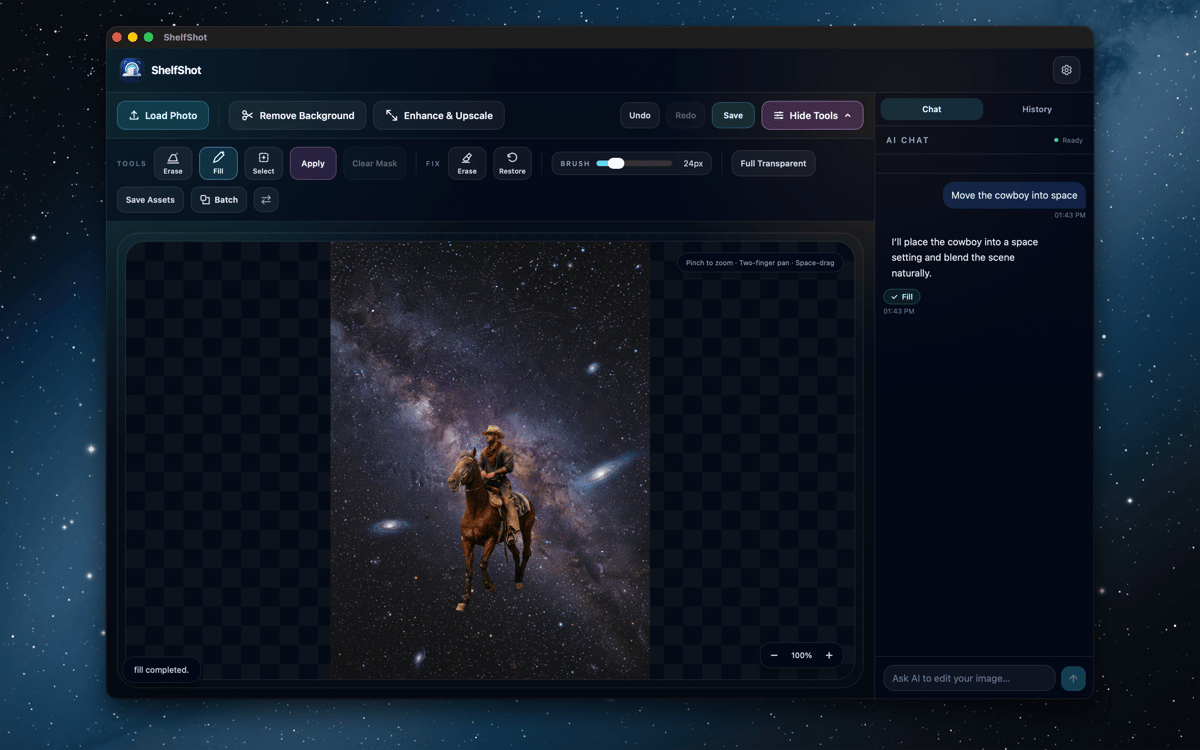
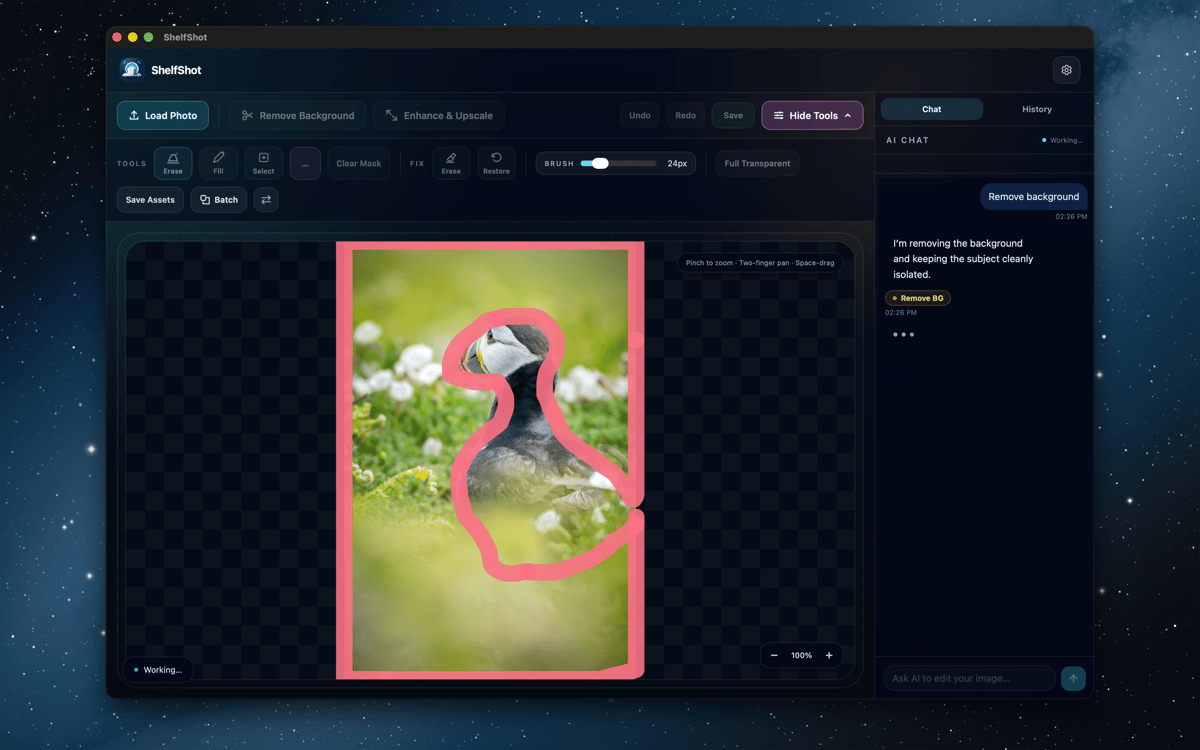
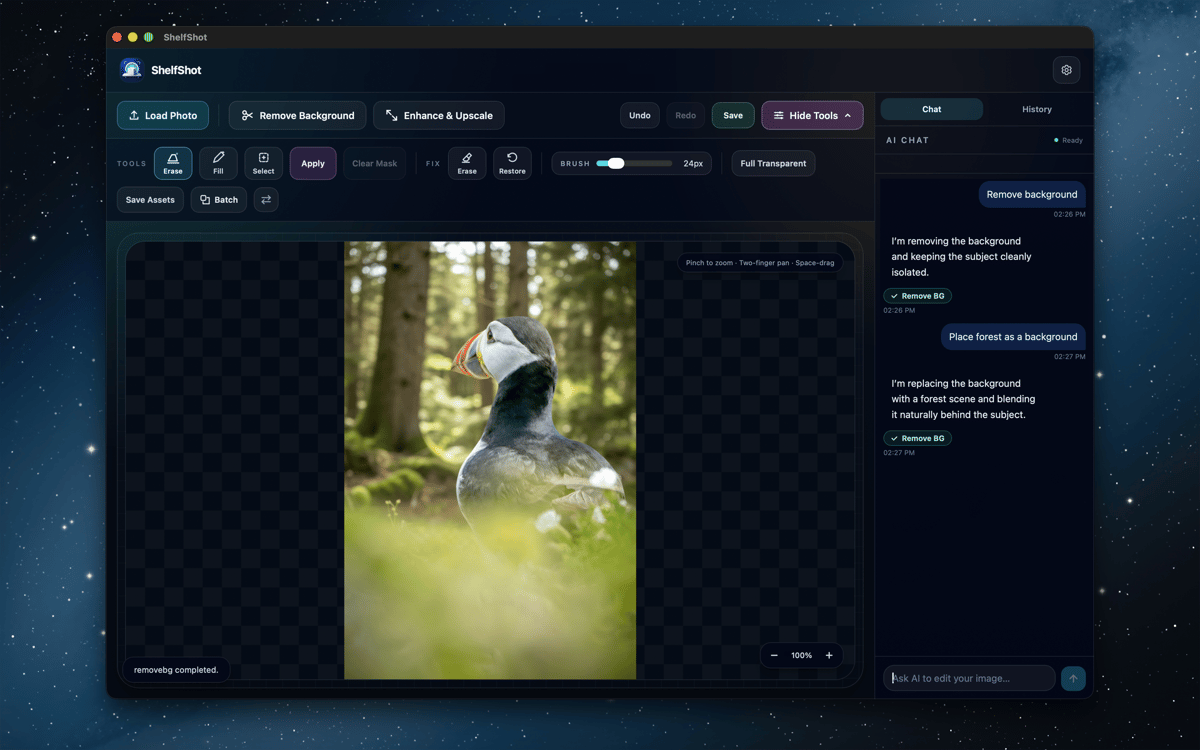
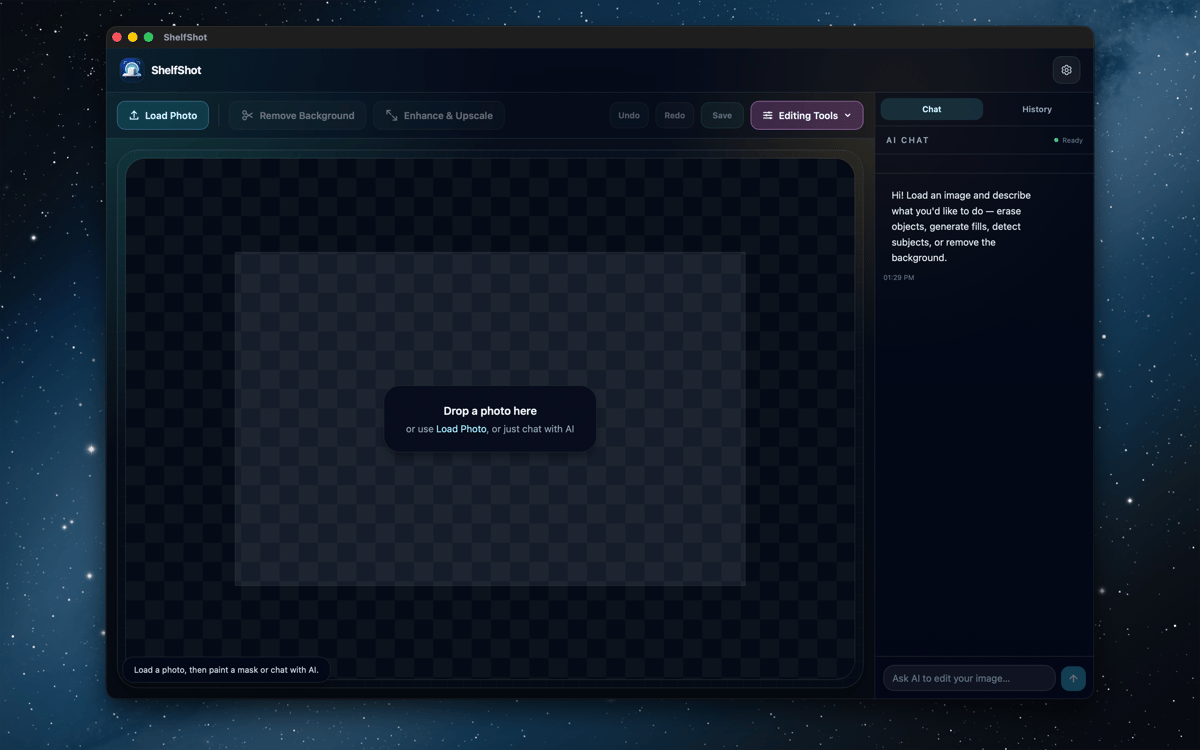
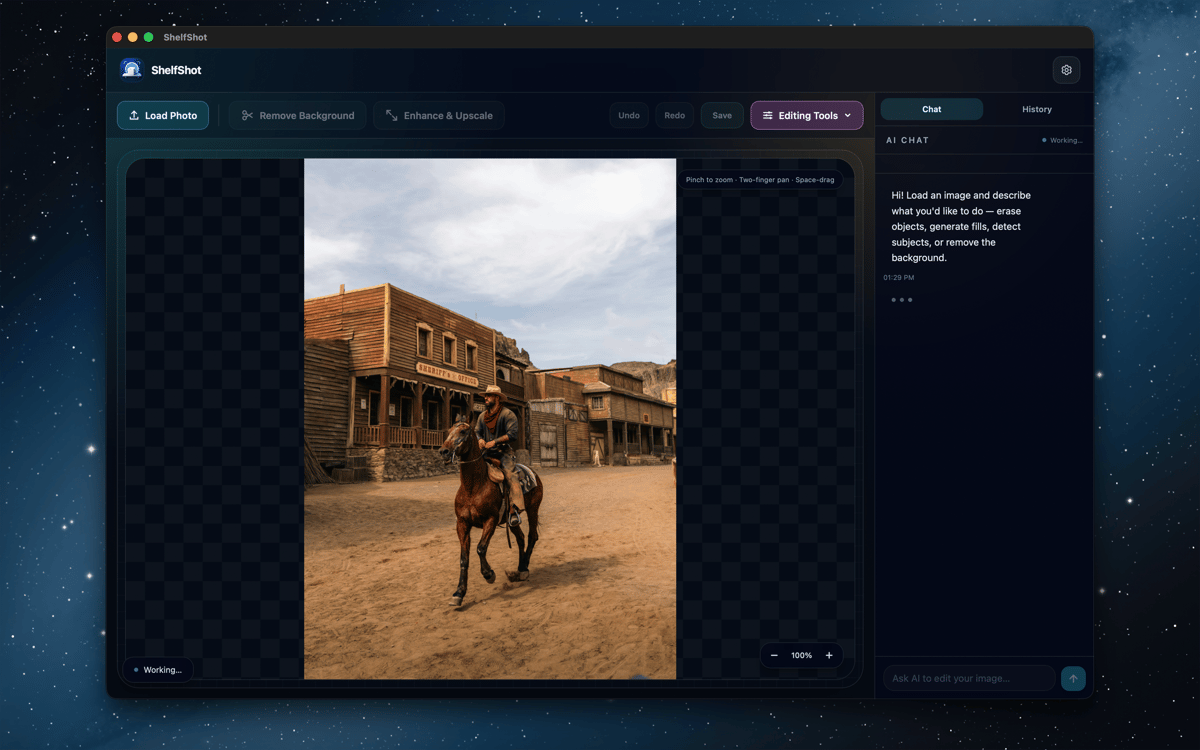
ShelfShot é um editor de fotos de produtos com IA para Mac. Remova fundos, retoque detalhes, gere novas cenas, aumente a resolução das imagens e processe pastas inteiras em um único espaço de trabalho focado. As edições manuais permanecem locais, enquanto as ações de IA são executadas pelo Setapp AI somente quando você as inicia. Ele foi feito para deixar as imagens de produtos mais limpas sem transformar seu Mac em um pequeno circo de produção fotográfica.
Remover fundos de produtos
Retocar pequenos detalhes da imagem
Gerar novas cenas de produtos
Editar pastas de catálogo em lote
Recursos do ShelfShot
Remover fundos e refinar bordas
Recorte produtos com IA e depois ajuste os pontos mais difíceis com os pincéis locais de apagar e restaurar. Ideal para vidro, sombras, bordas finas e todos aqueles pixels minúsculos que adoram fazer drama.
Retocar com orientação de IA
Use instruções e máscaras opcionais para corrigir detalhes, substituir áreas, remover fundos, aumentar a resolução ou fazer edições personalizadas. Revise cada resultado antes de publicar, especialmente as cores, os rótulos, as texturas e o formato do produto.
Gerar cenas de produtos
Descreva um cenário, clima ou composição comercial e crie um novo visual para o produto. Útil para ideias de campanha, materiais para loja e para testar um visual antes de planejar uma sessão de fotos maior.
Aumentar a resolução para exportações mais nítidas
Crie PNGs maiores quando um catálogo, anúncio ou campanha precisar de mais pixels. Inspecione a imagem final em tamanho real e exporte a versão pronta para uso.
Processar pastas em lotes
Aplique remoção de fundo, saída transparente, aumento de resolução, prompts personalizados ou predefinições no estilo de marketplace a vários arquivos. Os resultados do lote são salvos em uma pasta de saída específica.
Usar predefinições voltadas para marketplaces
Comece com fluxos de trabalho no estilo Amazon, Etsy ou Shopify para a preparação de anúncios comuns. São atalhos úteis, não garantias de conformidade, então vale a pena conferir as regras atuais do marketplace antes de publicar.
Classificações e avaliações
ShelfShot
•
4 classificações
Khabib
26 de out. de 2026
Versão do app: 0.5.7
Great app for editing photos
Greg Wilkinson
30 de set. de 2026
Versão do app: 0.5.7
Works easily - good with sharpening portraits. Early days as yet.
Obtenha centenas de apps com o Membership
Obtenha um membership do Setapp e use centenas de apps estelares numa única assinatura.
Experimente grátis por 7 dias. Depois, pague um valor único.
Instale o Setapp no Mac
Explore apps para Mac, iOS e web. Encontre formas fáceis de lidar com as tarefas do dia a dia.

Obtenha o app que chamou sua atenção
Aquele app especial está esperando você no Setapp. Instale‑o com um clique.

ShelfShot
Escolha uma assinatura
Um ou mais apps com um membership do Setapp. Obtenha os apps que você quer.

Obtenha centenas de apps com o Membership
Obtenha um membership do Setapp e use centenas de apps estelares numa única assinatura.
Experimente grátis por 7 dias. Depois, pague um valor único.
1
Instale o Setapp no Mac
Explore apps para Mac, iOS e web. Encontre formas fáceis de lidar com as tarefas do dia a dia.
2
Obtenha o app que chamou sua atenção
Aquele app especial está esperando você no Setapp. Instale‑o com um clique.
ShelfShot
3
Escolha uma assinatura
Um ou mais apps com um membership do Setapp. Obtenha os apps que você quer.
A casa dos melhores apps
Desde tarefas rotineiras e de planejamento a atividades criativas e de programação, encare suas tarefas com os apps do Setapp.

TypingMind
IU alternativa para conversar com IA
gere ou resuma textos
use uma biblioteca de ações
IA

Spark Mail
Gerencie e‑mails
IA

CleanMyMac
Limpe os detritos

Bartender
Personalize a barra de menus

CleanShot X
Capturas de tela versáteis

Luminar Neo
Edite suas fotos
IA

ClearVPN
Conecte‑se com mais segurança

Craft
Trabalhe com documentos
IA
ShelfShot
Fotos de produtos, impecáveis