
SnapMotion
Capture imagens em vídeos
Mac
Versão 5.3.0
macOS 26.0 ou posterior
18.3 MB
7 idiomas
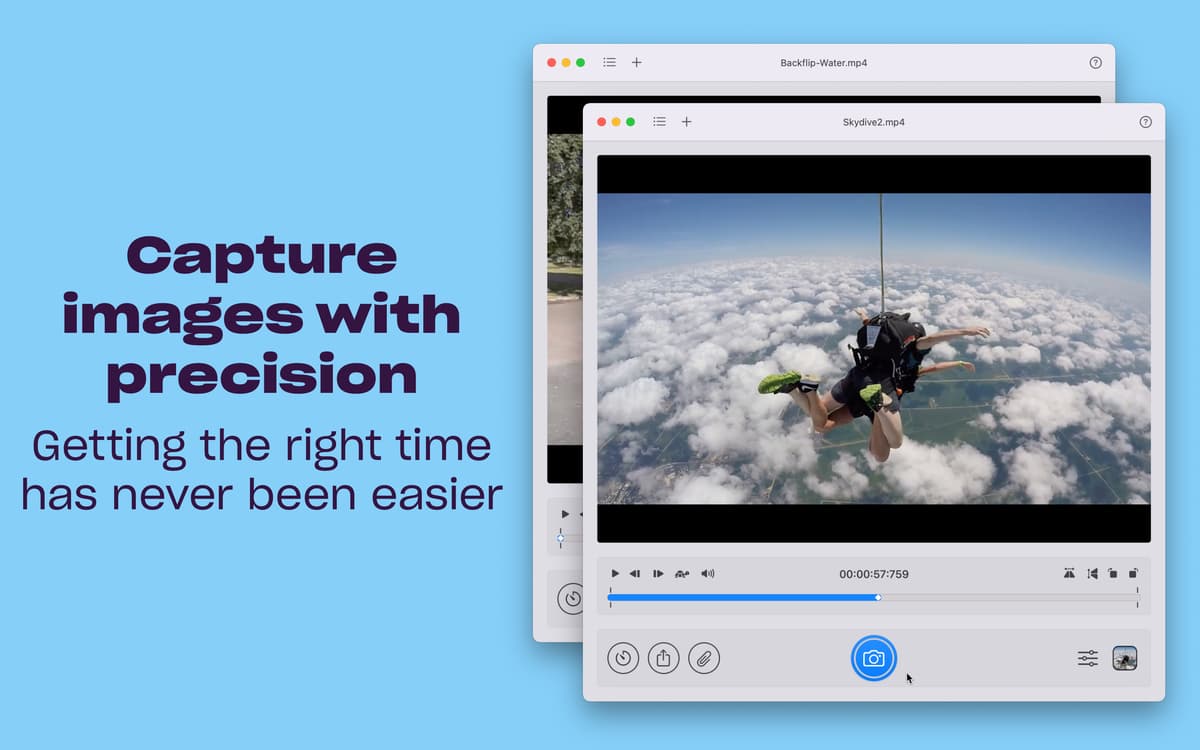
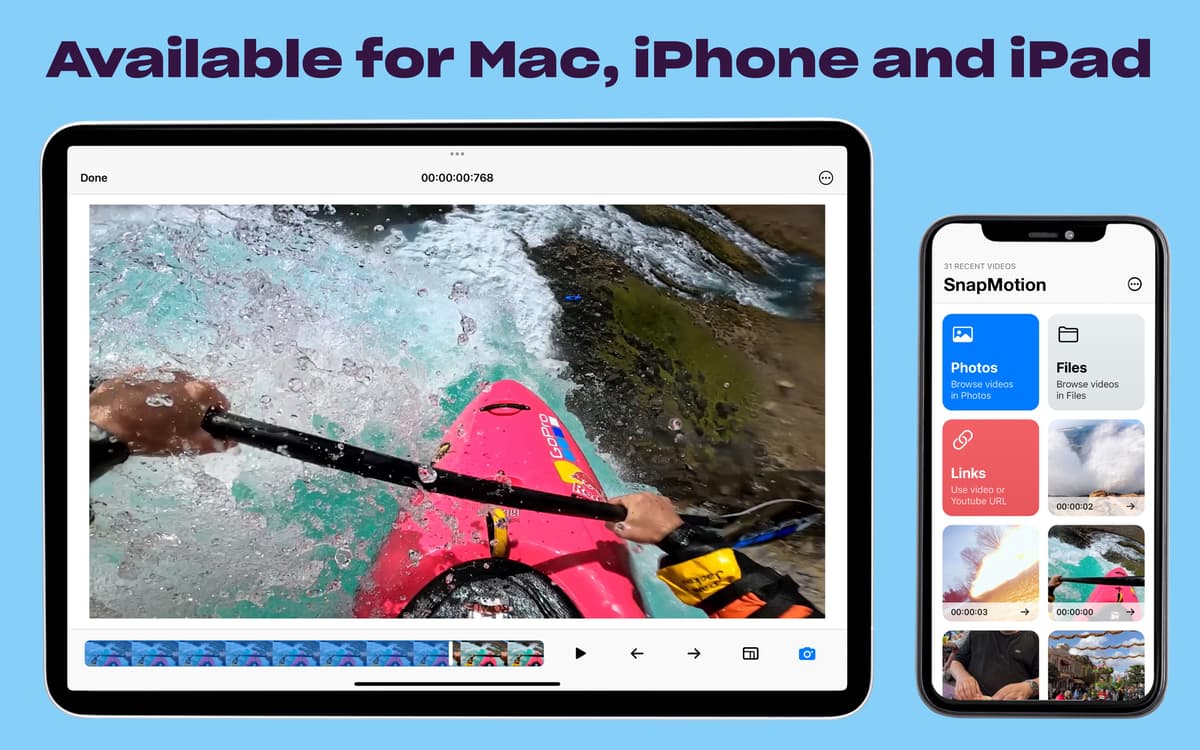
Precisando de uma ferramenta fácil para extrair imagens de vídeos? Use o SnapMotion, uma ferramenta simples que ajuda a extrair os visuais que você precisa de arquivos de vídeo. Gire o vire os vídeos antes de capturar, abra rapidamente a partir do Finder ou do app Fotos e obtenha quantas imagens estáticas quiser com o SnapMotion.
Imagens de vídeos em alta qualidade
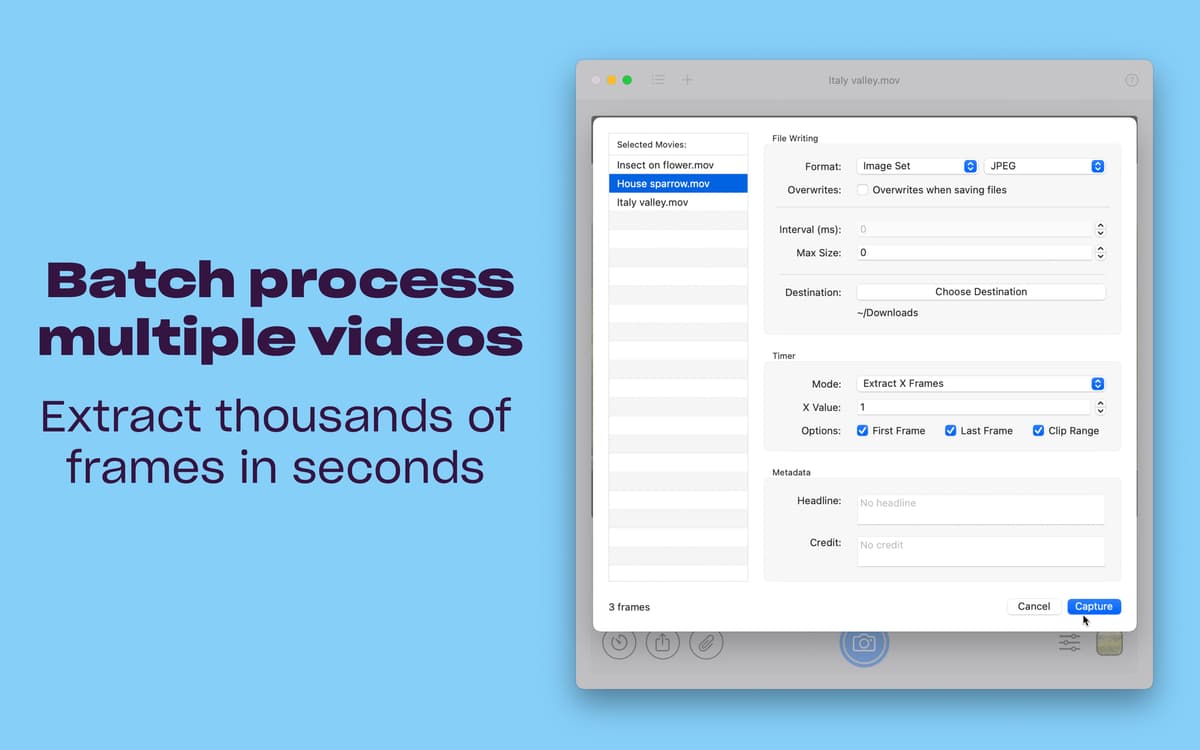
Extraia diversas imagens em lote
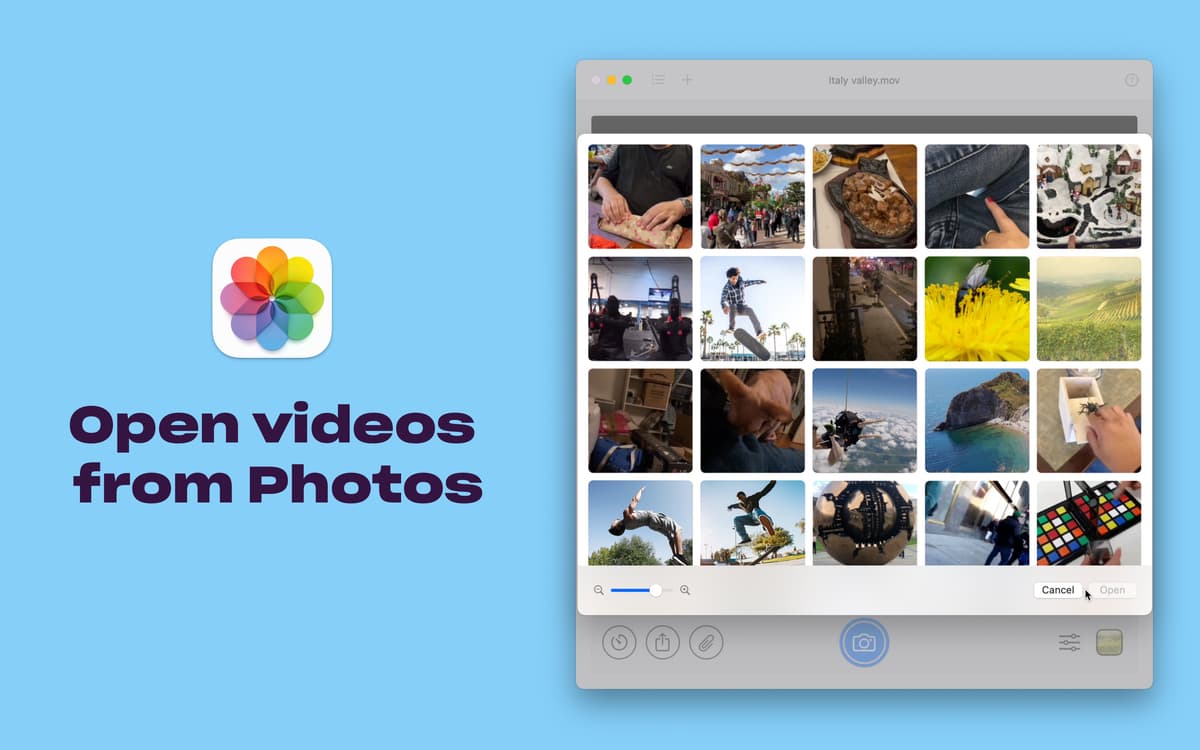
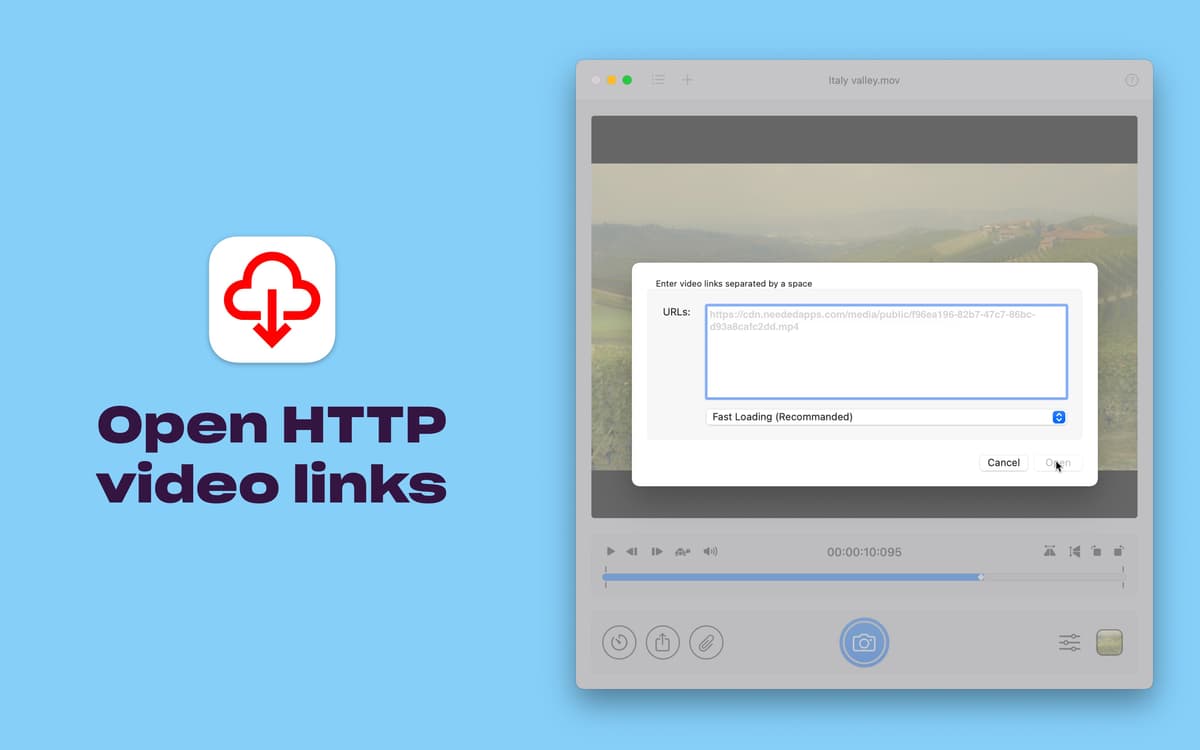
Abra vídeos do Finder, Fotos e links
Gire ou vire vídeos antes de capturar
Recursos do SnapMotion
Capture com a melhor qualidade
Abra vídeos em 4K e 8K sem lentidão e obtenha capturas de alta qualidade com o SnapMotion. Nada daquelas capturas irregulares que levam uma eternidade para criar e que, na maioria das vezes, ficam borradas. Obtenha quadros dos vídeos na maior qualidade possível com as práticas ferramentas do SnapMotion.
Abra vídeos facilmente
Não perca tempo ao abrir vídeos. Abra arquivos do Finder e dos apps Fotos e Arquivos diretamente no SnapMotion. Ainda melhor: você também pode abrir vídeos no SnapMotion através de links, o que facilita e acelera a captura, sem a necessidade de mover ou baixar arquivos de antemão.
Gire e vire
Economize ainda mais tempo com o recurso de girar e virar integrado do SnapMotion. Sem a necessidade de recodificar o vídeo antes de salvar as capturas de tela na orientação certa. Basta virar ou girar o vídeo no app e capturar o que você precisa, exatamente da maneira que você pretende que a imagem seja vista.
Processamento em lote
Quando você precisa capturar muitas imagens de um vídeo, o SnapMotion está à altura da tarefa. O app permite que você extraia várias imagens do vídeo em lote. Você também pode criar GIFs ou MP4s a partir das imagens.
Use para muitos formatos de vídeo
Se a versão que você tem do QuickTime pode reproduzir um vídeo, o SnapMotion pode capturá-lo! O app funciona com vários formatos de vídeo e codecs, e pode exportar as imagens como PNG, JPEG, TIFF, GIF e MP4.
Classificações e avaliações
SnapMotion
•
229 classificações
Russel
26 de set. de 2026
Versão do app: 5.3.0
Nicely done app with intuitive interface.
Content Lab
15 de set. de 2026
Versão do app: 5.3.0
bien
KT
19 de ago. de 2026
Versão do app: 5.3.0
excellent app.
Obtenha centenas de apps com o Membership
Obtenha um membership do Setapp e use centenas de apps estelares numa única assinatura.
Experimente grátis por 7 dias. Depois, pague um valor único.
Instale o Setapp no Mac
Explore apps para Mac, iOS e web. Encontre formas fáceis de lidar com as tarefas do dia a dia.

Obtenha o app que chamou sua atenção
Aquele app especial está esperando você no Setapp. Instale‑o com um clique.

SnapMotion
Escolha uma assinatura
Um ou mais apps com um membership do Setapp. Obtenha os apps que você quer.

Obtenha centenas de apps com o Membership
Obtenha um membership do Setapp e use centenas de apps estelares numa única assinatura.
Experimente grátis por 7 dias. Depois, pague um valor único.
1
Instale o Setapp no Mac
Explore apps para Mac, iOS e web. Encontre formas fáceis de lidar com as tarefas do dia a dia.
2
Obtenha o app que chamou sua atenção
Aquele app especial está esperando você no Setapp. Instale‑o com um clique.
SnapMotion
3
Escolha uma assinatura
Um ou mais apps com um membership do Setapp. Obtenha os apps que você quer.
A casa dos melhores apps
Desde tarefas rotineiras e de planejamento a atividades criativas e de programação, encare suas tarefas com os apps do Setapp.

TypingMind
IU alternativa para conversar com IA
gere ou resuma textos
use uma biblioteca de ações
IA

Spark Mail
Gerencie e‑mails
IA

CleanMyMac
Limpe os detritos

Bartender
Personalize a barra de menus

CleanShot X
Capturas de tela versáteis

Luminar Neo
Edite suas fotos
IA

ClearVPN
Conecte‑se com mais segurança

Craft
Trabalhe com documentos
IA
SnapMotion
Capture imagens em vídeos