
Speedup
Fast-forward the boring parts

Mac
Versão 1.0.3
macOS 15.0 ou posterior
8.4 MB
1 idiomas
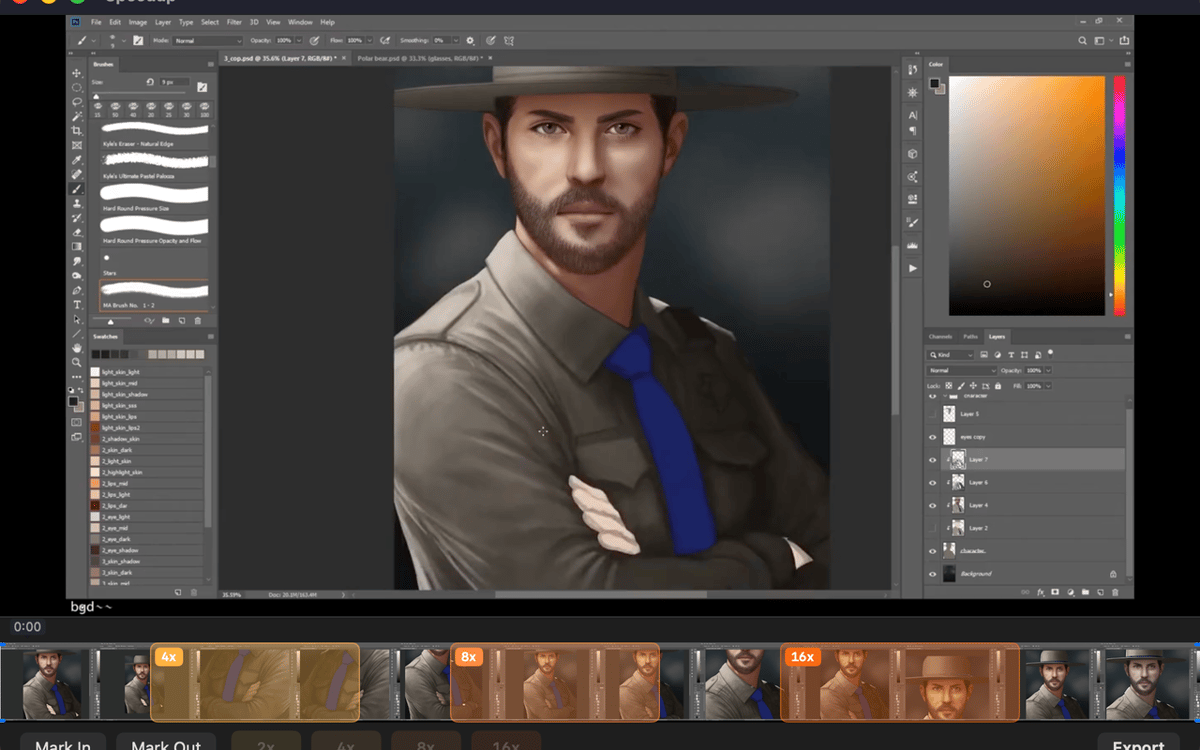
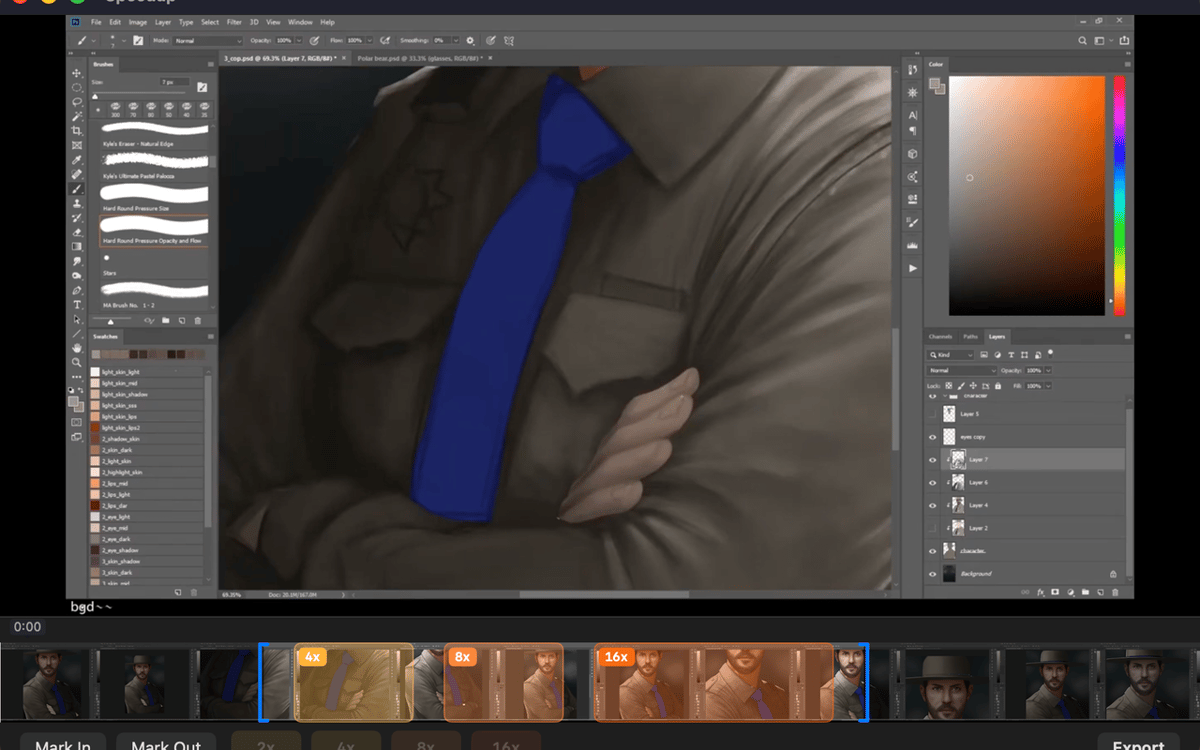
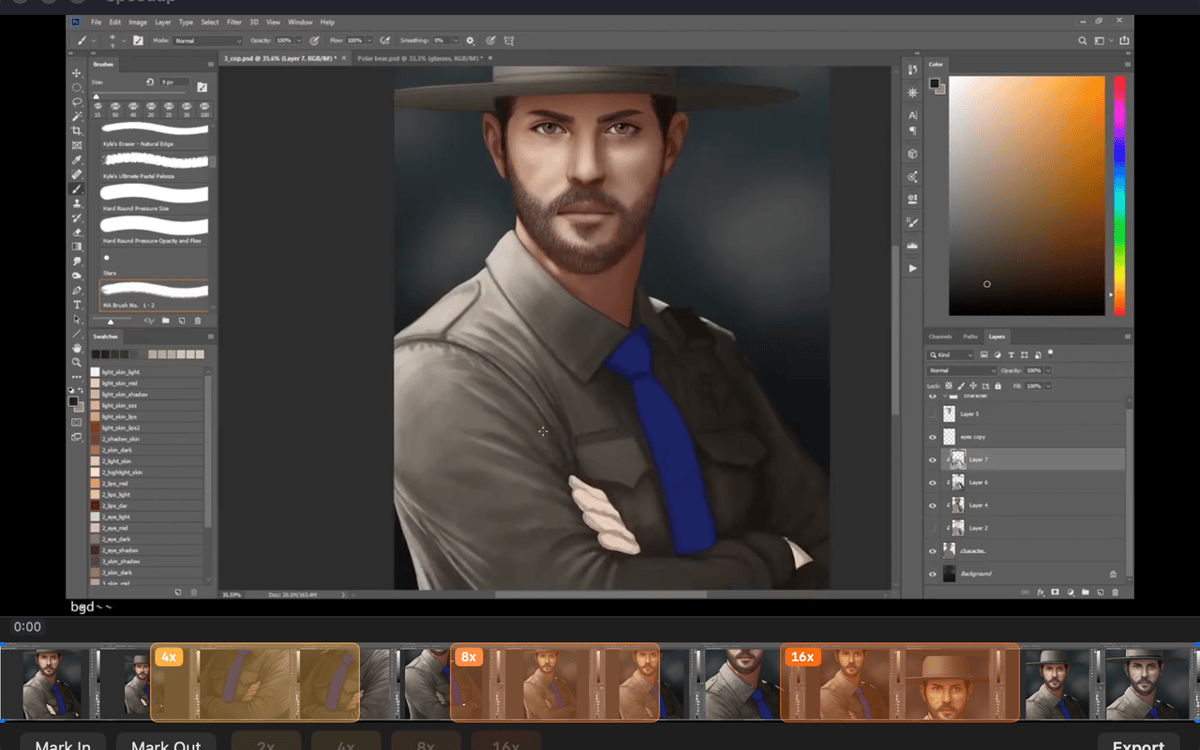
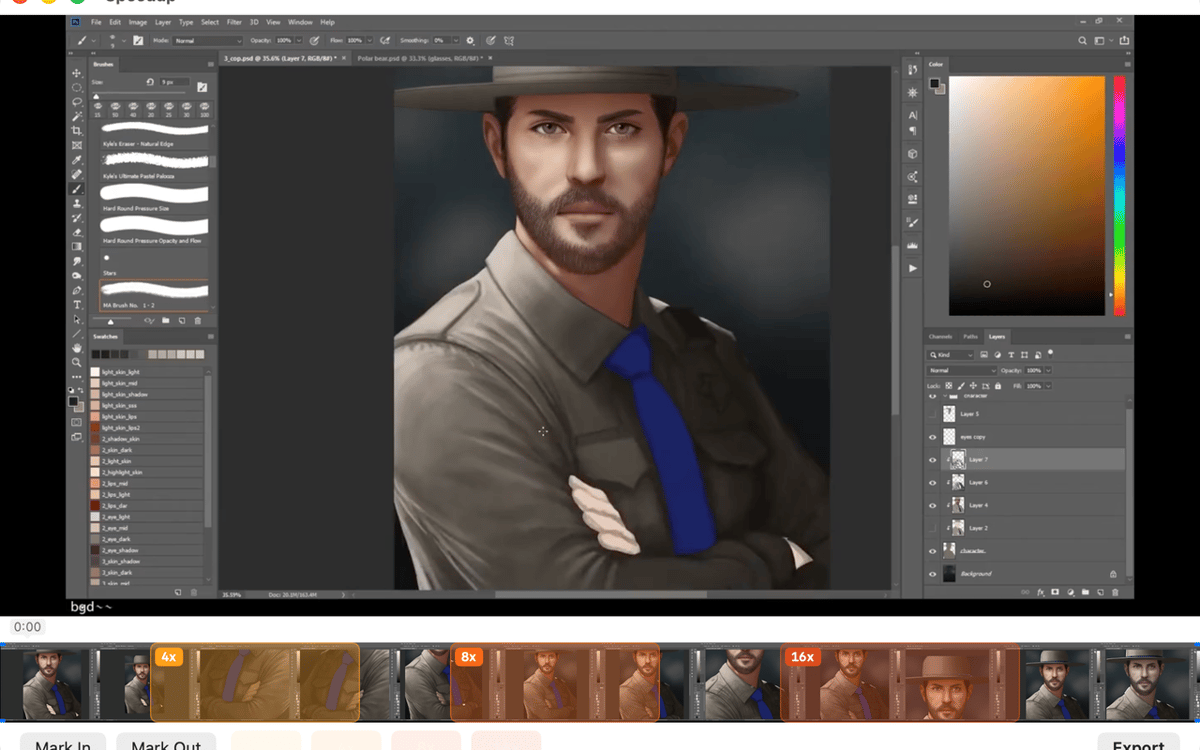
Speedup is a screen recording editor for Mac. Open any .mp4, .mov, or .m4v, mark the parts that drag, pick a speed multiplier for each, and export a polished video — no project files, no import steps. It's built for one thing: making long process recordings actually worth watching. Your files stay on your Mac the whole time.
Speed up long screen recordings
Mark and skip slow sections
Trim dead air before export
Export clean .mp4 in one click
Recursos do Speedup
Open and play — no setup required
Drop in a recording from QuickTime, CleanShot, OBS, or any app that saves .mp4, .mov, or .m4v. Speedup plays it immediately — no import step, no project file to manage. What you see is what you edit.
Mark regions, your way
Two ways to mark a stretch: drag across the filmstrip for a fast range selection, or scrub with the playhead and use mark in / mark out for precision. Pick whichever fits the moment — both work the same way in the final export.
Set speed per region
Tap a speed chip — 2×, 4×, 8×, or 16× — for each marked region. Sped-up sections play fast and muted; everything else stays at full speed with audio intact. You stay in control of exactly how fast the boring parts go.
Trim the edges clean
Drag the trim handles at either end of the timeline to cut dead air from the start and finish. It's the kind of small thing that makes a big difference when someone's actually watching your video.
Export with one shortcut
Hit ⌘E or click Export and the finished .mp4 lands right next to the source file in Finder. No export settings to dig through, no mystery output folder.
Stays on your Mac, always
Speedup runs entirely locally. No telemetry, no analytics, no background network activity. Your recordings never leave your machine — which is exactly how it should be.
Obtenha centenas de apps com o Membership
Obtenha um membership do Setapp e use centenas de apps estelares numa única assinatura.
Experimente grátis por 7 dias. Depois, pague um valor único.
Instale o Setapp no Mac
Explore apps para Mac, iOS e web. Encontre formas fáceis de lidar com as tarefas do dia a dia.

Obtenha o app que chamou sua atenção
Aquele app especial está esperando você no Setapp. Instale‑o com um clique.

Speedup
Escolha uma assinatura
Um ou mais apps com um membership do Setapp. Obtenha os apps que você quer.

Obtenha centenas de apps com o Membership
Obtenha um membership do Setapp e use centenas de apps estelares numa única assinatura.
Experimente grátis por 7 dias. Depois, pague um valor único.
1
Instale o Setapp no Mac
Explore apps para Mac, iOS e web. Encontre formas fáceis de lidar com as tarefas do dia a dia.
2
Obtenha o app que chamou sua atenção
Aquele app especial está esperando você no Setapp. Instale‑o com um clique.
Speedup
3
Escolha uma assinatura
Um ou mais apps com um membership do Setapp. Obtenha os apps que você quer.
A casa dos melhores apps
Desde tarefas rotineiras e de planejamento a atividades criativas e de programação, encare suas tarefas com os apps do Setapp.

TypingMind
IU alternativa para conversar com IA
gere ou resuma textos
use uma biblioteca de ações
IA

Spark Mail
Gerencie e‑mails
IA

CleanMyMac
Limpe os detritos

Bartender
Personalize a barra de menus

CleanShot X
Capturas de tela versáteis

Luminar Neo
Edite suas fotos
IA

ClearVPN
Conecte‑se com mais segurança

Craft
Trabalhe com documentos
IA
Speedup
Fast-forward the boring parts