
Squash
Comprima e redimensione imagens
Mac
Versão 3.3.0
macOS 11.0 ou posterior
83.9 MB
1 idiomas
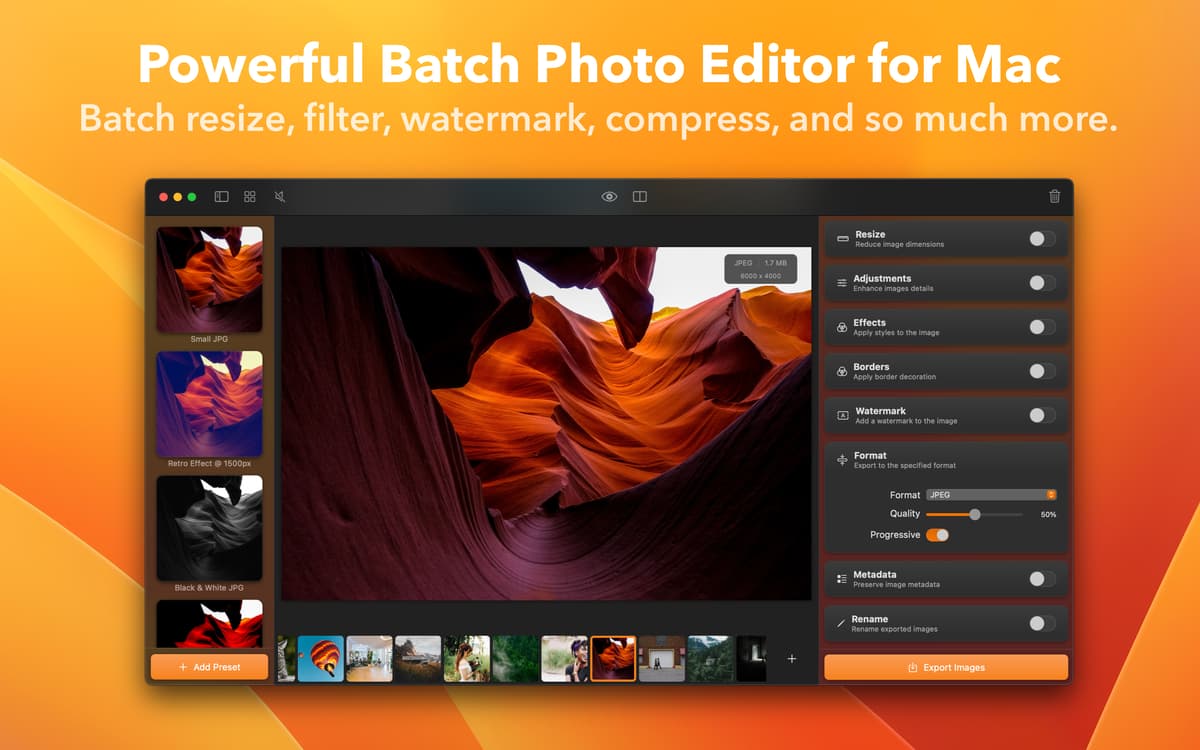
O Squash é um app feito para processar imagens que lida com vários arquivos ao mesmo tempo, economizando o tempo e o esforço de realizar as mesmas ações em cada imagem individualmente. Renomeie, aprimore, redimensione ou converta fotos facilmente no Squash. Aplique filtros, salve os pré‑ajustes mais usados, remova dados de localização e muito mais.
Redimensione e comprima várias imagens
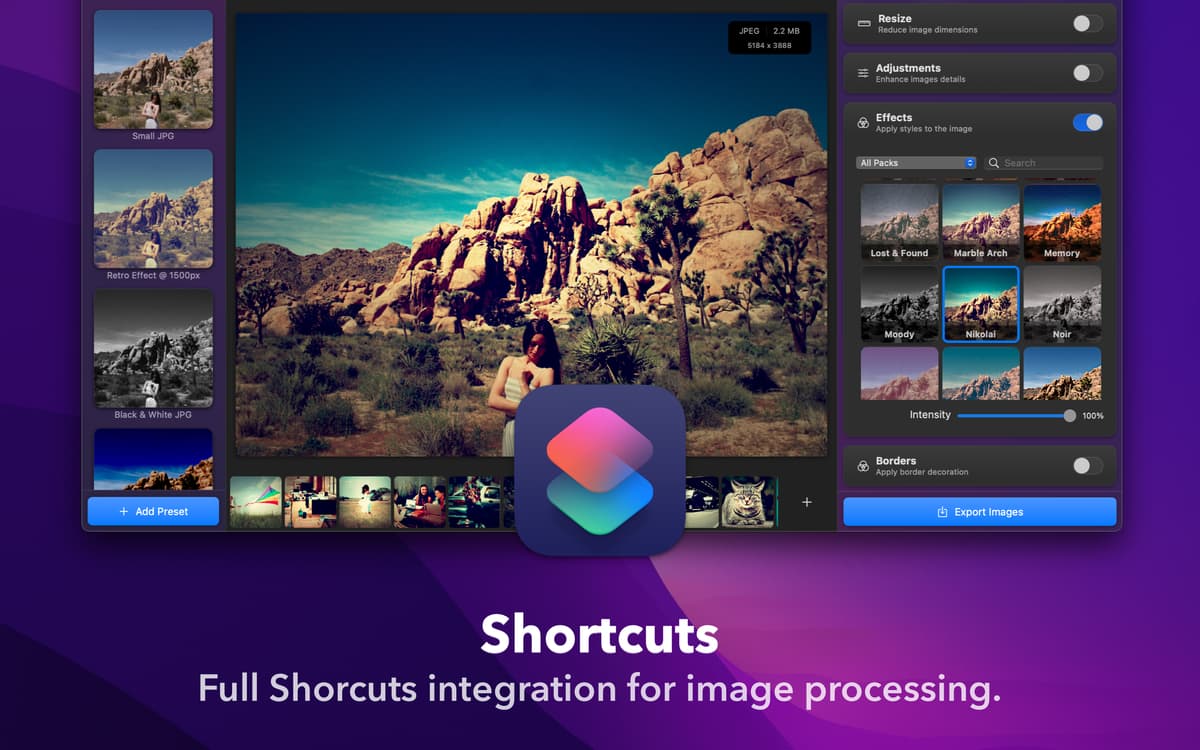
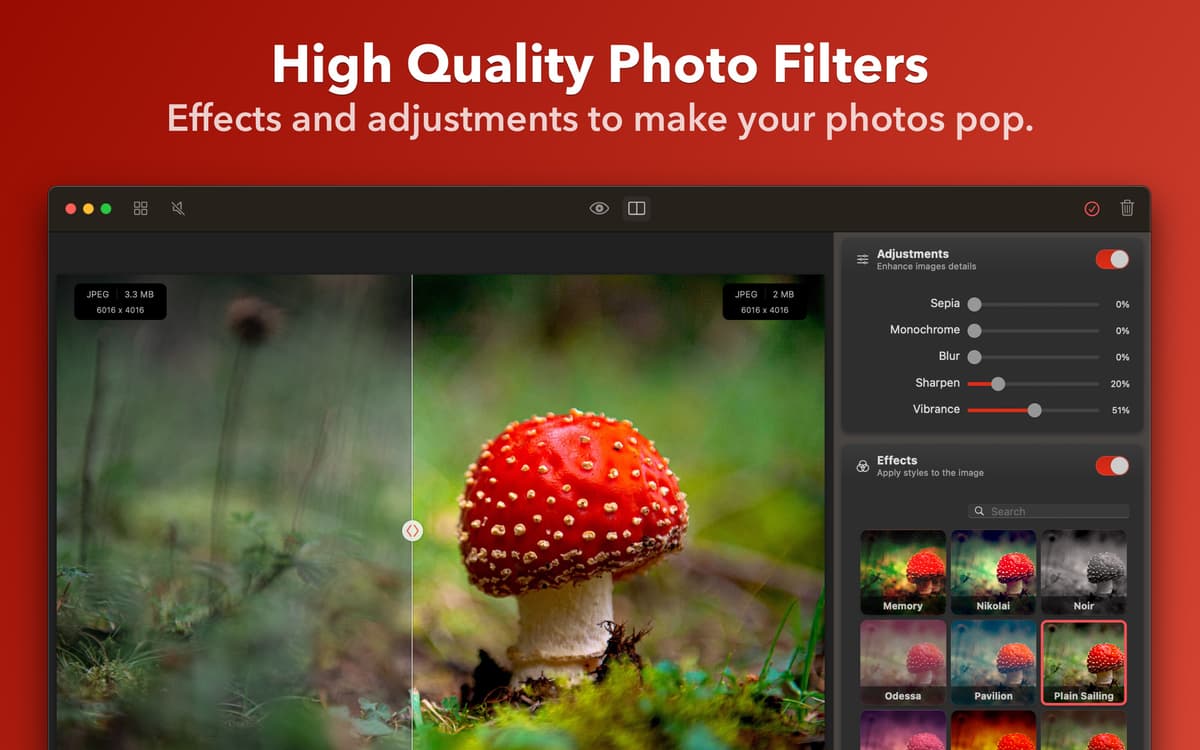
Aplique correção de cores e filtros
Converta imagens (JPEG, PNG, TIFF, etc.)
Adicione marcas d’água e remova dados GPS
Recursos do Squash
Redimensione e comprima em lote
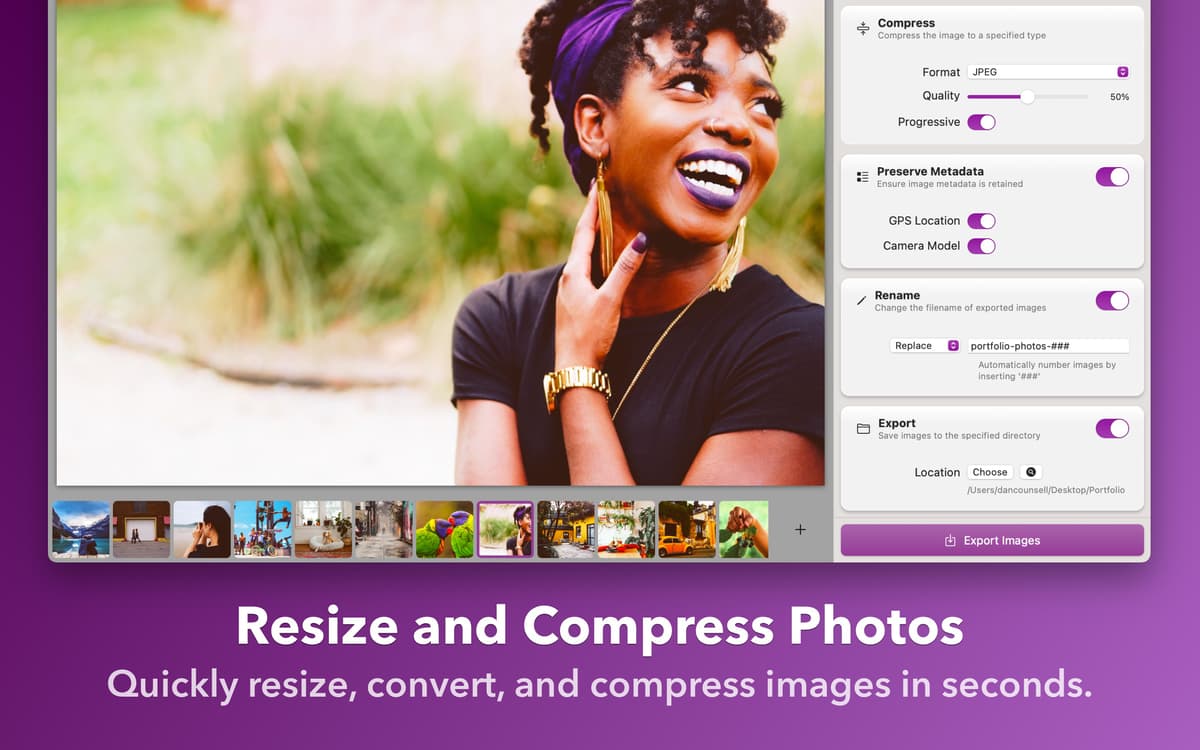
Câmeras de 48 MP tiram fotos incríveis, mas o tamanho dos arquivos é algo que fica fora de controle. Já que o armazenamento no seu dispositivo e na nuvem não é infinito, faz sentido reduzir o tamanho crescente da sua fototeca. Faça tudo de uma só vez com o Squash. Use o recurso de redimensionamento do app para diminuir as imagens ou o recurso de compressão para reduzir o tamanho dos arquivos sem abrir mão da qualidade.
Aprimore imagens
De uma forma conveniente, o Squash também permite que você faça edições em lote nas fotos. Ajuste o desfoque, vibração e nitidez das imagens ou aplique filtros da vasta coleção oferecida no app. Você também pode adicionar bordas às imagens para ter mais estilo. Pré-visualize as alterações com a ferramenta de pré-visualização do app para garantir que o resultado seja exatamente o que você precisa.
Converta e renomeie
Se você quer converter arquivos de imagem para um formato diferente, isso é fácil com o recurso de compressão do Squash. Você pode converter imagens para JPEG, PNG, TIFF, WebP ou AVIF. Enquanto faz isso, você também pode renomear os arquivos em lote. Adicione sufixos, prefixos ou substitua completamente o nome inteiro do arquivo, além de fazer outros ajustes ao nome.
Adicione marcas d’água e muito mais
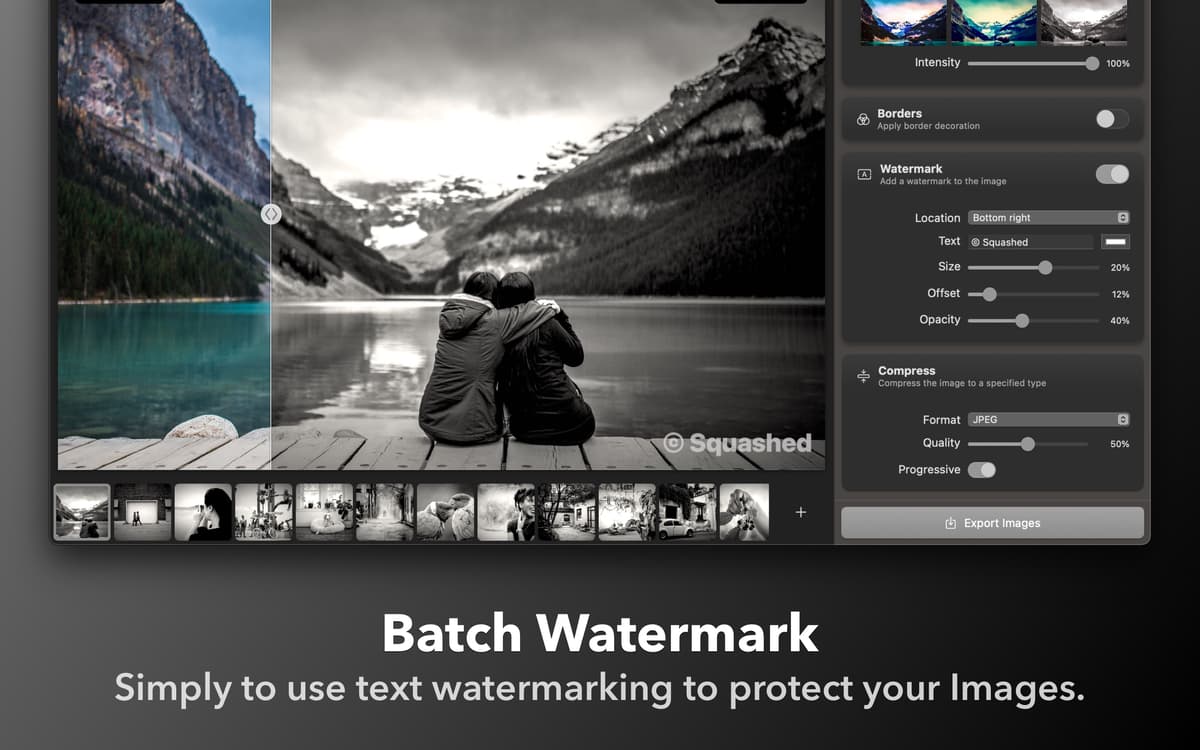
Seja para adicionar marcas d’água com texto ou imagem às fotos, o Squash cuida de tudo. Ajuste o local, opacidade, fonte e cor do texto em marcas d’água de texto e carregue marcas d’água baseadas em imagens. Você também pode remover metadados de GPS e modelo da câmera das fotos para ter mais privacidade.
Classificações e avaliações
Squash
•
935 classificações
Dmytro
29 de set. de 2026
Versão do app: 3.3.0
I love this app and use it almost every day. Even when I’m not actively using it, I often leave it open because I really enjoy the background music. Thank you!
Tim Carr
28 de ago. de 2026
Versão do app: 3.3.0
Very very slow because it only works on one image at a time, so your mac’s many CPU cores sit idle and a large list of images takes a long time. On the positive side it does support HIF/HEIF images.
Brent
13 de ago. de 2026
Versão do app: 3.3.0
Super clean and super fast!
Obtenha centenas de apps com o Membership
Obtenha um membership do Setapp e use centenas de apps estelares numa única assinatura.
Experimente grátis por 7 dias. Depois, pague um valor único.
Instale o Setapp no Mac
Explore apps para Mac, iOS e web. Encontre formas fáceis de lidar com as tarefas do dia a dia.

Obtenha o app que chamou sua atenção
Aquele app especial está esperando você no Setapp. Instale‑o com um clique.

Squash
Escolha uma assinatura
Um ou mais apps com um membership do Setapp. Obtenha os apps que você quer.

Obtenha centenas de apps com o Membership
Obtenha um membership do Setapp e use centenas de apps estelares numa única assinatura.
Experimente grátis por 7 dias. Depois, pague um valor único.
1
Instale o Setapp no Mac
Explore apps para Mac, iOS e web. Encontre formas fáceis de lidar com as tarefas do dia a dia.
2
Obtenha o app que chamou sua atenção
Aquele app especial está esperando você no Setapp. Instale‑o com um clique.
Squash
3
Escolha uma assinatura
Um ou mais apps com um membership do Setapp. Obtenha os apps que você quer.
A casa dos melhores apps
Desde tarefas rotineiras e de planejamento a atividades criativas e de programação, encare suas tarefas com os apps do Setapp.

TypingMind
IU alternativa para conversar com IA
gere ou resuma textos
use uma biblioteca de ações
IA

Spark Mail
Gerencie e‑mails
IA

CleanMyMac
Limpe os detritos

Bartender
Personalize a barra de menus

CleanShot X
Capturas de tela versáteis

Luminar Neo
Edite suas fotos
IA

ClearVPN
Conecte‑se com mais segurança

Craft
Trabalhe com documentos
IA
Squash
Comprima e redimensione imagens