
TablePlus
Controle bancos de dados SQL
Mac
Versão 27.0.3
macOS 12.0 ou posterior
451.9 MB
7 idiomas
O TablePlus é uma ferramenta poderosa para bancos de dados relacionais, projetado para que você tenha uma central de gerenciamento SQL conveniente. Seja para lidar com apenas um ou dezenas de bancos de dados, sua interface fácil de usar e visual suave fazem com que seu fluxo de trabalho seja mais tranquilo. Feito para oferecer desempenho, o TablePlus disponibiliza velocidade e simplicidade sem sacrificar o poder ou o controle. E mais, com uma gama de atalhos de teclado, você tem ajuda para condensar suas tarefas. Concebido para gerenciar os formatos padrão de SQL, incluindo PostgreSQL, MySQL e SQLite, o TablePlus evolui com você, permitindo que você adicione plug‑ins e drivers conforme sejam necessários. Leve e minimalista, mas ainda assim, com poder e flexibilidade para encarar qualquer desafio.
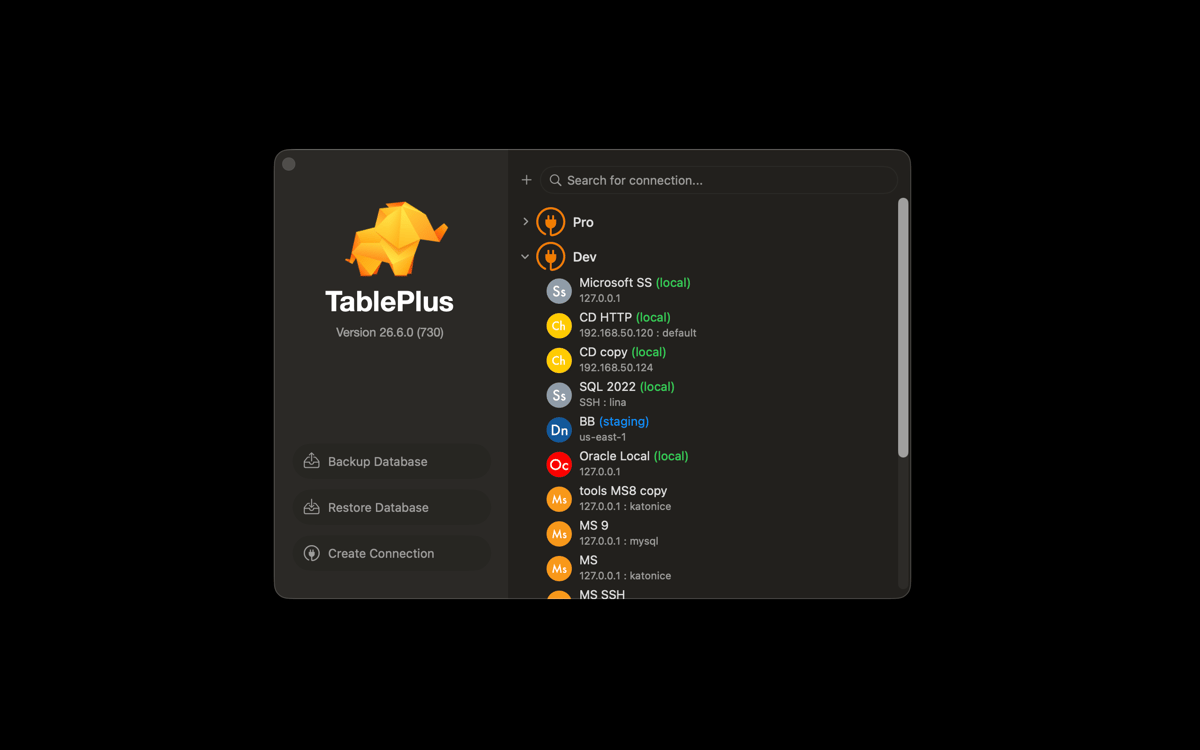
Crie e gerencie vários bancos de dados
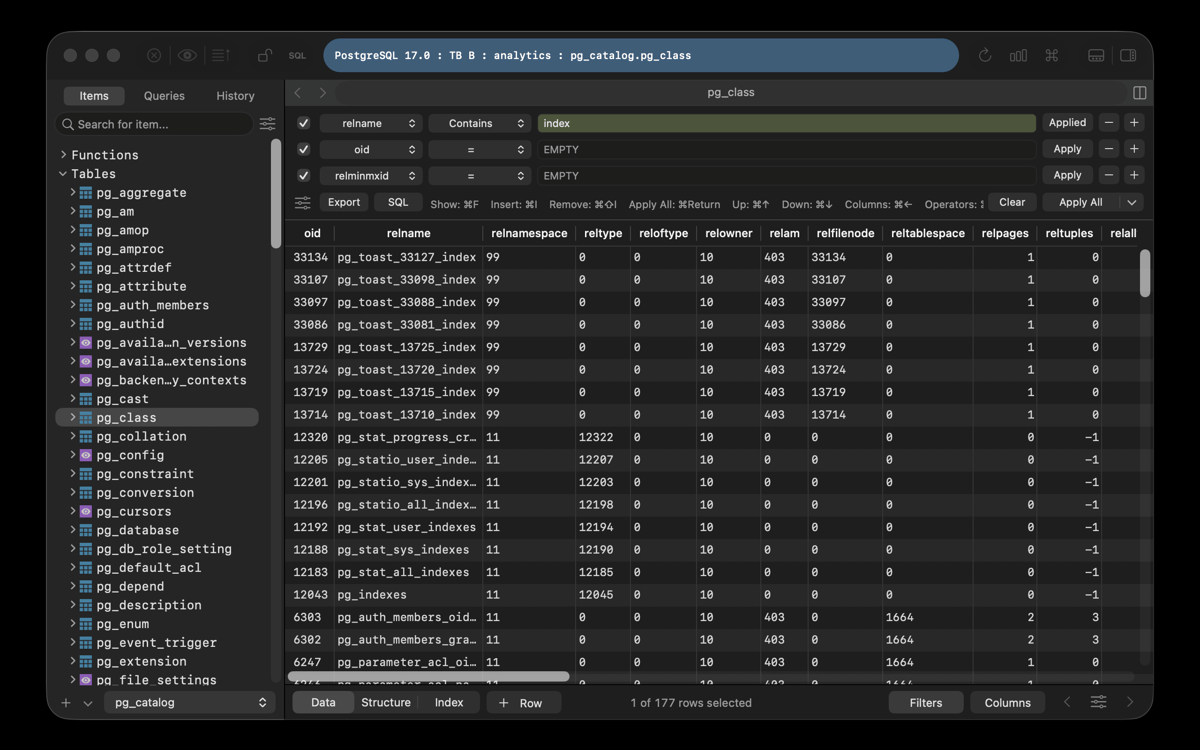
Edite bancos de dados como se fossem planilhas
Clique duas vezes na célula para alterar dados
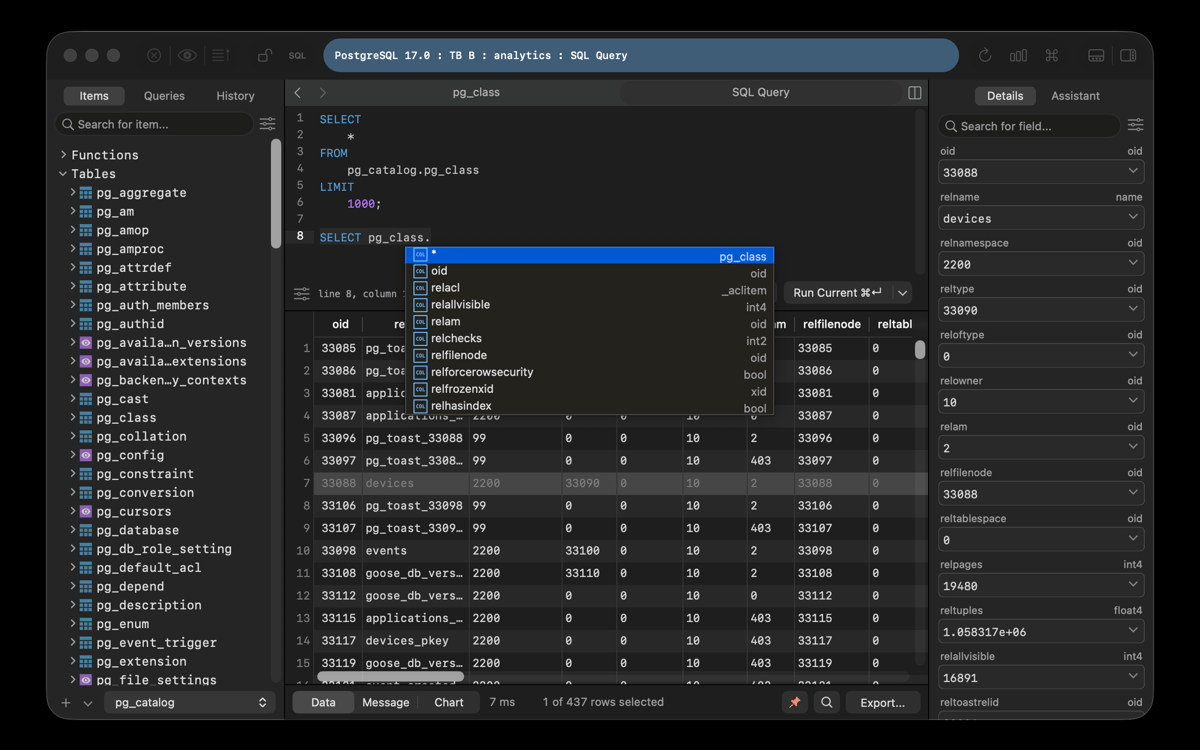
Detecte erros rapidamente com destaque de sintaxe
Recursos do TablePlus
Rápido e seguro
Você entra e sai do TablePlus tão rapidamente que talvez não perceba o poder que este editor SQL para Mac oferece. Ao contrário de seus competidores, o TablePlus foca na eliminação de complementos desnecessários para ser o mais ágil possível. Ele é um app nativo, o que significa que ele é otimizado para ter o máximo de velocidade no Mac sem comprometer a segurança. O TablePlus oferece recursos de segurança como libssh nativo e TSL para criptografar a conexão e proteger os bancos de dados.
Organizado e livre de erros
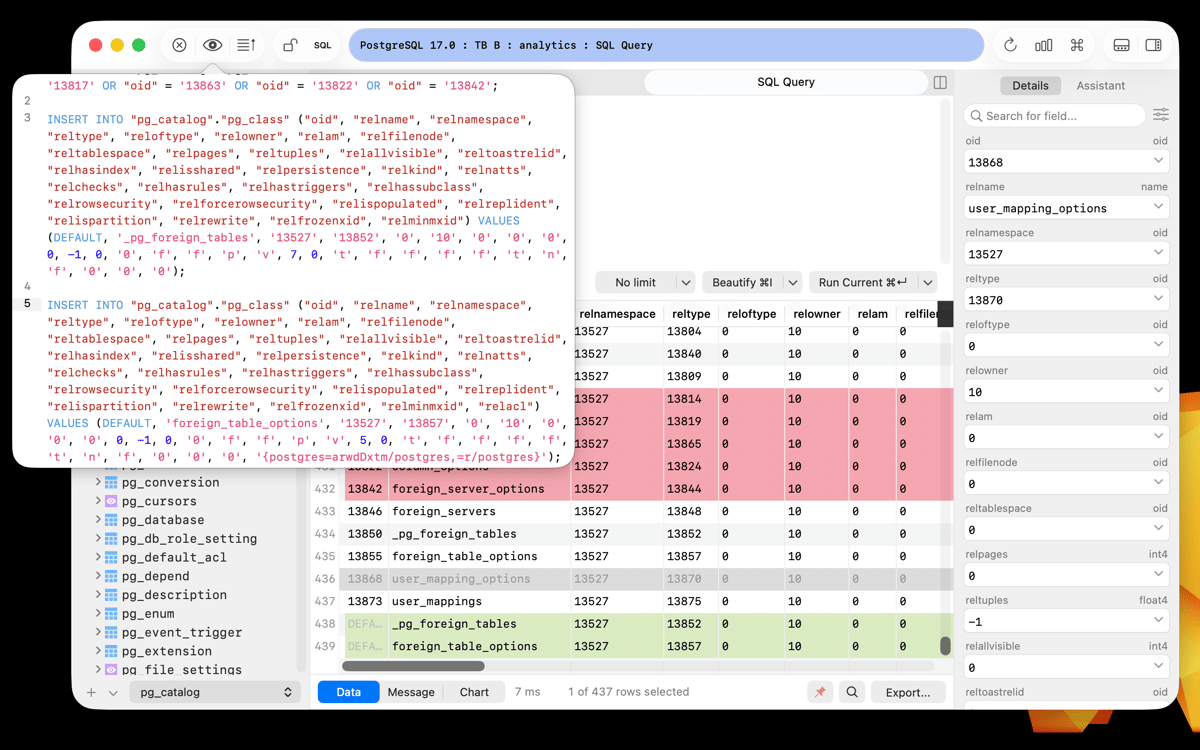
Use diversas abas e janelas para manter suas ferramentas de bancos de dados separadas e organizadas, diferenciando itens em projetos com facilidade. O editor de scripts oferece suporte a backend com recursos de destaque de sintaxe e erro, os quais ajudam a identificar problemas rapidamente e continuar em frente. Um modo seguro e a pré‑visualização de código também permitem experimentar sem correr riscos.
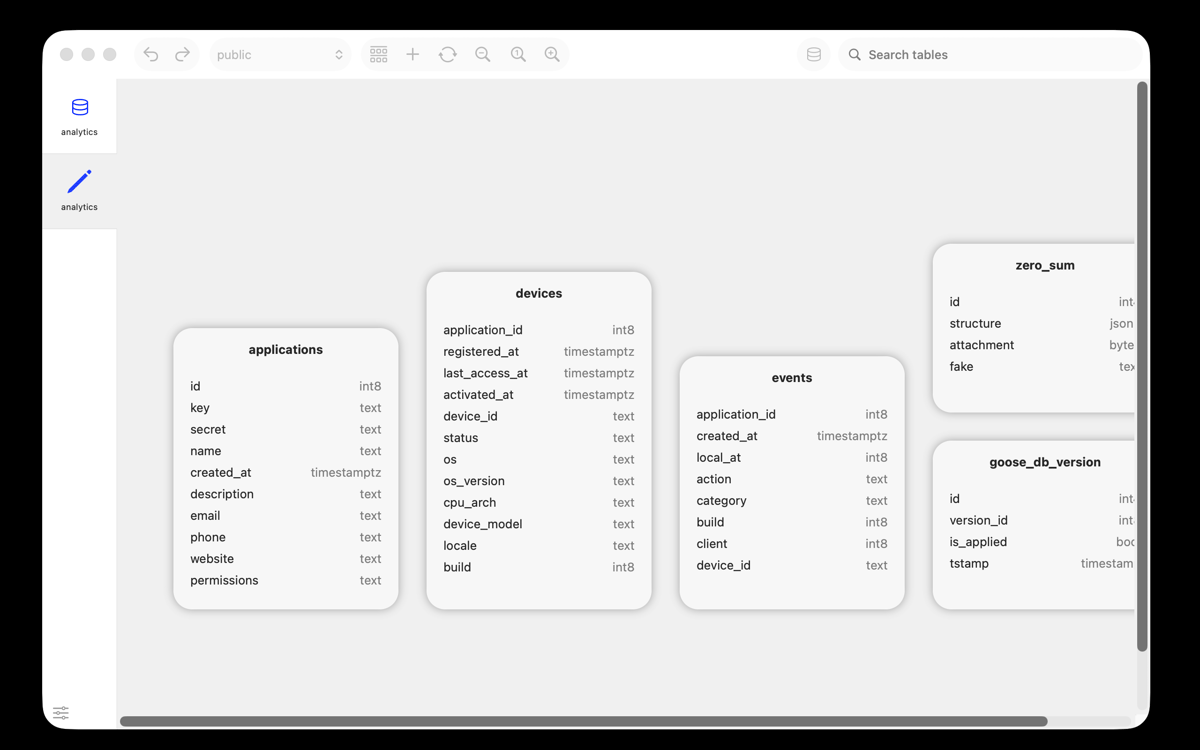
Ferramenta de diagrama de bancos de dados
Identifique claramente os dados que você precisa sem abrir mão da densidade de informações com esta ferramenta de bancos de dados relacionais para Mac. Ao contrário da maioria dos gerenciadores de bancos de dados, o TablePlus oferece um design suave e intuitivo, agradável de se olhar. Além disso, com o modo escuro opcional, você pode trabalhar à noite ou em ambientes pouco iluminados.
Gerenciamento amplo de bancos de dados
Mude facilmente entre ferramentas de bancos de dados e conexões sem nunca precisar abrir outro app ou janela, economizando tempo e concentração. Você não precisa mais ter vários apps de SQL para ter uma coleção de bancos de dados em diversos estilos e formatos. O TablePlus resolve esse problema ao oferecer uma grande variedade de drivers opcionais.
Funcionalidade “plug and play”
Instale plug‑ins criados por outras pessoas para ampliar a funcionalidade do app ou escreva o seu próprio em JavaScript e tenha os recursos exatos que você precisa. Embora o TablePlus se orgulhe de ser minimalista, ele mantém uma abordagem aberta e não restringe nenhuma modificação que você queira implementar.
Suporte e iteração rápidos
Contate a comunidade do TablePlus diretamente para obter ajuda ou sugerir como ele pode ser melhorado. Ele possui uma comunidade ativa e engajada, que desenvolve recursos de acordo com os feedbacks recebidos. Atualizações e correções são lançadas semanalmente, o que significa que sempre há algo novo para experimentar.
Classificações e avaliações
TablePlus
•
2554 classificações
koffi hessou
6 de out. de 2026
Versão do app: 26.10.23
great
HK
21 de set. de 2026
Versão do app: 26.10.23
After recent update, the save password that stored in keychain can’t be used. Enter password and stored in keychain option still sending the login with password: NO
Ale Parra
17 de set. de 2026
Versão do app: 26.10.21
Muy buena herramienta, fácil de usar, tiene todo lo que se necesita para nuestras bases de datos…
Obtenha centenas de apps com o Membership
Obtenha um membership do Setapp e use centenas de apps estelares numa única assinatura.
Experimente grátis por 7 dias. Depois, pague um valor único.
Instale o Setapp no Mac
Explore apps para Mac, iOS e web. Encontre formas fáceis de lidar com as tarefas do dia a dia.

Obtenha o app que chamou sua atenção
Aquele app especial está esperando você no Setapp. Instale‑o com um clique.

TablePlus
Escolha uma assinatura
Um ou mais apps com um membership do Setapp. Obtenha os apps que você quer.

Obtenha centenas de apps com o Membership
Obtenha um membership do Setapp e use centenas de apps estelares numa única assinatura.
Experimente grátis por 7 dias. Depois, pague um valor único.
1
Instale o Setapp no Mac
Explore apps para Mac, iOS e web. Encontre formas fáceis de lidar com as tarefas do dia a dia.
2
Obtenha o app que chamou sua atenção
Aquele app especial está esperando você no Setapp. Instale‑o com um clique.
TablePlus
3
Escolha uma assinatura
Um ou mais apps com um membership do Setapp. Obtenha os apps que você quer.
A casa dos melhores apps
Desde tarefas rotineiras e de planejamento a atividades criativas e de programação, encare suas tarefas com os apps do Setapp.

TypingMind
IU alternativa para conversar com IA
gere ou resuma textos
use uma biblioteca de ações
IA

Spark Mail
Gerencie e‑mails
IA

CleanMyMac
Limpe os detritos

Bartender
Personalize a barra de menus

CleanShot X
Capturas de tela versáteis

Luminar Neo
Edite suas fotos
IA

ClearVPN
Conecte‑se com mais segurança

Craft
Trabalhe com documentos
IA
TablePlus
Controle bancos de dados SQL