Tintd
Ícones de pasta automáticos para seu Mac
Mac
Versão 2.0.0
macOS 14.0 ou posterior
55.8 MB
11 idiomas
Todas as pastas do seu Mac são iguais, e organizá-las uma por uma com ícones personalizados é trabalhoso. O Tintd resolve isso atribuindo automaticamente ícones e cores baseados nos nomes das pastas. Crie uma pasta chamada "Faturas" e ela ganha um ícone de fatura. "Férias 2026" ganha uma palmeira. Tudo acontece em segundo plano, sem abrir nenhum aplicativo, sem configurar nada. Quando você quiser mais controle, clique com o botão direito em qualquer pasta ou abra o editor completo com mais de 11.000 ícones e emojis. Tudo funciona localmente no seu Mac — sem nuvem, sem serviços de IA, totalmente privado.
Ícones automáticos por nome da pasta
Estilize novas pastas ao criá-las
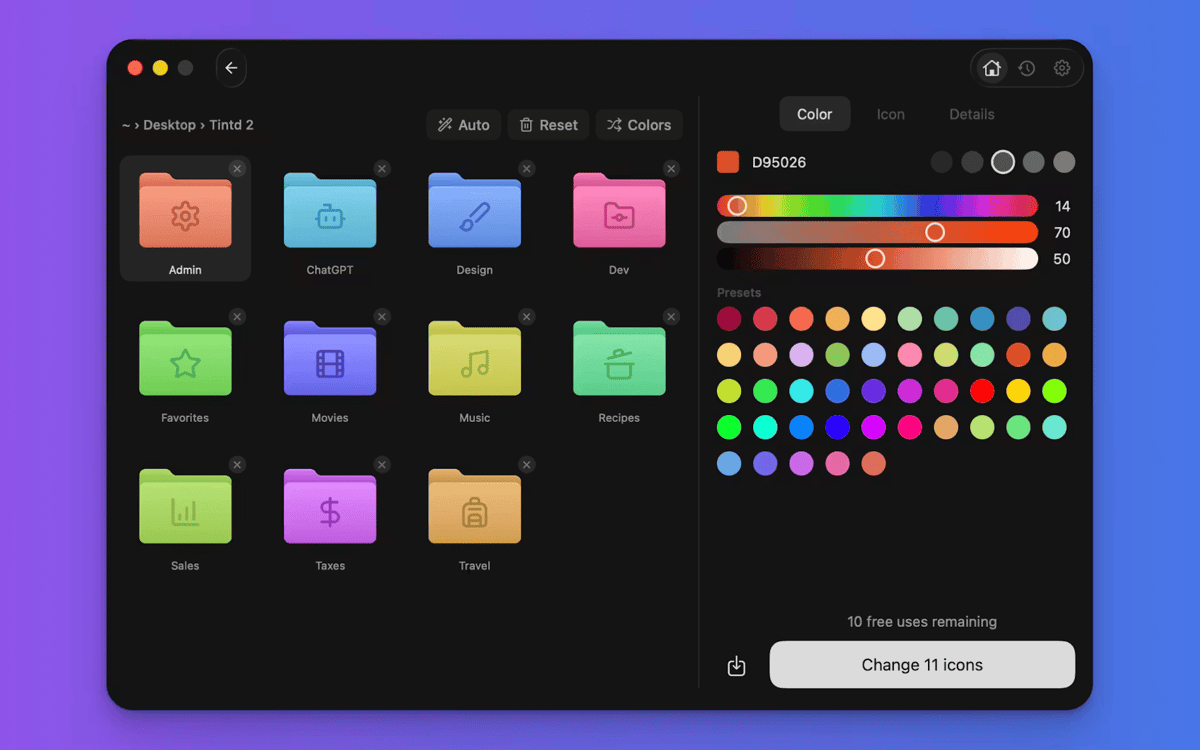
Marque pastas com cores em um clique
Personalize dezenas de pastas em lote
Recursos do Tintd
Ícones que se ajustam sozinhos
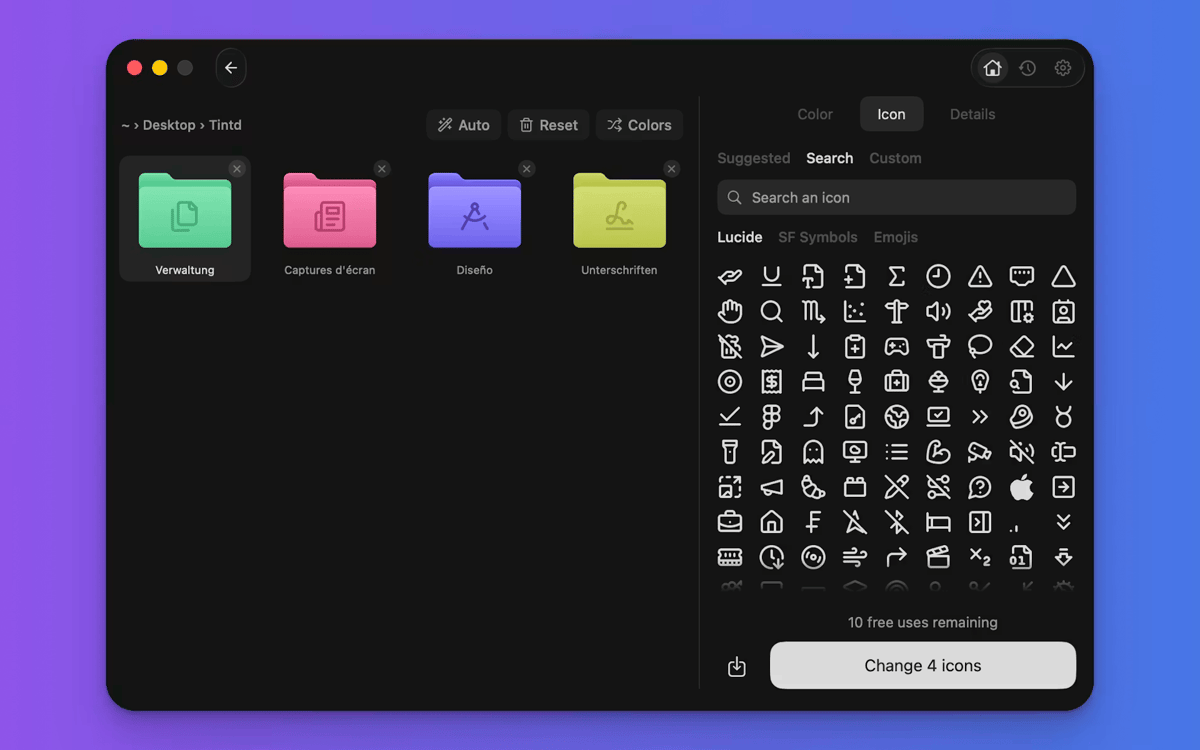
É isso que torna o Tintd diferente. Lê o nome da pasta, compara com mais de 11.000 ícones e escolhe o que combina — na hora e offline. "Capturas de tela" ganha uma câmera. "Música" recebe uma nota. Você não navega, não arrasta, não pensa nisso. Funciona perfeitamente em 11 idiomas, mesmo misturados na mesma pasta.
Novas pastas, estilizadas na hora
Ative o Folder Watcher e o Tintd funciona em segundo plano. Cada nova pasta que você cria recebe um ícone e uma cor correspondentes assim que aparece no Finder. Suas pastas ficam organizadas conforme seu sistema de arquivos cresce — sem você mover um dedo.
Clique com o botão direito em qualquer pasta
Já tem pastas que precisam de uma renovação? Clique com o botão direito em um no Finder e o Tintd criará um ícone inteligente com um clique. Não precisa abrir o aplicativo nem interromper seu fluxo de trabalho.
Personalize completamente quando quiser
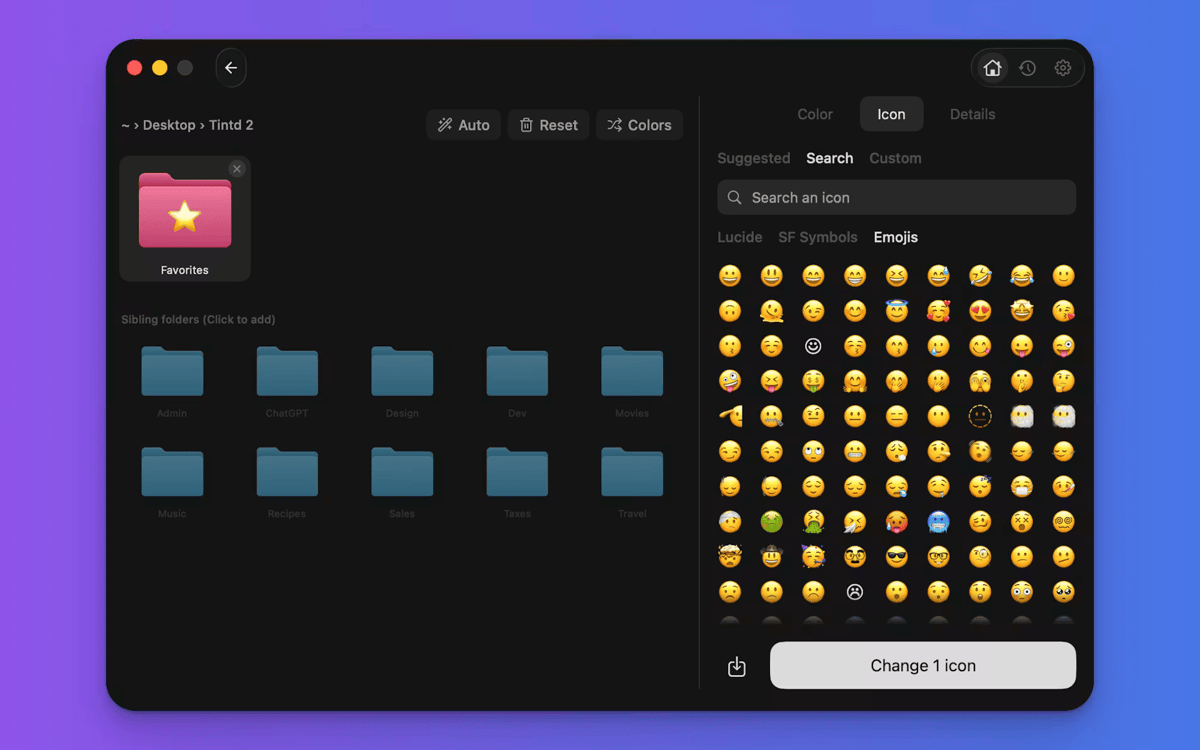
O Tintd não te prende no modo automático. Abra qualquer pasta no editor para escolher sua própria cor, selecione entre mais de 11.000 ícones e emojis, importe imagens personalizadas ou redimensione e recolora sobreposições. Todo ícone que você cria é salvo no seu histórico para reutilização rápida.
Edite pastas em lote rapidamente
Selecione várias pastas e personalize todas de uma vez. Randomize cores, aplique um ícone em todas ou deixe o Smart Icon dar a cada pasta sua própria combinação. Ideal para organizar uma pasta de projeto ou limpar sua Área de Trabalho de uma vez.
Cores inteligentes que permanecem consistentes
O Smart Color do Tintd analisa as pastas ao redor da que você está personalizando e escolhe uma cor que preencha uma lacuna no círculo cromático. O resultado parece intencional e coeso — mesmo que você não tenha planejado.
Obtenha centenas de apps com o Membership
Obtenha um membership do Setapp e use centenas de apps estelares numa única assinatura.
Experimente grátis por 7 dias. Depois, pague um valor único.
Instale o Setapp no Mac
Explore apps para Mac, iOS e web. Encontre formas fáceis de lidar com as tarefas do dia a dia.

Obtenha o app que chamou sua atenção
Aquele app especial está esperando você no Setapp. Instale‑o com um clique.

Tintd
Escolha uma assinatura
Um ou mais apps com um membership do Setapp. Obtenha os apps que você quer.

Obtenha centenas de apps com o Membership
Obtenha um membership do Setapp e use centenas de apps estelares numa única assinatura.
Experimente grátis por 7 dias. Depois, pague um valor único.
1
Instale o Setapp no Mac
Explore apps para Mac, iOS e web. Encontre formas fáceis de lidar com as tarefas do dia a dia.
2
Obtenha o app que chamou sua atenção
Aquele app especial está esperando você no Setapp. Instale‑o com um clique.
Tintd
3
Escolha uma assinatura
Um ou mais apps com um membership do Setapp. Obtenha os apps que você quer.
A casa dos melhores apps
Desde tarefas rotineiras e de planejamento a atividades criativas e de programação, encare suas tarefas com os apps do Setapp.

TypingMind
IU alternativa para conversar com IA
gere ou resuma textos
use uma biblioteca de ações
IA

Spark Mail
Gerencie e‑mails
IA

CleanMyMac
Limpe os detritos

Bartender
Personalize a barra de menus

CleanShot X
Capturas de tela versáteis

Luminar Neo
Edite suas fotos
IA

ClearVPN
Conecte‑se com mais segurança

Craft
Trabalhe com documentos
IA
Tintd
Ícones de pasta automáticos para seu Mac