Finder Audio Tools
Preview audio in Finder

Mac
Version 1.4.5
macOS 12.0 or later
45.1 MB
1 languages
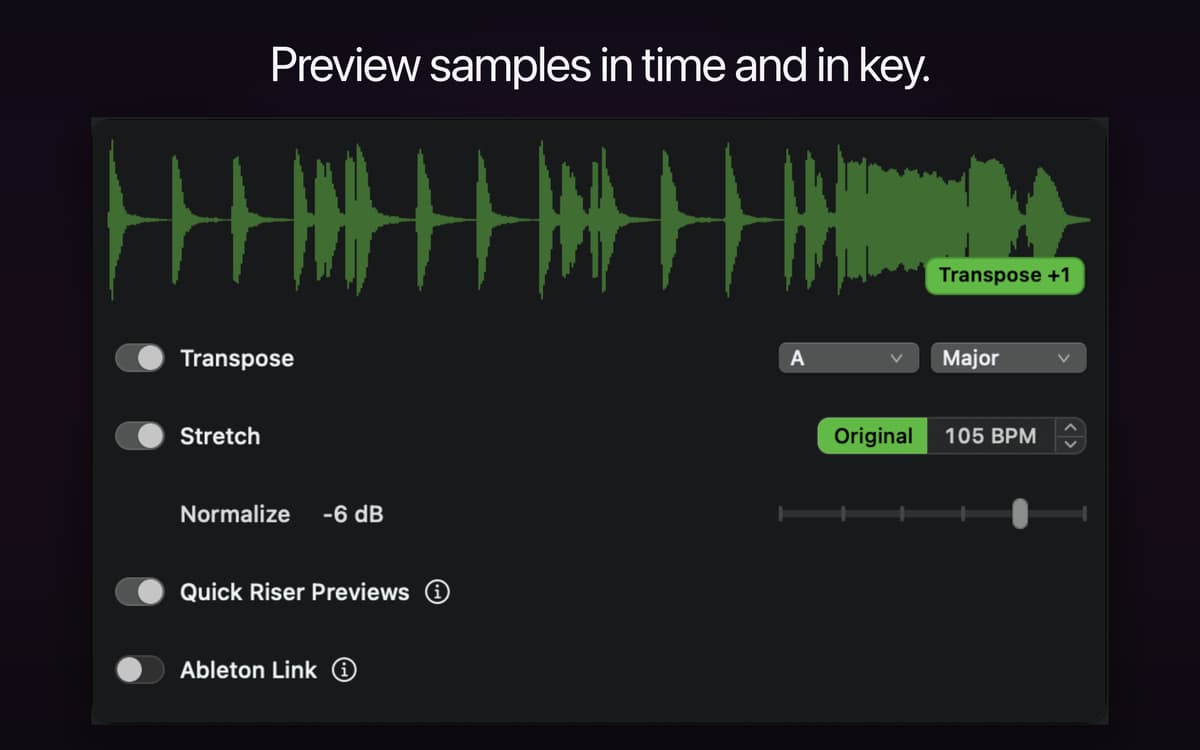
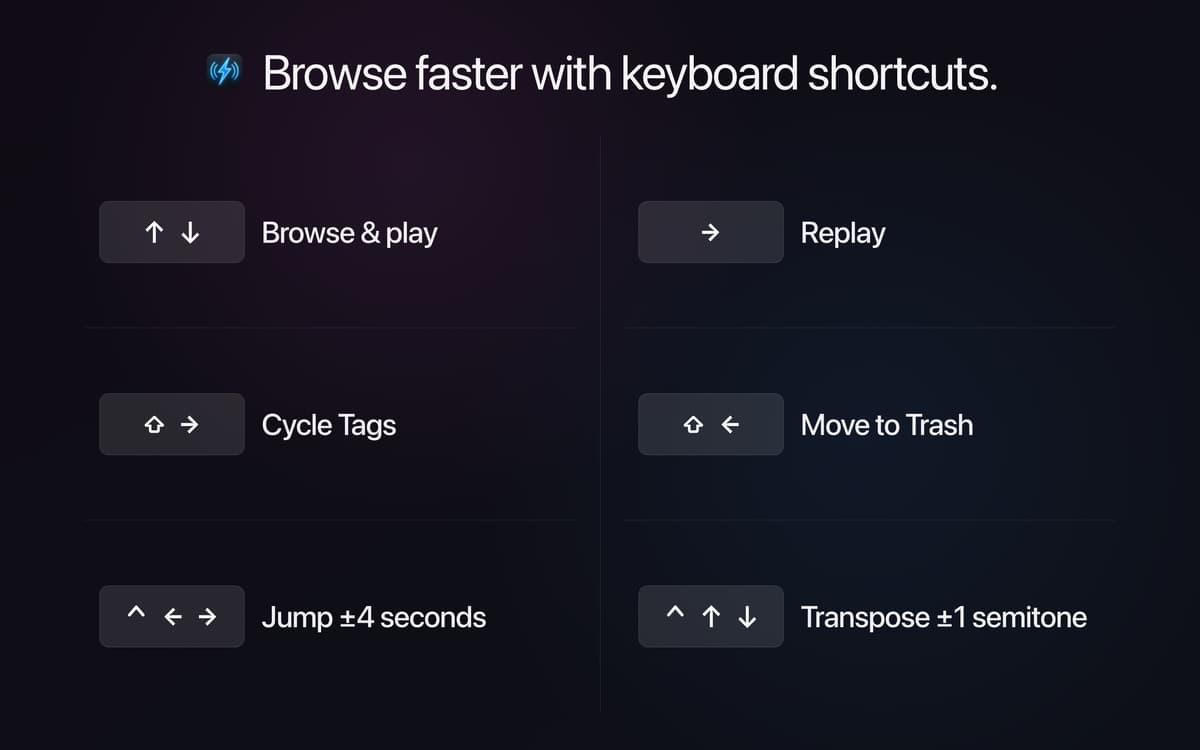
Finder Audio Tools turns your Mac's Finder into a proper audio browser. It swaps in a faster preview engine with volume-matched playback, waveform previews, and full keyboard control, so you can go through samples and know what you're hearing. Drag sounds into Stashes as you browse, then drop them straight into your DAW or sampler. It runs quietly in the menu bar, adds no CPU load when idle, and never touches your files.
Browse and audition samples fast
Compare sounds at matched volume
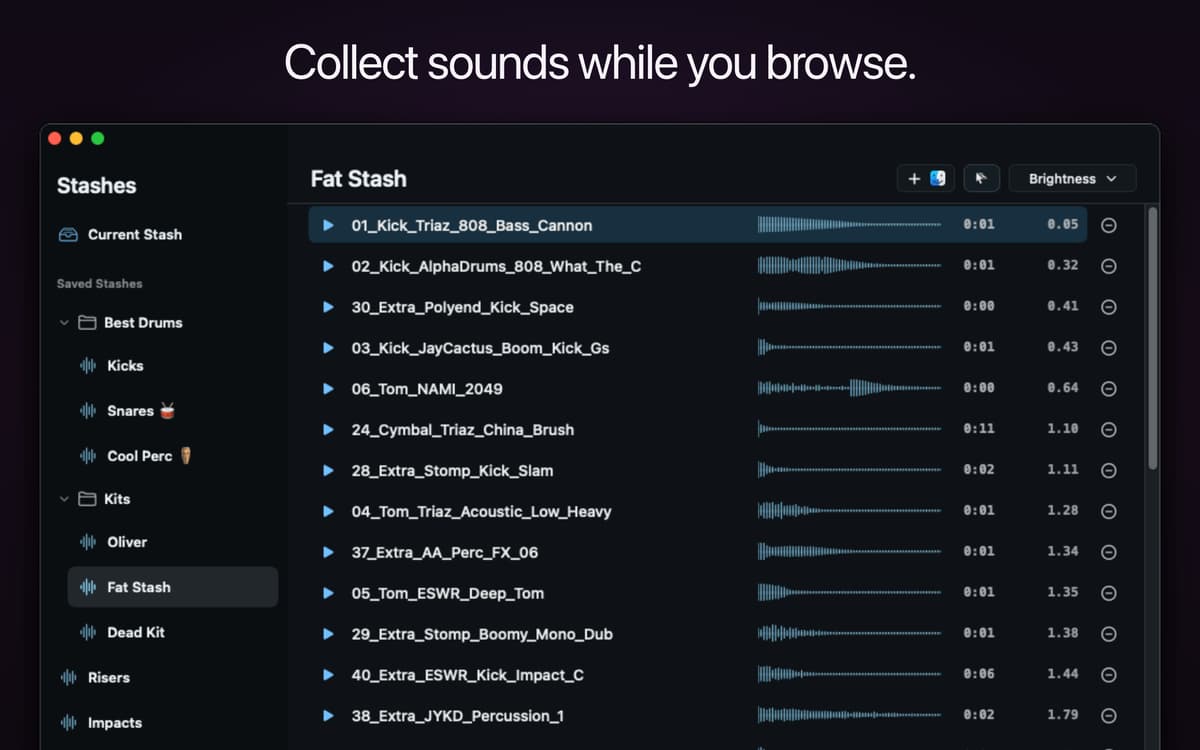
Collect samples into Stashes
Preview MIDI and NKS presets
Finder Audio Tools features
Volume-matched previews
Some samples blast, others whisper — Finder Audio Tools levels them out so every sound plays at a consistent volume. That makes it way easier to compare samples fairly and pick the right one on the first listen.
Waveform previews
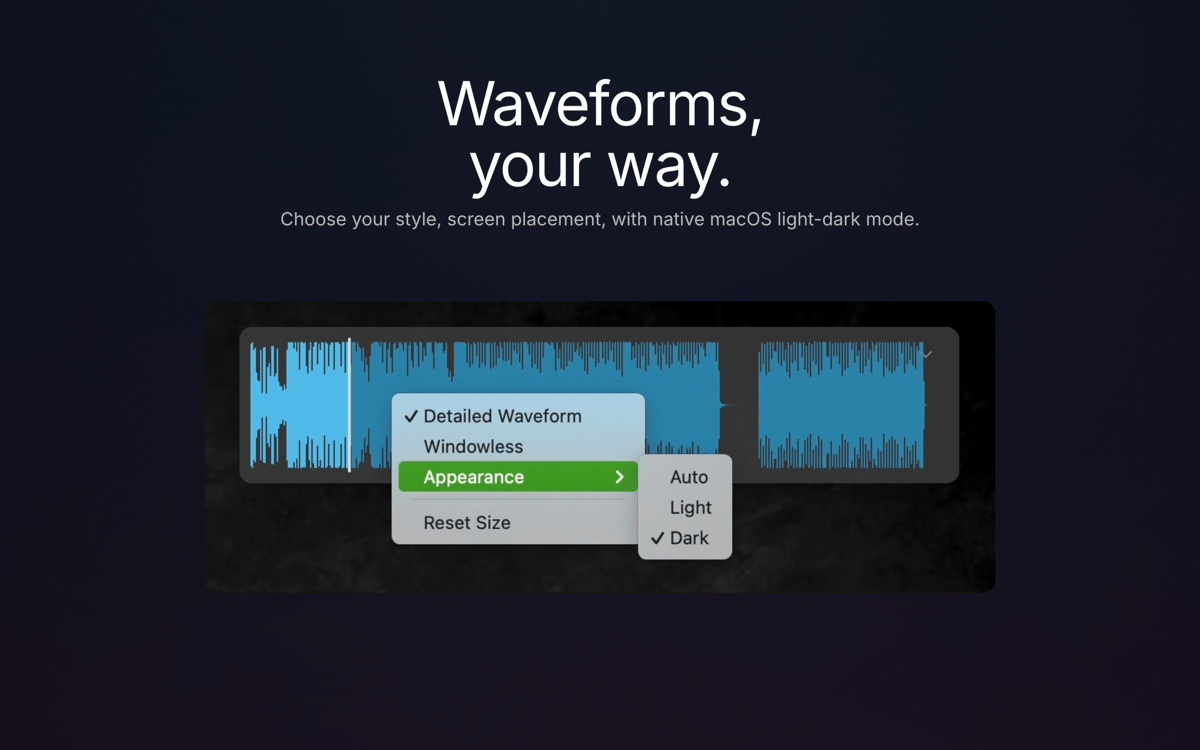
See the shape of a sound before you play it. Choose how and where waveforms show up as you browse, so you can spot transients, loops, and silence without hitting play every time.
Stashes
Found a sound you like? Drop it in a Stash. Group samples by project, drum kit, or favorite effect, then drag the whole stash into any app, DAW, or sampler when you're ready to use them.
MIDI and NKS preview
Preview MIDI files in real time and hear Native Instruments presets — including Kontakt, Massive, Battery, and Reaktor — play automatically as you browse NKS-compatible libraries.
Broad format support
Finder gets native support for formats it normally can't touch, including REX/RX2, FLAC, WavPack, and NCW, so your whole sample library becomes browsable in one place.
Lightweight by design
It lives in your menu bar, stays off your Dock, and uses zero CPU when you're not using it. Your files stay exactly as they are — Finder Audio Tools only changes how you preview them, not what's on disk.
Get hundreds of apps with Membership
Become Setapp member and use hundreds of stellar apps with one subscription.
Try 7 days free, then pay one simple fee.
Install Setapp on Mac
Explore apps for Mac, iOS, and web. Find easy ways to solve daily tasks.

Get the app you came for
That one shiny app is waiting inside Setapp. Install with a click.

Finder Audio Tools
Choose your subscription
One app or more with a Setapp membership. Get apps the way you want.

Get hundreds of apps with Membership
Become Setapp member and use hundreds of stellar apps with one subscription.
Try 7 days free, then pay one simple fee.
1
Install Setapp on Mac
Explore apps for Mac, iOS, and web. Find easy ways to solve daily tasks.
2
Get the app you came for
That one shiny app is waiting inside Setapp. Install with a click.
Finder Audio Tools
3
Choose your subscription
One app or more with a Setapp membership. Get apps the way you want.
Home to the top apps
From planning and routine tasks to creative pursuits and coding, tackle tasks with apps on Setapp.


Finder Audio Tools
Preview audio in Finder