Aion
Close idle apps automatically
Mac
Versión 2.11.25
macOS 14.0 o posterior
24.8 MB
10 idiomas
Aion is an idle app manager for Mac. It watches what's actually happening with your open apps and quietly closes the ones that have been sitting idle — so your Mac stays fast and uncluttered, without interrupting anything you're still using. Aion checks the context before it acts: downloads, audio, video, camera, microphone, meetings, and active windows are all protected automatically. Set per-app rules, pin the apps you always want open, and tie cleanup behavior to your macOS Focus modes. Everything runs locally — your app usage history stays on your Mac, where it belongs.
Quit apps that are truly idle
Protect downloads and meetings
Set per-app rules and schedules
Sync with macOS Focus modes
Características de Aion
Close idle apps — not active ones
Most app quitters work on a timer. Aion works on context. Before closing anything, it checks whether an app is actually idle — protecting downloads in progress, active audio or video playback, camera and microphone use, ongoing meetings, and open windows. If something's still happening, Aion leaves it alone.
Set rules for every app
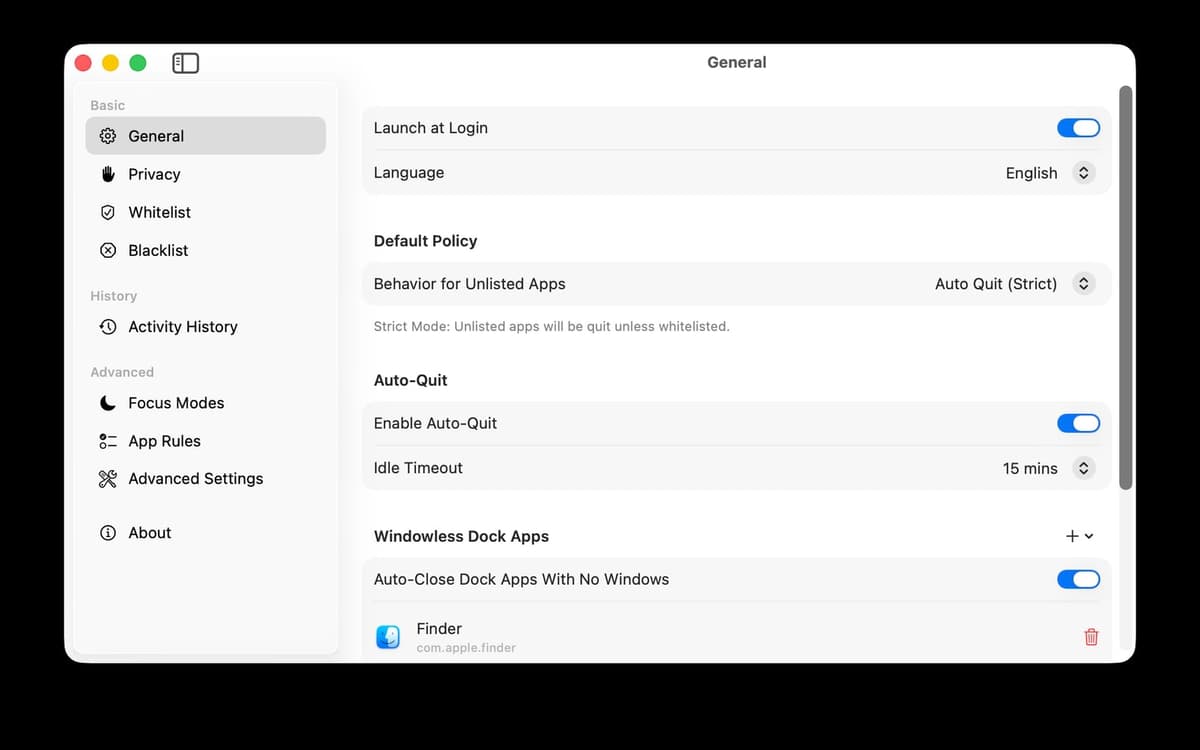
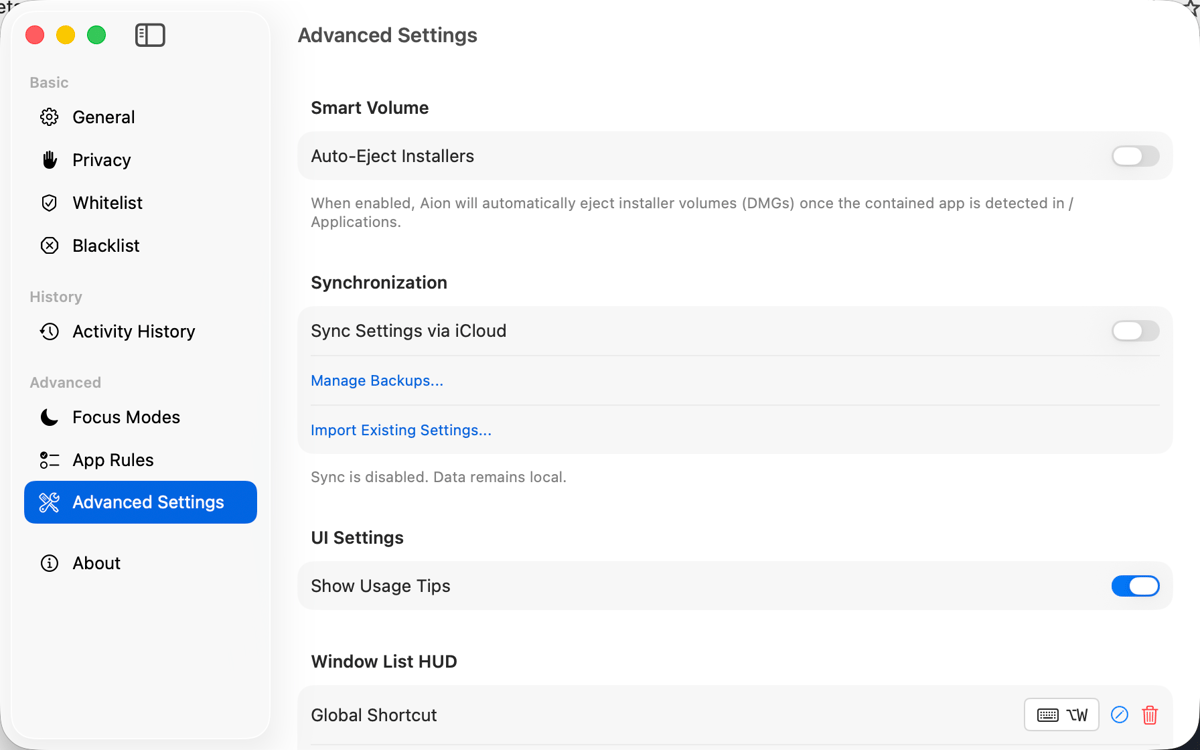
Not every app should be treated the same. Set individual timers, mark apps as always-on, or tell Aion to leave certain ones alone entirely. You're in control of what gets cleaned up and what doesn't — Aion just handles the work of doing it.
See what's running and why
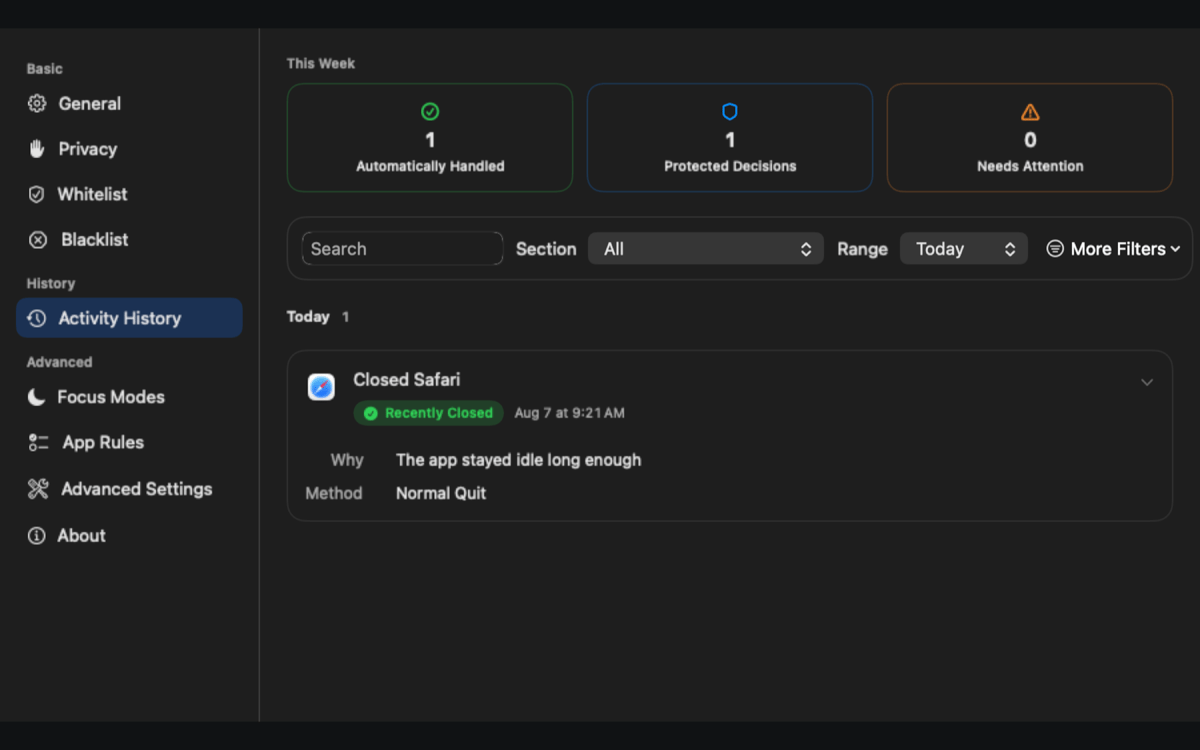
The menu bar panel shows every open app at a glance — including which ones are protected and the reason they're being kept alive. No guessing, no surprises. Activity History keeps a clear local record of every cleanup and protection decision Aion has made.
Schedule cleanup around your day
Close specific apps on a schedule, not just when they go idle. Combine scheduled cleanup with per-app rules and Focus mode integration to build a routine that keeps your Mac tidy without you thinking about it.
Connect to macOS Focus modes
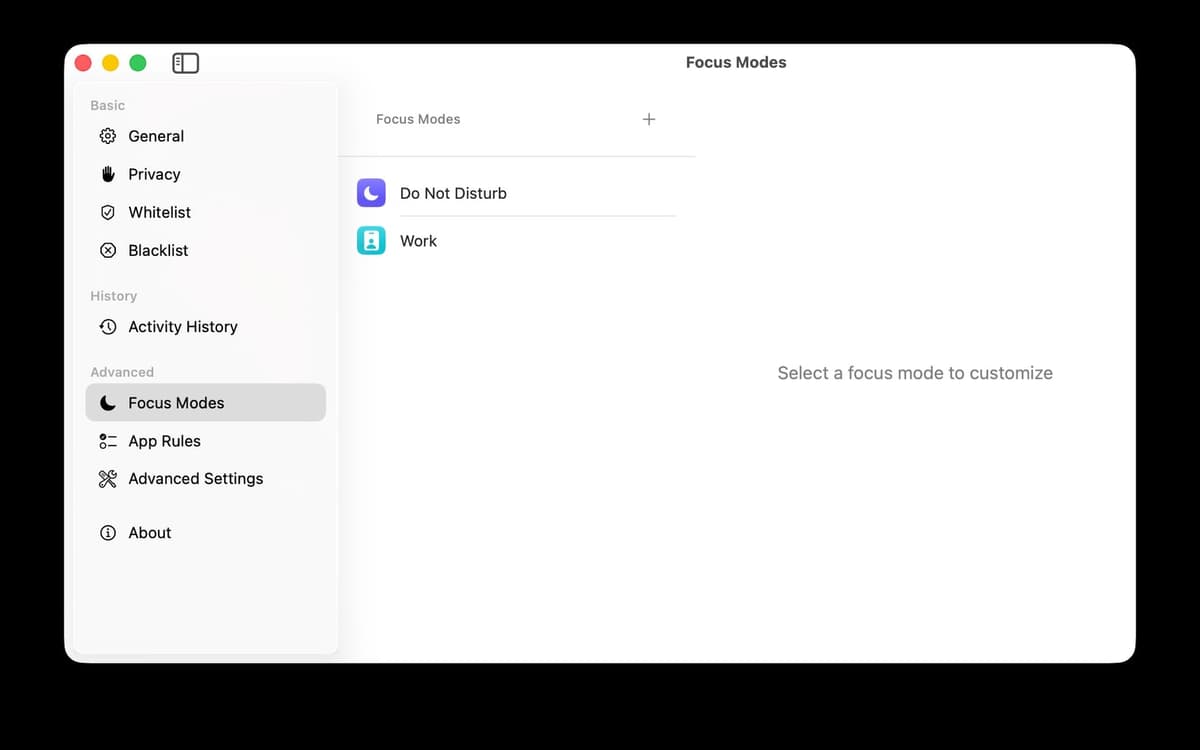
Aion can adjust its behavior based on whichever Focus mode is active. Working? Keep things running. Off the clock? Let Aion close what you don't need. It fits naturally into how you already use your Mac.
Private by design
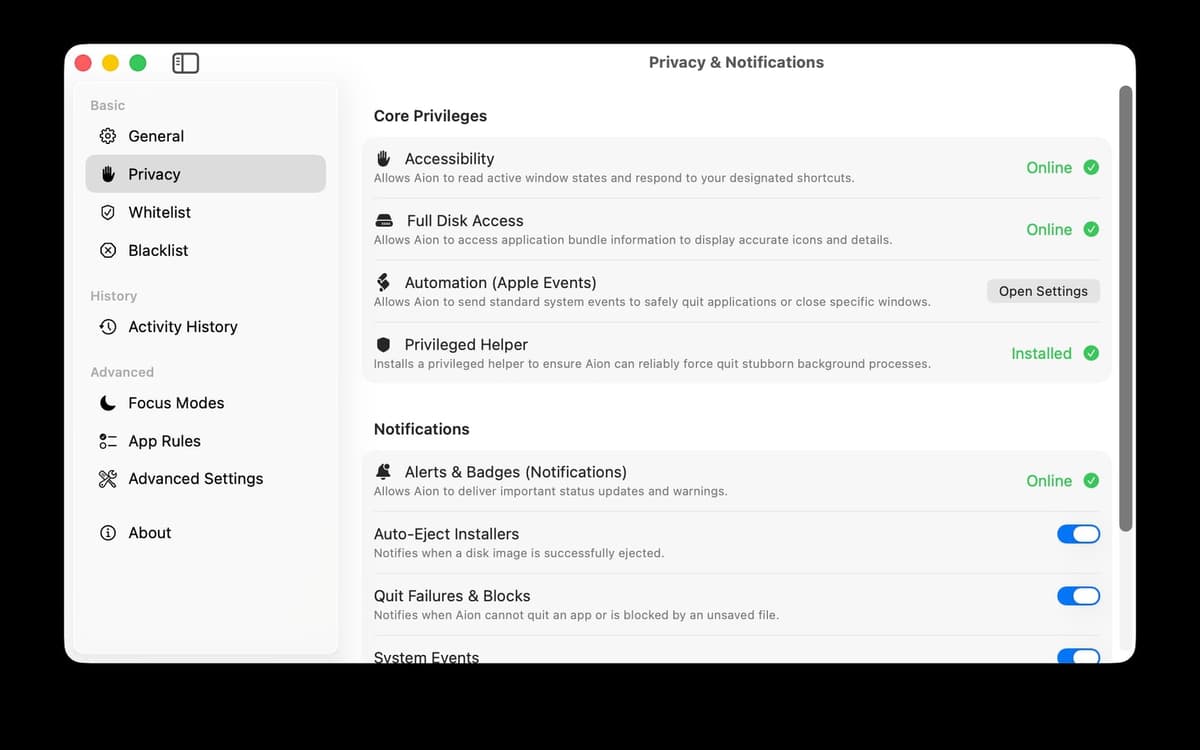
Aion makes all decisions locally. Your app usage history never leaves your device. The optional privileged Helper improves how force-quit and network activity detection work — but Aion stays fully usable without it if you'd rather keep things simple.
Valoraciones y reseñas
Aion
•
8 valoraciones
Ryan Thorpe
10 oct 2026
Versión de la app: 2.11.25
I had no idea my mac needed this kind of tlc.
Respuesta del desarrollador
11 oct 2026
Thanks for the lovely review! Every Mac deserves a little TLC 😊 We're glad Aion could help yours feel cared for.
Suscríbete y accede a cientos de apps
Suscríbete a Setapp y usa cientos de apps fantásticas con una sola suscripción.
Pruébalo 7 días gratis y luego paga una única cuota.
Instala Setapp en tu Mac
Apps de Mac, iOS y web para encontrar soluciones a tus desafíos cotidianos.

Consigue la app que buscabas
Esa app increíble y reluciente te espera en Setapp. Instálala con un clic.

Aion
Elige la suscripción
Una app o más con Setapp Membership. Consigue las apps a tu manera.

Suscríbete y accede a cientos de apps
Suscríbete a Setapp y usa cientos de apps fantásticas con una sola suscripción.
Pruébalo 7 días gratis y luego paga una única cuota.
1
Instala Setapp en tu Mac
Apps de Mac, iOS y web para encontrar soluciones a tus desafíos cotidianos.
2
Consigue la app que buscabas
Esa app increíble y reluciente te espera en Setapp. Instálala con un clic.
Aion
3
Elige la suscripción
Una app o más con Setapp Membership. Consigue las apps a tu manera.
Las mejores apps bajo un mismo paraguas
Tanto para las tareas rutinarias como para los proyectos creativos, programación o planificación, todo es más fácil con las apps de Setapp.

TypingMind
Chat de IA con una interfaz alternativa
genera o resume texto
usa la biblioteca de prompts
IA

Spark Mail
Gestiona tus correos
IA

CleanMyMac
Elimina los archivos de más

Bartender
Personaliza la barra de menús

CleanShot X
Personaliza tus capturas de pantalla

Luminar Neo
Edita tus fotos
IA

ClearVPN
Conéctate con más seguridad

Craft
Trabaja con documentos
IA
Aion
Close idle apps automatically