
CueClip
Graba y edita vídeos automáticamente
Mac
Versión 1.6.31
macOS 12.0 o posterior
1388.5 MB
1 idiomas
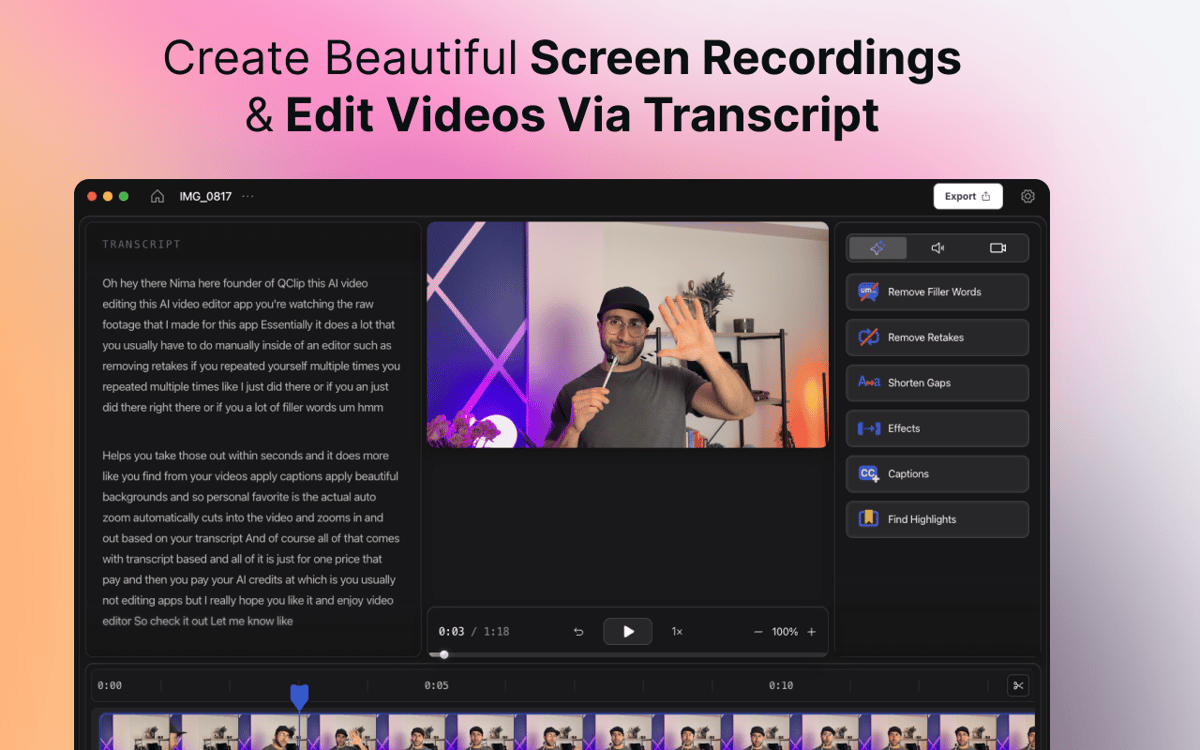
CueClip es un grabador de pantalla y editor de vídeo para Mac impulsado por IA que ayuda a creadores, educadores, coaches y profesionales a convertir grabaciones en bruto en vídeos pulidos con mayor rapidez. Graba tu pantalla, tu cámara o ambas, y elimina automáticamente las palabras de relleno, las tomas fallidas, las pausas largas y otras distracciones. Edita por transcripción, genera subtítulos, crea clips destacados y exporta vídeos pulidos listos para compartir. La mayoría de los editores de vídeo se basan en líneas de tiempo complejas y flujos de trabajo manuales. CueClip está diseñado para creadores que quieren grabar, depurar y publicar vídeos más rápido.
Crea cursos online con facilidad
Convierte demos en vídeos impecables
Crea contenido de YouTube más rápido
Crear tutoriales para clientes
Características de CueClip
Limpieza con IA con un solo clic
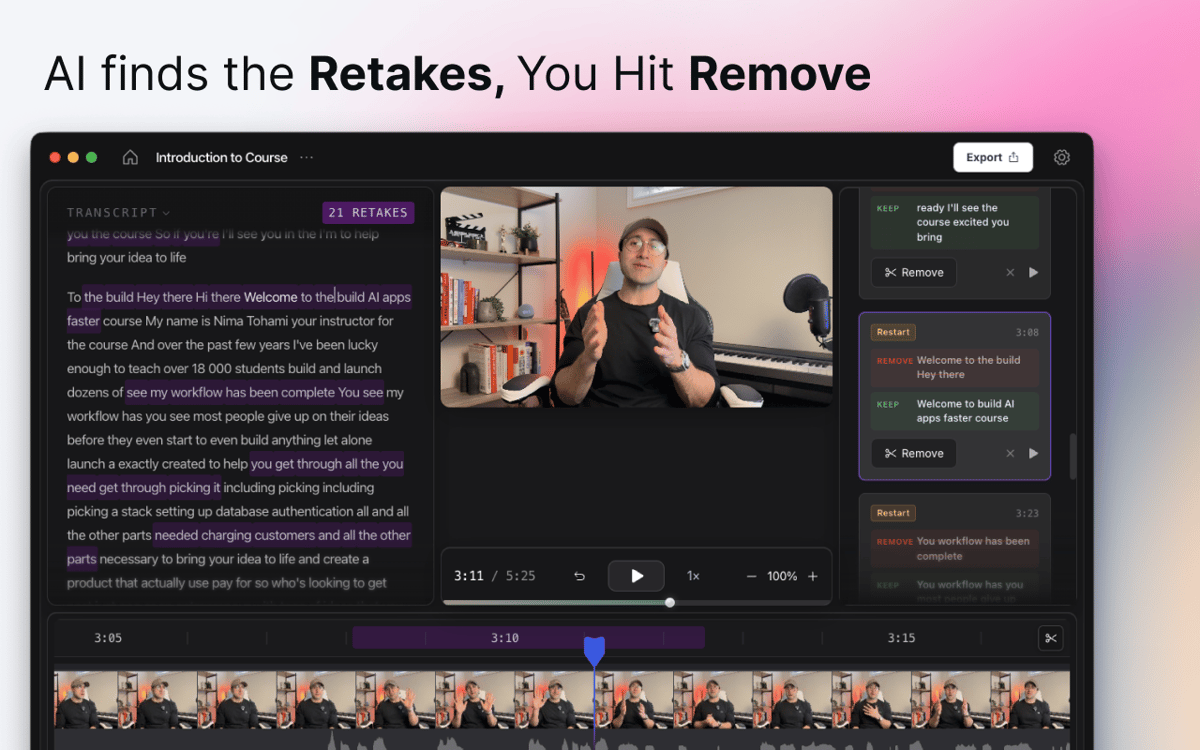
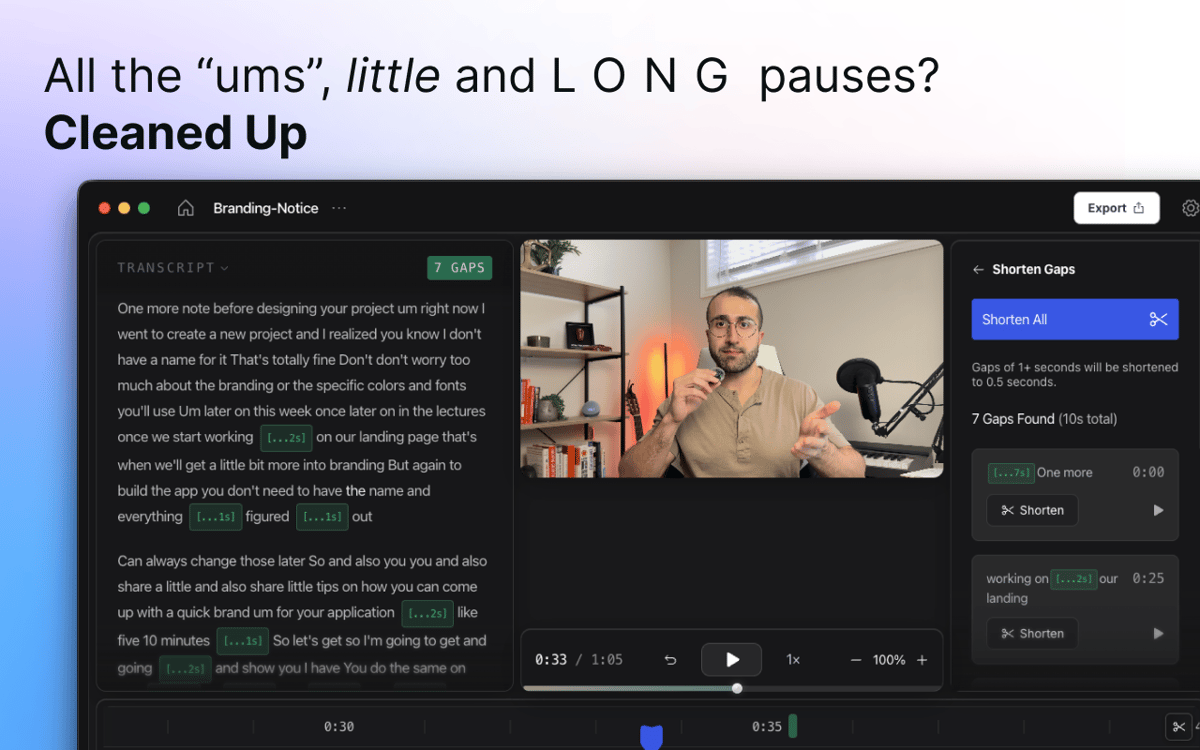
Pulsa grabar, habla con naturalidad y deja que CueClip haga el resto. La IA detecta automáticamente palabras de relleno, silencios prolongados, tomas fallidas y pausas incómodas, y los elimina con tan solo un clic. Sin necesidad de desplazarte manualmente por la línea de tiempo.
Graba pantalla y cámara a la vez
Captura tu pantalla, tu cara o ambas en una sola sesión, sin cambiar de aplicación. Tanto si estás grabando un tutorial, una demo de producto, una presentación o un vídeo hablando a cámara, todo lo que necesitas está en un solo lugar desde el primer fotograma.
Editado por transcripción
Olvídate de buscar el momento exacto en la línea de tiempo. CueClip convierte tu grabación en una transcripción de texto que puedes editar directamente. Elimina una frase de la transcripción y desaparece del vídeo. Limpio, rápido e intuitivo.
Subtítulos y clips destacados
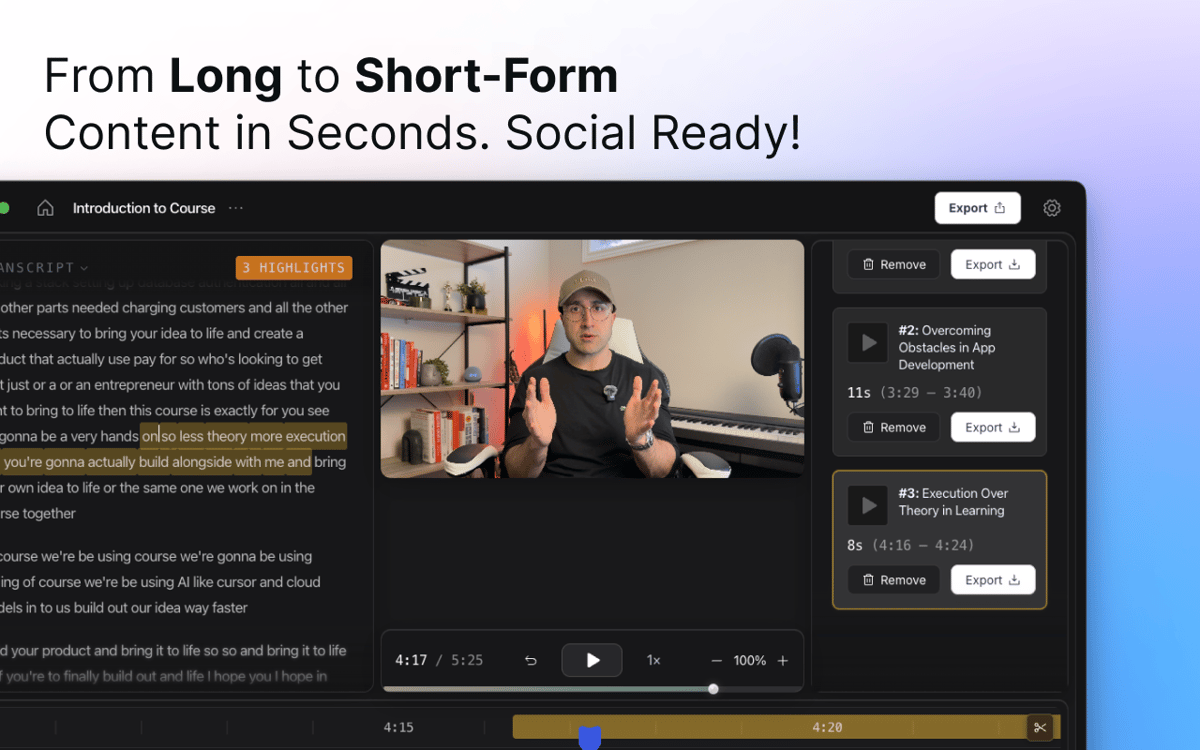
Añade subtítulos generados automáticamente que coincidan con tu contenido y personalízalos para que se adapten a tu estilo. ¿Necesitas un clip corto para redes sociales? CueClip puede identificar los momentos clave de grabaciones largas y convertirlos en fragmentos destacados que puedes compartir.
Zooms inteligentes y mejoras visuales
CueClip aplica zooms automáticos y mejoras visuales para guiar la atención del espectador y dar un acabado más profesional a tutoriales, demostraciones y presentaciones sin necesidad de fotogramas clave manuales.
Exportar y compartir
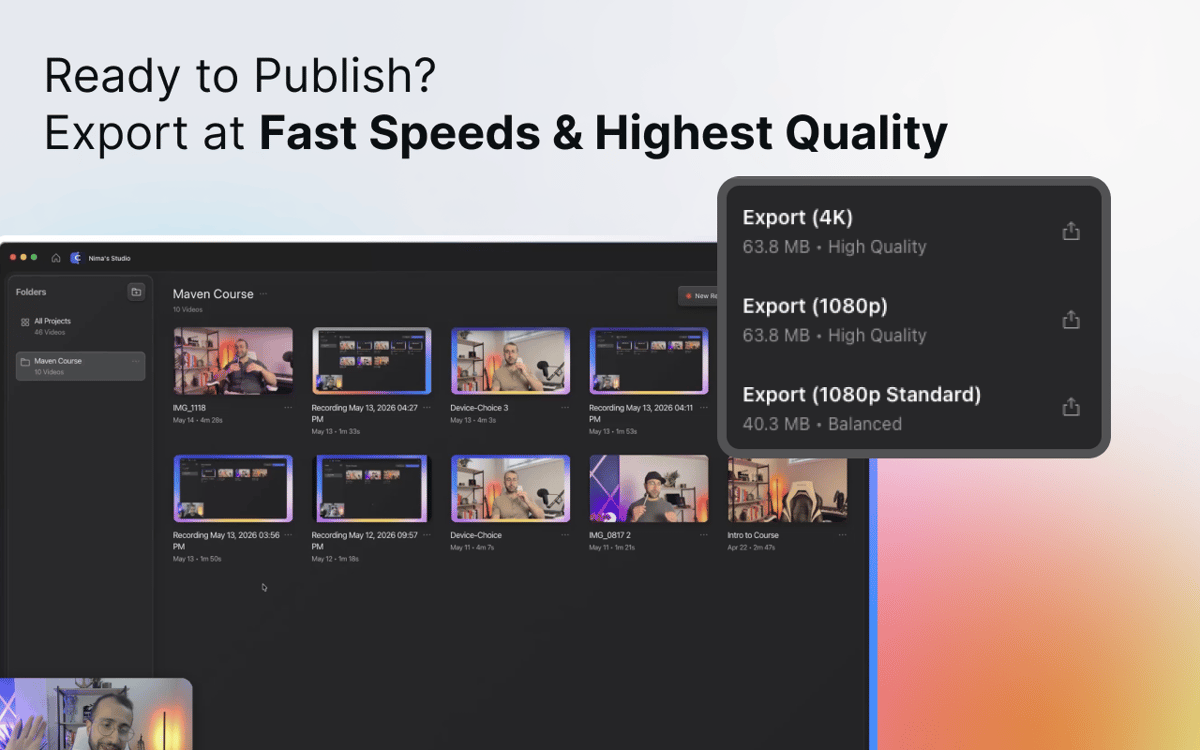
Cuando estés listo, exporta un vídeo impecable para YouTube, cursos en línea, materiales de formación, presentaciones para clientes, documentación o donde lo necesites. Sin complicaciones de renderizado, sin preocuparte por el formato — solo un vídeo listo.
Suscríbete y accede a cientos de apps
Suscríbete a Setapp y usa cientos de apps fantásticas con una sola suscripción.
Pruébalo 7 días gratis y luego paga una única cuota.
Instala Setapp en tu Mac
Apps de Mac, iOS y web para encontrar soluciones a tus desafíos cotidianos.

Consigue la app que buscabas
Esa app increíble y reluciente te espera en Setapp. Instálala con un clic.

CueClip
Elige la suscripción
Una app o más con Setapp Membership. Consigue las apps a tu manera.

Suscríbete y accede a cientos de apps
Suscríbete a Setapp y usa cientos de apps fantásticas con una sola suscripción.
Pruébalo 7 días gratis y luego paga una única cuota.
1
Instala Setapp en tu Mac
Apps de Mac, iOS y web para encontrar soluciones a tus desafíos cotidianos.
2
Consigue la app que buscabas
Esa app increíble y reluciente te espera en Setapp. Instálala con un clic.
CueClip
3
Elige la suscripción
Una app o más con Setapp Membership. Consigue las apps a tu manera.
Las mejores apps bajo un mismo paraguas
Tanto para las tareas rutinarias como para los proyectos creativos, programación o planificación, todo es más fácil con las apps de Setapp.

TypingMind
Chat de IA con una interfaz alternativa
genera o resume texto
usa la biblioteca de prompts
IA

Spark Mail
Gestiona tus correos
IA

CleanMyMac
Elimina los archivos de más

Bartender
Personaliza la barra de menús

CleanShot X
Personaliza tus capturas de pantalla

Luminar Neo
Edita tus fotos
IA

ClearVPN
Conéctate con más seguridad

Craft
Trabaja con documentos
IA
CueClip
Graba y edita vídeos automáticamente