
DiskMap
Ve adónde se ha ido tu disco
Mac
Versión 5.0
macOS 13.0 o posterior
13.7 MB
7 idiomas
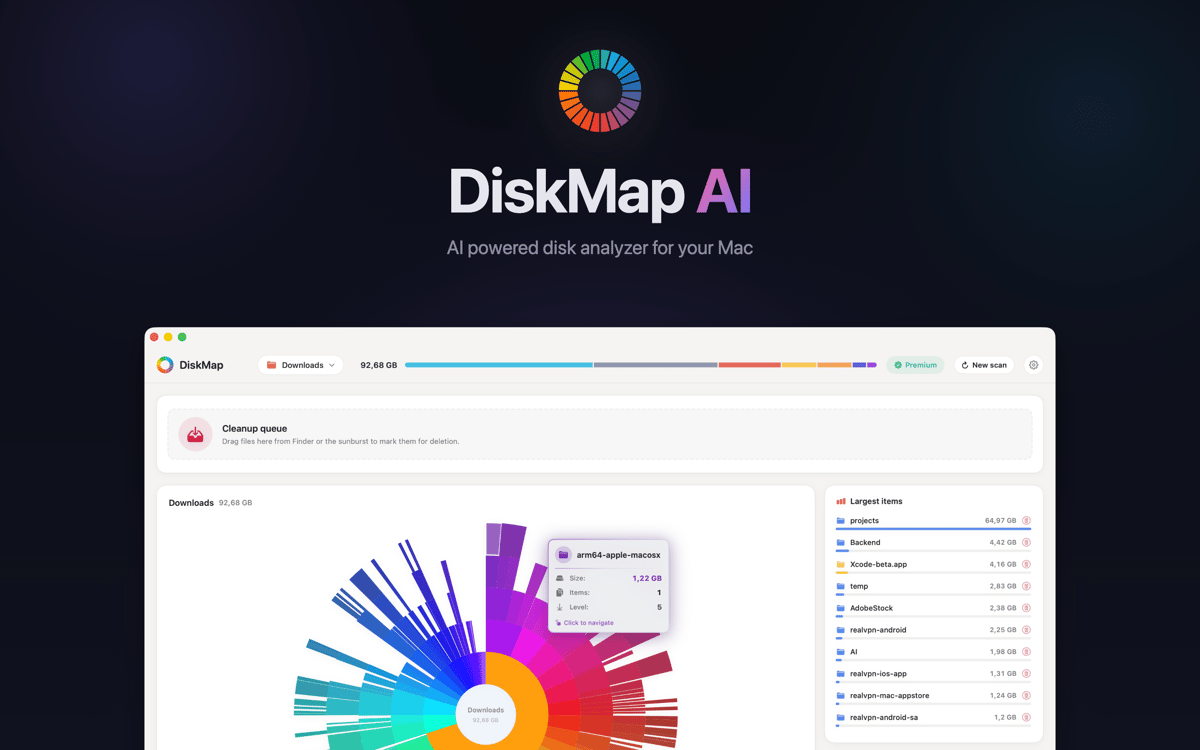
DiskMap es un analizador de espacio en disco para Mac. Explora cualquier unidad y crea un mapa visual interactivo de todos los archivos y carpetas, ordenados por tamaño, para que puedas identificar de un vistazo los que más espacio ocupan. Elige una unidad, pulsa Explorar y en segundos sabrás exactamente dónde se han ido tus gigabytes. ¿Has encontrado algo que no necesitas? Previsualízalo y elimínalo al momento.
Explora unidades y ve tamaños al instante
Encuentra archivos grandes y descargas antiguas
Localiza carpetas duplicadas que habías olvidado
Previsualiza y elimina archivos sin Finder
Características de DiskMap
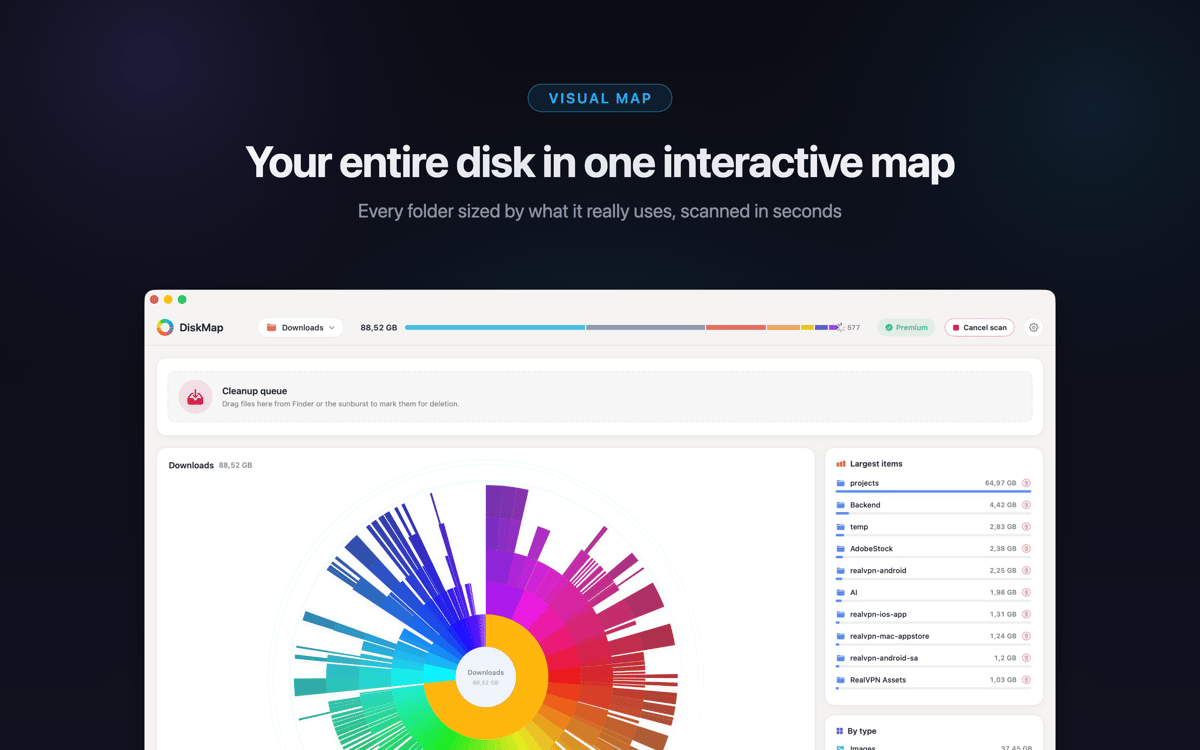
Ve todo tu disco en segundos
DiskMap explora tu disco y mapea todos los archivos y carpetas por tamaño: sin esperas, sin conjeturas. La mayoría de exploraciones finalizan en menos de 30 segundos, incluso en unidades repletas de millones de archivos. El diseño visual hace que el problema sea obvio: es imposible pasar por alto las carpetas más grandes.
Explora cualquier carpeta en profundidad
Toca cualquier carpeta para profundizar. Navega por toda tu unidad capa por capa, con los tamaños mostrados en cada nivel. Siempre tienes el control de dónde buscas: no necesitas conocer las rutas de los archivos de antemano.
Encuentra y elimina lo que está desperdiciando espacio
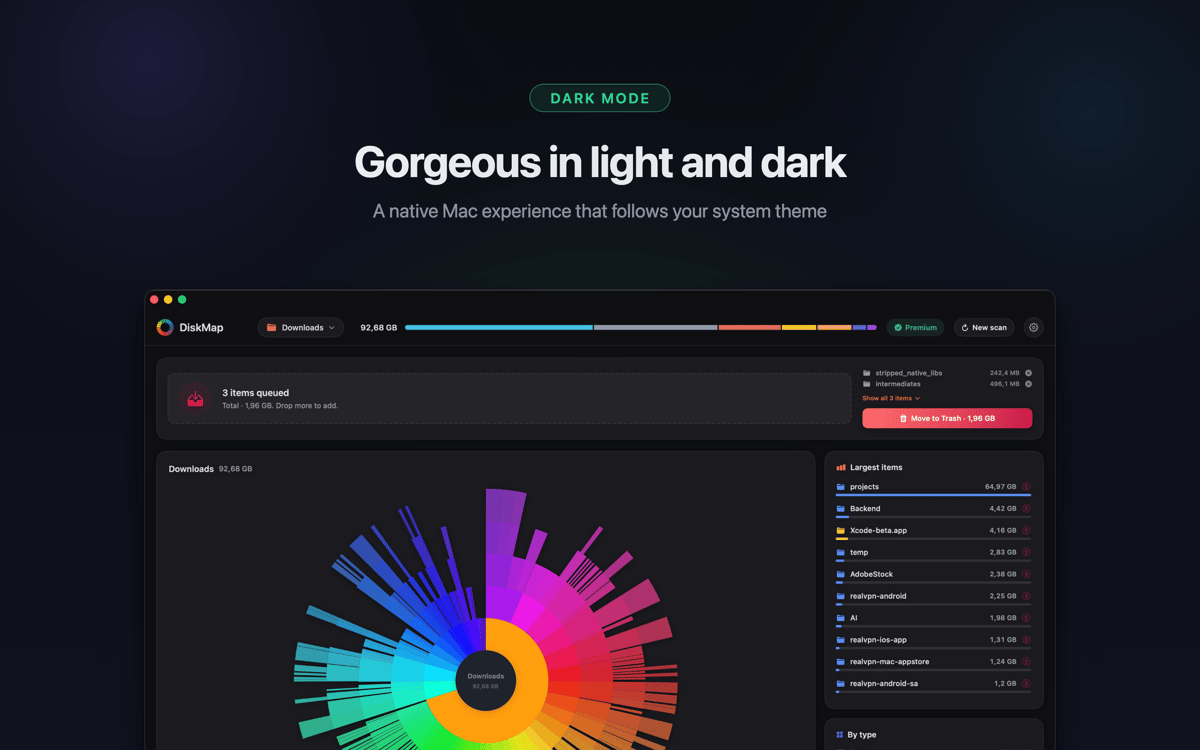
Localiza descargas antiguas, archivos olvidados, cachés de aplicaciones saturadas y carpetas duplicadas que no sabías que estaban ahí. Previsualiza cualquier elemento con Vista Rápida antes de eliminarlo. Nada se elimina sin tu autorización.
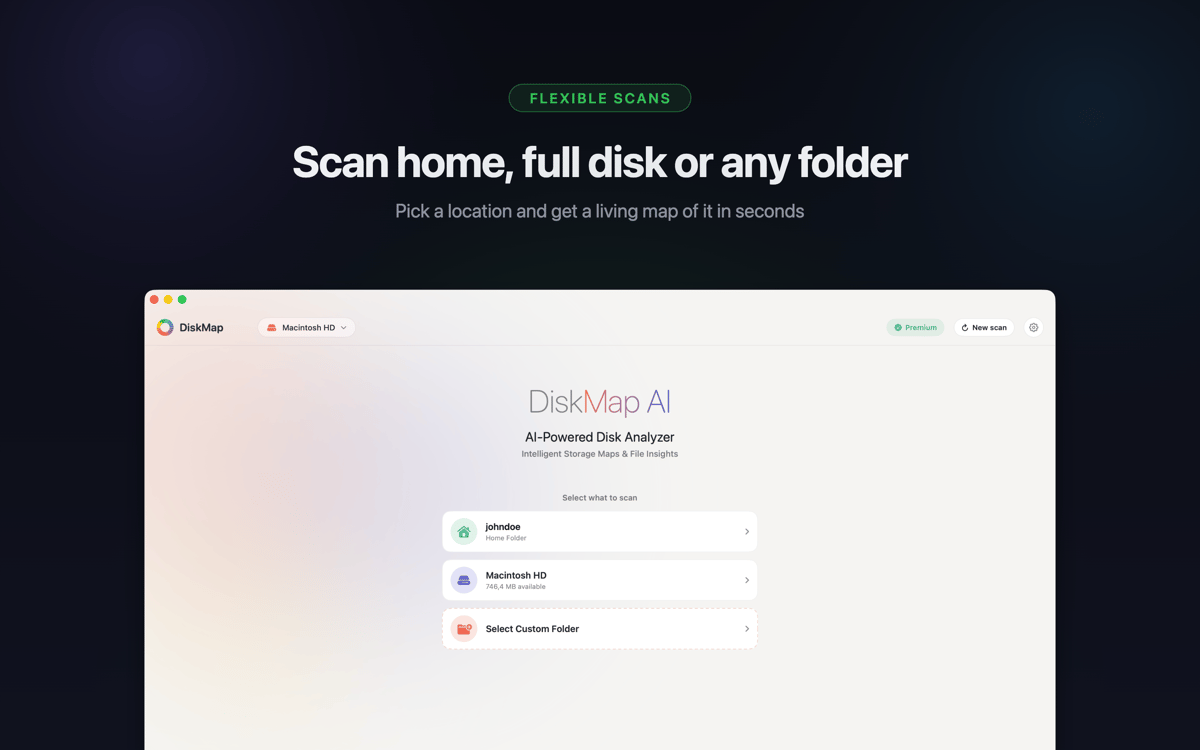
Funciona con todas tus unidades
Explora tu disco de arranque, unidades USB y Thunderbolt externas, tarjetas SD, unidades flash, volúmenes de red, imágenes DMG montadas y unidades de Time Machine. Compatible con APFS, HFS+, ExFAT y FAT32: si se puede montar en tu Mac, DiskMap puede analizarlo.
Los archivos del sistema permanecen seguros
Los archivos del sistema están claramente marcados y protegidos. DiskMap nunca elimina nada automáticamente ni sin tu acción explícita. Mantienes el control total en todo momento.
Ligero por diseño
Sin procesos en segundo plano, sin telemetría, sin envío de datos a ningún lugar. DiskMap funciona en segundo plano, termina rápidamente y no te molesta. Tus archivos se quedan en tu Mac, y punto.
Suscríbete y accede a cientos de apps
Suscríbete a Setapp y usa cientos de apps fantásticas con una sola suscripción.
Pruébalo 7 días gratis y luego paga una única cuota.
Instala Setapp en tu Mac
Apps de Mac, iOS y web para encontrar soluciones a tus desafíos cotidianos.

Consigue la app que buscabas
Esa app increíble y reluciente te espera en Setapp. Instálala con un clic.

DiskMap
Elige la suscripción
Una app o más con Setapp Membership. Consigue las apps a tu manera.

Suscríbete y accede a cientos de apps
Suscríbete a Setapp y usa cientos de apps fantásticas con una sola suscripción.
Pruébalo 7 días gratis y luego paga una única cuota.
1
Instala Setapp en tu Mac
Apps de Mac, iOS y web para encontrar soluciones a tus desafíos cotidianos.
2
Consigue la app que buscabas
Esa app increíble y reluciente te espera en Setapp. Instálala con un clic.
DiskMap
3
Elige la suscripción
Una app o más con Setapp Membership. Consigue las apps a tu manera.
Las mejores apps bajo un mismo paraguas
Tanto para las tareas rutinarias como para los proyectos creativos, programación o planificación, todo es más fácil con las apps de Setapp.

TypingMind
Chat de IA con una interfaz alternativa
genera o resume texto
usa la biblioteca de prompts
IA

Spark Mail
Gestiona tus correos
IA

CleanMyMac
Elimina los archivos de más

Bartender
Personaliza la barra de menús

CleanShot X
Personaliza tus capturas de pantalla

Luminar Neo
Edita tus fotos
IA

ClearVPN
Conéctate con más seguridad

Craft
Trabaja con documentos
IA
DiskMap
Ve adónde se ha ido tu disco