JoyTap
Añade sonido de escritura al teclado
Mac
Versión 26.1.30.0
macOS 14.0 o posterior
21.6 MB
1 idiomas
JoyTap lleva los sonidos de teclado mecánico al teclado silencioso de tu Mac. Esta sencilla app de la barra de menú reproduce sonidos de interruptores auténticos mientras escribes, en todas las apps, desde editores de código hasta el correo electrónico. Tanto si eres un desarrollador trabajando intensamente en código como si eres un escritor trabajando en tu próximo artículo, la retroalimentación de audio hace que escribir sea más satisfactorio y te ayuda a mantener la concentración durante sesiones más largas.
Añade sonidos de teclado mecánico a tu Mac
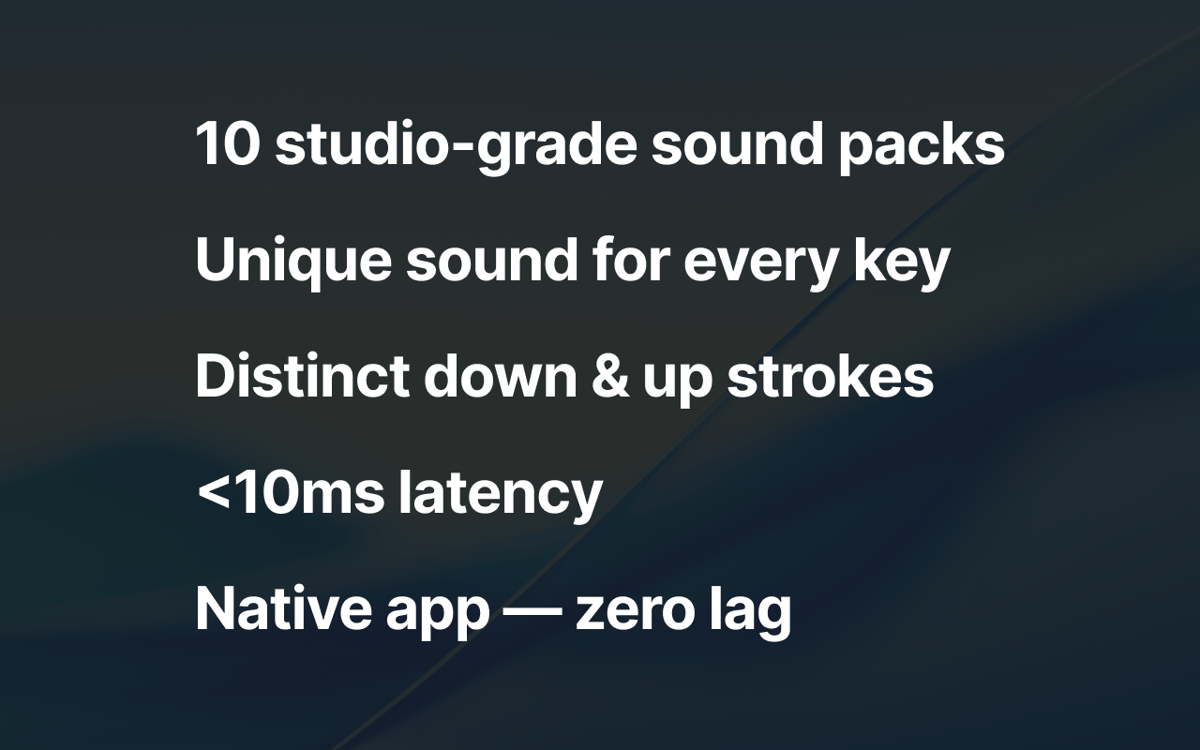
10+ perfiles de interruptores auténticos
Controla el volumen desde la barra de menú
Disfruta escribiendo en cualquier app de macOS
Características de JoyTap
Elige entre sonidos de interruptores mecánicos auténticos
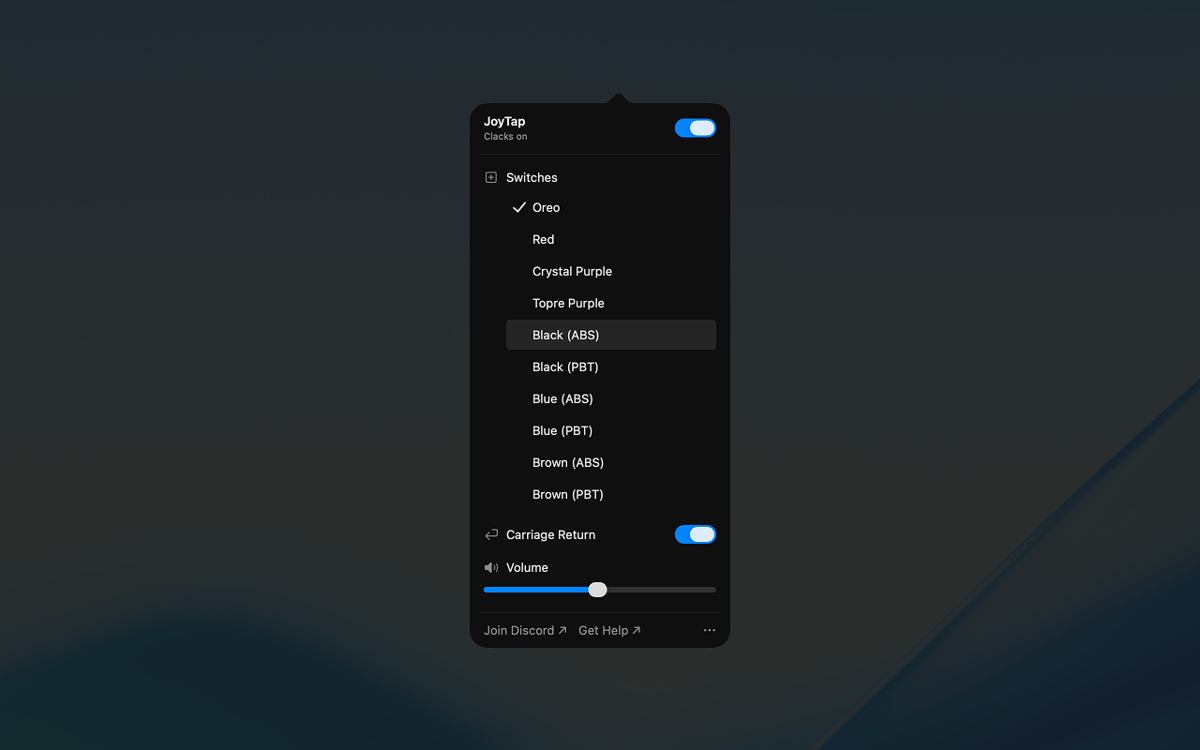
Selecciona entre más de 10 perfiles de interruptores realistas basados en interruptores mecánicos reales: Oreo, Crystal Purple, Topre Purple e interruptores lineales y táctiles clásicos en variantes ABS y PBT. Cada perfil captura las características de sonido distintivas de su homólogo físico, desde golpes profundos hasta clics nítidos.
Accede a los controles desde tu barra de menú
JoyTap se encuentra en tu barra de menú para un acceso rápido. Activa o desactiva los sonidos al instante cuando necesites silencio, cambia entre diferentes perfiles de interruptores con un solo clic y personaliza la configuración sin interrumpir tu flujo de trabajo.
Ajusta el volumen para adaptarlo a tu entorno
Ajusta el nivel de sonido de forma independiente para cualquier situación. Súbelo cuando trabajes solo para máxima satisfacción, o bájalo cuando necesites silencio en espacios compartidos o durante llamadas.
Valoraciones y reseñas
JoyTap
•
141 valoraciones
Rach Safdieh
26 ago 2026
Versión de la app: 26.1.30.0
It’s a great app but uses a tonnnn of memory
Bikram Choudhury
5 ago 2026
Versión de la app: 26.1.30.0
It’s fun. I never realised that I typed so fast!
Aditya Balasubramanian
29 jun 2026
Versión de la app: 26.1.30.0
4.5/5
Suscríbete y accede a cientos de apps
Suscríbete a Setapp y usa cientos de apps fantásticas con una sola suscripción.
Pruébalo 7 días gratis y luego paga una única cuota.
Instala Setapp en tu Mac
Apps de Mac, iOS y web para encontrar soluciones a tus desafíos cotidianos.

Consigue la app que buscabas
Esa app increíble y reluciente te espera en Setapp. Instálala con un clic.

JoyTap
Elige la suscripción
Una app o más con Setapp Membership. Consigue las apps a tu manera.

Suscríbete y accede a cientos de apps
Suscríbete a Setapp y usa cientos de apps fantásticas con una sola suscripción.
Pruébalo 7 días gratis y luego paga una única cuota.
1
Instala Setapp en tu Mac
Apps de Mac, iOS y web para encontrar soluciones a tus desafíos cotidianos.
2
Consigue la app que buscabas
Esa app increíble y reluciente te espera en Setapp. Instálala con un clic.
JoyTap
3
Elige la suscripción
Una app o más con Setapp Membership. Consigue las apps a tu manera.
Las mejores apps bajo un mismo paraguas
Tanto para las tareas rutinarias como para los proyectos creativos, programación o planificación, todo es más fácil con las apps de Setapp.

TypingMind
Chat de IA con una interfaz alternativa
genera o resume texto
usa la biblioteca de prompts
IA

Spark Mail
Gestiona tus correos
IA

CleanMyMac
Elimina los archivos de más

Bartender
Personaliza la barra de menús

CleanShot X
Personaliza tus capturas de pantalla

Luminar Neo
Edita tus fotos
IA

ClearVPN
Conéctate con más seguridad

Craft
Trabaja con documentos
IA
JoyTap
Añade sonido de escritura al teclado