
KeyComposer
Del prompt a la presentación perfecta
Mac
Versión 1.3.0
macOS 15.0 o posterior
20.6 MB
6 idiomas
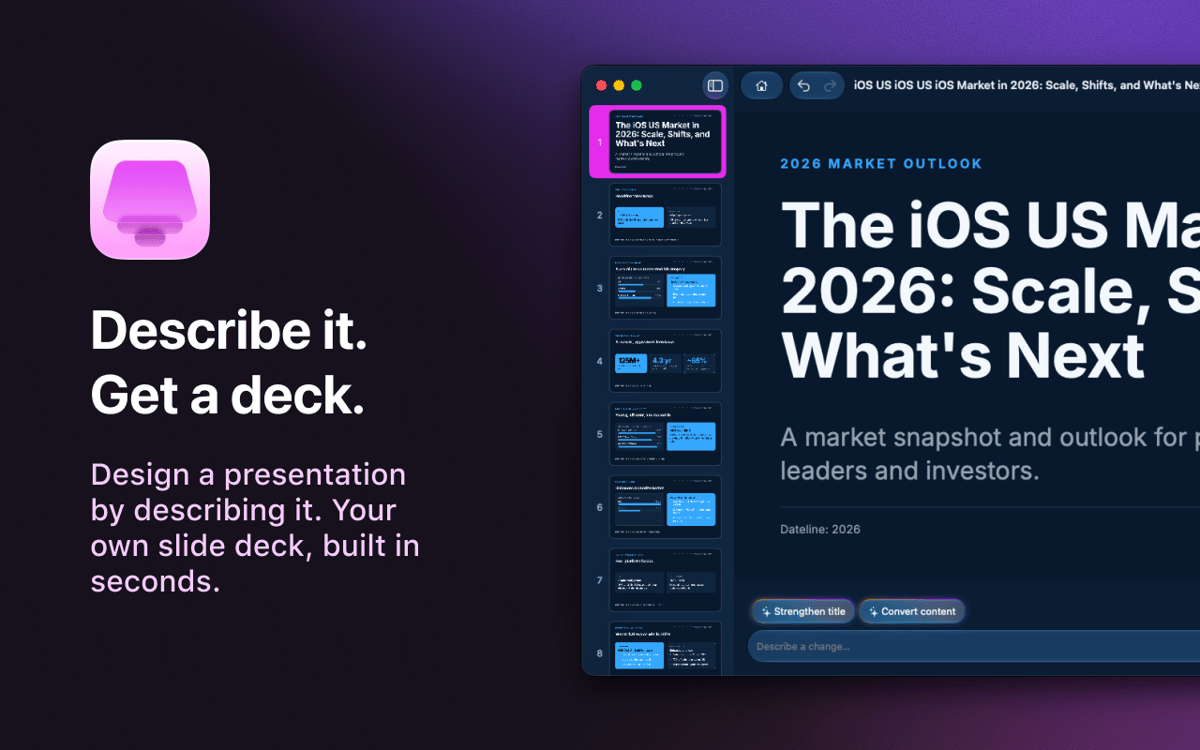
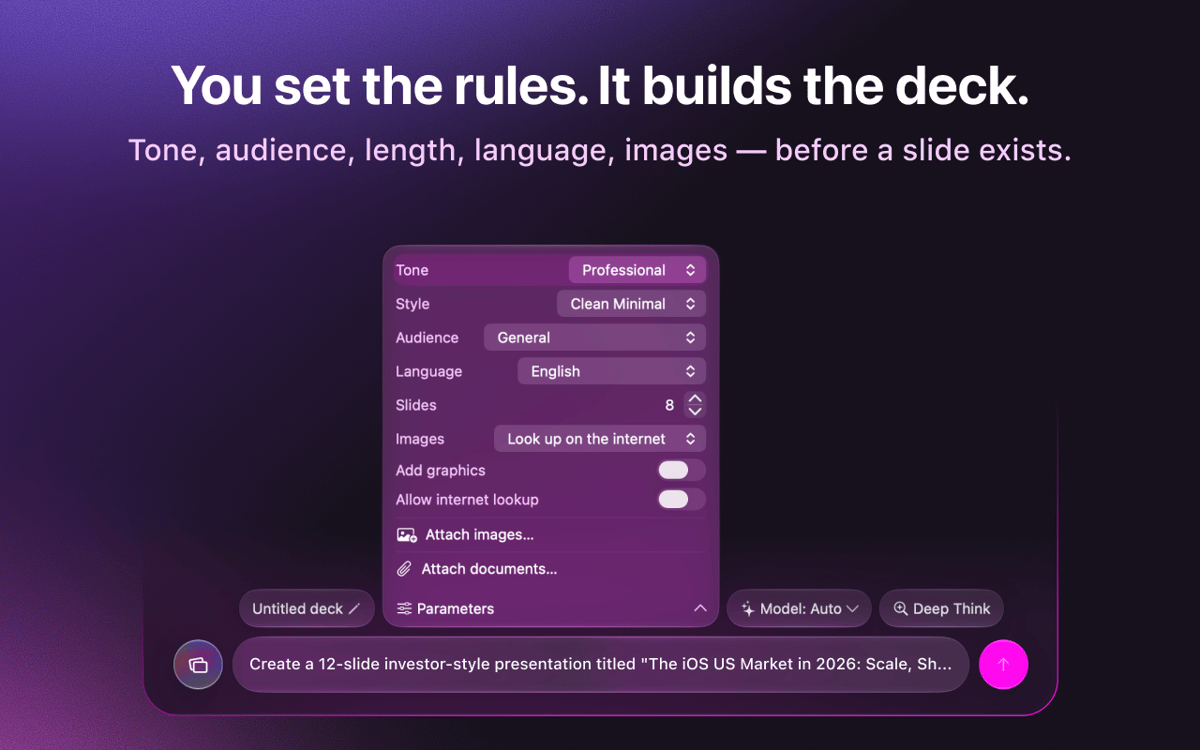
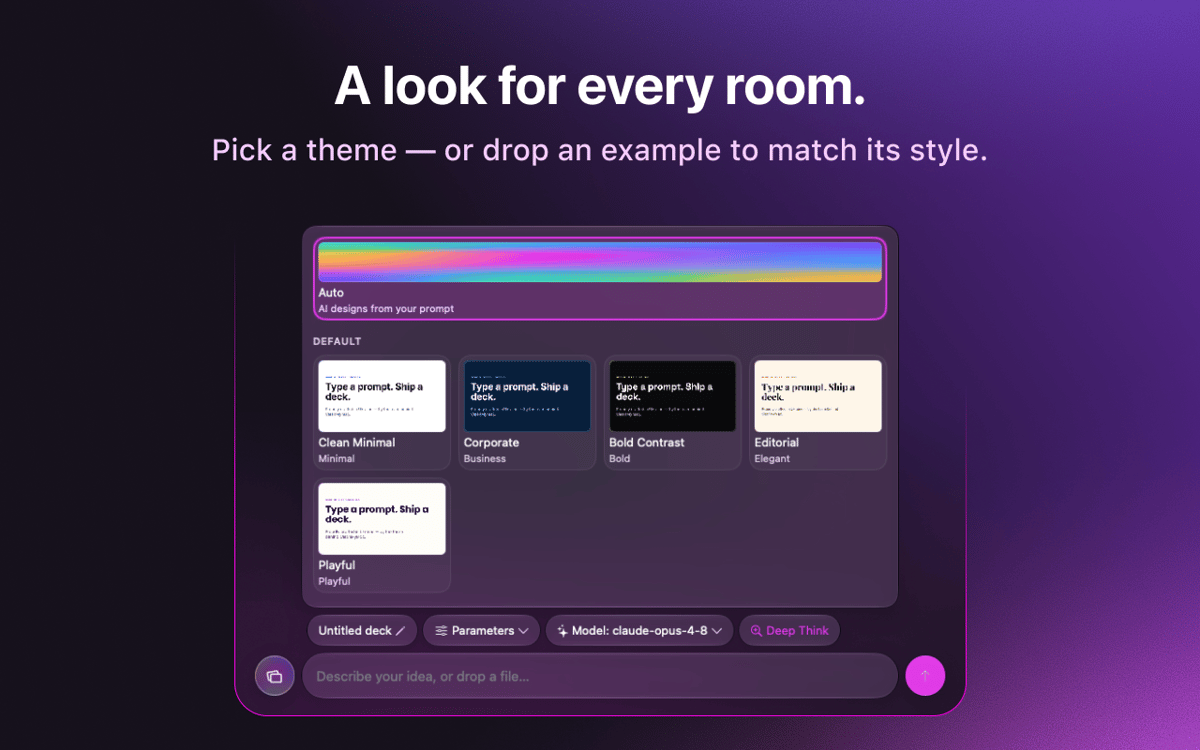
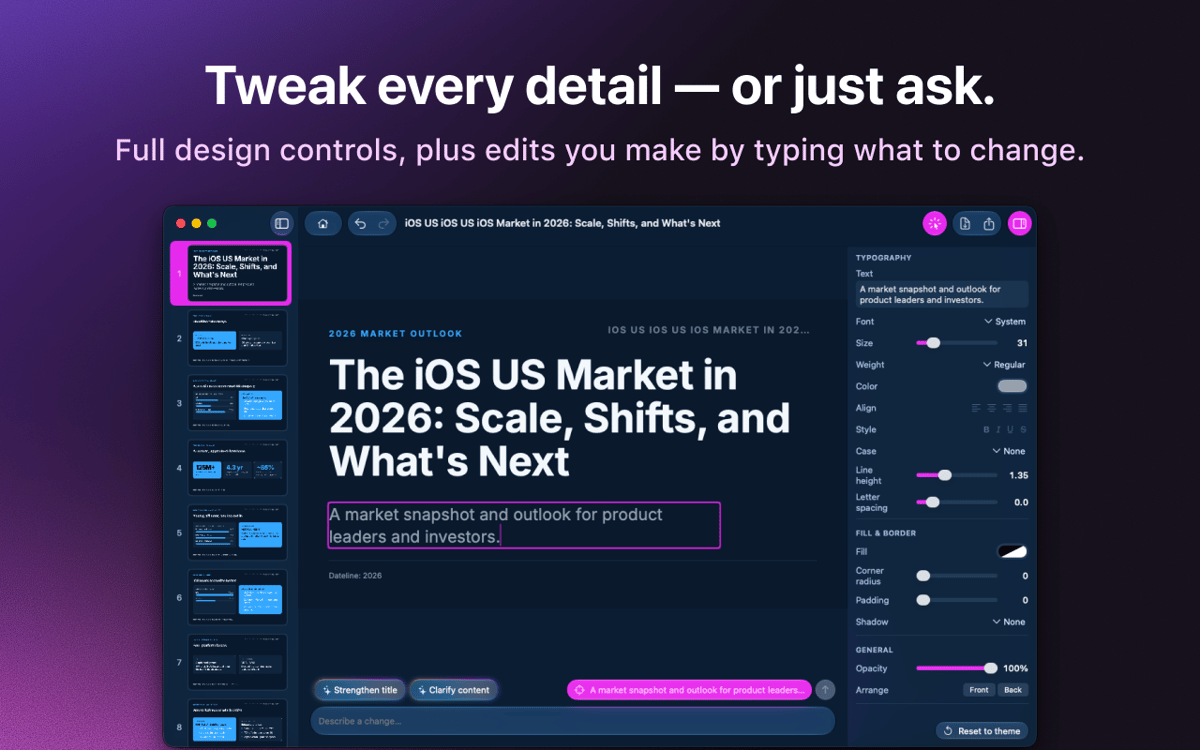
KeyComposer: creador de presentaciones con IA para Mac. Describe la presentación que quieres y se generarán diapositivas editables que podrás moldear a tu gusto: sin el miedo al lienzo en blanco ni las peleas con el diseño. Añade tus propias notas o documentos para mantener el contenido centrado en lo importante y, después, cambia las imágenes, ajusta el texto y reorganiza las diapositivas directamente en la aplicación. Cuando esté listo, expórtalo a PDF, PPTX, Keynote o HTML y preséntalo donde quieras.
Crea un pitch deck a partir de un prompt
Convierte tus notas en diapositivas reales
Exporta a PDF, PPTX o Keynote
Edita imágenes y textos sin esfuerzo
Características de KeyComposer
Presentaciones a partir de un solo prompt
Escribe lo que necesitas. KeyComposer crea una presentación completa, con estructura y texto incluidos, en una sola pasada.
Edita todo sin romper nada
Reescribe el texto, reordena las diapositivas y modifica los diseños en un editor visual. Sin HTML, sin código.
Tu contenido, tus datos
Añade notas, archivos PDF o documentos, y KeyComposer creará la presentación en torno a ellos, para que las diapositivas se mantengan precisas.
Imágenes con licencia, listas para usar
Busca fotos de stock seleccionadas y con la licencia correspondiente, y colócalas directamente en una diapositiva.
Exporta a cualquier formato
Exporta tu presentación a PDF, PPTX, Keynote o HTML independiente, y ábrela donde vayas a presentarla.
Plantillas de marca que perduran
Importa el estilo de tu marca una sola vez y reutilízalo en todas tus presentaciones para lograr una apariencia uniforme.
Valoraciones y reseñas
KeyComposer
•
18 valoraciones
Anja
27 ago 2026
Versión de la app: 1.1.0
I love it! useful app, helps with your presentation in minutes
Nadir Palacios
19 ago 2026
Versión de la app: 1.1.0
Great app
Marek Skrabak
10 ago 2026
Versión de la app: 1.1.0
Wiped out 300 ai credits. did nothing.
Respuesta del desarrollador
11 ago 2026
Thank you for the feedback! To dig into your case, it would really help if you could email us at [email protected] and share how you built your deck — what you were creating and which settings you used. We appreciate you taking the time to try it.
Suscríbete y accede a cientos de apps
Suscríbete a Setapp y usa cientos de apps fantásticas con una sola suscripción.
Pruébalo 7 días gratis y luego paga una única cuota.
Instala Setapp en tu Mac
Apps de Mac, iOS y web para encontrar soluciones a tus desafíos cotidianos.

Consigue la app que buscabas
Esa app increíble y reluciente te espera en Setapp. Instálala con un clic.

KeyComposer
Elige la suscripción
Una app o más con Setapp Membership. Consigue las apps a tu manera.

Suscríbete y accede a cientos de apps
Suscríbete a Setapp y usa cientos de apps fantásticas con una sola suscripción.
Pruébalo 7 días gratis y luego paga una única cuota.
1
Instala Setapp en tu Mac
Apps de Mac, iOS y web para encontrar soluciones a tus desafíos cotidianos.
2
Consigue la app que buscabas
Esa app increíble y reluciente te espera en Setapp. Instálala con un clic.
KeyComposer
3
Elige la suscripción
Una app o más con Setapp Membership. Consigue las apps a tu manera.
Las mejores apps bajo un mismo paraguas
Tanto para las tareas rutinarias como para los proyectos creativos, programación o planificación, todo es más fácil con las apps de Setapp.

TypingMind
Chat de IA con una interfaz alternativa
genera o resume texto
usa la biblioteca de prompts
IA

Spark Mail
Gestiona tus correos
IA

CleanMyMac
Elimina los archivos de más

Bartender
Personaliza la barra de menús

CleanShot X
Personaliza tus capturas de pantalla

Luminar Neo
Edita tus fotos
IA

ClearVPN
Conéctate con más seguridad

Craft
Trabaja con documentos
IA
KeyComposer
Del prompt a la presentación perfecta