
Notepad.exe
Code fast. Skip the setup
Mac
Versión 1.6.10
macOS 15.6 o posterior
497.2 MB
1 idiomas
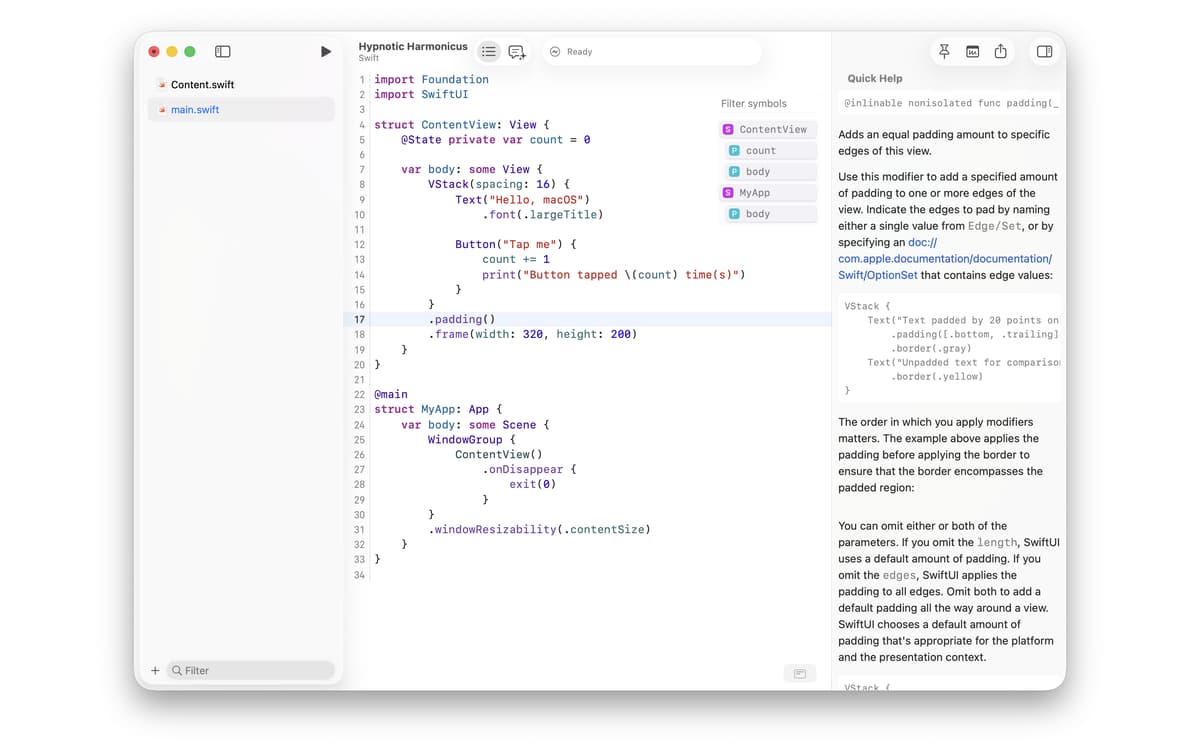
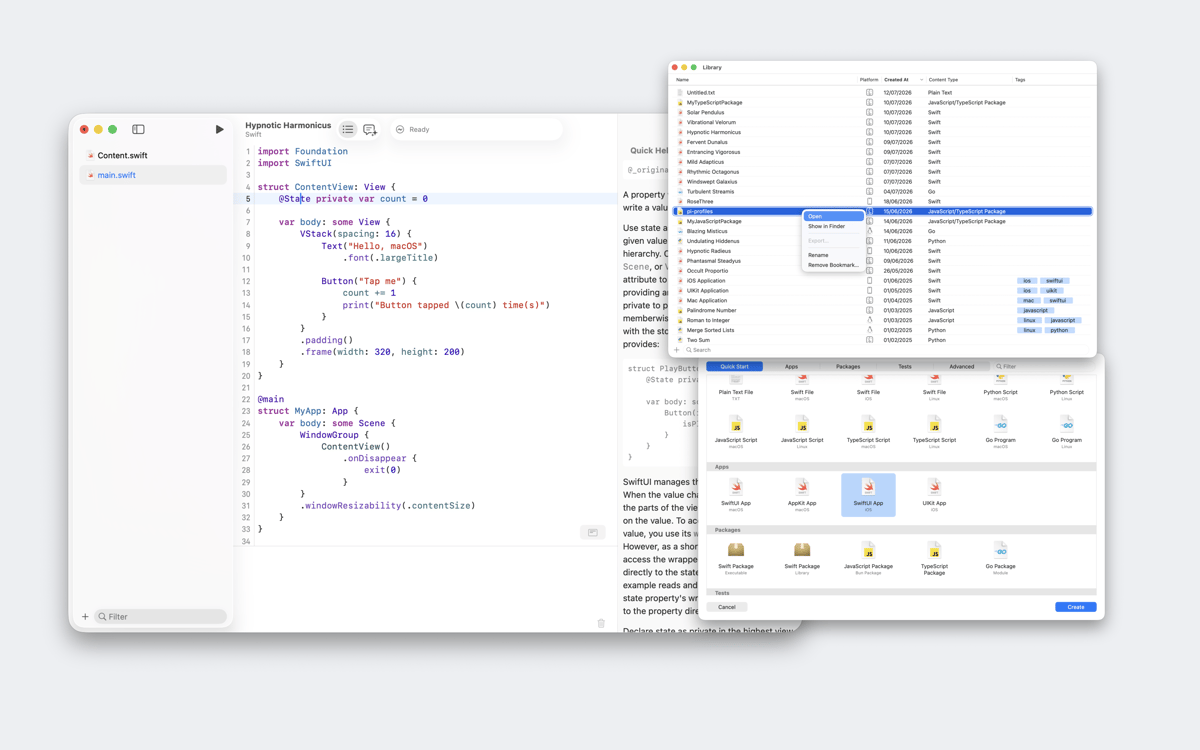
Notepad.exe is a lightweight Mac code editor for Swift, Python, JavaScript, TypeScript, and Go. Most editors want you to set up a project before you write a single line — Notepad.exe doesn't. Open it, write something, hit run. Your experiments live in a searchable library instead of a forgotten folder, and a built-in coding assistant called Doctor Marvin can run your code, read the output, and help you fix errors without you ever leaving the app.
Run Swift or Python in seconds
Prototype without a full project
Keep all your snippets searchable
Ask an AI that can fix your code
Características de Notepad.exe
Start with a note, not a project
Most code editors make you configure before you create. Notepad.exe skips all of that. Open the app, write your code, and run it. There's no interpreter to pick, no build settings to wrestle with — just a blank note and whatever idea you had five seconds ago. Structure's there if you need it; it just doesn't get in the way first.
Run code in five languages
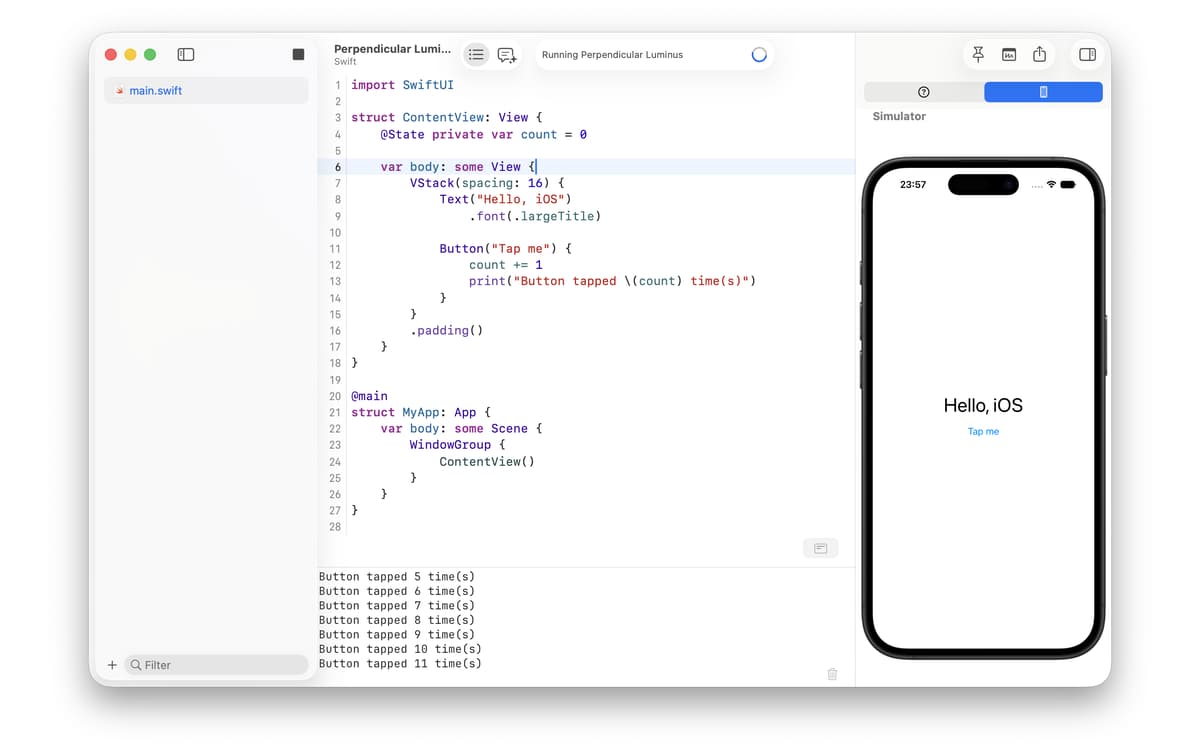
Write and run Swift, Python, JavaScript, TypeScript, and Go with zero configuration. Want to prototype SwiftUI or UIKit in the iOS Simulator? Launch it straight from a note. Need to cross-compile Swift, Python, or Go to Linux? It happens on your Mac — no VM involved. Notepad.exe handles the runtime so you don't have to think about it.
A library that never loses your work
Every note lives in a searchable, taggable library. Filter by language, tag by project, or pull up any snippet in a second. No more digging through a mess of loose files on your Desktop. Notes can even float above other apps while you work, so your reference code stays visible while you use it.
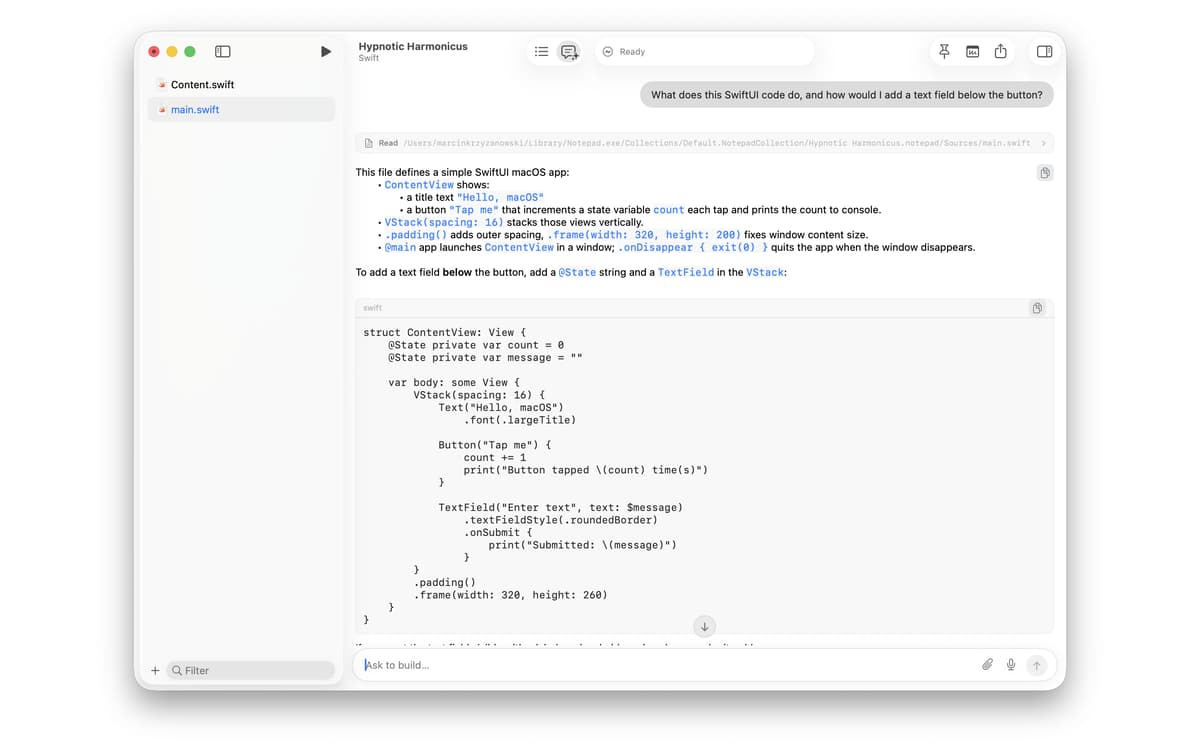
Doctor Marvin: the assistant that actually helps
The built-in AI coding assistant, Doctor Marvin, streams answers as you type. It can run your project, read the output, and edit your files to fix errors — all without switching apps. Sign in with a ChatGPT Plus or Pro subscription to use it right away, bring your own API key, or choose from a range of cloud and local models. It fits whatever setup you already have.
A proper terminal, built in
Notepad.exe includes a fast built-in terminal with color themes that follow your editor. It's not an afterthought — it's part of the same environment. Run commands, check output, and stay in flow without opening a separate window.
Open almost anything
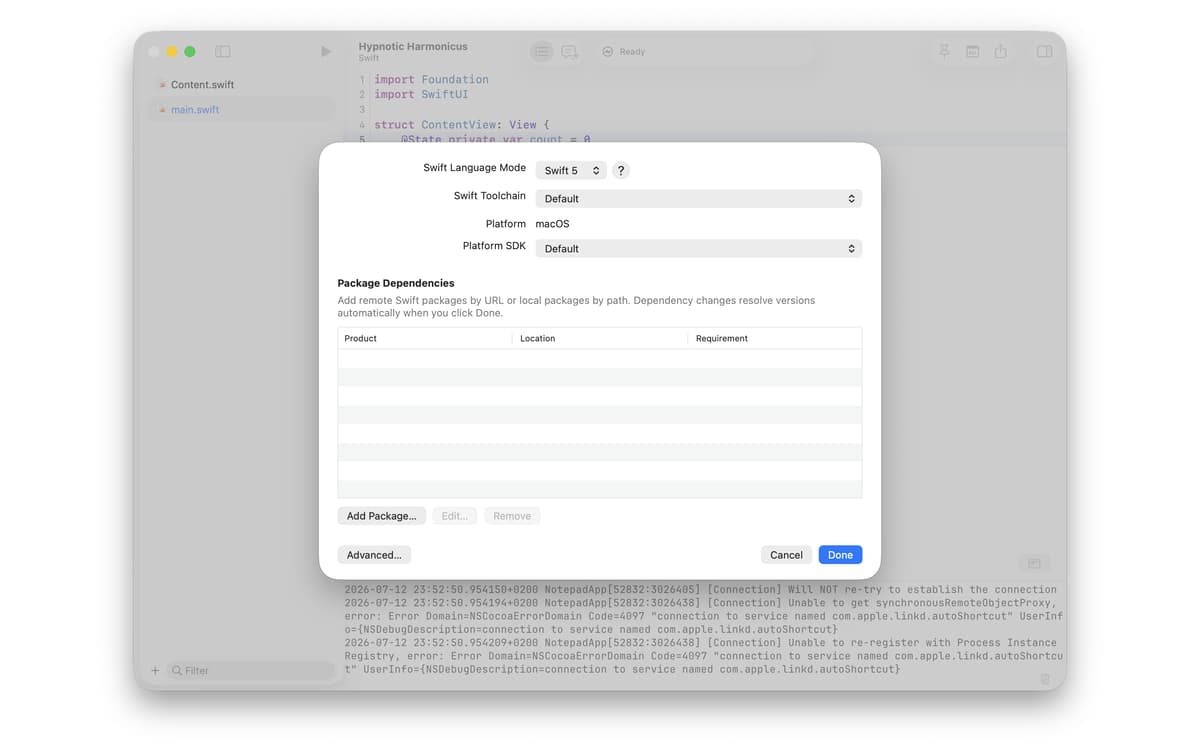
Need to inspect an unfamiliar file? Notepad.exe opens almost any file as plain text, with syntax highlighting whenever it recognizes the type. It also supports Swift Package Manager: bookmark packages, pick a build target, and manage dependencies. When a project does grow, you can export it as a working macOS app right from the editor.
Valoraciones y reseñas
Notepad.exe
•
1 valoraciones
Sean C
22 jul 2026
Versión de la app: 1.5.5
Unfortunately no simple support for using Python venv with uv or mise
Suscríbete y accede a cientos de apps
Suscríbete a Setapp y usa cientos de apps fantásticas con una sola suscripción.
Pruébalo 7 días gratis y luego paga una única cuota.
Instala Setapp en tu Mac
Apps de Mac, iOS y web para encontrar soluciones a tus desafíos cotidianos.

Consigue la app que buscabas
Esa app increíble y reluciente te espera en Setapp. Instálala con un clic.

Notepad.exe
Elige la suscripción
Una app o más con Setapp Membership. Consigue las apps a tu manera.

Suscríbete y accede a cientos de apps
Suscríbete a Setapp y usa cientos de apps fantásticas con una sola suscripción.
Pruébalo 7 días gratis y luego paga una única cuota.
1
Instala Setapp en tu Mac
Apps de Mac, iOS y web para encontrar soluciones a tus desafíos cotidianos.
2
Consigue la app que buscabas
Esa app increíble y reluciente te espera en Setapp. Instálala con un clic.
Notepad.exe
3
Elige la suscripción
Una app o más con Setapp Membership. Consigue las apps a tu manera.
Las mejores apps bajo un mismo paraguas
Tanto para las tareas rutinarias como para los proyectos creativos, programación o planificación, todo es más fácil con las apps de Setapp.

TypingMind
Chat de IA con una interfaz alternativa
genera o resume texto
usa la biblioteca de prompts
IA

Spark Mail
Gestiona tus correos
IA

CleanMyMac
Elimina los archivos de más

Bartender
Personaliza la barra de menús

CleanShot X
Personaliza tus capturas de pantalla

Luminar Neo
Edita tus fotos
IA

ClearVPN
Conéctate con más seguridad

Craft
Trabaja con documentos
IA
Notepad.exe
Code fast. Skip the setup