
NowPlayingWidget
Music controls, always close


Mac
Versión 1.5.0
macOS 13.0 o posterior
7.3 MB
1 idiomas
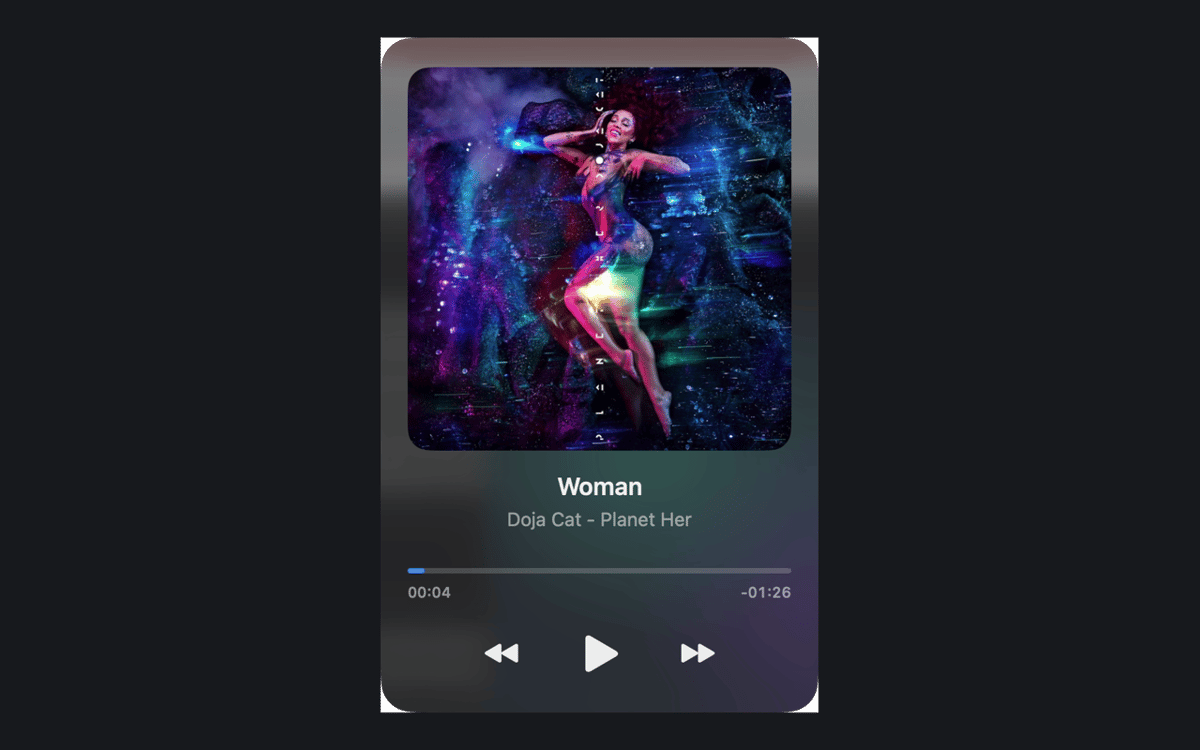
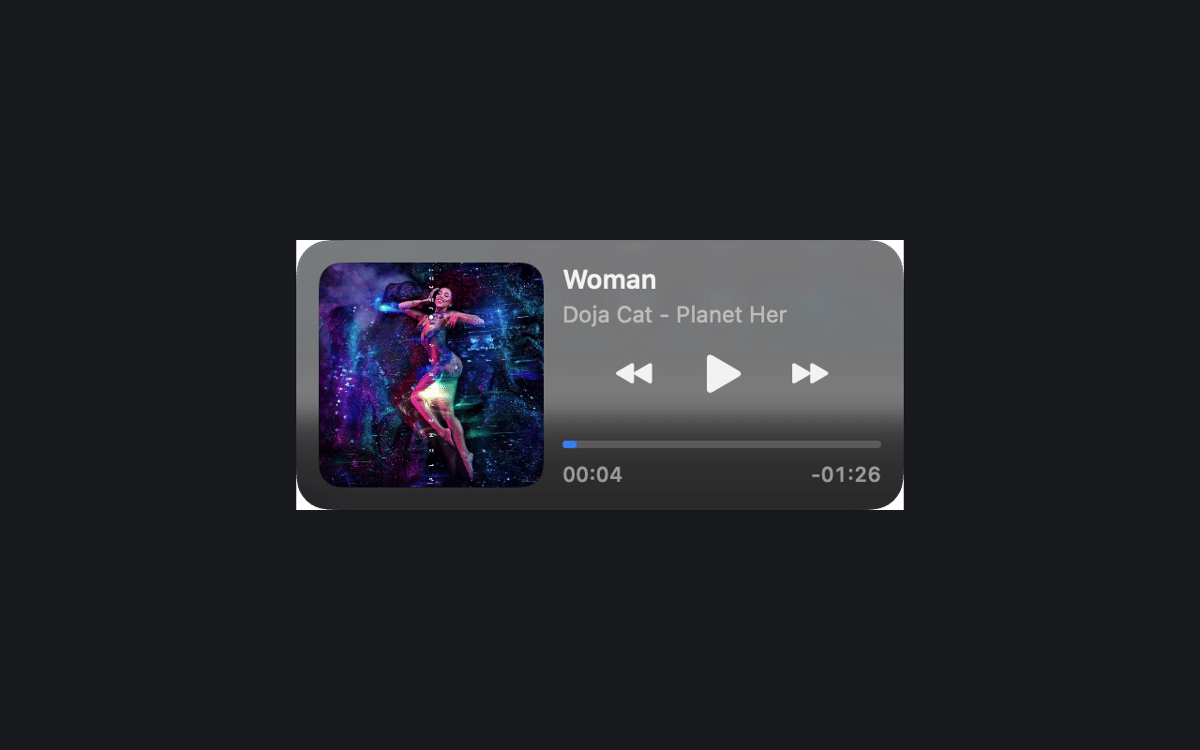
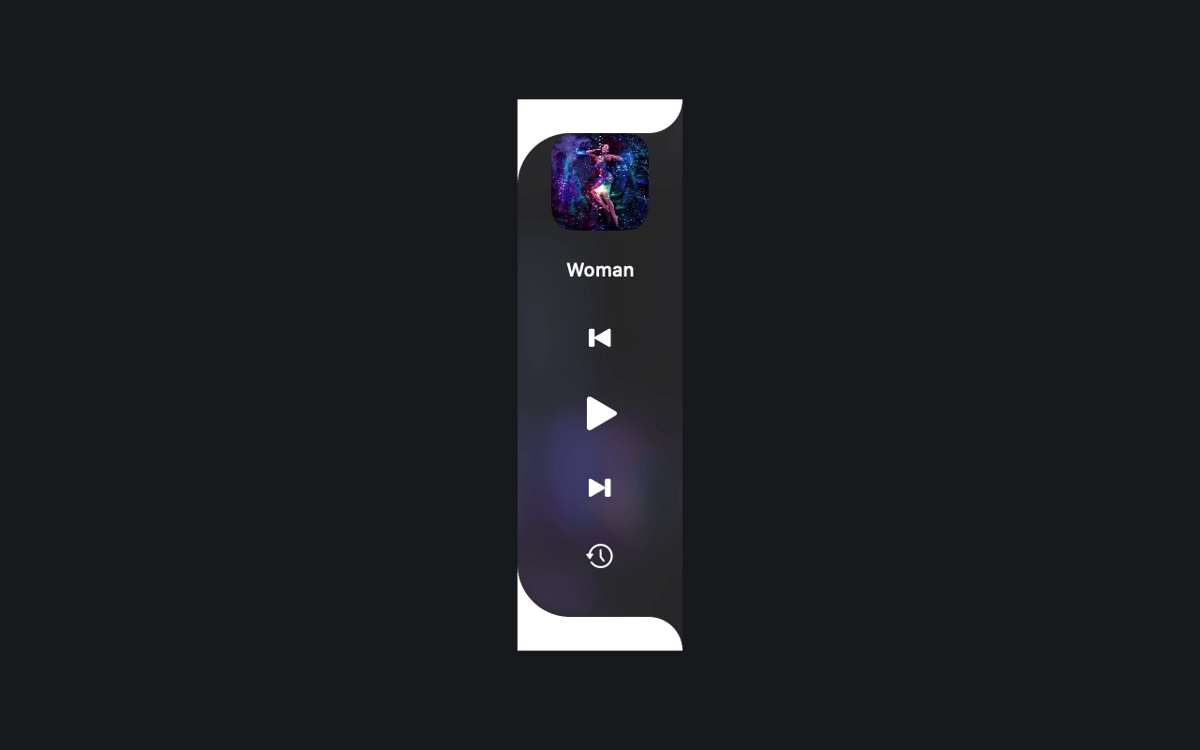
NowPlayingWidget is a music control widget for Mac. It floats above your windows and shows the current track, so you can pause, skip, or seek without leaving your work. Follow synced lyrics, dock the player at the top or the sides, and pick the size that suits your screen. Your play history and artwork stay on your Mac.
Pause music without switching apps
Sing along with synced lyrics
Dock a tidy player by the notch
Look back at what you played
Características de NowPlayingWidget
Controls right where you work
See the current track and playback controls above your windows. Pause, resume, skip, or seek in compatible apps and browsers. What you see depends on what the source shares with macOS Now Playing.
Three sizes, easy docking
Pick Compact, Normal, or Full. Or drag the player to the top center or either screen edge to dock it. A preview and a smooth animation show you what's happening.
Lyrics that keep up
Follow synced lyrics when a provider has your recording. In Full mode, you can also scroll them yourself. The Setapp edition asks before it looks up lyrics online, so you stay in charge.
Play History, kept local
Revisit tracks you've played in your local history. The history and cached artwork stay on your Mac.
A look that fits your Mac
The notch-style player stays black. Floating players and side docks use translucent glass, with native Liquid Glass on macOS 26 or later. Choose Dark, Light, or System appearance.
Your language, your setup
Use any of the 24 official EU interface languages. Keep the player above other windows across Spaces, and launch it at login if you like.
Suscríbete y accede a cientos de apps
Suscríbete a Setapp y usa cientos de apps fantásticas con una sola suscripción.
Pruébalo 7 días gratis y luego paga una única cuota.
Instala Setapp en tu Mac
Apps de Mac, iOS y web para encontrar soluciones a tus desafíos cotidianos.

Consigue la app que buscabas
Esa app increíble y reluciente te espera en Setapp. Instálala con un clic.

NowPlayingWidget
Elige la suscripción
Una app o más con Setapp Membership. Consigue las apps a tu manera.

Suscríbete y accede a cientos de apps
Suscríbete a Setapp y usa cientos de apps fantásticas con una sola suscripción.
Pruébalo 7 días gratis y luego paga una única cuota.
1
Instala Setapp en tu Mac
Apps de Mac, iOS y web para encontrar soluciones a tus desafíos cotidianos.
2
Consigue la app que buscabas
Esa app increíble y reluciente te espera en Setapp. Instálala con un clic.
NowPlayingWidget
3
Elige la suscripción
Una app o más con Setapp Membership. Consigue las apps a tu manera.
Las mejores apps bajo un mismo paraguas
Tanto para las tareas rutinarias como para los proyectos creativos, programación o planificación, todo es más fácil con las apps de Setapp.

TypingMind
Chat de IA con una interfaz alternativa
genera o resume texto
usa la biblioteca de prompts
IA

Spark Mail
Gestiona tus correos
IA

CleanMyMac
Elimina los archivos de más

Bartender
Personaliza la barra de menús

CleanShot X
Personaliza tus capturas de pantalla

Luminar Neo
Edita tus fotos
IA

ClearVPN
Conéctate con más seguridad

Craft
Trabaja con documentos
IA
NowPlayingWidget
Music controls, always close