
OrcaSheets
Análisis de datos con IA
Mac
Versión 26.9.2
macOS 10.13 o posterior
266 MB
1 idiomas
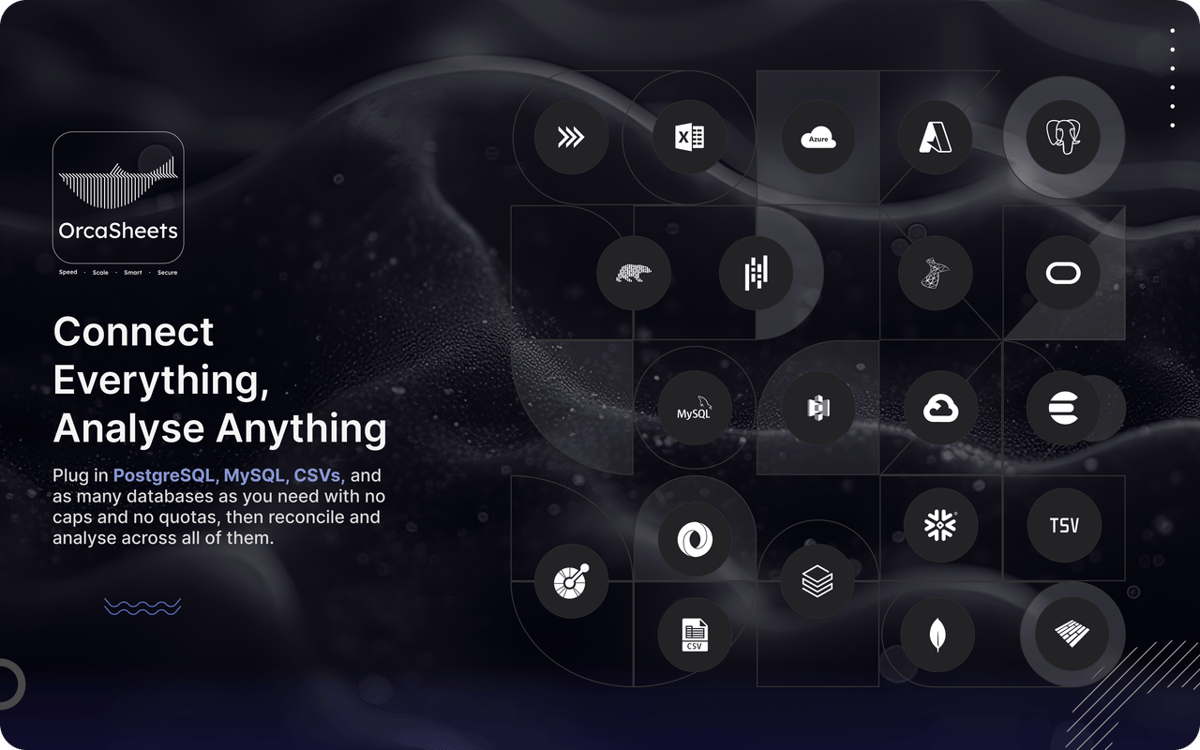
Manejar conjuntos de datos masivos suele implicar esperar a que se carguen en la nube o lidiar con consultas SQL complejas. Si solo busca respuestas sin las demoras ni los riesgos de privacidad de servidores externos, le presentamos OrcaSheets. Es un motor de análisis local que procesa miles de millones de filas directamente en su Mac. La aplicación combina la velocidad de una base de datos de alto rendimiento con una interfaz de chat sencilla, para que pueda consultar sus datos con la misma facilidad que enviar un mensaje de Slack.
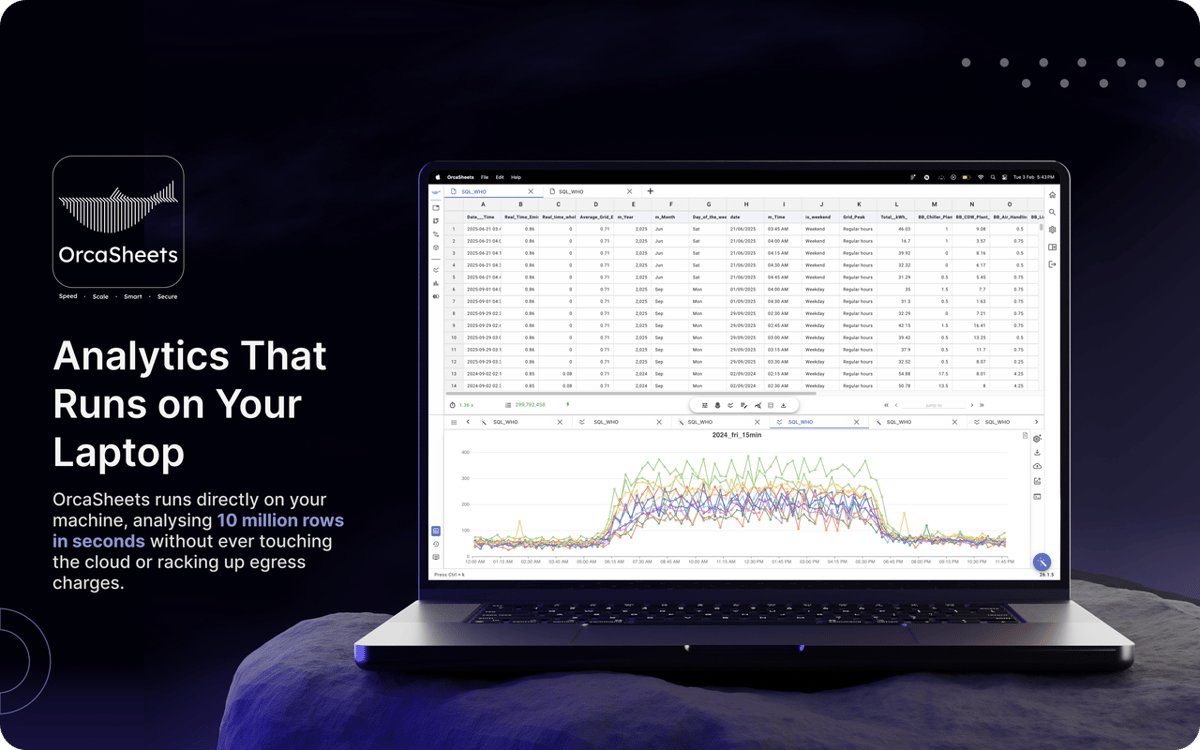
Analice miles de millones de filas en segundos
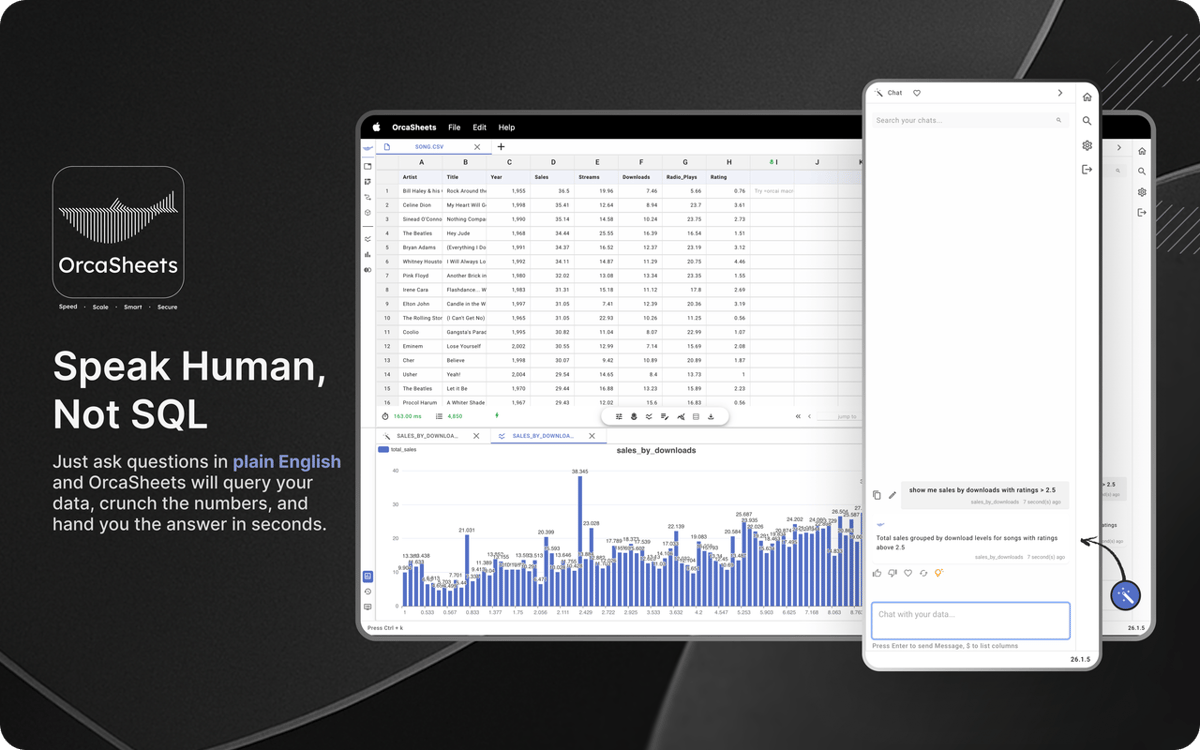
Chatee con sus datos en un lenguaje sencillo
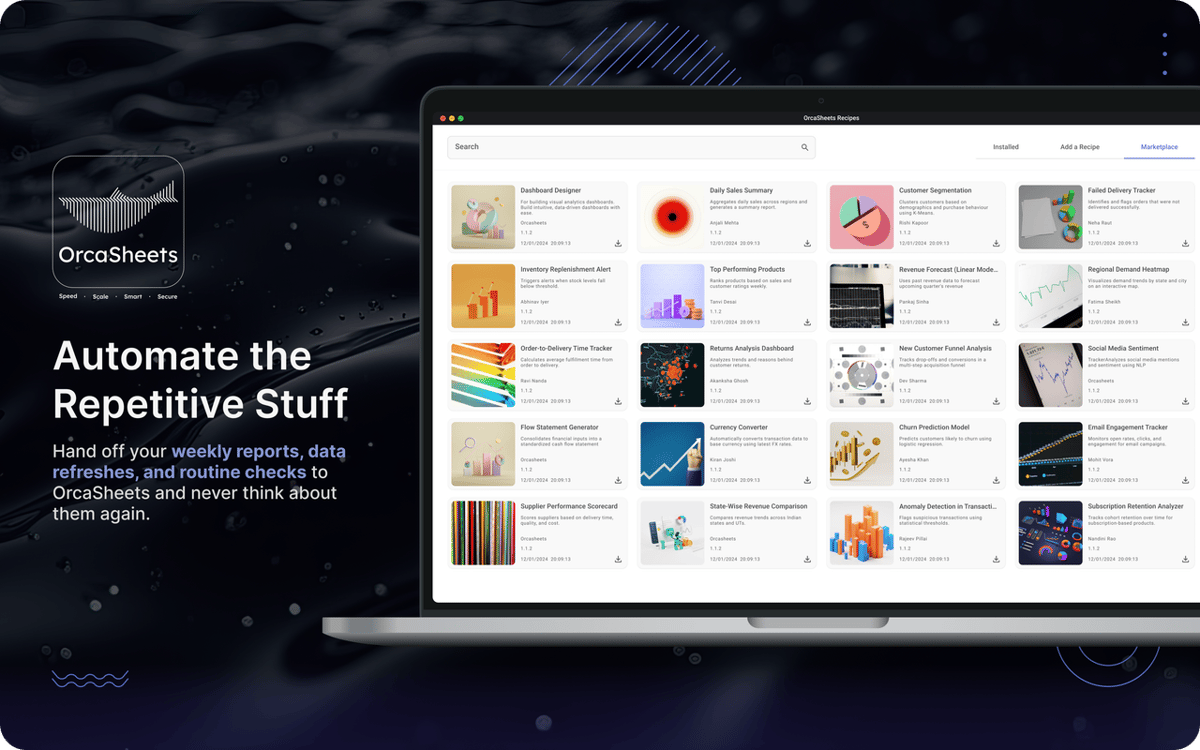
Automatice flujos con recetas inteligentes
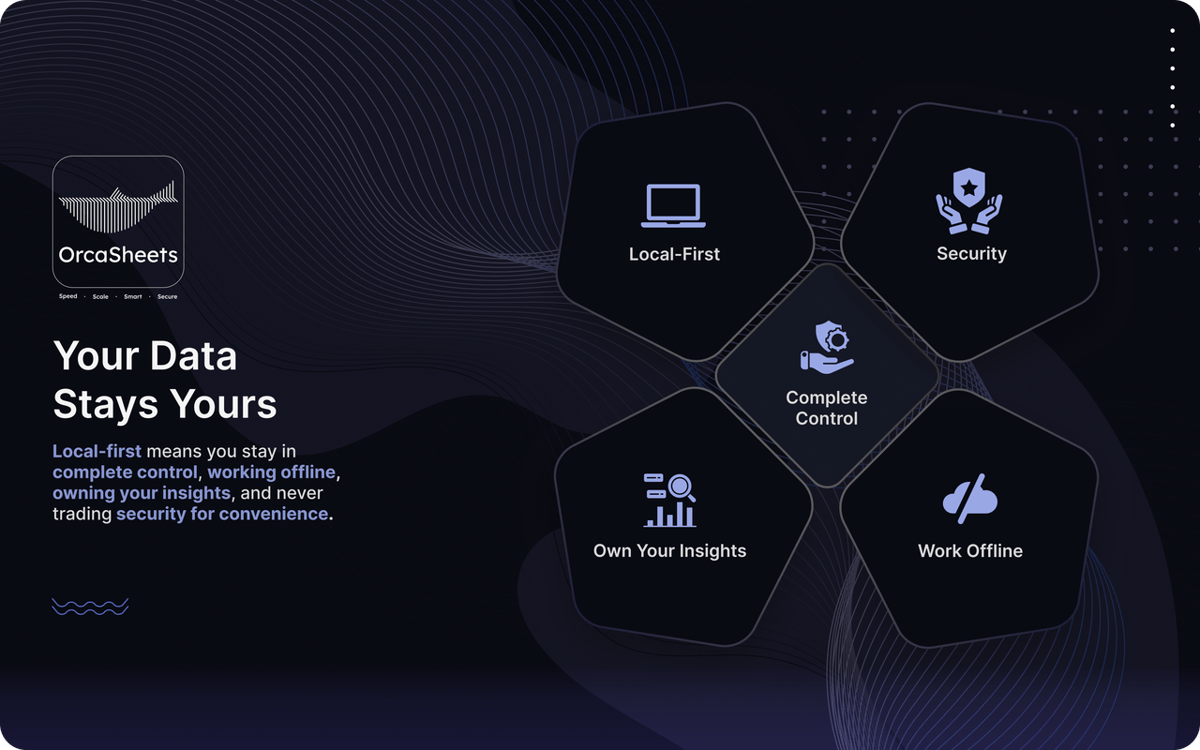
Mantenga datos confidenciales 100 % offline
Características de OrcaSheets
Procese conjuntos de datos masivos localmente
Deje de esperar a que se carguen los paneles de control. OrcaSheets puede procesar hasta mil millones de filas directamente en su equipo en segundos. Los filtros, los pivotes y el análisis estadístico se ejecutan sin problemas y sin demoras, ya que todo se realiza en su hardware, no en servidores remotos.
Genere transformaciones de datos en lenguaje sencillo
No necesita SQL, Python ni macros complejas. Con Connector + OrcAI, puede describir lo que quiere en un lenguaje sencillo y OrcaSheets generará las columnas o transformaciones por usted.
Chatee con sus datos
En lugar de explorar manualmente las tablas, use el chat de IA integrado para explorar su conjunto de datos. Haga preguntas, valide tendencias o solicite resúmenes. OrcaSheets trata su hoja de cálculo como una base de conocimiento en tiempo real y responde con información contextual en segundos.
Use recetas de análisis listas para usar
Agilice los flujos de trabajo recurrentes con recetas de análisis prediseñadas, como análisis de cohortes de clientes, paneles de rendimiento de ventas y modelos de atribución de marketing. Personalícelas para que se ajusten a sus datos y evite tener que reconstruir la misma estructura cada vez.
Trabaje sin conexión con total privacidad
Sus datos nunca salen de su dispositivo. OrcaSheets funciona con una arquitectura local, lo que significa que no tiene servidores, copias ocultas ni seguimiento en segundo plano. Funciona sin conexión y garantiza que todos los cálculos e información estén completamente bajo su control.
Valoraciones y reseñas
OrcaSheets
•
43 valoraciones
aditya yadav
7 oct 2026
Versión de la app: 26.9.2
What I like most about orcaSheets is how quickly I can go from raw data to meaningful insights without spending hours building queries or reports manually. The natural language analysis combined with SQL gives me a great balance of simplicity and control, while the ability to connect data from different sources and turn insights into dashboards and reports makes the whole workflow really efficient. What stands out to me most, though, is the local first approach having more control over where my data is processed gives me greater confidence when working with sensitive or business critical information. Overall, it feels like a powerful, flexible, and security conscious approach to modern data analytics
Aditya Patil
7 oct 2026
Versión de la app: 26.9.2
This is very helpful for opening big heavy excel files, charts creation over here is smooth, great find on setapp. and that AI chat is making my life easier.
Respuesta del desarrollador
7 oct 2026
Thank you Aditya, for your encouraging words, we will keep improving and watch out for upcoming major release !!
Rohaan Ansari
7 oct 2026
Versión de la app: 26.9.2
amazing app. couldn’t recommend it enough
Respuesta del desarrollador
7 oct 2026
thank you Rohaan for unconditional review :) , we would appreciate any particular feature that you liked and also what you dont liked on which we can improve on :)
Suscríbete y accede a cientos de apps
Suscríbete a Setapp y usa cientos de apps fantásticas con una sola suscripción.
Pruébalo 7 días gratis y luego paga una única cuota.
Instala Setapp en tu Mac
Apps de Mac, iOS y web para encontrar soluciones a tus desafíos cotidianos.

Consigue la app que buscabas
Esa app increíble y reluciente te espera en Setapp. Instálala con un clic.

OrcaSheets
Elige la suscripción
Una app o más con Setapp Membership. Consigue las apps a tu manera.

Suscríbete y accede a cientos de apps
Suscríbete a Setapp y usa cientos de apps fantásticas con una sola suscripción.
Pruébalo 7 días gratis y luego paga una única cuota.
1
Instala Setapp en tu Mac
Apps de Mac, iOS y web para encontrar soluciones a tus desafíos cotidianos.
2
Consigue la app que buscabas
Esa app increíble y reluciente te espera en Setapp. Instálala con un clic.
OrcaSheets
3
Elige la suscripción
Una app o más con Setapp Membership. Consigue las apps a tu manera.
Las mejores apps bajo un mismo paraguas
Tanto para las tareas rutinarias como para los proyectos creativos, programación o planificación, todo es más fácil con las apps de Setapp.

TypingMind
Chat de IA con una interfaz alternativa
genera o resume texto
usa la biblioteca de prompts
IA

Spark Mail
Gestiona tus correos
IA

CleanMyMac
Elimina los archivos de más

Bartender
Personaliza la barra de menús

CleanShot X
Personaliza tus capturas de pantalla

Luminar Neo
Edita tus fotos
IA

ClearVPN
Conéctate con más seguridad

Craft
Trabaja con documentos
IA
OrcaSheets
Análisis de datos con IA