
Proximate
Lleva las alertas a tu cursor

Mac
Versión 1.13.6
macOS 14.0 o posterior
239 MB
52 idiomas
Proximate es una utilidad de notificaciones del cursor para Mac. Coloca las cosas que sueles pasar por alto (alertas de aplicaciones, la hora, temporizadores de cuenta atrás) justo donde ya están tus ojos: junto al puntero del ratón. En pantallas grandes, las notificaciones aparecen muy lejos en una esquina mientras estás concentrado trabajando. Proximate muestra discretamente lo que importa sin interrumpir tu concentración.
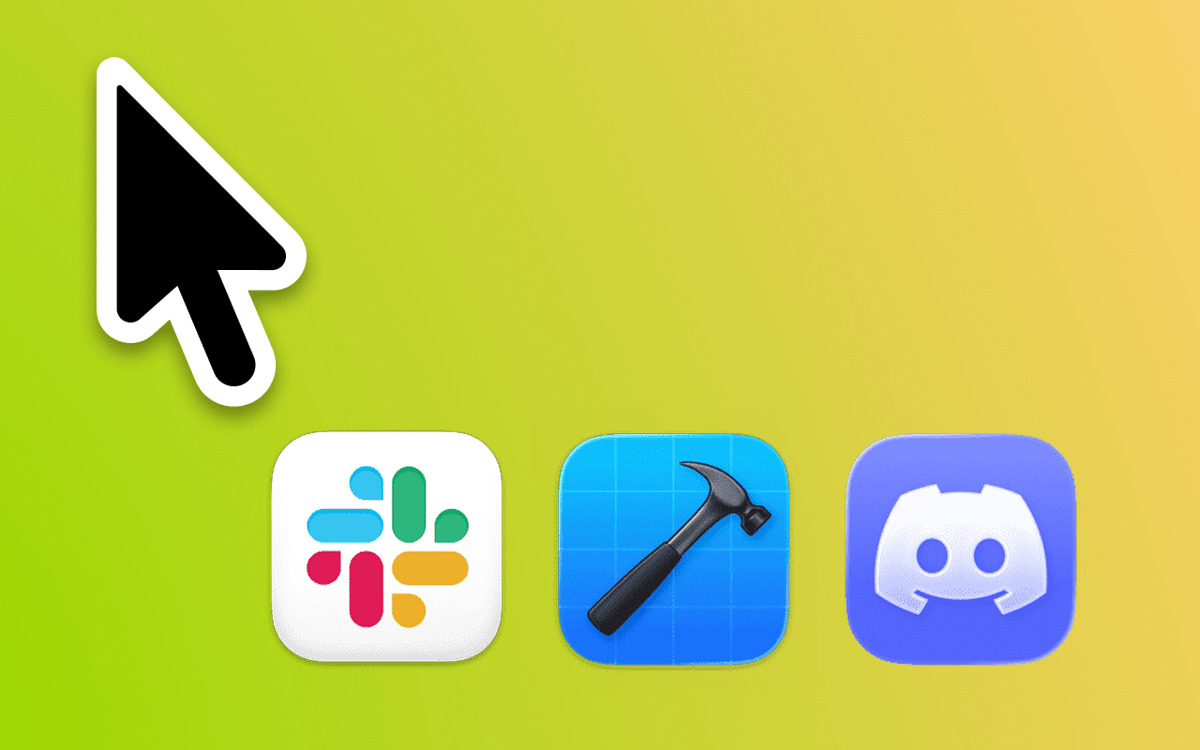
No te pierdas notificaciones en pantalla grande
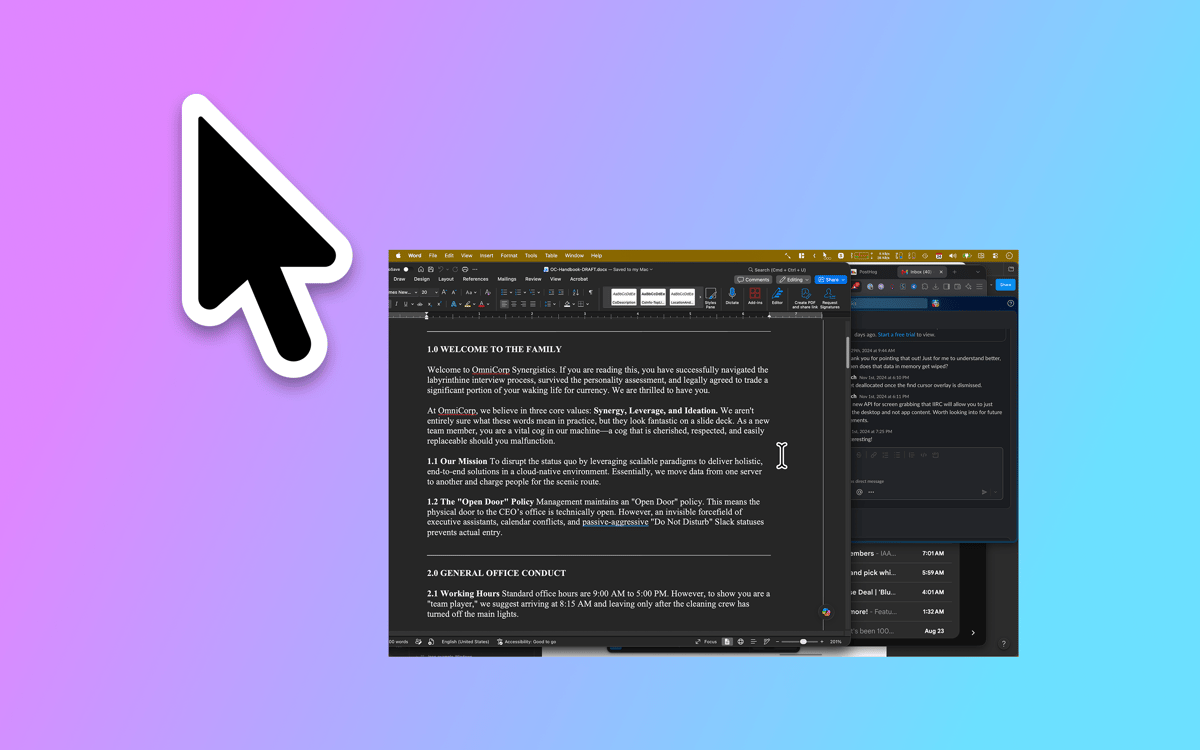
Conoce la hora sin apartar la mirada
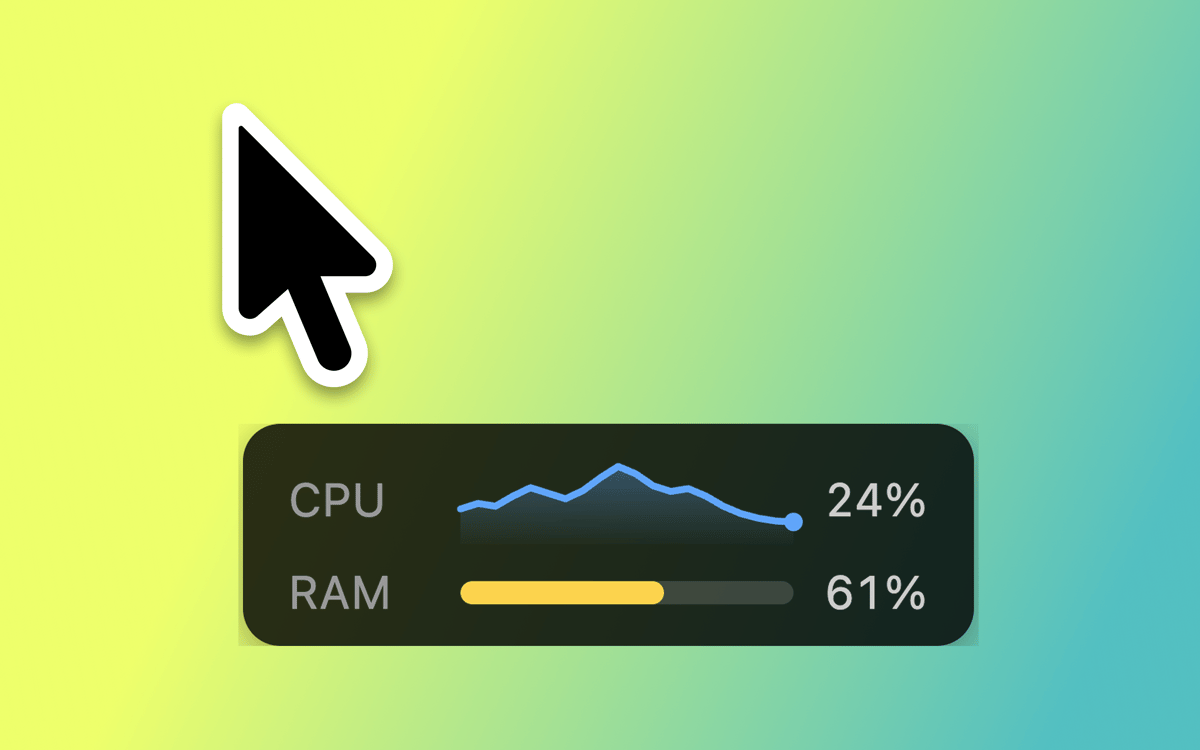
Configura temporizadores con el ratón
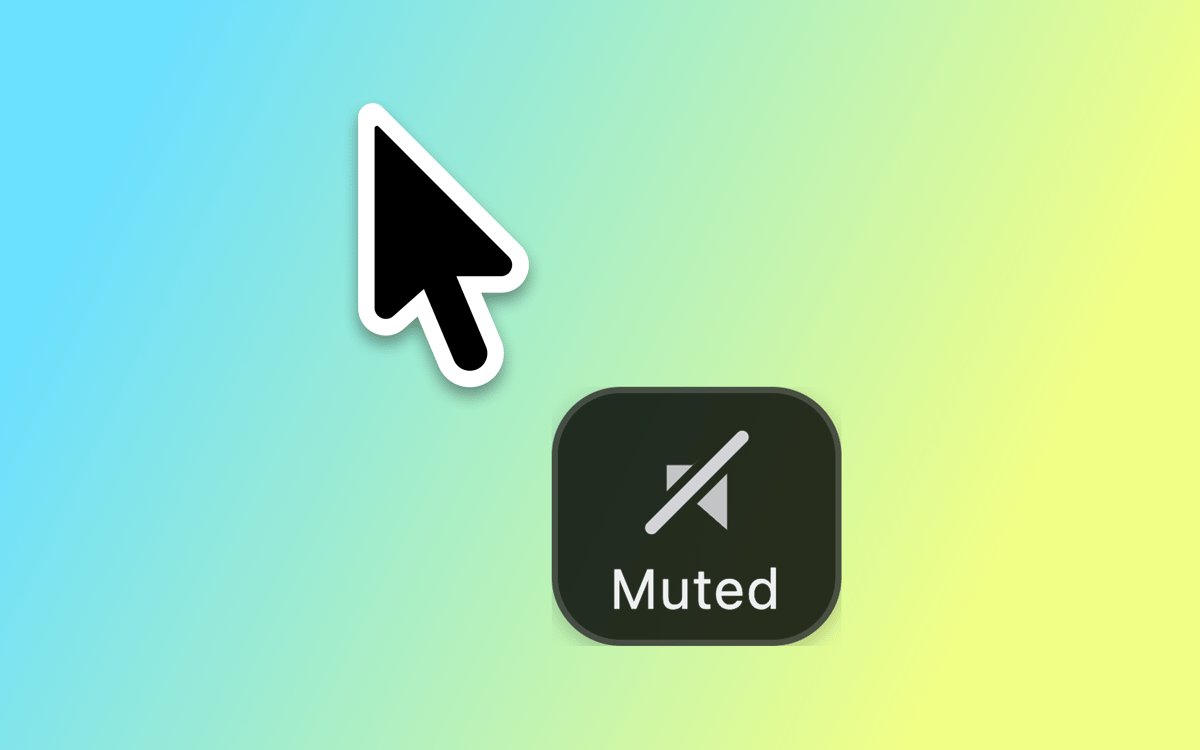
Mantente concentrado sin perder el hilo
Características de Proximate
Notificaciones del cursor
Elige qué aplicaciones supervisar y Proximate mostrará sus iconos justo al lado del puntero en el momento en que necesiten atención. Se acabó el forzar la vista mirando la esquina superior derecha de una pantalla de 27 pulgadas. Los iconos desaparecen a
El reloj del cursor
¿Trabajando en pantalla completa? El reloj de la barra de menú desaparece junto con ella. Proximate mantiene la hora y la fecha flotando junto al cursor para que siempre sepas dónde te encuentras, sin necesidad de apartar la vista de tu trabajo.
Temporizadores del cursor
Configura uno o más temporizadores que aparecen justo al lado del puntero. Cuenta atrás hasta una fecha límite, cronometra una sesión de trabajo concentrado o simplemente controla cuánto tiempo lleva funcionando algo. Elige entre un contador digital, una barra de progreso o un círculo que cambia de color.
Atajos de teclado para todo
Activa y desactiva todos los elementos de Proximate, borra las notificaciones de iconos de una vez o vuelve a centrar el puntero del ratón en la pantalla, todo ello sin tocar el trackpad. Rápido, limpio y siempre a tu alcance.
Aspecto totalmente personalizable
Coloca los iconos de las aplicaciones y el reloj en cualquier ángulo y a cualquier distancia del puntero. Ajusta el tamaño de los iconos, la fuente del reloj, los colores y el formato de la hora. Establece reglas de transparencia según si el ratón se mueve o está inmóvil. Proximate se adapta exactamente como tú quieres.
Sincronización de iCloud para ajustes
¿Usas Proximate en varios Mac? Tus ajustes te siguen automáticamente a través de iCloud. Configúralo una vez y funciona en todas partes: no necesita configuración manual.
Suscríbete y accede a cientos de apps
Suscríbete a Setapp y usa cientos de apps fantásticas con una sola suscripción.
Pruébalo 7 días gratis y luego paga una única cuota.
Instala Setapp en tu Mac
Apps de Mac, iOS y web para encontrar soluciones a tus desafíos cotidianos.

Consigue la app que buscabas
Esa app increíble y reluciente te espera en Setapp. Instálala con un clic.

Proximate
Elige la suscripción
Una app o más con Setapp Membership. Consigue las apps a tu manera.

Suscríbete y accede a cientos de apps
Suscríbete a Setapp y usa cientos de apps fantásticas con una sola suscripción.
Pruébalo 7 días gratis y luego paga una única cuota.
1
Instala Setapp en tu Mac
Apps de Mac, iOS y web para encontrar soluciones a tus desafíos cotidianos.
2
Consigue la app que buscabas
Esa app increíble y reluciente te espera en Setapp. Instálala con un clic.
Proximate
3
Elige la suscripción
Una app o más con Setapp Membership. Consigue las apps a tu manera.
Las mejores apps bajo un mismo paraguas
Tanto para las tareas rutinarias como para los proyectos creativos, programación o planificación, todo es más fácil con las apps de Setapp.

TypingMind
Chat de IA con una interfaz alternativa
genera o resume texto
usa la biblioteca de prompts
IA

Spark Mail
Gestiona tus correos
IA

CleanMyMac
Elimina los archivos de más

Bartender
Personaliza la barra de menús

CleanShot X
Personaliza tus capturas de pantalla

Luminar Neo
Edita tus fotos
IA

ClearVPN
Conéctate con más seguridad

Craft
Trabaja con documentos
IA
Proximate
Lleva las alertas a tu cursor