Screenshot Blur
Oculta datos confidenciales al instante
Mac
Versión 1.1.0
macOS 13.0 o posterior
23.3 MB
1 idiomas
Screenshot Blur es una herramienta de privacidad para capturas de pantalla en Mac. Se integra con el flujo de capturas de pantalla nativo de macOS, por lo que puedes pasar directamente de la captura a la limpieza sin interrumpir tu ritmo. Difumina o pixela contraseñas, tokens, correos electrónicos, direcciones de billetera y otros datos confidenciales antes de compartir cualquier cosa. Cada edición permanece local en tu Mac, y puedes guardar el resultado, copiarlo o hacer ambas cosas en un solo paso.
Difumina datos privados antes de compartir
Ocultar tokens, emails y URL
Capturas limpias para docs y posts
Guardar o copiar de una vez
Características de Screenshot Blur
Edita las capturas de pantalla justo después de capturarlas
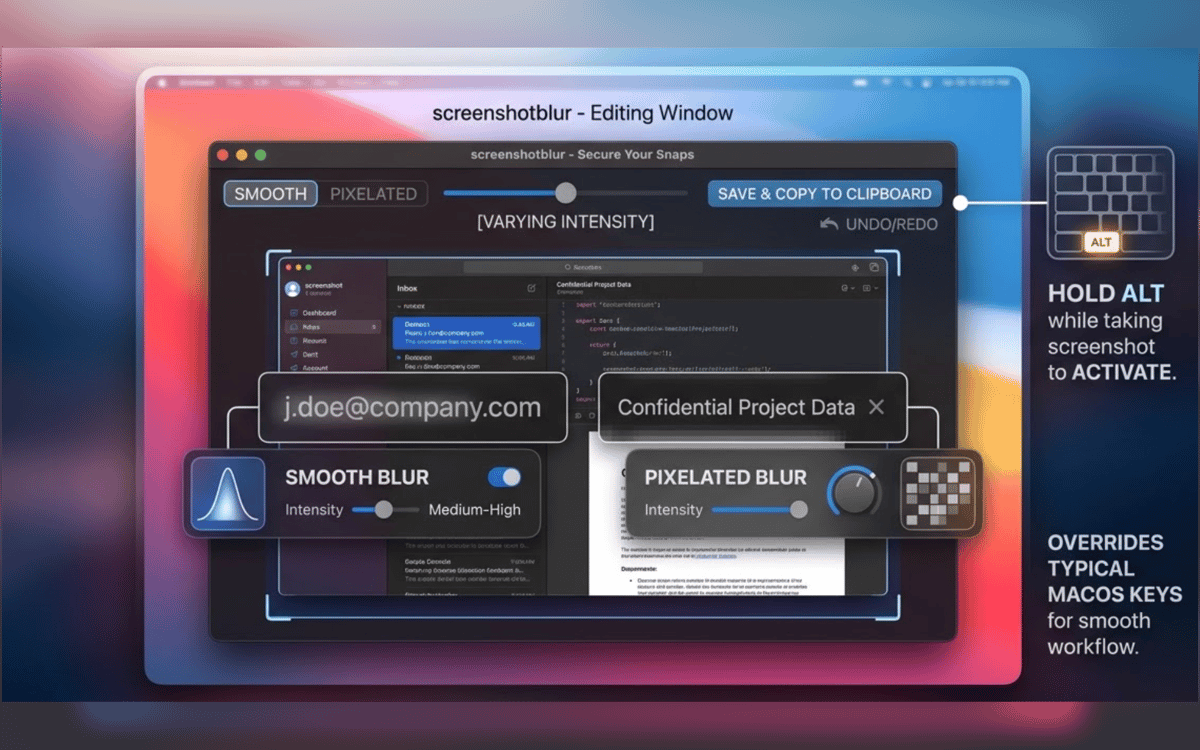
Sin reabrir archivos. Sin necesidad de buscar entre carpetas. Toma una captura de pantalla con el atajo integrado de macOS, mantén pulsada Opción y Screenshot Blur abrirá la imagen inmediatamente para que puedas editarla al momento.
Mantente en el flujo de capturas de pantalla que ya usas
Screenshot Blur funciona con el flujo de trabajo nativo de captura de pantalla de macOS en lugar de obligarte a usar una herramienta de captura separada. Esto significa menos complicaciones y menos pasos cada vez que necesites compartir algo rápidamente.
Difumina o pixela detalles privados
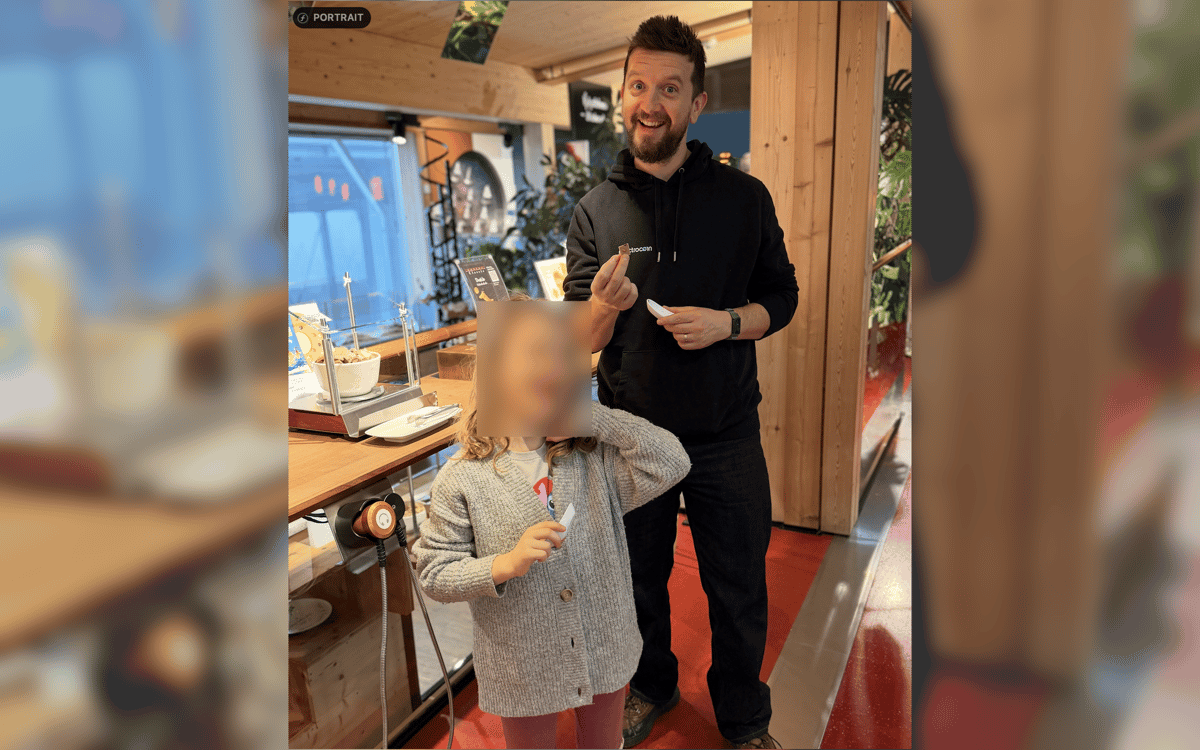
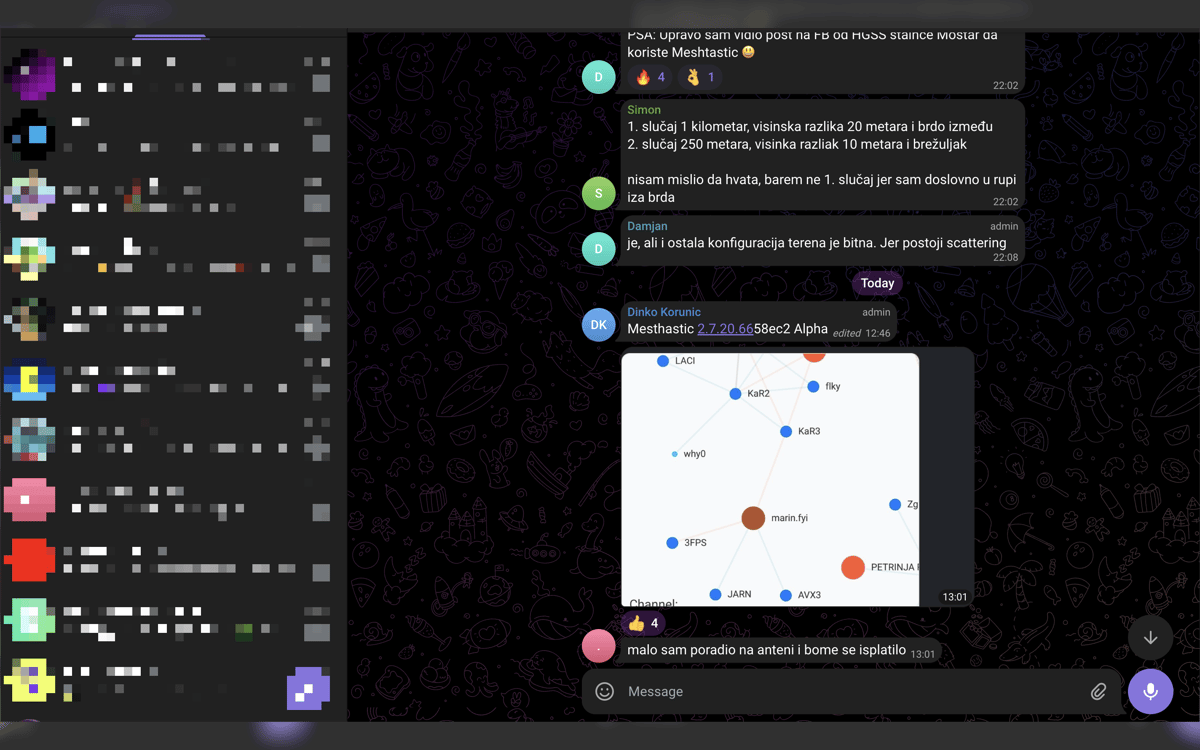
Oculta lo que no debería salir de tu pantalla: contraseñas, claves de API, tokens de acceso, datos de clientes, direcciones de monedero, URL internas y mucho más. Elige entre desenfoque suave o pixelación según lo que se vea mejor en la imagen final.
Mantén cada edición en local
Esta aplicación está diseñada para la privacidad, no para subidas. Tus capturas de pantalla se quedan en tu Mac, sin editor en la nube, sin cuenta obligatoria y sin depender de un servicio en línea solo para ocultar algunos detalles.
Exporta tu forma de trabajar
Una vez limpia la captura de pantalla, guárdala, cópiala o haz ambas cosas de una vez. Es algo pequeño, pero elimina ese molesto último paso cuando trabajas en documentos, respuestas de soporte, chats internos o publicaciones en redes sociales.
Suscríbete y accede a cientos de apps
Suscríbete a Setapp y usa cientos de apps fantásticas con una sola suscripción.
Pruébalo 7 días gratis y luego paga una única cuota.
Instala Setapp en tu Mac
Apps de Mac, iOS y web para encontrar soluciones a tus desafíos cotidianos.

Consigue la app que buscabas
Esa app increíble y reluciente te espera en Setapp. Instálala con un clic.

Screenshot Blur
Elige la suscripción
Una app o más con Setapp Membership. Consigue las apps a tu manera.

Suscríbete y accede a cientos de apps
Suscríbete a Setapp y usa cientos de apps fantásticas con una sola suscripción.
Pruébalo 7 días gratis y luego paga una única cuota.
1
Instala Setapp en tu Mac
Apps de Mac, iOS y web para encontrar soluciones a tus desafíos cotidianos.
2
Consigue la app que buscabas
Esa app increíble y reluciente te espera en Setapp. Instálala con un clic.
Screenshot Blur
3
Elige la suscripción
Una app o más con Setapp Membership. Consigue las apps a tu manera.
Las mejores apps bajo un mismo paraguas
Tanto para las tareas rutinarias como para los proyectos creativos, programación o planificación, todo es más fácil con las apps de Setapp.

TypingMind
Chat de IA con una interfaz alternativa
genera o resume texto
usa la biblioteca de prompts
IA

Spark Mail
Gestiona tus correos
IA

CleanMyMac
Elimina los archivos de más

Bartender
Personaliza la barra de menús

CleanShot X
Personaliza tus capturas de pantalla

Luminar Neo
Edita tus fotos
IA

ClearVPN
Conéctate con más seguridad

Craft
Trabaja con documentos
IA
Screenshot Blur
Oculta datos confidenciales al instante