
Speedup
Fast-forward the boring parts

Mac
Versión 1.0.3
macOS 15.0 o posterior
8.4 MB
1 idiomas
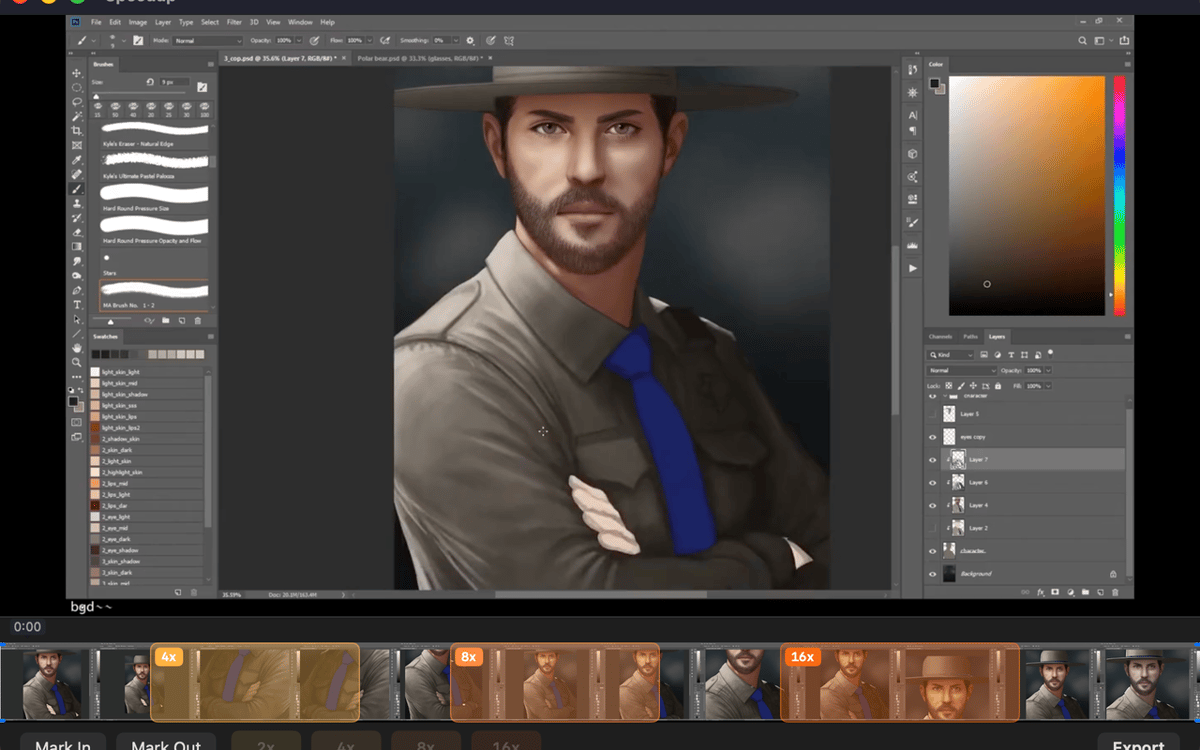
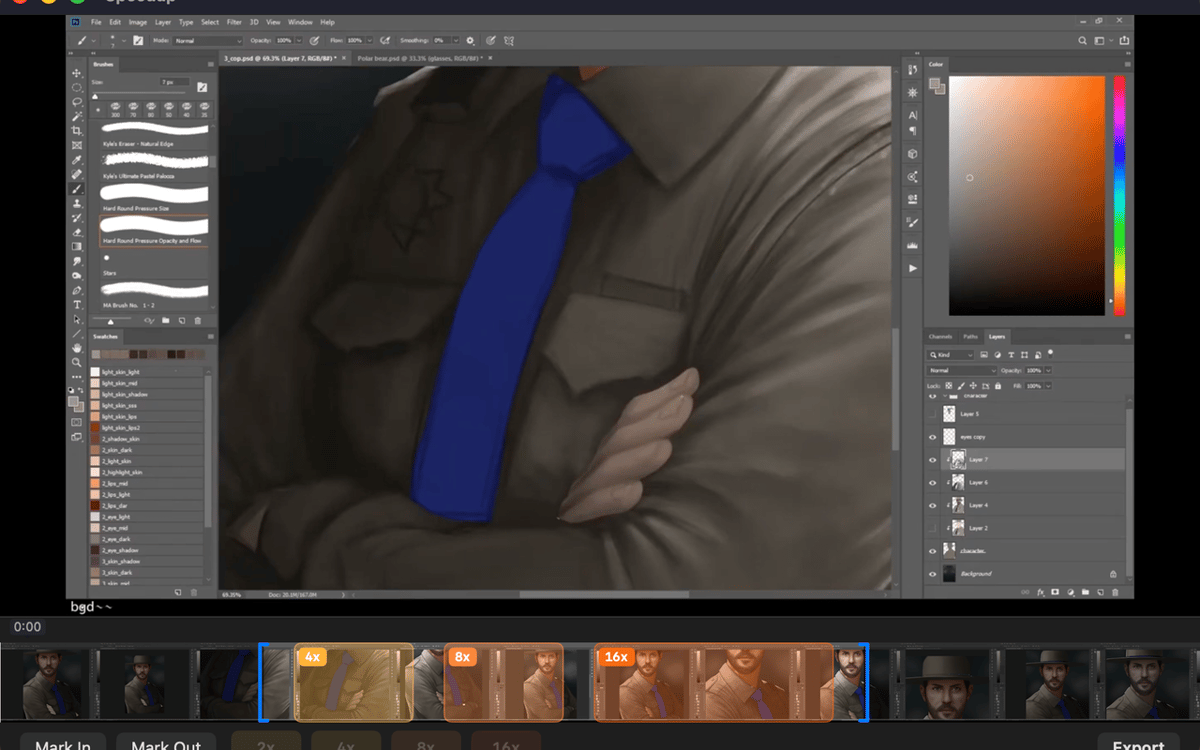
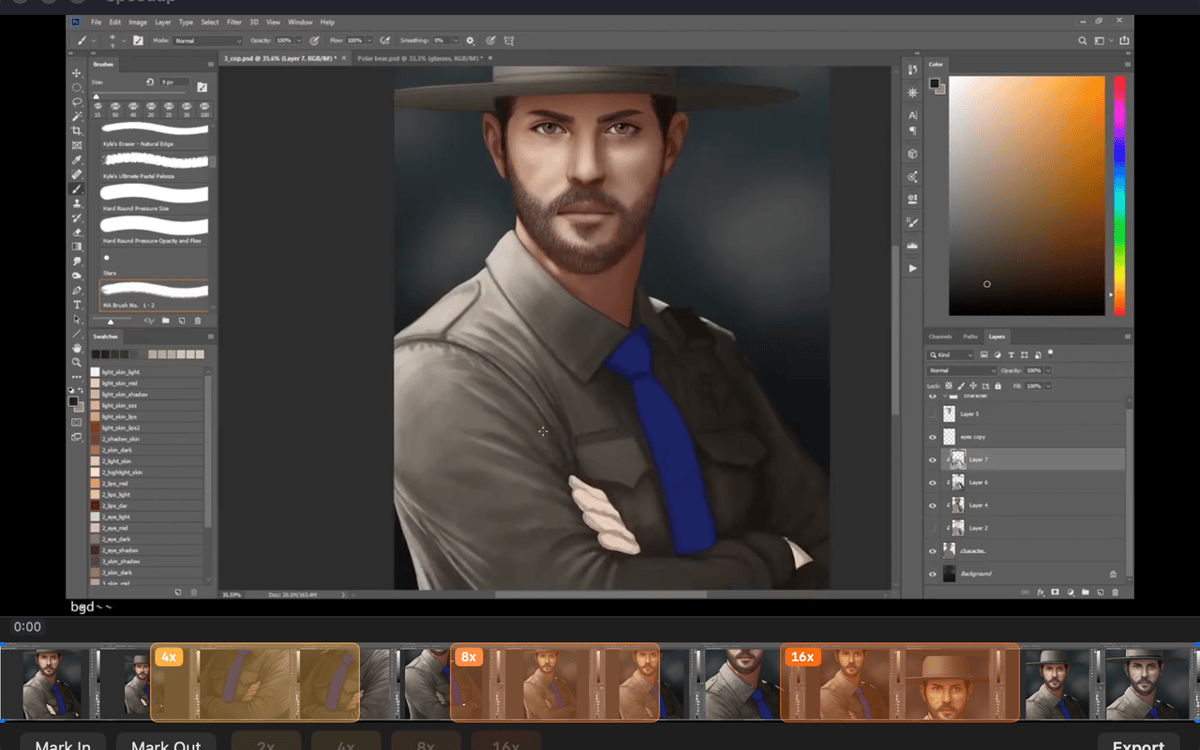
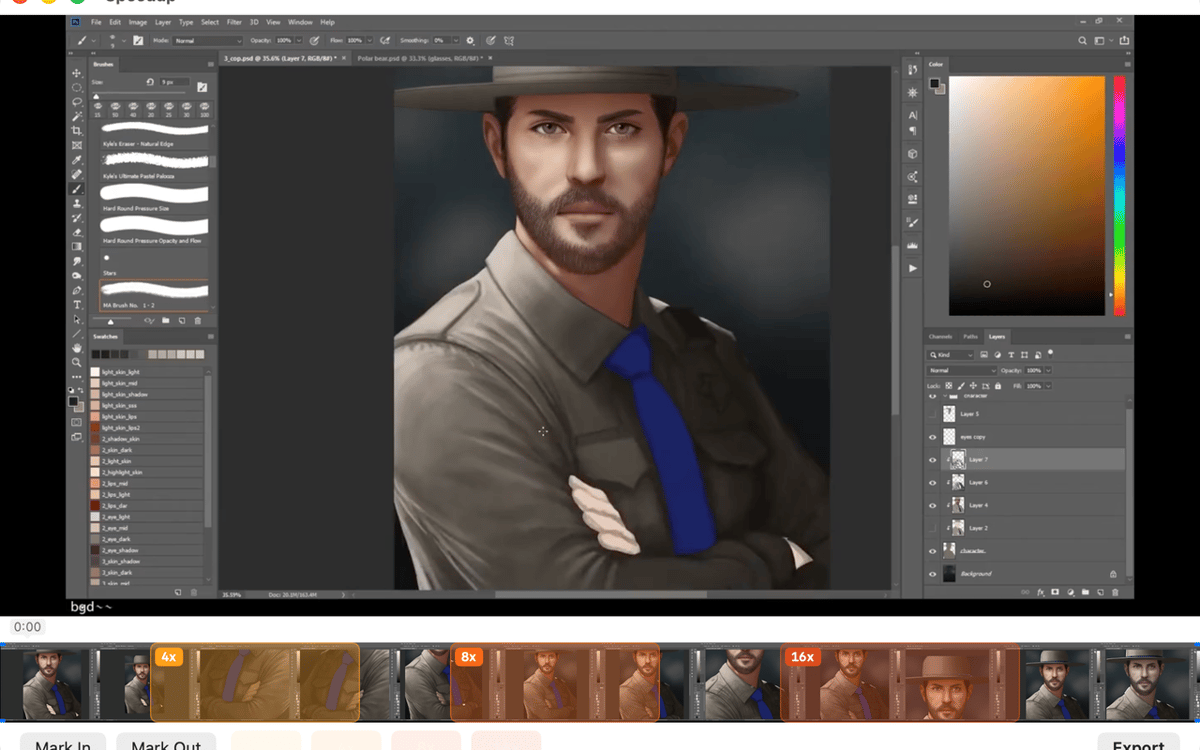
Speedup is a screen recording editor for Mac. Open any .mp4, .mov, or .m4v, mark the parts that drag, pick a speed multiplier for each, and export a polished video — no project files, no import steps. It's built for one thing: making long process recordings actually worth watching. Your files stay on your Mac the whole time.
Speed up long screen recordings
Mark and skip slow sections
Trim dead air before export
Export clean .mp4 in one click
Características de Speedup
Open and play — no setup required
Drop in a recording from QuickTime, CleanShot, OBS, or any app that saves .mp4, .mov, or .m4v. Speedup plays it immediately — no import step, no project file to manage. What you see is what you edit.
Mark regions, your way
Two ways to mark a stretch: drag across the filmstrip for a fast range selection, or scrub with the playhead and use mark in / mark out for precision. Pick whichever fits the moment — both work the same way in the final export.
Set speed per region
Tap a speed chip — 2×, 4×, 8×, or 16× — for each marked region. Sped-up sections play fast and muted; everything else stays at full speed with audio intact. You stay in control of exactly how fast the boring parts go.
Trim the edges clean
Drag the trim handles at either end of the timeline to cut dead air from the start and finish. It's the kind of small thing that makes a big difference when someone's actually watching your video.
Export with one shortcut
Hit ⌘E or click Export and the finished .mp4 lands right next to the source file in Finder. No export settings to dig through, no mystery output folder.
Stays on your Mac, always
Speedup runs entirely locally. No telemetry, no analytics, no background network activity. Your recordings never leave your machine — which is exactly how it should be.
Suscríbete y accede a cientos de apps
Suscríbete a Setapp y usa cientos de apps fantásticas con una sola suscripción.
Pruébalo 7 días gratis y luego paga una única cuota.
Instala Setapp en tu Mac
Apps de Mac, iOS y web para encontrar soluciones a tus desafíos cotidianos.

Consigue la app que buscabas
Esa app increíble y reluciente te espera en Setapp. Instálala con un clic.

Speedup
Elige la suscripción
Una app o más con Setapp Membership. Consigue las apps a tu manera.

Suscríbete y accede a cientos de apps
Suscríbete a Setapp y usa cientos de apps fantásticas con una sola suscripción.
Pruébalo 7 días gratis y luego paga una única cuota.
1
Instala Setapp en tu Mac
Apps de Mac, iOS y web para encontrar soluciones a tus desafíos cotidianos.
2
Consigue la app que buscabas
Esa app increíble y reluciente te espera en Setapp. Instálala con un clic.
Speedup
3
Elige la suscripción
Una app o más con Setapp Membership. Consigue las apps a tu manera.
Las mejores apps bajo un mismo paraguas
Tanto para las tareas rutinarias como para los proyectos creativos, programación o planificación, todo es más fácil con las apps de Setapp.

TypingMind
Chat de IA con una interfaz alternativa
genera o resume texto
usa la biblioteca de prompts
IA

Spark Mail
Gestiona tus correos
IA

CleanMyMac
Elimina los archivos de más

Bartender
Personaliza la barra de menús

CleanShot X
Personaliza tus capturas de pantalla

Luminar Neo
Edita tus fotos
IA

ClearVPN
Conéctate con más seguridad

Craft
Trabaja con documentos
IA
Speedup
Fast-forward the boring parts