Strongbox
Guarda tus contraseñas de forma segura


Mac, iOS
Versión 1.64.2
macOS 12.0 o posterior
153.3 MB
17 idiomas
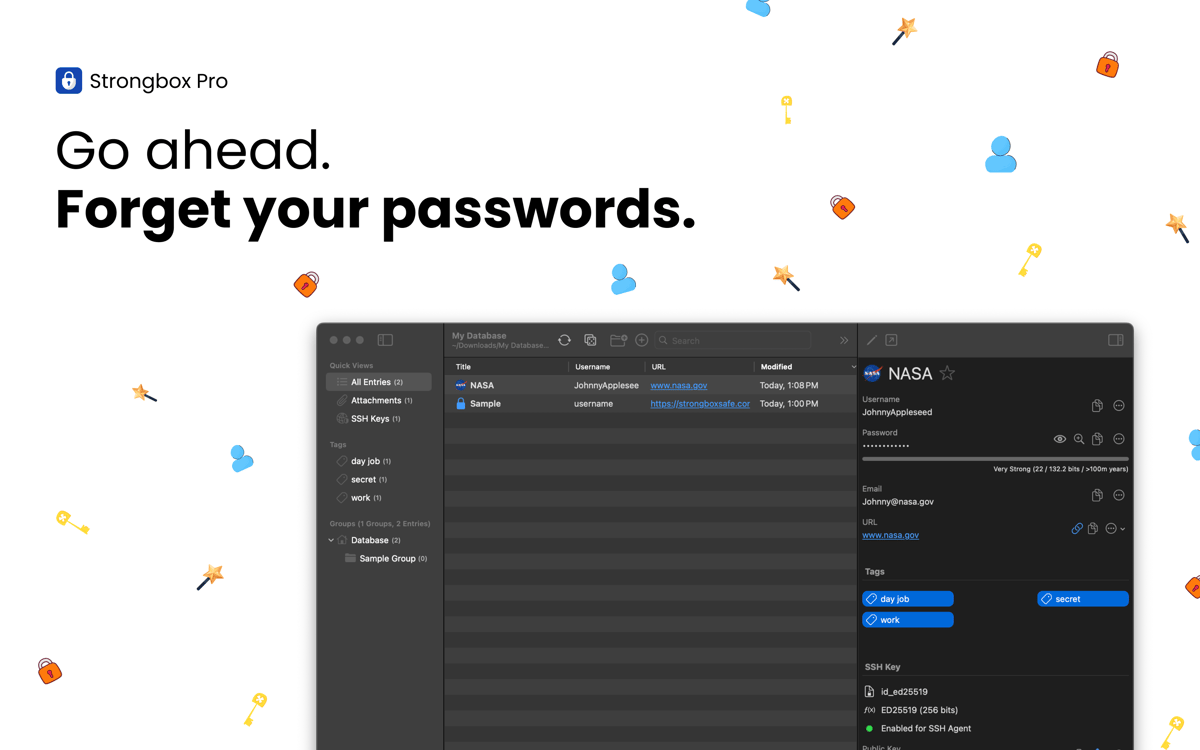
Strongbox mantiene tus contraseñas, datos bancarios, claves de recuperación y notas privadas guardadas de forma segura en una base de datos KeePass totalmente cifrada. Puedes crear varias bóvedas, añadir campos personalizados, generar contraseñas seguras y mucho más. La app, profundamente integrada en el ecosistema de Apple, funciona perfectamente con Face ID, Touch ID y el Autorrelleno, para que puedas acceder a tu información de forma rápida y segura en el iPhone, iPad y Mac.
Protege las contraseñas e información personal
Identifica y cambia las contraseñas débiles
Recibe alertas sobre contraseñas expuestas
Sincroniza tus bóvedas en tus dispositivos
Características de Strongbox
Protege tus datos con el mejor cifrado
Todos tus datos privados estarán protegidos con la criptografía avanzada diseñada para resistir el hacking. Por defecto, Strongbox usa AES-256, pero también puedes usar TwoFish o ChaCha20 si lo prefieres. Con la derivación de clave Argon2 resistente a la GPU y la compatibilidad con claves de hardware como YubiKey, tus datos estarán en un lugar seguro, incluso si pierdes tu dispositivo o te lo roban.
Sincroniza tu bóveda
Strongbox mantiene tu base de datos actualizada en todos sus dispositivos y fusiona los cambios de muchas fuentes, para que nunca te saltes una actualización ni se creen conflictos. Además de todo esto, tu bóveda está respaldada, por lo que tienes la seguridad de que tus datos siempre están en un lugar seguro y accesible.
Organiza y navega por tu bóveda
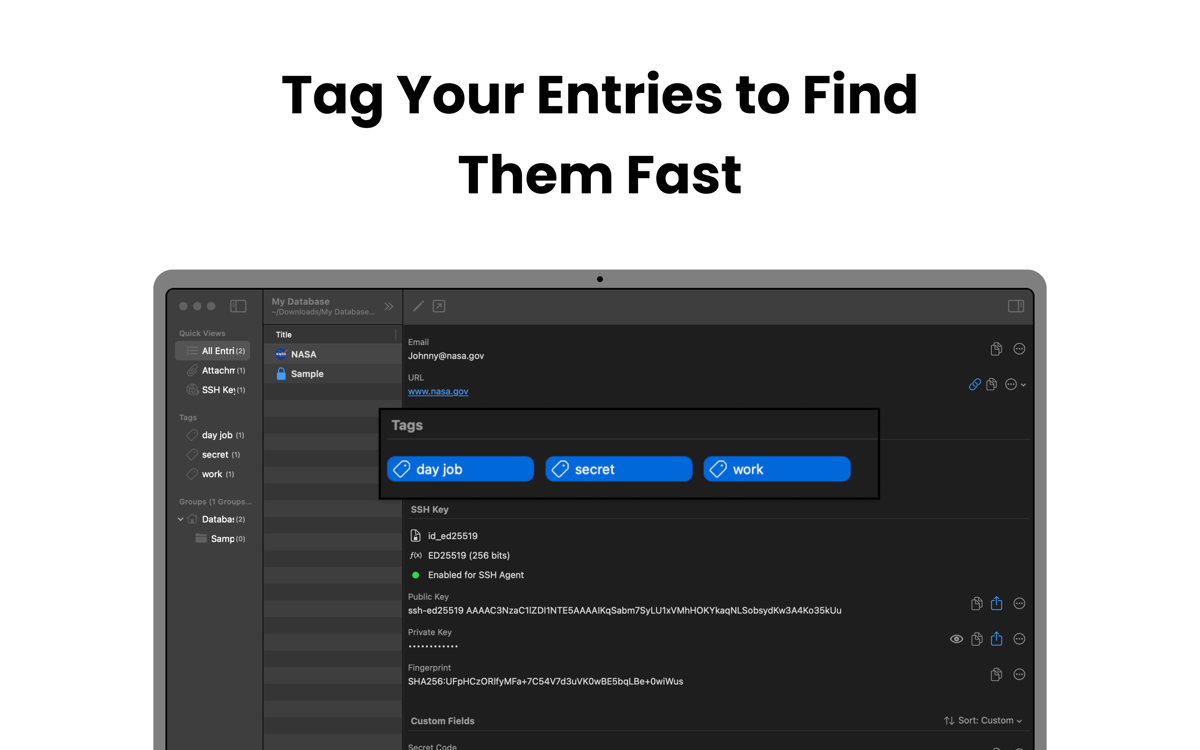
Strongbox te permite agrupar las entradas en carpetas, añadir etiquetas como "familia", "trabajo" o "social" y marcar los favoritos para un acceso rápido. También puedes añadir notas Markdown a los campos y mostrar favicons de sitios web, estructurando así tu bóveda para que sea clara visualmente y sea fácil de navegar.
Mejora las contraseñas débiles y duplicadas
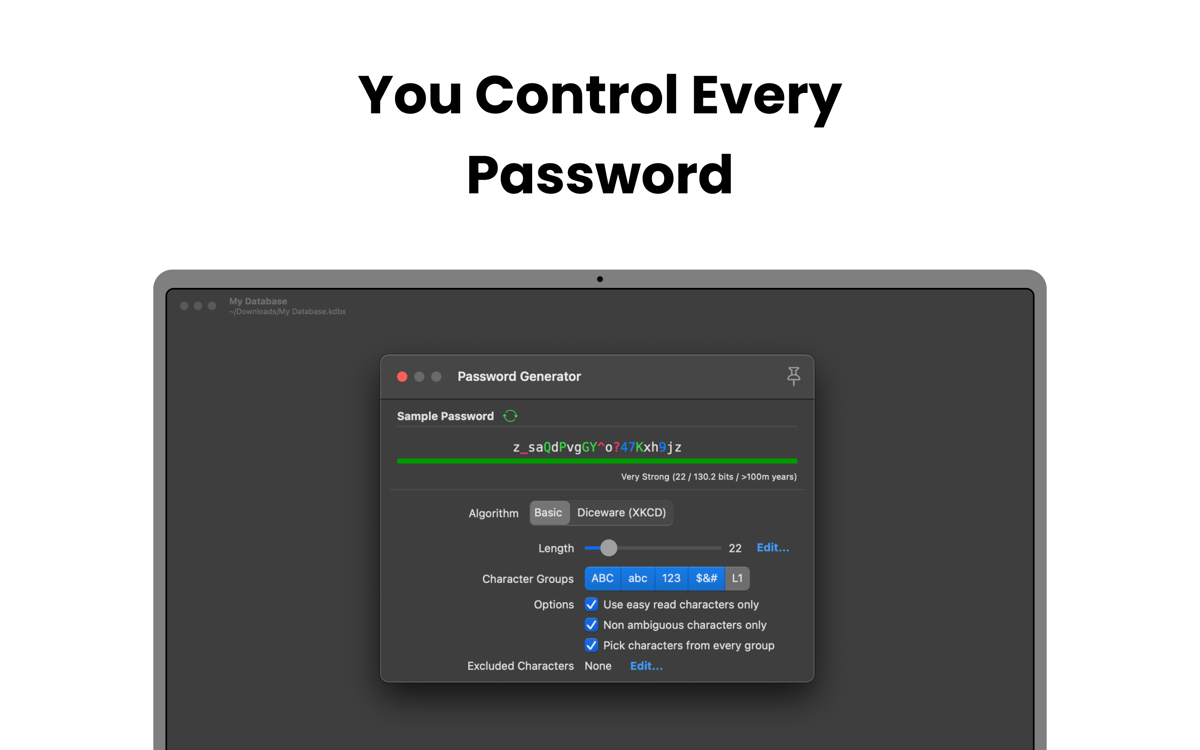
Escanea tu bóveda para encontrar las contraseñas débiles, cortas, comunes o reutilizadas en diferentes cuentas. Strongbox te puede ayudar a actualizarlas o generar alternativas más fuertes, reduciendo el riesgo de ataques.
Obtén notificaciones sobre contraseñas expuestas
Strongbox revisa tus contraseñas guardadas para detectar brechas de datos conocidas usando Have I Been Pwned. Si alguna contraseña aparece en una brecha, la app te avisará de forma inmediata y te mostrará qué cuentas están afectadas. Esto te da tiempo para actualizar las credenciales y evitar el acceso no autorizado, ahorrándote muchos dolores de cabeza.
Valoraciones y reseñas
Strongbox
•
66 valoraciones
Benedikt Otto
7 jul 2026
Versión de la app: 1.64.2
Intalled the app and tried to import browser passwords. The app would not read any of the exported .csv files from neither Safar, Firefox, nor Chrome. The Documentation said to edit the first line in the file manually, as to make it match the requirements for the app (which is already completely ridiculous). But what’s even more criminal is that I wasn’t even able to do it. Plus I had help from google Gemini to fix the Problem and it still didn’t work. I wont trust my passwords to an app from developers who can’t fix a issue as simple as a browser import… Big NOPE from me.
Mike Harris
6 jul 2026
Versión de la app: 1.64.2
Great interface and usability. I like the way it integrates so cleanly with apple password management. I also like that you are 100% in control of your own data.
Isabelle Louche
3 jul 2026
Versión de la app: 1.64.2
Très bonne application, facile a utiliser
Suscríbete y accede a cientos de apps
Suscríbete a Setapp y usa cientos de apps fantásticas con una sola suscripción.
Pruébalo 7 días gratis y luego paga una única cuota.
Instala Setapp en tu Mac
Apps de Mac, iOS y web para encontrar soluciones a tus desafíos cotidianos.

Consigue la app que buscabas
Esa app increíble y reluciente te espera en Setapp. Instálala con un clic.

Strongbox
Elige la suscripción
Una app o más con Setapp Membership. Consigue las apps a tu manera.

Suscríbete y accede a cientos de apps
Suscríbete a Setapp y usa cientos de apps fantásticas con una sola suscripción.
Pruébalo 7 días gratis y luego paga una única cuota.
1
Instala Setapp en tu Mac
Apps de Mac, iOS y web para encontrar soluciones a tus desafíos cotidianos.
2
Consigue la app que buscabas
Esa app increíble y reluciente te espera en Setapp. Instálala con un clic.
Strongbox
3
Elige la suscripción
Una app o más con Setapp Membership. Consigue las apps a tu manera.
Las mejores apps bajo un mismo paraguas
Tanto para las tareas rutinarias como para los proyectos creativos, programación o planificación, todo es más fácil con las apps de Setapp.

TypingMind
Chat de IA con una interfaz alternativa
genera o resume texto
usa la biblioteca de prompts
IA

Spark Mail
Gestiona tus correos
IA

CleanMyMac
Elimina los archivos de más

Bartender
Personaliza la barra de menús

CleanShot X
Personaliza tus capturas de pantalla

Luminar Neo
Edita tus fotos
IA

ClearVPN
Conéctate con más seguridad

Craft
Trabaja con documentos
IA
Strongbox
Guarda tus contraseñas de forma segura