Tinyyy Sweep
Make "later" happen on its own
Mac
Versión 1.0.2
macOS 14.0 o posterior
10.8 MB
2 idiomas
Tinyyy Sweep is a Downloads cleaner for Mac that lives in your menu bar. Most downloads are temporary: installers, one-off PDFs, zips. Nobody deletes them, so they pile up. When a download finishes, Tinyyy Sweep pops up a small toast so you can decide the file's fate right then. Mark it temporary and the app moves it to the Trash when its timer runs out. Your Downloads folder stays clean, and "I'll deal with it later" finally deals with itself.
Trash installers after you've used them
Auto-clear one-off PDFs and zips
File keepers into folders in seconds
Keep Downloads tidy without Finder
Características de Tinyyy Sweep
Decide at the moment of download
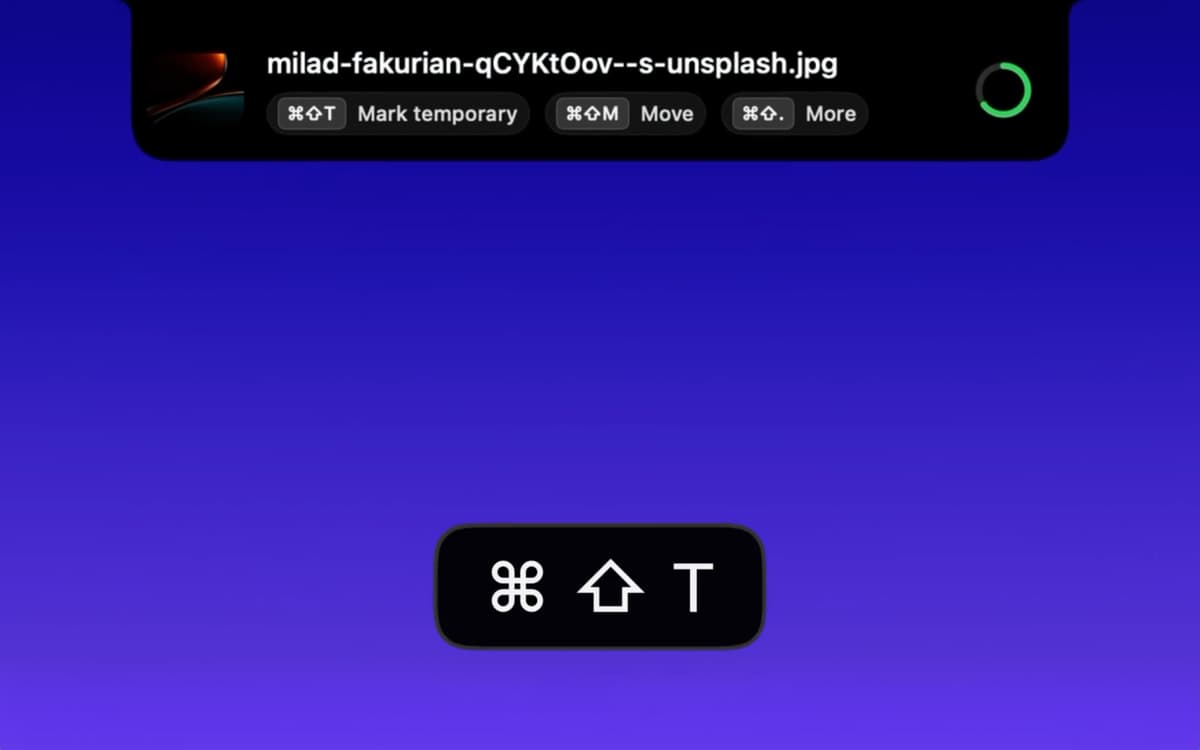
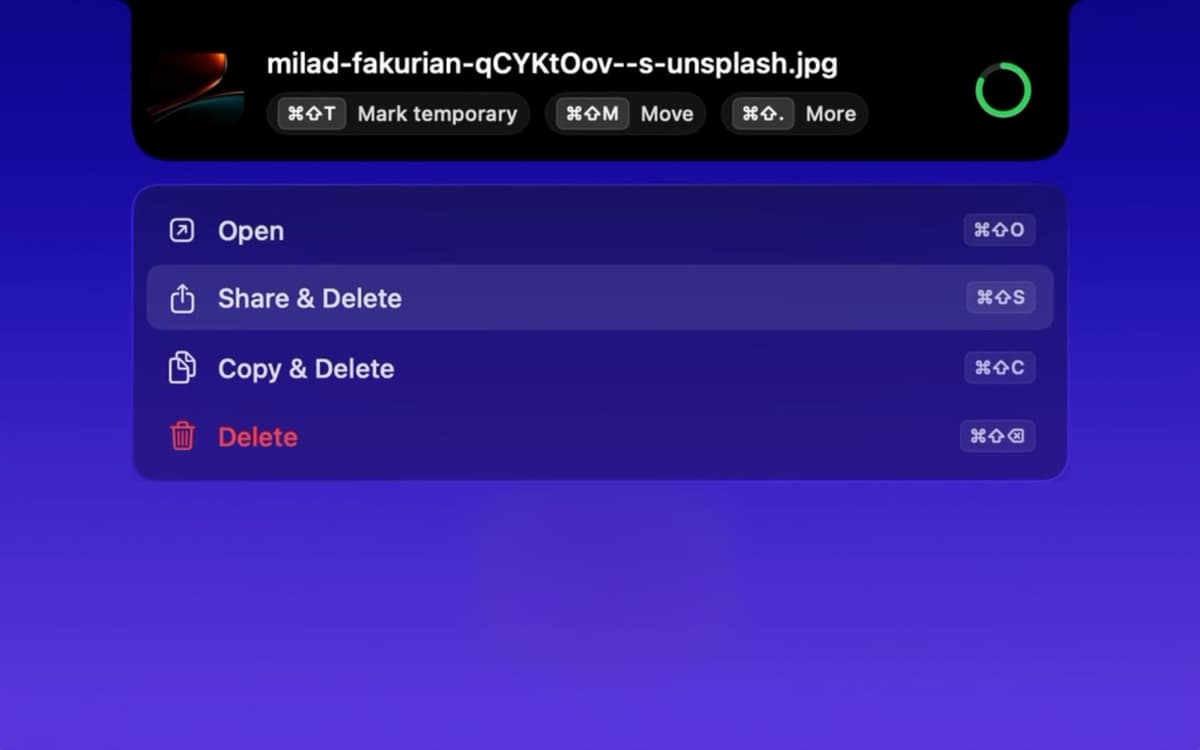
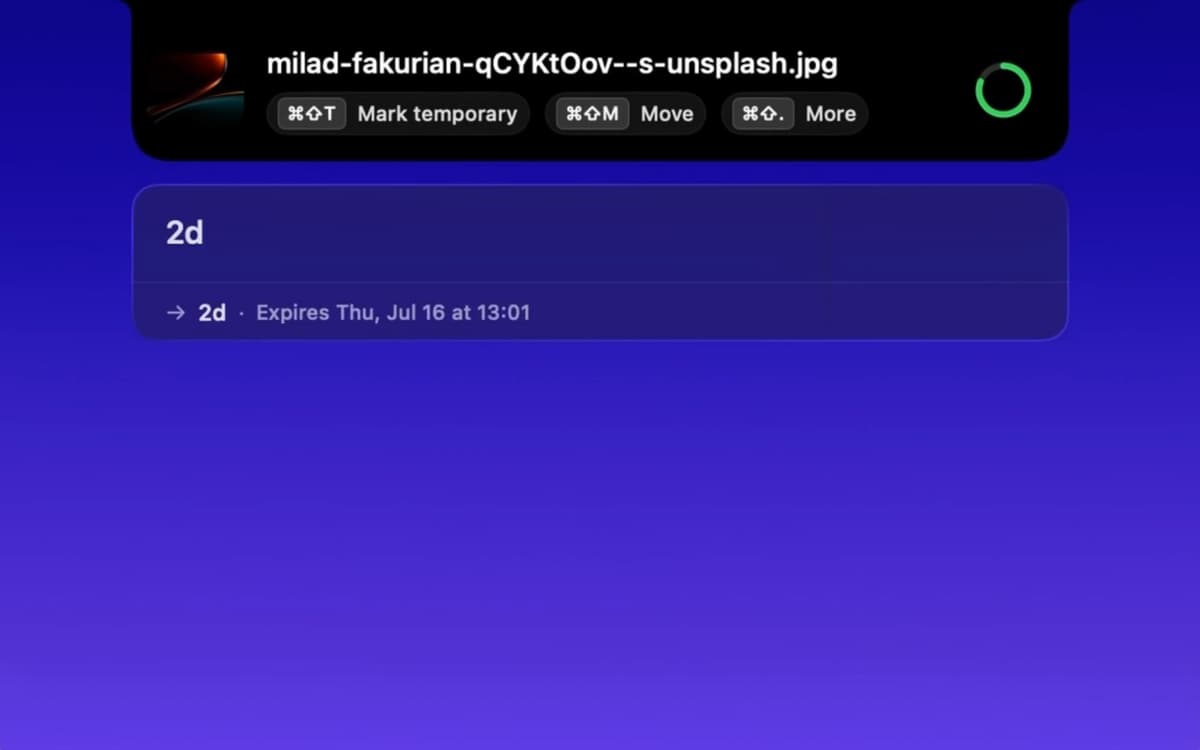
A small toast appears at the top of your screen whenever a new file lands. Mark it temporary, open it, share it, copy it, or delete it, all with a click or a shortcut. You can also combine actions. "Open & Delete" is perfect for an installer you'll never need again.
Set timers in plain words
Type "2h," "30 min," or "1d 4h," and Tinyyy Sweep gets it. It understands English and Spanish. Prefer fewer decisions? Pick a default expiry once, then mark files temporary with one click or shortcut.
Move keepers where they belong
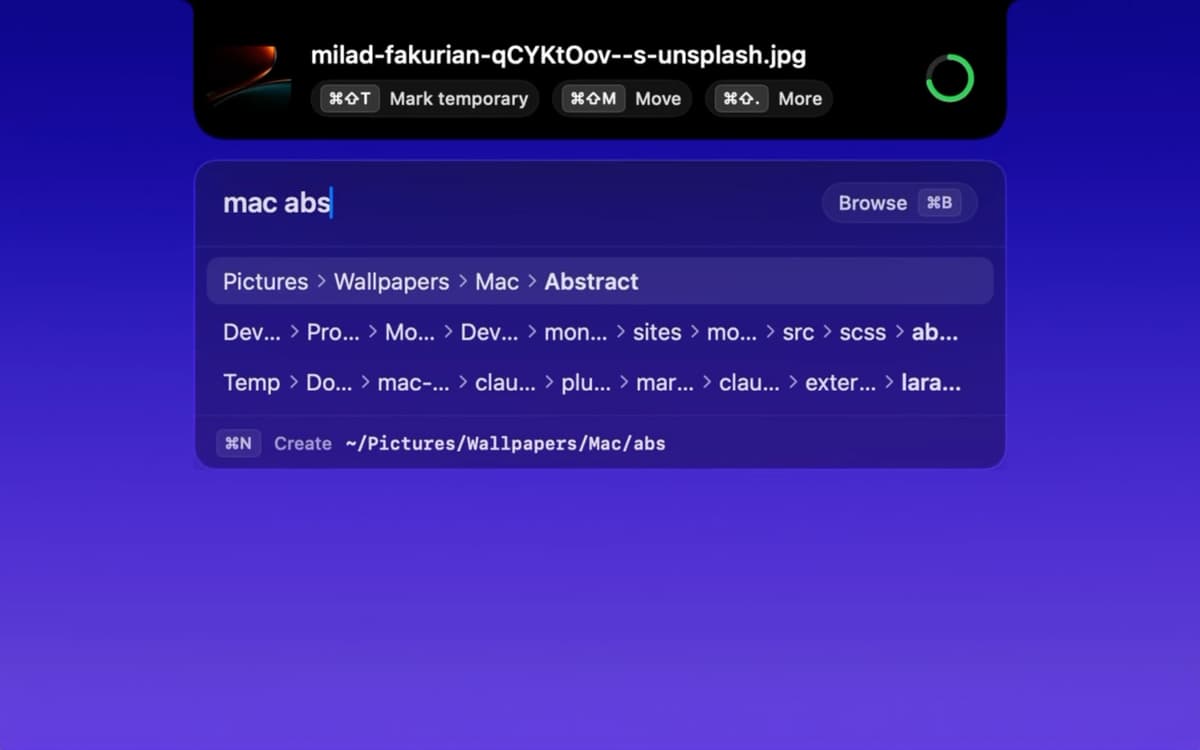
Some files are worth saving. Type a few letters of a folder name, and Tinyyy Sweep sends the file there with fuzzy matching and a list of recent destinations. Need a new folder? Create it on the spot, no Finder required.
Handle zips without the extra work
Unzip an archive that's marked temporary, and the extracted folder inherits the same timer. No re-marking, no forgotten folders hanging around.
Track everything from the menu bar
Click the icon to see every temporary file with a live countdown. Want to keep one? One click does it. When everything's swept, you'll see a "Downloads folder is clean" message. Satisfying, right?
Stay safe and out of the way
Files always go to the macOS Trash, never straight to permanent deletion, so you can get anything back. Tinyyy Sweep runs as a menu bar app with no Dock icon, starts at login (you can switch that off in Settings), and has keyboard shortcuts for every action.
Suscríbete y accede a cientos de apps
Suscríbete a Setapp y usa cientos de apps fantásticas con una sola suscripción.
Pruébalo 7 días gratis y luego paga una única cuota.
Instala Setapp en tu Mac
Apps de Mac, iOS y web para encontrar soluciones a tus desafíos cotidianos.

Consigue la app que buscabas
Esa app increíble y reluciente te espera en Setapp. Instálala con un clic.

Tinyyy Sweep
Elige la suscripción
Una app o más con Setapp Membership. Consigue las apps a tu manera.

Suscríbete y accede a cientos de apps
Suscríbete a Setapp y usa cientos de apps fantásticas con una sola suscripción.
Pruébalo 7 días gratis y luego paga una única cuota.
1
Instala Setapp en tu Mac
Apps de Mac, iOS y web para encontrar soluciones a tus desafíos cotidianos.
2
Consigue la app que buscabas
Esa app increíble y reluciente te espera en Setapp. Instálala con un clic.
Tinyyy Sweep
3
Elige la suscripción
Una app o más con Setapp Membership. Consigue las apps a tu manera.
Las mejores apps bajo un mismo paraguas
Tanto para las tareas rutinarias como para los proyectos creativos, programación o planificación, todo es más fácil con las apps de Setapp.

TypingMind
Chat de IA con una interfaz alternativa
genera o resume texto
usa la biblioteca de prompts
IA

Spark Mail
Gestiona tus correos
IA

CleanMyMac
Elimina los archivos de más

Bartender
Personaliza la barra de menús

CleanShot X
Personaliza tus capturas de pantalla

Luminar Neo
Edita tus fotos
IA

ClearVPN
Conéctate con más seguridad

Craft
Trabaja con documentos
IA
Tinyyy Sweep
Make "later" happen on its own