
Tidyshot
Tidy up your screenshots
Mac
Versión 2.7.0
macOS 14.6 o posterior
21.2 MB
6 idiomas
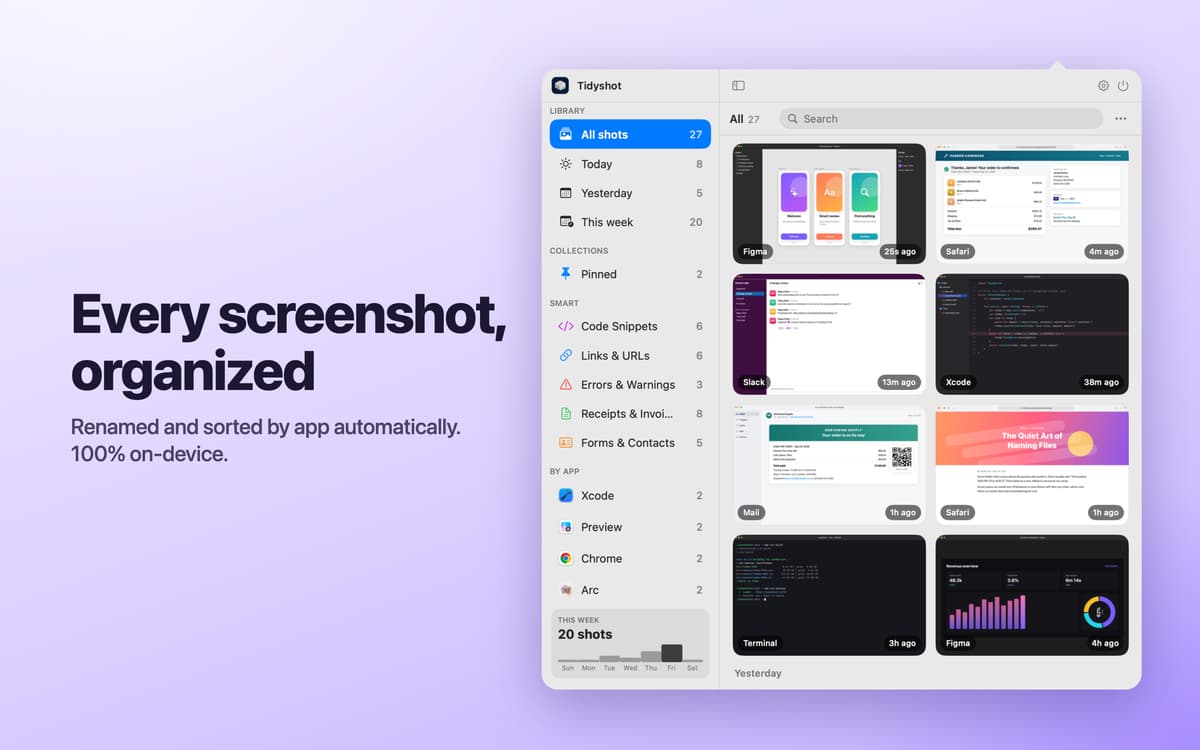
Tidyshot is a screenshot organizer for Mac. It reads the text in new screenshots, gives each file a useful name, and sorts it into the right folder. When you need a screenshot again, search for any word you remember seeing in it. No more opening files called “Screenshot 2026-09-25 at 10.15.32.png” one by one.
Rename screenshots automatically
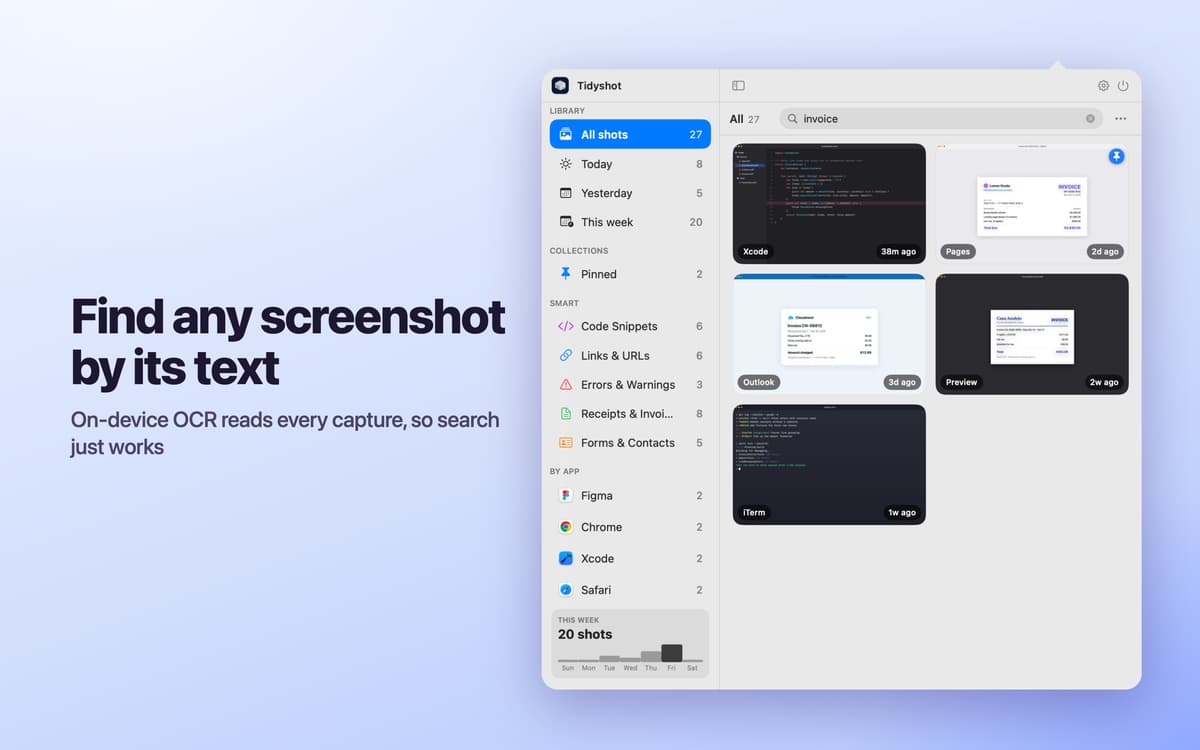
Find any screenshot by its text
Sort screenshots into folders by app
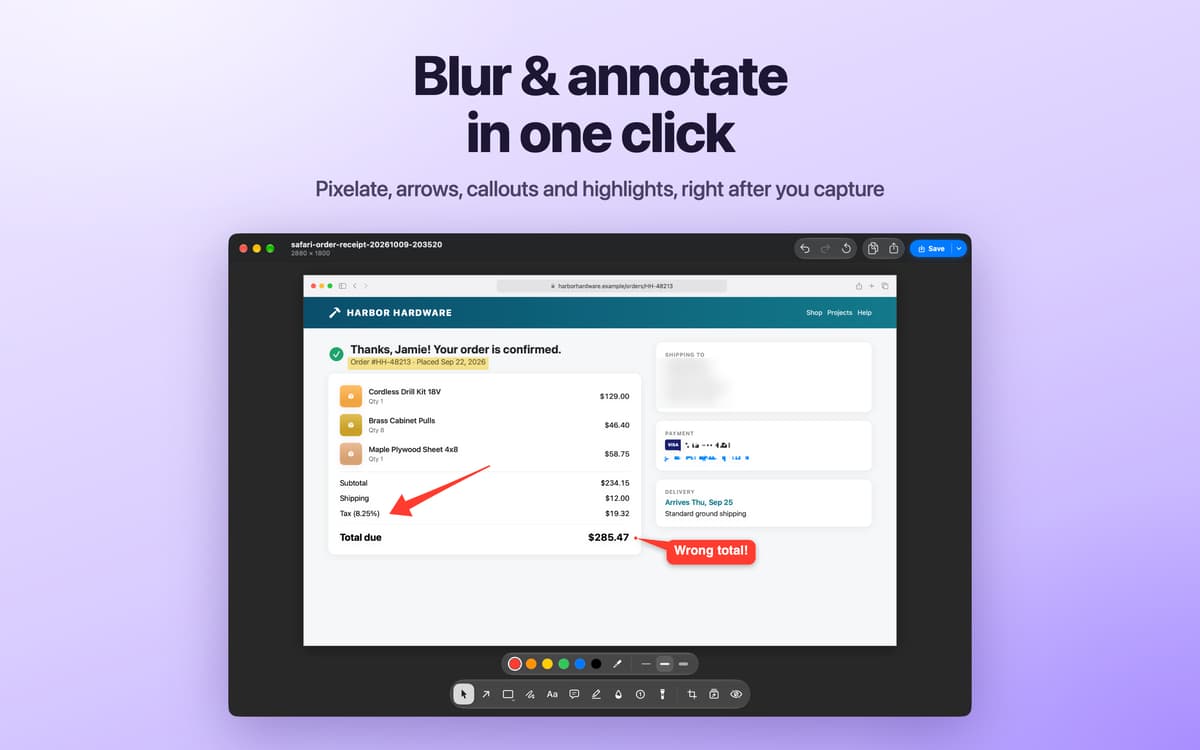
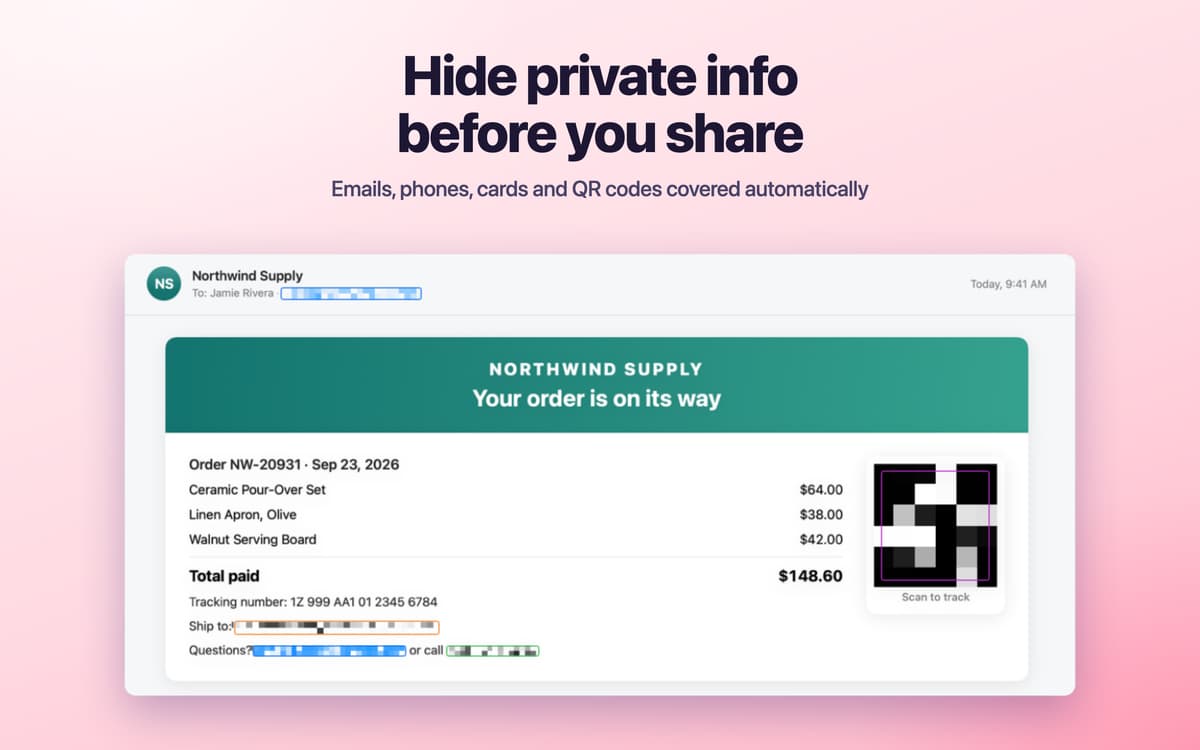
Blur private info before sharing
Características de Tidyshot
Give screenshots useful names
Tidyshot reads the text in a screenshot, identifies its source app, and creates a descriptive filename such as figma-pricing-page-20260925-101532.png. Build your own naming style with tokens including app, date, and keywords.
Sort new and old captures
Monitor screenshot folders and organize new captures within seconds. Each app gets its own folder, and files receive Finder tags automatically. Import an existing screenshot collection, preview every change, and undo the operation if needed. Tidyshot works with the macOS screenshot shortcut, CleanShot, Shottr, and other capture tools.
Search by what you saw
Find a screenshot using any word that appears inside it. Tidyshot recognizes text in dozens of languages and can also find related meanings when you don’t remember the exact wording. Smart Collections automatically group screenshots containing code, links, errors, receipts, and forms. Your screenshots show up in Spotlight search, too.
Hide sensitive details
Detect emails, phone numbers, addresses, card numbers, tracking numbers, IP addresses, and QR codes. Add custom detection rules, review the suggested redactions, and save a protected copy while leaving the original untouched.
Mark up and polish images
Add arrows, shapes, text, callouts, numbered steps, and highlights in the built-in editor. Blur or pixelate details, crop the image, and add a backdrop with padding, rounded corners, and a shadow.
Keep recent captures close
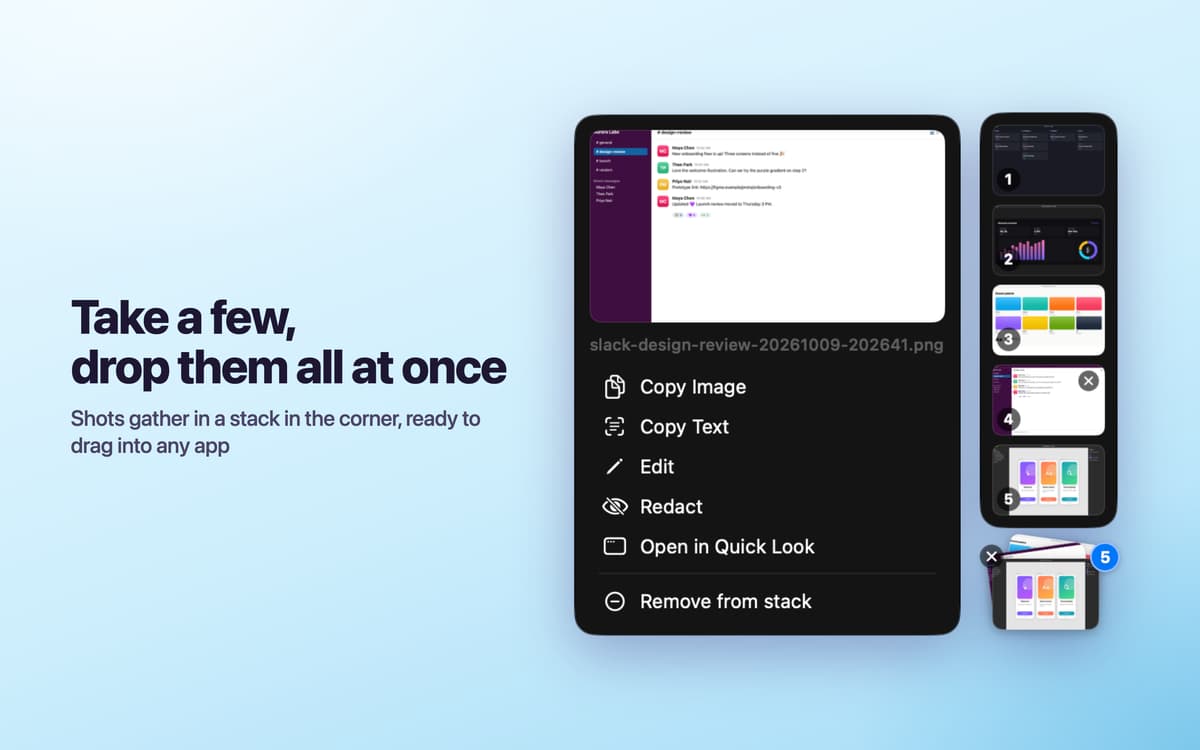
Open the screenshot shelf from the menu bar or with a hot corner. Click a thumbnail to copy it, drag it into another app, or press Space to preview it. After taking a screenshot, use the quick banner to copy the image or its text. Smart Actions turn detected links, emails, phone numbers, and addresses into one-click actions.
Valoraciones y reseñas
Tidyshot
•
2 valoraciones
Pablo
6 oct 2026
Versión de la app: 2.6.4
Decided to give it a try. Took a few minutes to figure out, and then it just works. One thing you have to turn off the macOS screenshot thumbnail yourself, otherwise it overlaps with Tidyshot. Auto-redact works really well, and you can add your own patterns, still worth double-checking before sending data, of course. Overall a pleasant app, I think I'll get used to it quickly
Respuesta del desarrollador
7 oct 2026
Thanks for the feedback! Will make setup easier in the next update.
munch.
2 oct 2026
Versión de la app: 2.6.4
Love from the first screenshot! Totalyl recommend! Screnshot, edit, redact, share.. everythong at the same place! Search and OCR makes it diary of work, nor just screenshots manager
Respuesta del desarrollador
6 oct 2026
Thank you! We are working on next useful update :)
Suscríbete y accede a cientos de apps
Suscríbete a Setapp y usa cientos de apps fantásticas con una sola suscripción.
Pruébalo 7 días gratis y luego paga una única cuota.
Instala Setapp en tu Mac
Apps de Mac, iOS y web para encontrar soluciones a tus desafíos cotidianos.

Consigue la app que buscabas
Esa app increíble y reluciente te espera en Setapp. Instálala con un clic.

Tidyshot
Elige la suscripción
Una app o más con Setapp Membership. Consigue las apps a tu manera.

Suscríbete y accede a cientos de apps
Suscríbete a Setapp y usa cientos de apps fantásticas con una sola suscripción.
Pruébalo 7 días gratis y luego paga una única cuota.
1
Instala Setapp en tu Mac
Apps de Mac, iOS y web para encontrar soluciones a tus desafíos cotidianos.
2
Consigue la app que buscabas
Esa app increíble y reluciente te espera en Setapp. Instálala con un clic.
Tidyshot
3
Elige la suscripción
Una app o más con Setapp Membership. Consigue las apps a tu manera.
Las mejores apps bajo un mismo paraguas
Tanto para las tareas rutinarias como para los proyectos creativos, programación o planificación, todo es más fácil con las apps de Setapp.

TypingMind
Chat de IA con una interfaz alternativa
genera o resume texto
usa la biblioteca de prompts
IA

Spark Mail
Gestiona tus correos
IA

CleanMyMac
Elimina los archivos de más

Bartender
Personaliza la barra de menús

CleanShot X
Personaliza tus capturas de pantalla

Luminar Neo
Edita tus fotos
IA

ClearVPN
Conéctate con más seguridad

Craft
Trabaja con documentos
IA
Tidyshot
Tidy up your screenshots