

Diarly
Créez un journal intime

Mac, iOS
Version 3.3.13
macOS 11.5 ou version supérieure
138.1 MB
13 langues
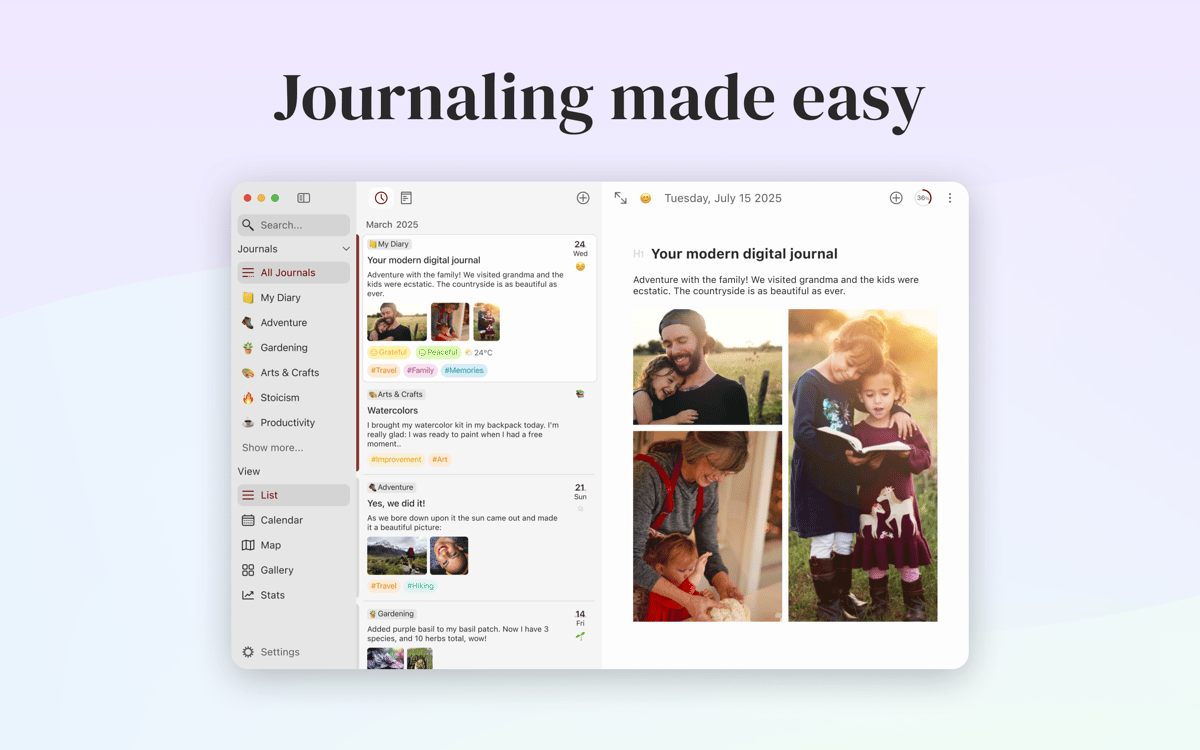
Diarly est une application de journal qui permet à votre Mac d'accueillir vos souvenirs et histoires passionnantes. Écrivez, personnalisez la mise en forme et organisez vos entrées comme vous le souhaitez. Pour un accès sécurisé et facile à Diarly, vous pouvez activer le chiffrement et la protection par mot de passe ainsi que la synchronisation de vos données sur tous les appareils.
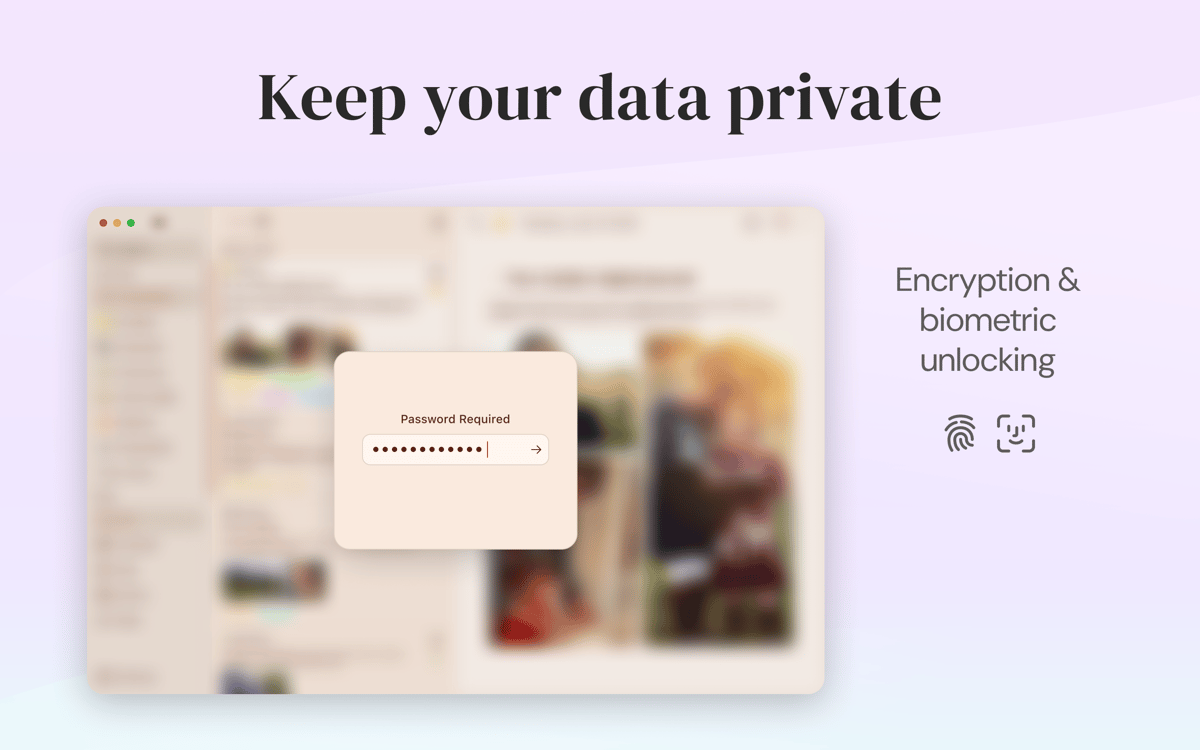
Créez un journal intime chiffré sur votre Mac
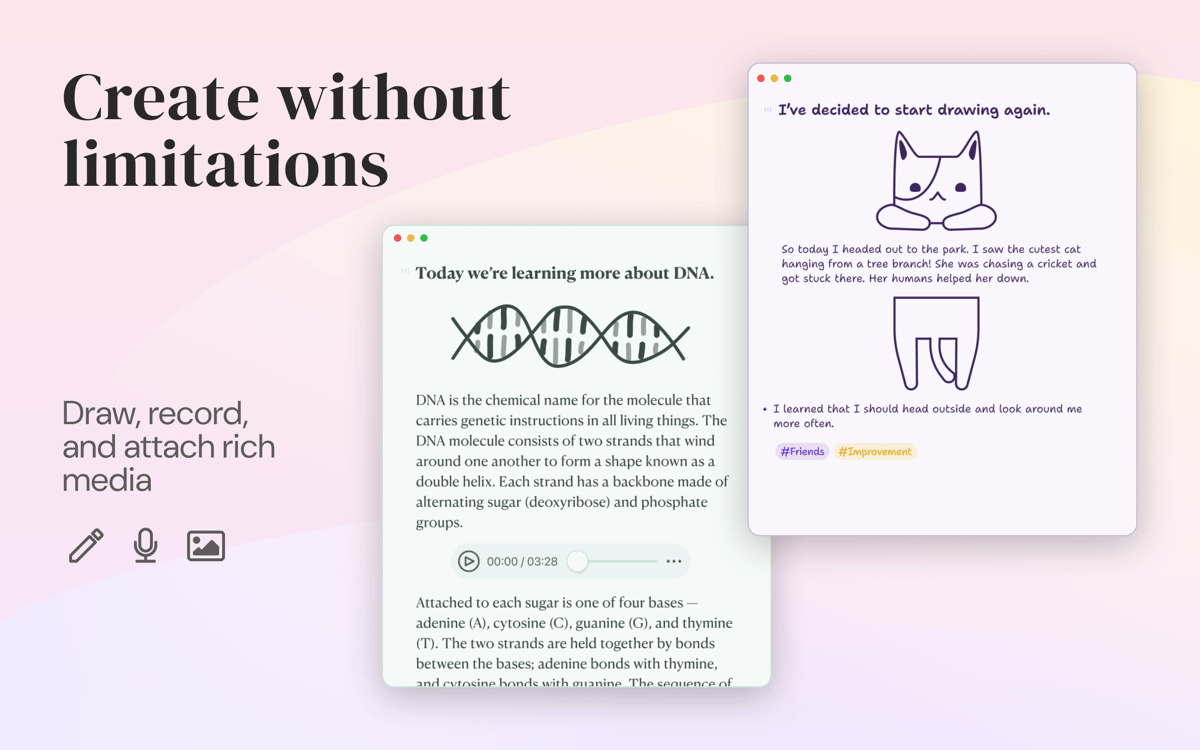
Modifiez vos textes à l'aide d'un éditeur Markdown
Intégrez votre journal à vos tâches et agendas
Définissez et suivez vos objectifs d'écriture
Fonctionnalités de Diarly
La sécurité avant tout
Vous ne voulez certainement pas que quelqu'un porte atteinte à votre vie privée. C'est pourquoi, au lieu de garder votre journal sous le lit, vous pouvez le conserver dans un endroit numérique sur votre Mac. Dans Diarly, toutes les entrées que vous créez peuvent être chiffrées, de sorte que personne ne peut jamais regarder à l'intérieur.
Éditeur Markdown
Importez dans l'éditeur Markdown et personnalisez le formatage pendant que vous écrivez. L'éditeur Markdown de Diarly propose des puces et des en-têtes vous permettent de mettre en forme votre écriture. Outre l'aide syntaxique, l'éditeur offre une fonction de prévisualisation afin que vous gardiez le contrôle de l'aspect de vos entrées.
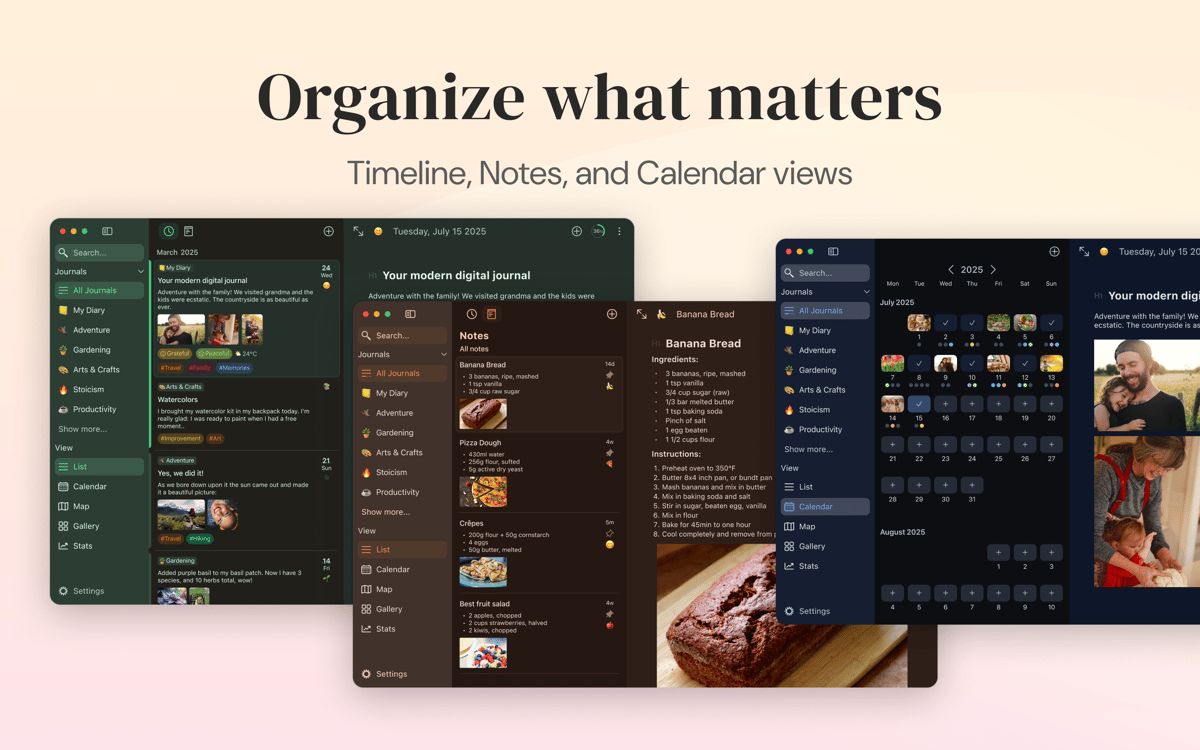
Calendrier, listes et recherche
Diarly vous aide à créer une liste facile à gérer d'entrées. Alors peu importe la fréquence à laquelle vous écrivez, rien ne se perd dans le brouhaha. L'application comprend un calendrier si vous voulez effectuer une recherche par date, ainsi que des listes personnalisables. Pour rendre la navigation encore plus facile, effectuez une recherche de hashtag.
Synchronisation sur tous les appareils
Diarly prend en charge la synchronisation via iCloud et rend ainsi l'application disponible sur tous les appareils. Vous pouvez compter à la fois sur vos applications Mac et iPhone/iPad pour tenir votre journal. Activez la protection par mot de passe pour vous assurer que personne n'accède à vos applications.
Suivi des activités
Les objectifs de journalisation peuvent être grands et ambitieux. Diarly vous permet de créer des objectifs quotidiens et voir comment vous vous débrouillez au fil du temps. Vous pouvez régler l'application pour suivre le nombre de mots pour des entrées spécifiques. Pour un aperçu plus complet, consultez vos statistiques d'écriture sur 90 jours ou une plage de dates personnalisée.
Aspect personnalisé
L'interface de Diarly est pensée pour vous offrir une écriture sans distraction. Et avec de nombreuses possibilités de personnalisation, vous pouvez la rendre encore plus pratique. Changez les polices, les thèmes et les tailles pour donner à votre journal un look parfait. Si vous le souhaitez, vous pouvez avoir des modèles différents pour des catégories d'entrée spécifiques.
Avis et commentaires
Diarly
•
369 classements
andrew610
3 déc. 2025
Version de l'application : 3.3.13
really enjoying this app.
John
18 nov. 2025
Version de l'application : 3.3.13
I’ve tried a number of the other (obvious) journally apps, and not quite gorton with them. (too much effort or not tailorable) I now use Diarly regularly and slowly am creating a template to do just what I want. the fact it exposes a URL to enable searches means I can find what I want
Réponse du développeur
19 nov. 2025
Thanks so much! Great to hear you’ve settled into a steady journaling habit. We’ll keep pushing the app forward — and if anything comes to mind, we would love to hear your suggestions.
Stefan Fischer
9 nov. 2025
Version de l'application : 3.3.11
Diarly lacks automatic entry creation from photo metadata. Unlike Day One, you can't bulk-import photos and have dated entries created automatically. You must create entries first, then add photos manually—frustrating for travel documentation. Good for traditional journaling, but not photo-driven workflows.
Réponse du développeur
18 nov. 2025
Thanks for the feedback. We hear you, and we’ll be working toward making the app much better for photo-driven workflows in the future.
Profitez de centaines d'applications avec Membership
Devenez membre Setapp et utilisez des centaines d'applications incroyables grâce à un seul abonnement.
Forfait tout compris, après 7 jours d'essai gratuit
1
Installez Setapp sur votre Mac
Explorez des applications pour Mac, iOS et le Web. Découvrez comment accomplir facilement les tâches du quotidien.
2
Téléchargez l'application qui vous intéresse
Cette application vous attend dans Setapp. Installez-la d'un seul clic.
Diarly
3
Économisez de l'argent et de l'énergie
Membership vous aide à accomplir vos tâches du quotidien sans vous ruiner en logiciels.
1
Installez Setapp sur votre Mac
Explorez des applications pour Mac, iOS et le Web. Découvrez comment accomplir facilement les tâches du quotidien.
2
Téléchargez l'application qui vous intéresse
Cette application vous attend dans Setapp. Installez-la d'un seul clic.
Diarly
3
Économisez de l'argent et de l'énergie
Membership vous aide à accomplir vos tâches du quotidien sans vous ruiner en logiciels.
Des applications de qualité
Pour gérer des plannings, accomplir des tâches de routine, créer des contenus, coder et bien plus encore, optez pour Setapp.

TypingMind
IA conversationnelle avec interface alternative
générez ou résumez du texte
utilisez une bibliothèque de requêtes
IA

Spark Mail
Gérez vos e-mails
IA

CleanMyMac X
Supprimez les fichiers inutiles

Bartender
Personnalisez la barre des menus

CleanShot X
Profitez de plus de possibilités pour les captures d'écran

Luminar Neo
Retouchez vos photos
IA

ClearVPN
Sécurisez votre connexion Internet

Craft
Travaillez sur vos documents
IA
Diarly
Créez un journal intime