
choclift
Turn iPhone into a touch bar
Mac, iOS
Versione 2.3.6
macOS 14 o successivo
39.3 MB
8 lingue
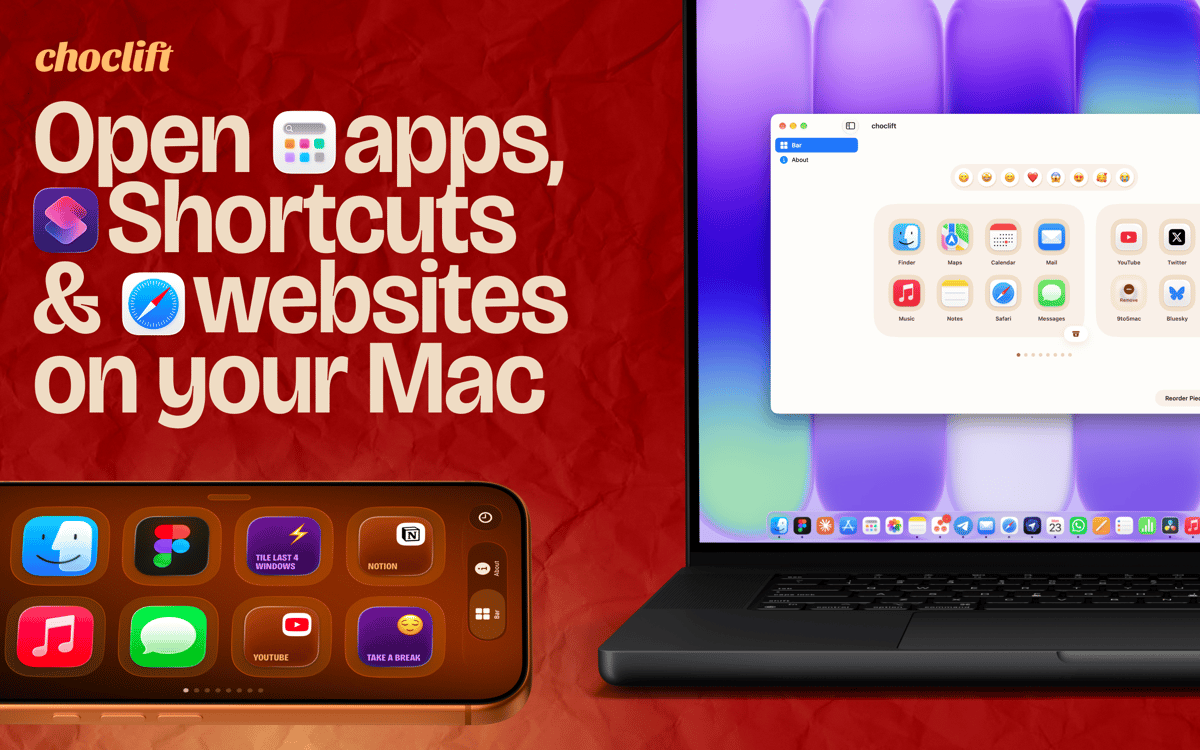
choclift is the third input device you didn't know your Mac needed. It turns your iPhone or iPad into a touch (chocolate) bar, so your favorite apps, Apple Shortcuts, and website bookmarks are always one tap away. Expect a beautiful design, a satisfying feel, and a few sweet chocolate references along the way. One thing to know: you need choclift installed on both your Mac and your iPhone or iPad. It's also highly optimized for iPhone Duo.
Launch apps, Shortcuts and websites in one tap
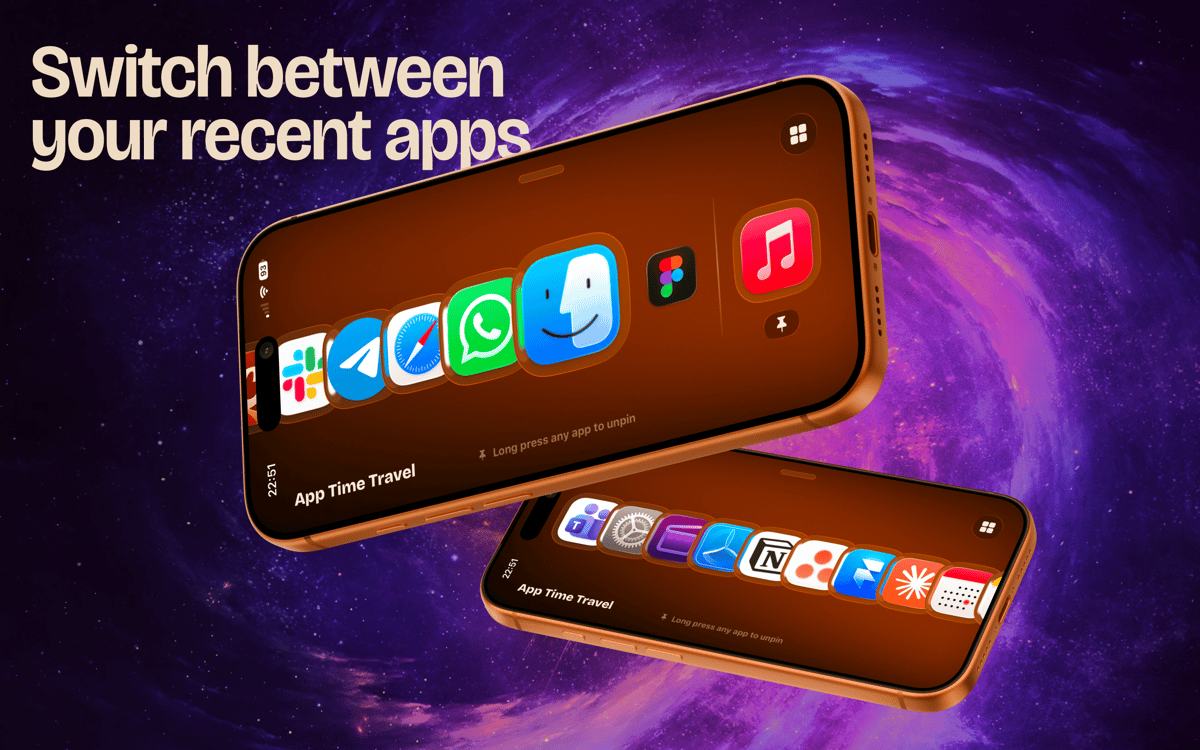
Switch between recently opened apps in an instant
Use swipe gestures for common actions
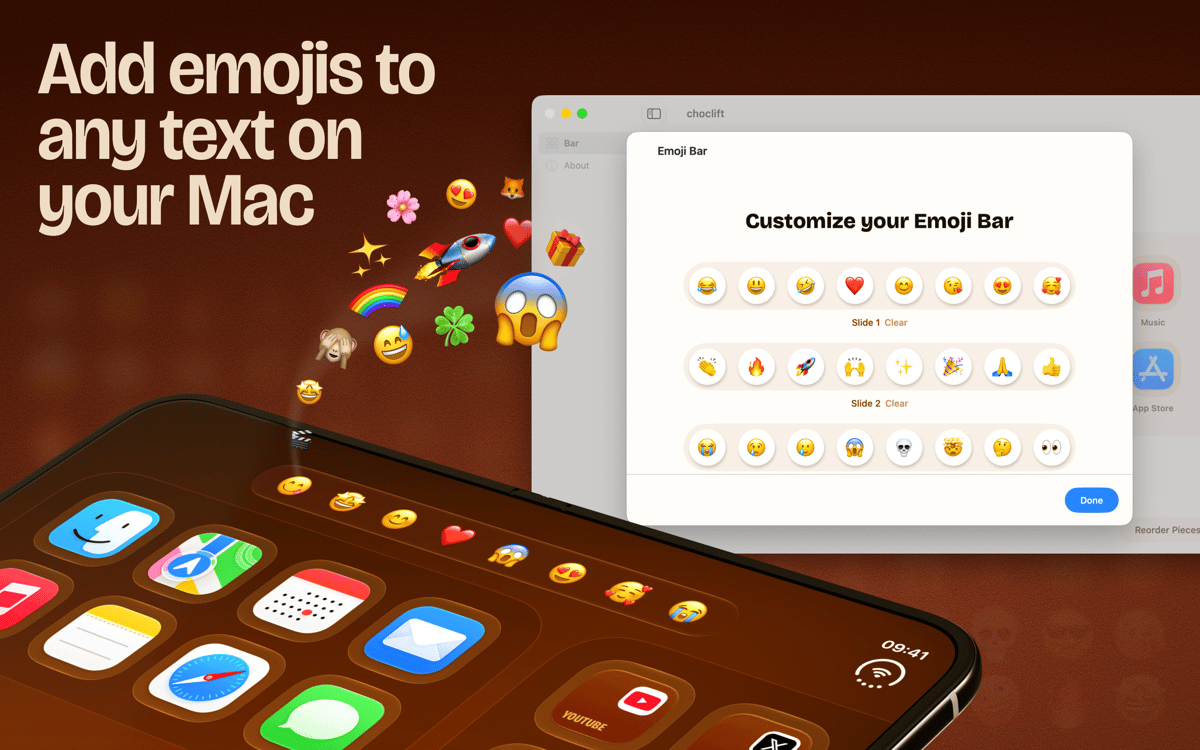
Pick emojis right where you type
Funzionalità di choclift
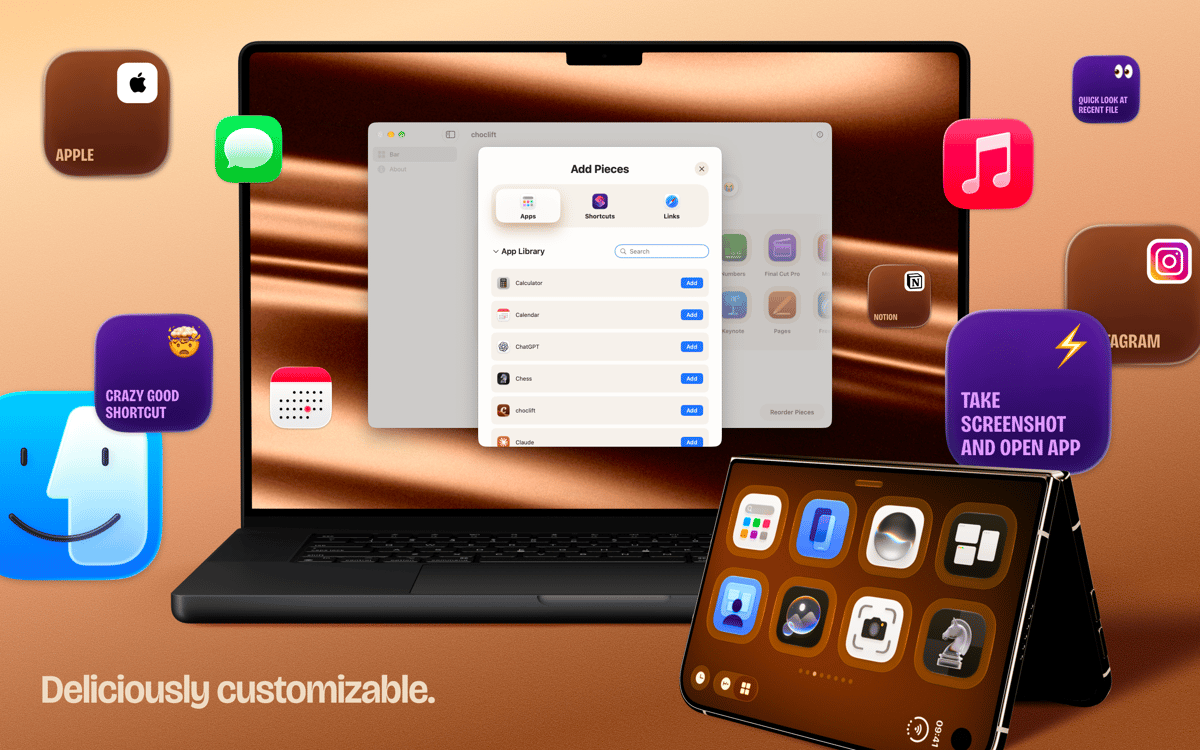
Keep your favorites one tap away
Set up to eight pages in your choclift bar. Fill them with the apps, Apple Shortcuts, and website bookmarks you reach for most. No more digging through the Dock or menus. Just tap and go.
Switch apps and drag things faster
Tapping an app on choclift feels great, and it does more than launch. You can switch between apps in an instant and speed up drag and drop. Small time savers add up quickly when you do them all day.
Let App Time Travel follow your workflow
This is a smart dock that shows the apps you opened recently. It adapts as you work, so the apps you need next are usually already there. No setup, no rearranging.
Swipe through your windows
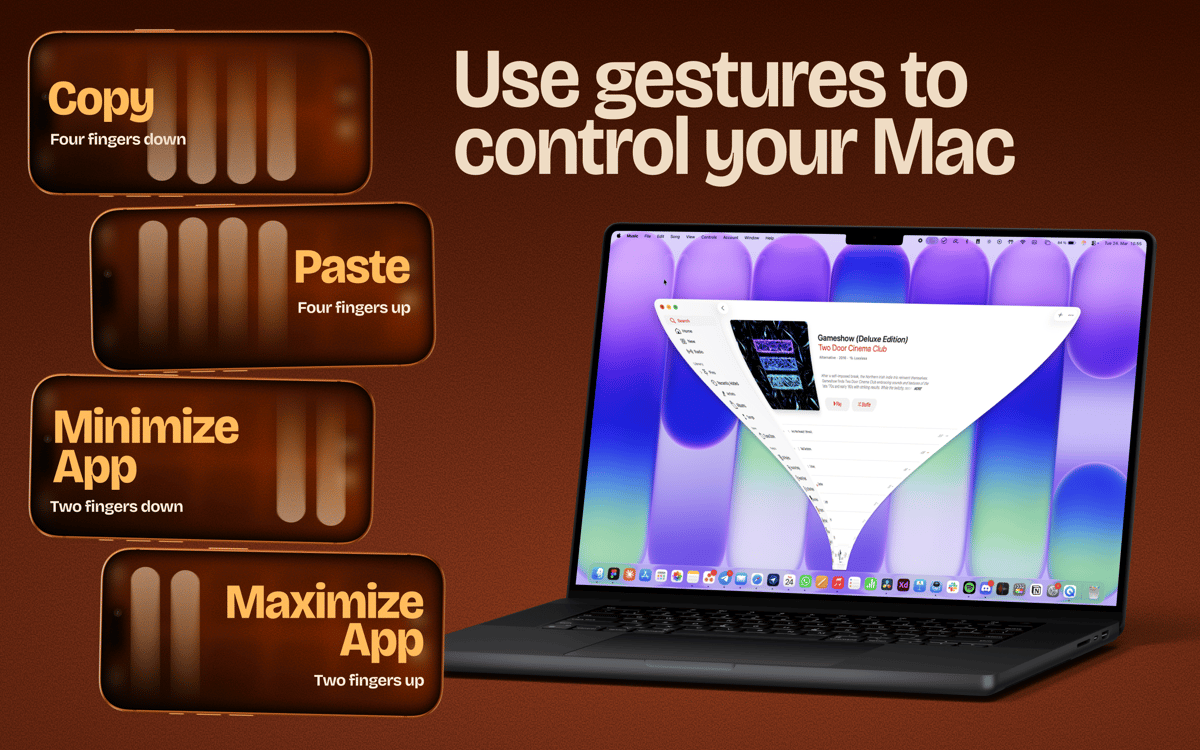
choclift isn't limited by physical buttons, so it can do things a Stream Deck can't. Swipe to minimize or maximize a window. Swipe to copy and paste. It's a different way to work, and it clicks fast.
Add emojis without breaking your flow
Turn on Emoji Bar and get a toolbar for your favorite emojis whenever you type in a text field on your Mac. Tap one and keep writing. It's optional, and it's a nice example of what a touchscreen can do.
Centinaia di app con la Membership
Diventa membro di Setapp e utilizza centinaia di app straordinarie con un unico abbonamento.
Prova gratis per 7 giorni, poi paga una tariffa unica.
Installa Setapp sul Mac
Scopri le app per Mac, iOS e il web. Trova modi semplici per risolvere le attività quotidiane.

Ottieni l'app che stavi cercando
Quell'app tanto desiderata ti aspetta in Setapp. Installala con un clic.

choclift
Scegli un abbonamento
Una o più app con un abbonamento Setapp. Acquista le app come preferisci.

Centinaia di app con la Membership
Diventa membro di Setapp e utilizza centinaia di app straordinarie con un unico abbonamento.
Prova gratis per 7 giorni, poi paga una tariffa unica.
1
Installa Setapp sul Mac
Scopri le app per Mac, iOS e il web. Trova modi semplici per risolvere le attività quotidiane.
2
Ottieni l'app che stavi cercando
Quell'app tanto desiderata ti aspetta in Setapp. Installala con un clic.
choclift
3
Scegli un abbonamento
Una o più app con un abbonamento Setapp. Acquista le app come preferisci.
Sede delle migliori app
Dalla pianificazione e dai lavori di routine alle attività creative e di scrittura di codice, con le app di Setapp potrai affrontare di tutto.

TypingMind
Chat IA con un'interfaccia utente diversa
genera o riassumi un testo
usa la libreria di prompt
IA

Spark Mail
Gestisci le email
IA

CleanMyMac
Elimina i file spazzatura

Bartender
Personalizza la barra dei menu

CleanShot X
Cattura screenshot versatili

Luminar Neo
Modifica le tue foto
IA

ClearVPN
Connessione più sicura

Craft
Lavora con i documenti
IA
choclift
Turn iPhone into a touch bar