
Contain
Bring your Mac windows together in tabs
Mac
Versione 1.5.0
macOS 13.0 o successivo
2.5 MB
1 lingue
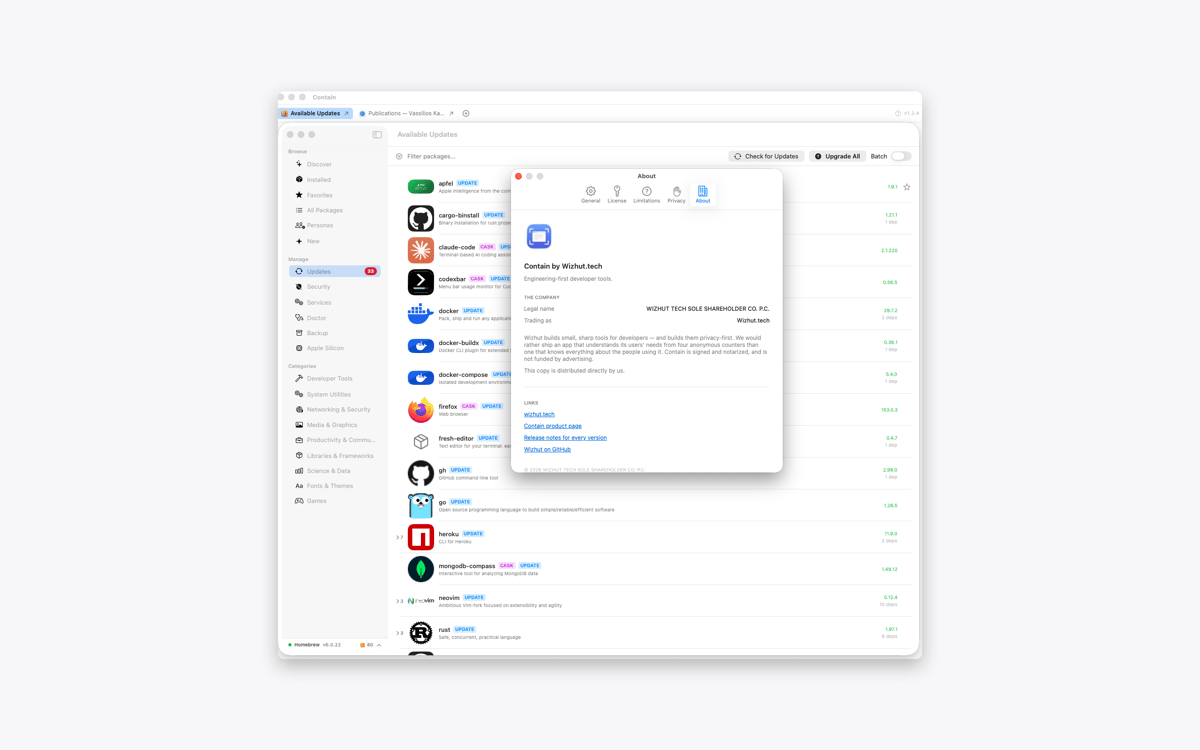
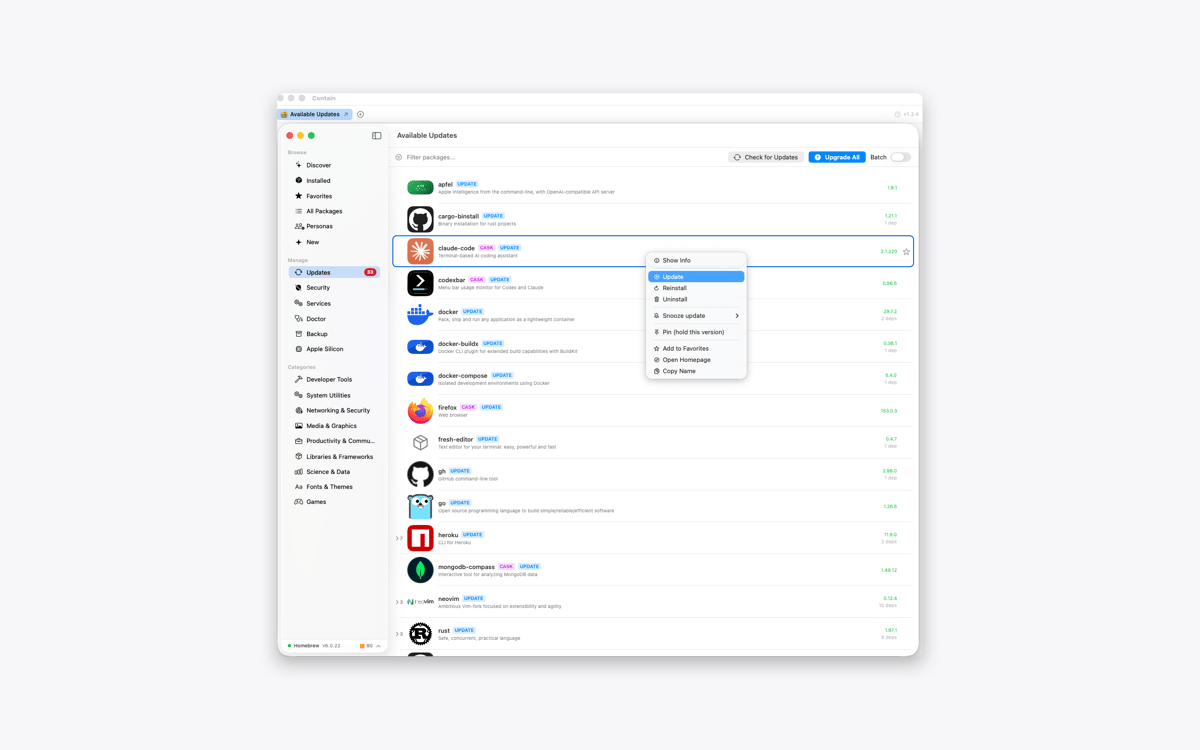
Contain is a tabbed window manager for Mac. Gather documents, browser windows, terminals, and other windows into one resizable container. Each window gets its own tab, so switching between tasks takes one click. When you release a window, it returns to its previous size and position.
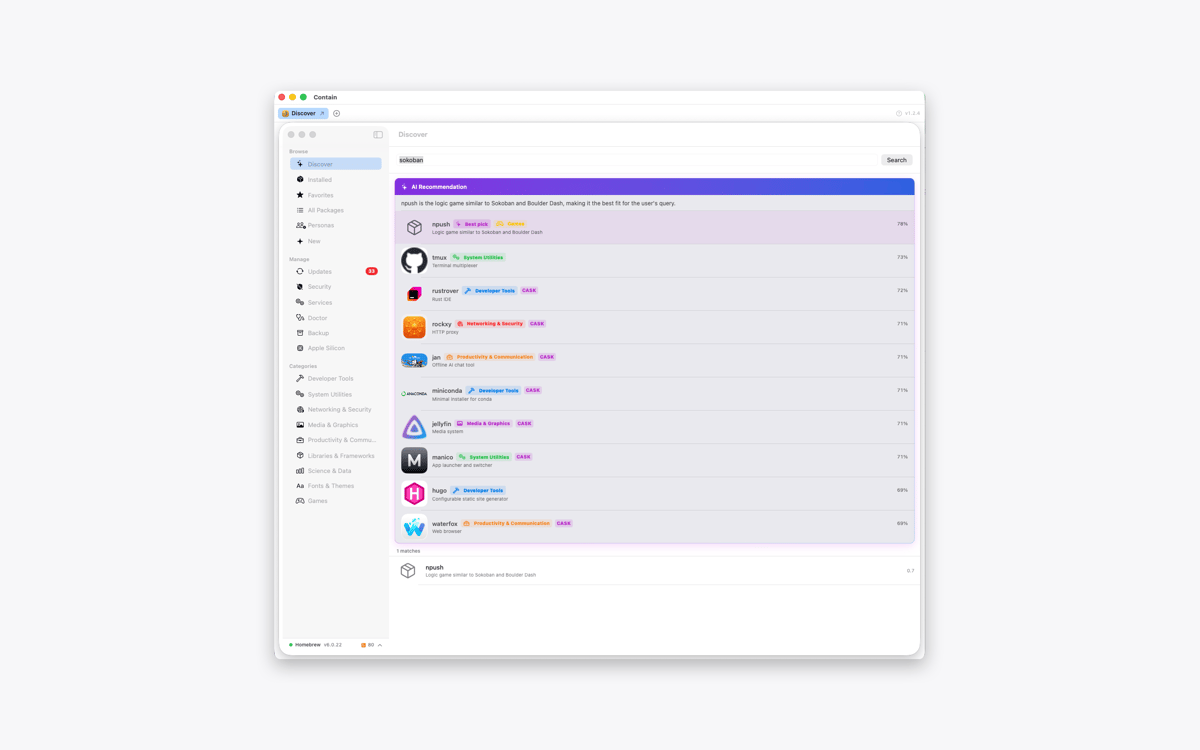
Gather windows from different apps
Switch between them using tabs
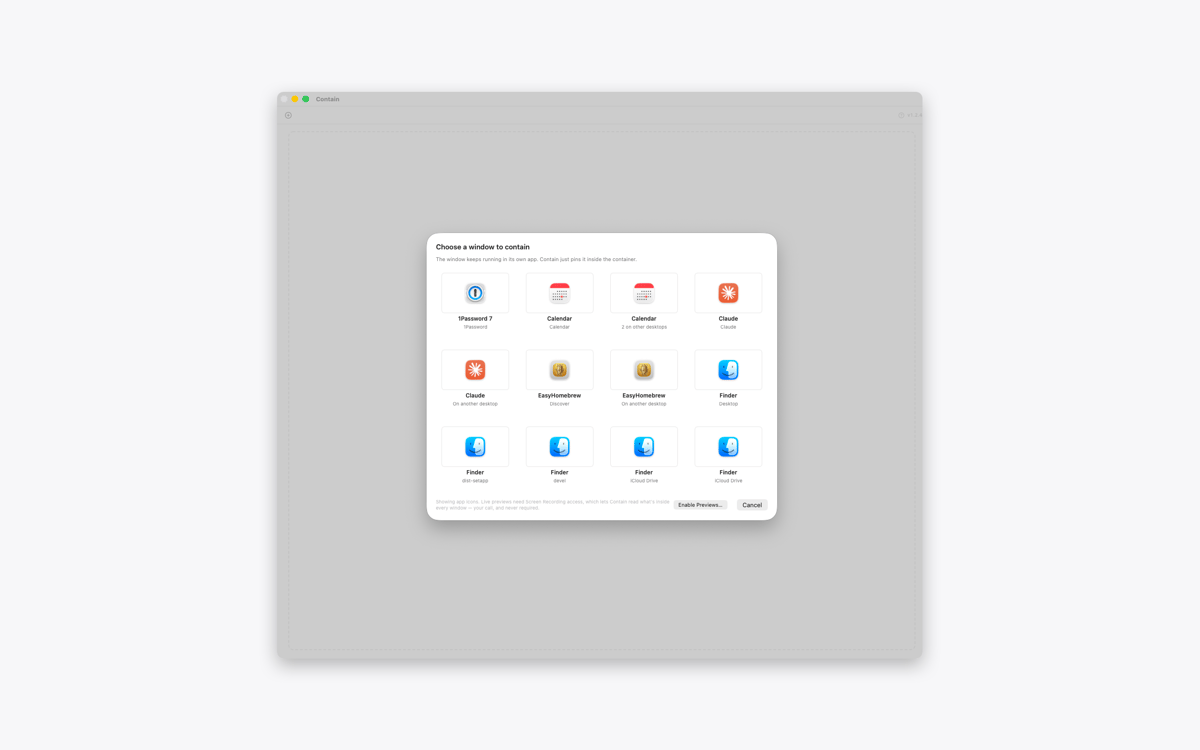
Find windows across desktops and displays
Restore every window to its previous layout
Funzionalità di Contain
Keep different apps together
Collect the windows you need inside one tidy container. Add a document, browser, terminal, or any other open window without changing the rest of your desktop.
Give every window a tab
Contain creates one tab per window, not one per app. If you’re working with three documents from the same app, you’ll get three separate tabs. Click a tab to switch between them.
Find windows across your Mac
Open the grid picker to see windows from different desktops and displays. Select one, and Contain brings it into your current workspace. With optional Screen Recording access, the picker can show live previews instead of app icons.
Move and resize as one
Move or resize the container, and the active window follows along. Use the green window button to fill the display and resize every contained window to match.
Release windows without losing your layout
Click the release button to return a window to the desktop. Contain restores its previous position, size, display, and full-screen state. Quit the app, and all contained windows go back where they were.
Keep every window interactive
Contain doesn’t copy or mirror your windows. The original windows remain fully interactive inside the container, while other windows from the same apps stay untouched.
Centinaia di app con la Membership
Diventa membro di Setapp e utilizza centinaia di app straordinarie con un unico abbonamento.
Prova gratis per 7 giorni, poi paga una tariffa unica.
Installa Setapp sul Mac
Scopri le app per Mac, iOS e il web. Trova modi semplici per risolvere le attività quotidiane.

Ottieni l'app che stavi cercando
Quell'app tanto desiderata ti aspetta in Setapp. Installala con un clic.

Contain
Scegli un abbonamento
Una o più app con un abbonamento Setapp. Acquista le app come preferisci.

Centinaia di app con la Membership
Diventa membro di Setapp e utilizza centinaia di app straordinarie con un unico abbonamento.
Prova gratis per 7 giorni, poi paga una tariffa unica.
1
Installa Setapp sul Mac
Scopri le app per Mac, iOS e il web. Trova modi semplici per risolvere le attività quotidiane.
2
Ottieni l'app che stavi cercando
Quell'app tanto desiderata ti aspetta in Setapp. Installala con un clic.
Contain
3
Scegli un abbonamento
Una o più app con un abbonamento Setapp. Acquista le app come preferisci.
Sede delle migliori app
Dalla pianificazione e dai lavori di routine alle attività creative e di scrittura di codice, con le app di Setapp potrai affrontare di tutto.

TypingMind
Chat IA con un'interfaccia utente diversa
genera o riassumi un testo
usa la libreria di prompt
IA

Spark Mail
Gestisci le email
IA

CleanMyMac
Elimina i file spazzatura

Bartender
Personalizza la barra dei menu

CleanShot X
Cattura screenshot versatili

Luminar Neo
Modifica le tue foto
IA

ClearVPN
Connessione più sicura

Craft
Lavora con i documenti
IA
Contain
Bring your Mac windows together in tabs