
DiskMap
Scopri dove è finito lo spazio del tuo disco
Mac
Versione 5.0
macOS 13.0 o successivo
13.7 MB
7 lingue
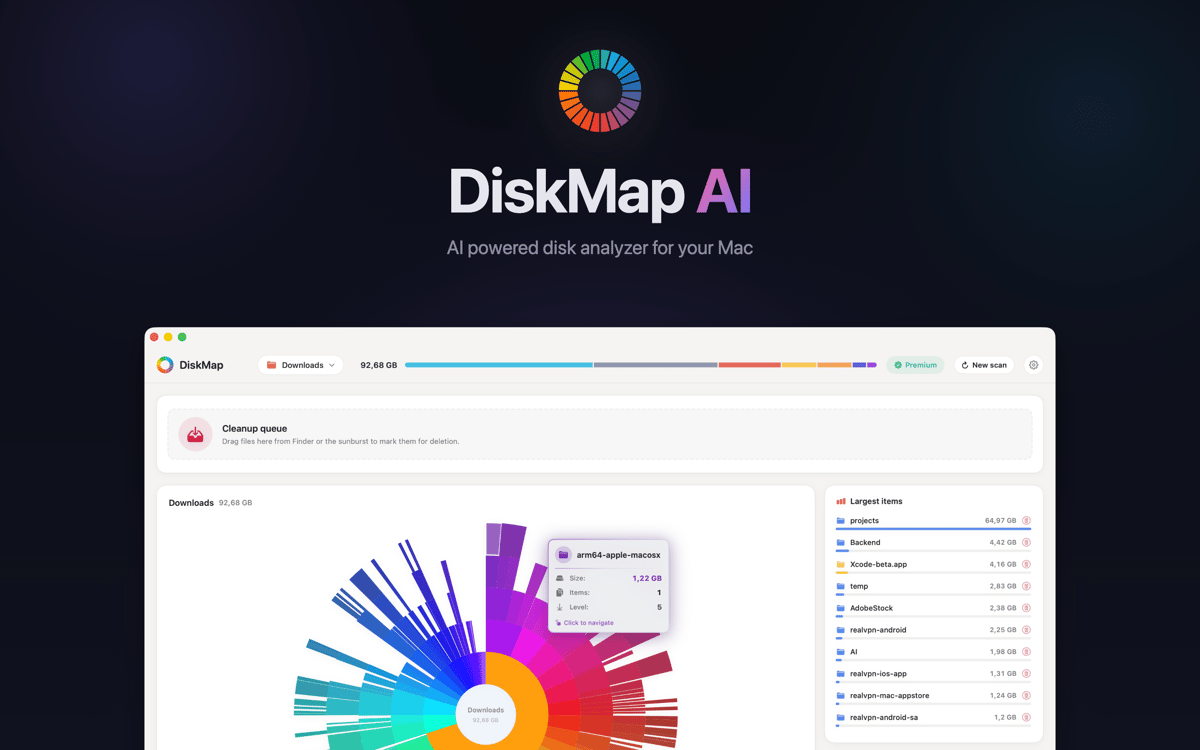
DiskMap è un analizzatore dello spazio su disco per Mac. Analizza qualsiasi disco e crea una mappa visiva interattiva di ogni file e cartella — ordinati per dimensione, così puoi individuare subito cosa occupa più spazio. Seleziona un'unità, clicca Scansiona e in pochi secondi saprai esattamente dove sono finiti i tuoi gigabyte. Hai trovato qualcosa che non ti serve? Visualizzalo in anteprima e rimuovilo sul momento.
Scansiona drive e visualizza subito le dimensioni
Trova file grandi e vecchi download
Individua cartelle duplicate dimenticate
Anteprima ed elimina file senza usare Finder
Funzionalità di DiskMap
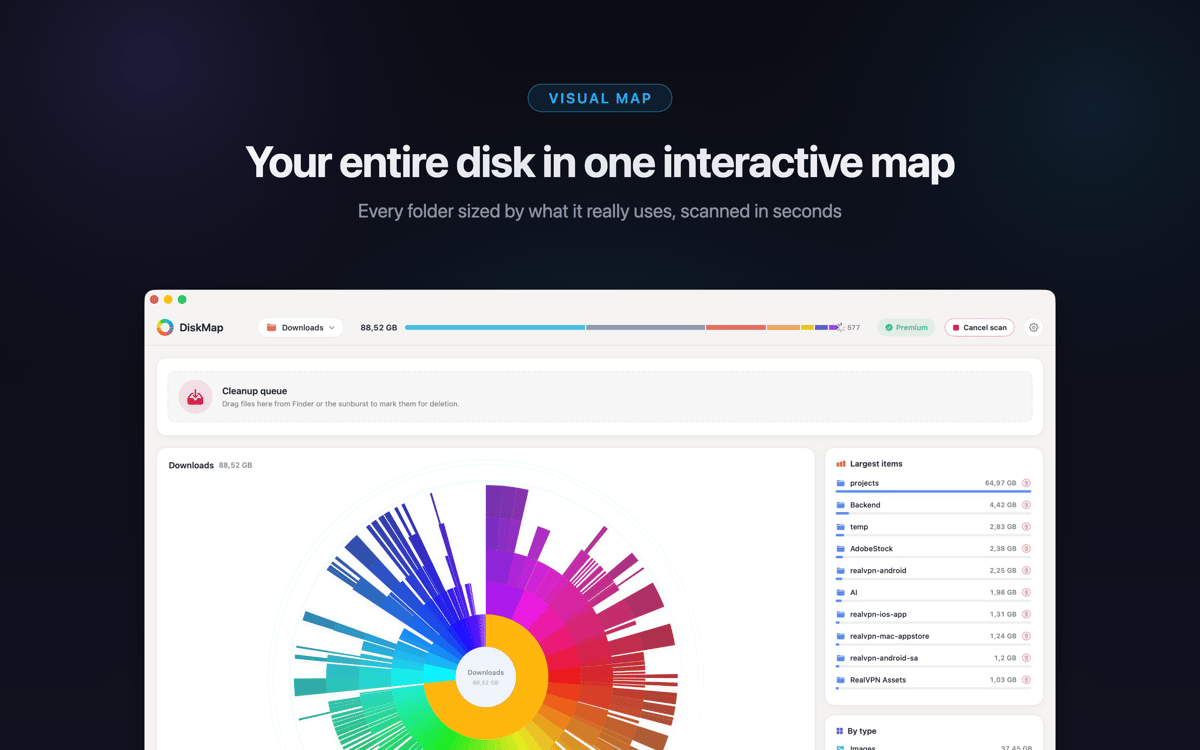
Visualizza l'intero disco in pochi secondi
DiskMap scansiona il tuo disco e mappa ogni file e cartella per dimensione — niente attese, niente supposizioni. La maggior parte delle scansioni si completa in meno di 30 secondi, anche su dischi pieni di milioni di file. Il layout visivo rende evidente il problema: le cartelle più grandi sono impossibili da non notare.
Esplora a fondo qualsiasi cartella
Tocca qualsiasi cartella per andare più in profondità. Naviga nel tuo intero disco livello per livello, con le dimensioni mostrate a ogni livello. Hai sempre il controllo di dove guardare: non è necessario conoscere in anticipo i percorsi dei file.
Trova e rimuovi ciò che spreca spazio
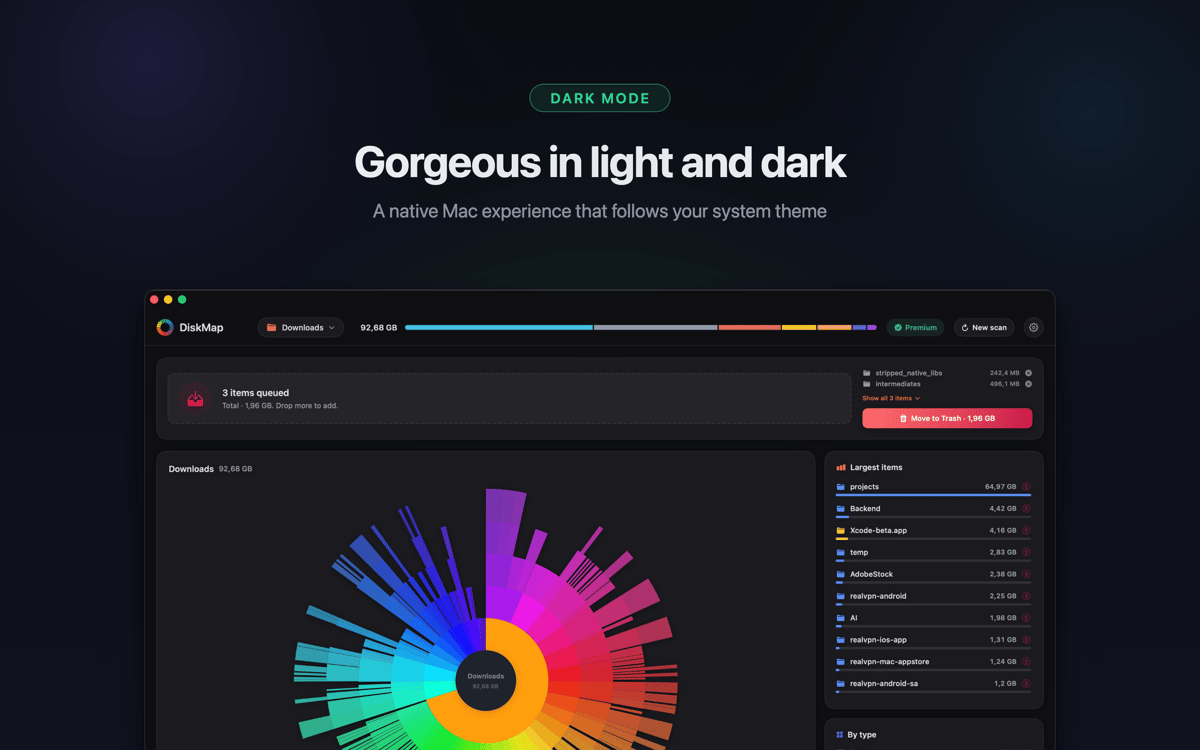
Individua vecchi download, archivi dimenticati, cache delle app sovraccariche e cartelle duplicate di cui non sapevi l'esistenza. Visualizza in anteprima qualsiasi elemento con Quick Look prima di eliminarlo. Nulla viene rimosso senza la tua autorizzazione.
Funziona con tutti i tuoi drive
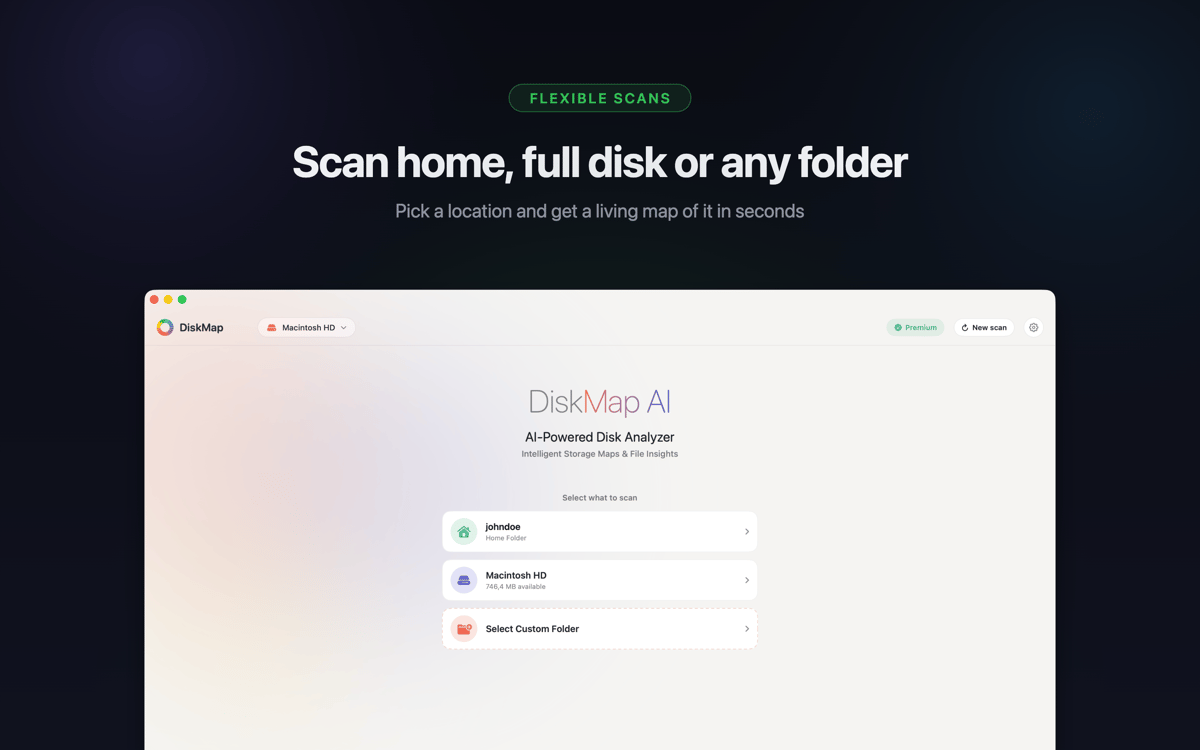
Scansiona il disco di avvio, le unità USB e Thunderbolt esterne, le schede SD, le unità flash, i volumi di rete, le immagini DMG montate e le unità Time Machine. Supporta APFS, HFS+, ExFAT e FAT32: se si monta sul tuo Mac, DiskMap può mapparlo.
I file di sistema rimangono protetti
I file di sistema sono chiaramente contrassegnati e protetti. DiskMap non elimina mai nulla automaticamente o senza la tua esplicita autorizzazione. Mantieni sempre il pieno controllo.
Leggero per progettazione
Nessun processo in background, nessuna telemetria, nessun dato inviato da nessuna parte. DiskMap lavora in silenzio, finisce velocemente e non ti intralcia. I tuoi file rimangono sul tuo Mac — e basta.
Centinaia di app con la Membership
Diventa membro di Setapp e utilizza centinaia di app straordinarie con un unico abbonamento.
Prova gratis per 7 giorni, poi paga una tariffa unica.
Installa Setapp sul Mac
Scopri le app per Mac, iOS e il web. Trova modi semplici per risolvere le attività quotidiane.

Ottieni l'app che stavi cercando
Quell'app tanto desiderata ti aspetta in Setapp. Installala con un clic.

DiskMap
Scegli un abbonamento
Una o più app con un abbonamento Setapp. Acquista le app come preferisci.

Centinaia di app con la Membership
Diventa membro di Setapp e utilizza centinaia di app straordinarie con un unico abbonamento.
Prova gratis per 7 giorni, poi paga una tariffa unica.
1
Installa Setapp sul Mac
Scopri le app per Mac, iOS e il web. Trova modi semplici per risolvere le attività quotidiane.
2
Ottieni l'app che stavi cercando
Quell'app tanto desiderata ti aspetta in Setapp. Installala con un clic.
DiskMap
3
Scegli un abbonamento
Una o più app con un abbonamento Setapp. Acquista le app come preferisci.
Sede delle migliori app
Dalla pianificazione e dai lavori di routine alle attività creative e di scrittura di codice, con le app di Setapp potrai affrontare di tutto.

TypingMind
Chat IA con un'interfaccia utente diversa
genera o riassumi un testo
usa la libreria di prompt
IA

Spark Mail
Gestisci le email
IA

CleanMyMac
Elimina i file spazzatura

Bartender
Personalizza la barra dei menu

CleanShot X
Cattura screenshot versatili

Luminar Neo
Modifica le tue foto
IA

ClearVPN
Connessione più sicura

Craft
Lavora con i documenti
IA
DiskMap
Scopri dove è finito lo spazio del tuo disco