DockFlow
Dock presets for every task
Mac
Versione 1.71
macOS 13.5 o successivo
35 MB
1 lingue
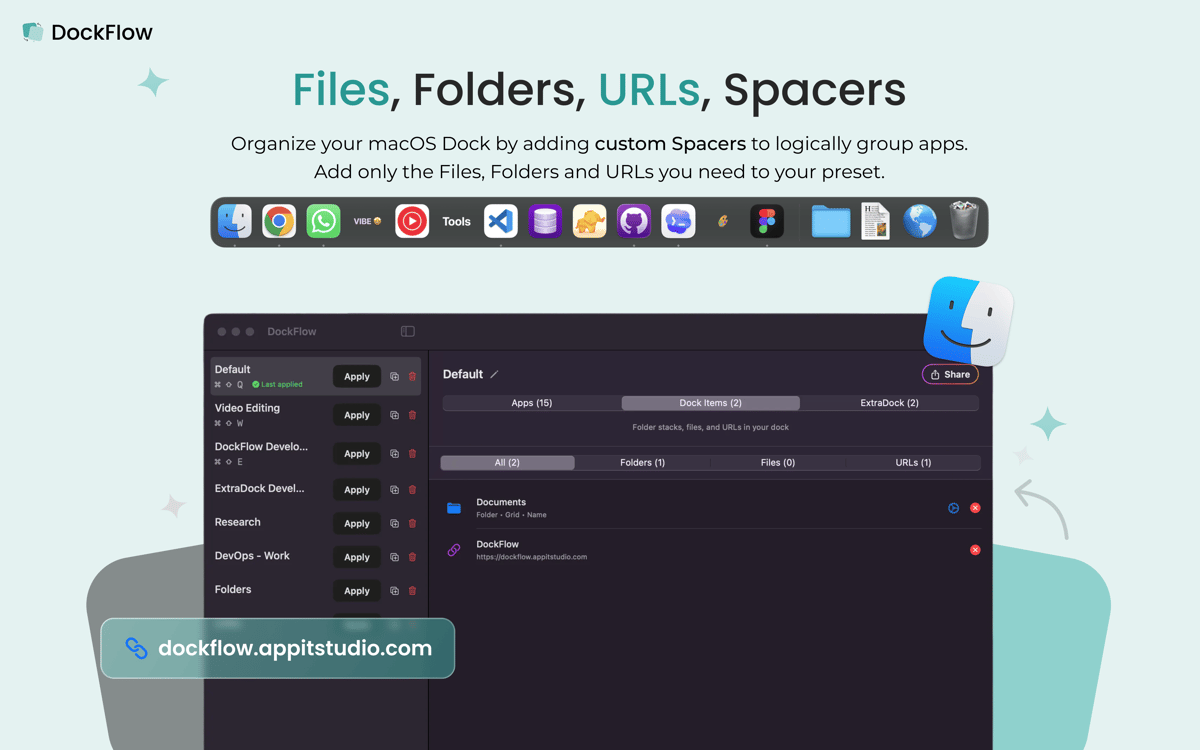
DockFlow lets you switch your Mac's Dock between workflows in seconds. Build presets for coding, design, meetings, or deep focus, then apply the right layout the moment your context changes. A preset can launch apps, browser profiles, and projects too, so your whole workspace lands ready to go. It works with the real macOS Dock and asks for zero special permissions.
Switch Dock layouts in one click
Launch apps, projects, and profiles
Build presets for work, code, design
Trigger Dock changes with Shortcuts
Funzionalità di DockFlow
Presets for every workflow
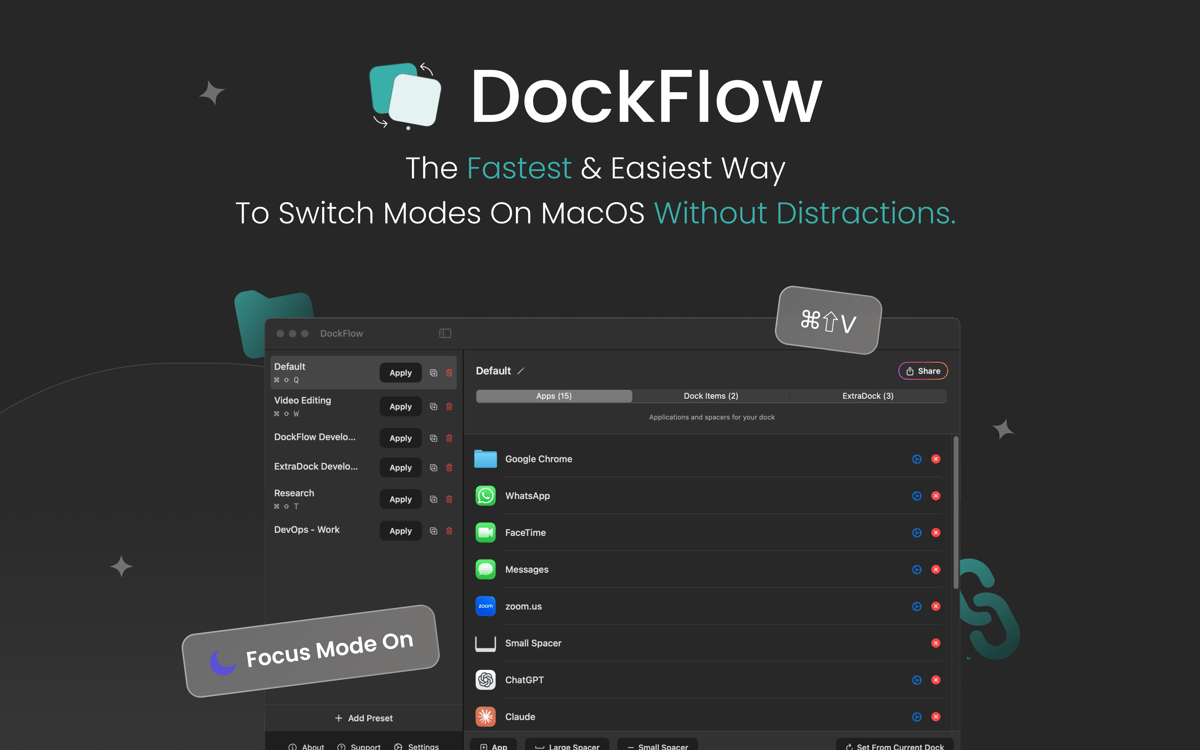
Save as many Dock layouts as you need. Set one up for coding, one for design, one for meetings, and switch between them without touching a single icon by hand.
One-click switching
Pick a preset from the menu bar or fire off a keyboard shortcut, and your Dock rearranges instantly. No dragging icons around, no rebuilding from scratch.
Launch your whole setup
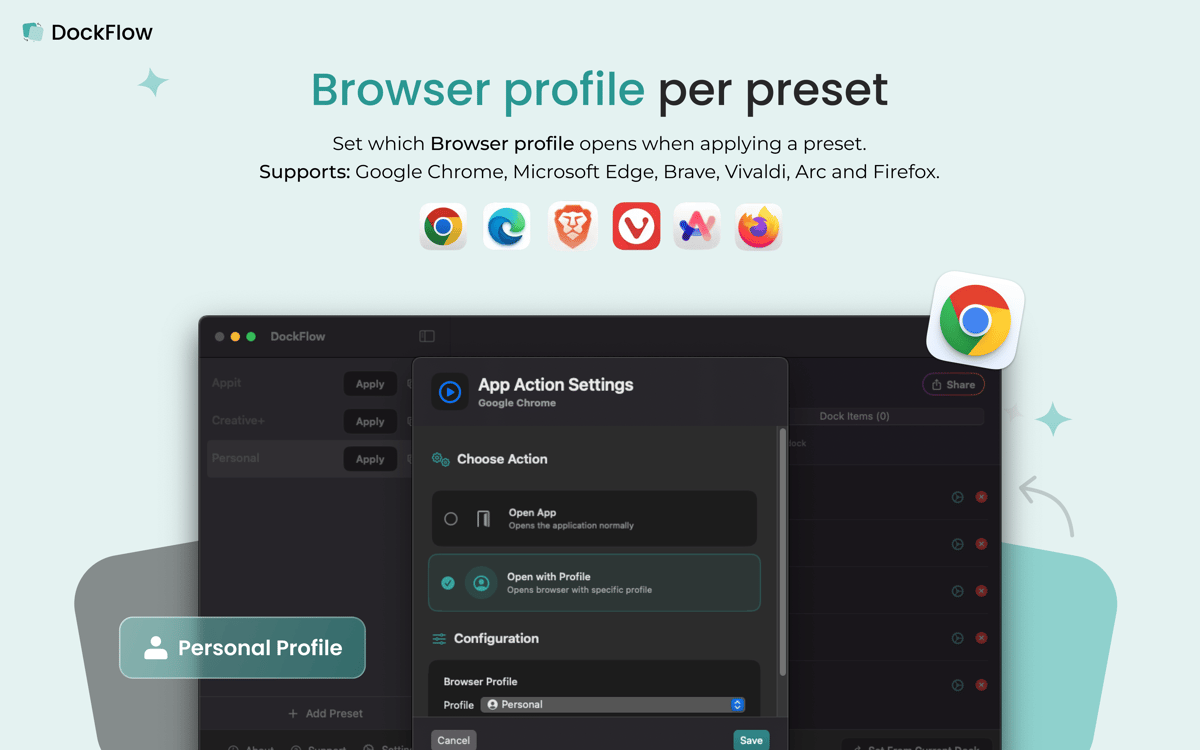
A preset isn't just icons — it can open specific apps, browser profiles, and IDE projects the moment you apply it, so your workspace is ready the second you switch.
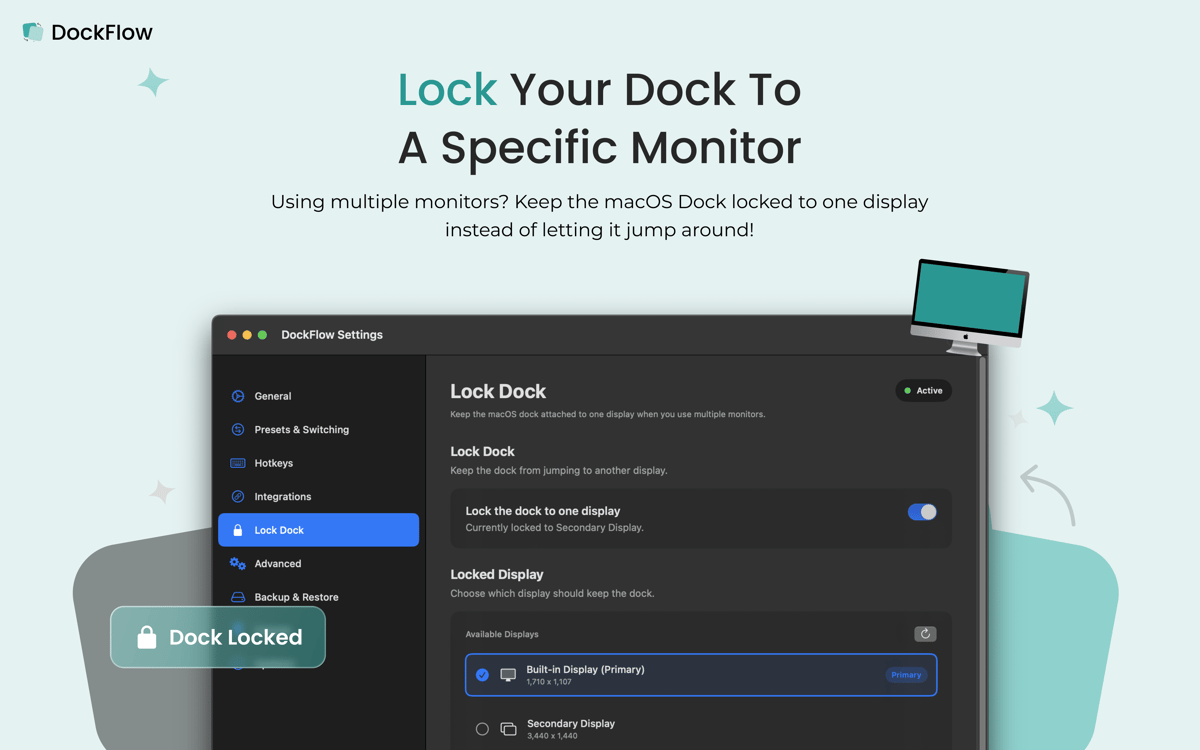
Dock stays put on multi-monitor setups
Pin your Dock to one screen so it stops jumping between displays when you're working across multiple monitors.
Shortcuts and Focus integration
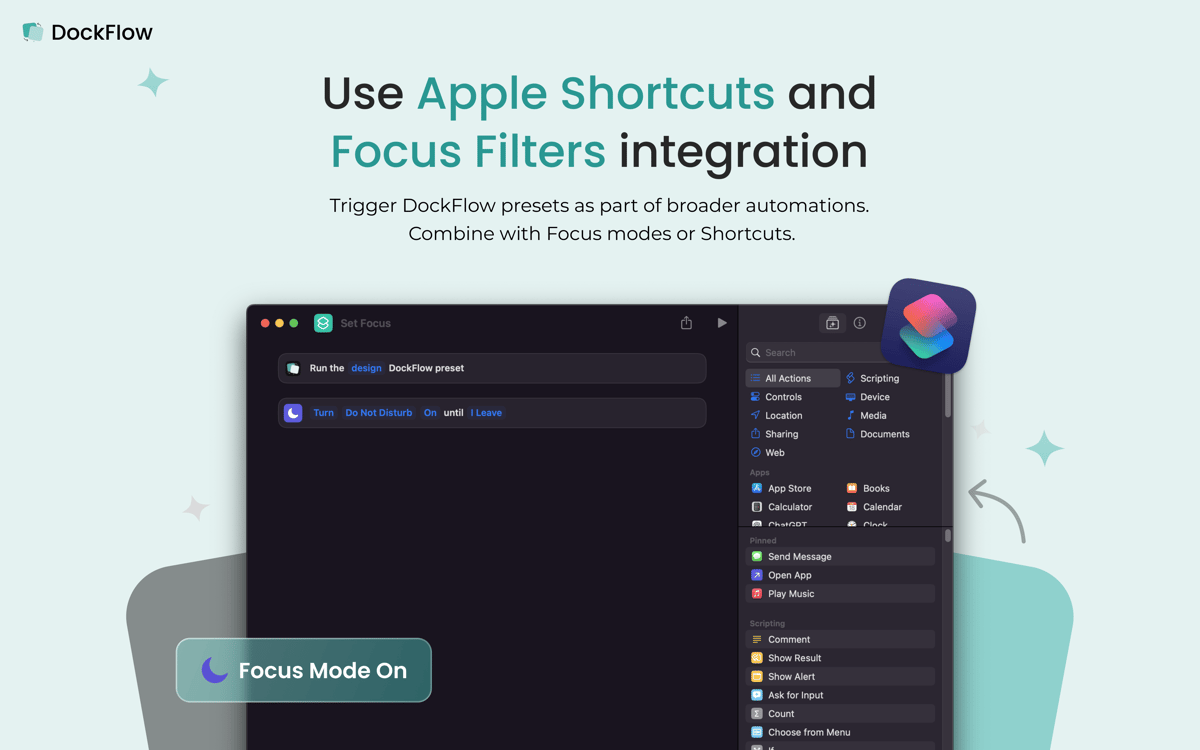
Wire presets into Apple Shortcuts and Focus modes, so your Dock can change automatically as your day moves from one mode to the next.
No special permissions
DockFlow works with the actual macOS Dock and doesn't ask for extra system access. Set it up once, and it just works in the background.
Centinaia di app con la Membership
Diventa membro di Setapp e utilizza centinaia di app straordinarie con un unico abbonamento.
Prova gratis per 7 giorni, poi paga una tariffa unica.
Installa Setapp sul Mac
Scopri le app per Mac, iOS e il web. Trova modi semplici per risolvere le attività quotidiane.

Ottieni l'app che stavi cercando
Quell'app tanto desiderata ti aspetta in Setapp. Installala con un clic.

DockFlow
Scegli un abbonamento
Una o più app con un abbonamento Setapp. Acquista le app come preferisci.

Centinaia di app con la Membership
Diventa membro di Setapp e utilizza centinaia di app straordinarie con un unico abbonamento.
Prova gratis per 7 giorni, poi paga una tariffa unica.
1
Installa Setapp sul Mac
Scopri le app per Mac, iOS e il web. Trova modi semplici per risolvere le attività quotidiane.
2
Ottieni l'app che stavi cercando
Quell'app tanto desiderata ti aspetta in Setapp. Installala con un clic.
DockFlow
3
Scegli un abbonamento
Una o più app con un abbonamento Setapp. Acquista le app come preferisci.
Sede delle migliori app
Dalla pianificazione e dai lavori di routine alle attività creative e di scrittura di codice, con le app di Setapp potrai affrontare di tutto.

TypingMind
Chat IA con un'interfaccia utente diversa
genera o riassumi un testo
usa la libreria di prompt
IA

Spark Mail
Gestisci le email
IA

CleanMyMac
Elimina i file spazzatura

Bartender
Personalizza la barra dei menu

CleanShot X
Cattura screenshot versatili

Luminar Neo
Modifica le tue foto
IA

ClearVPN
Connessione più sicura

Craft
Lavora con i documenti
IA
DockFlow
Dock presets for every task