
FocuSee
Registra lo schermo e perfeziona il video
Mac
Versione 2.5.0
macOS 11.5 o successivo
300.9 MB
8 lingue
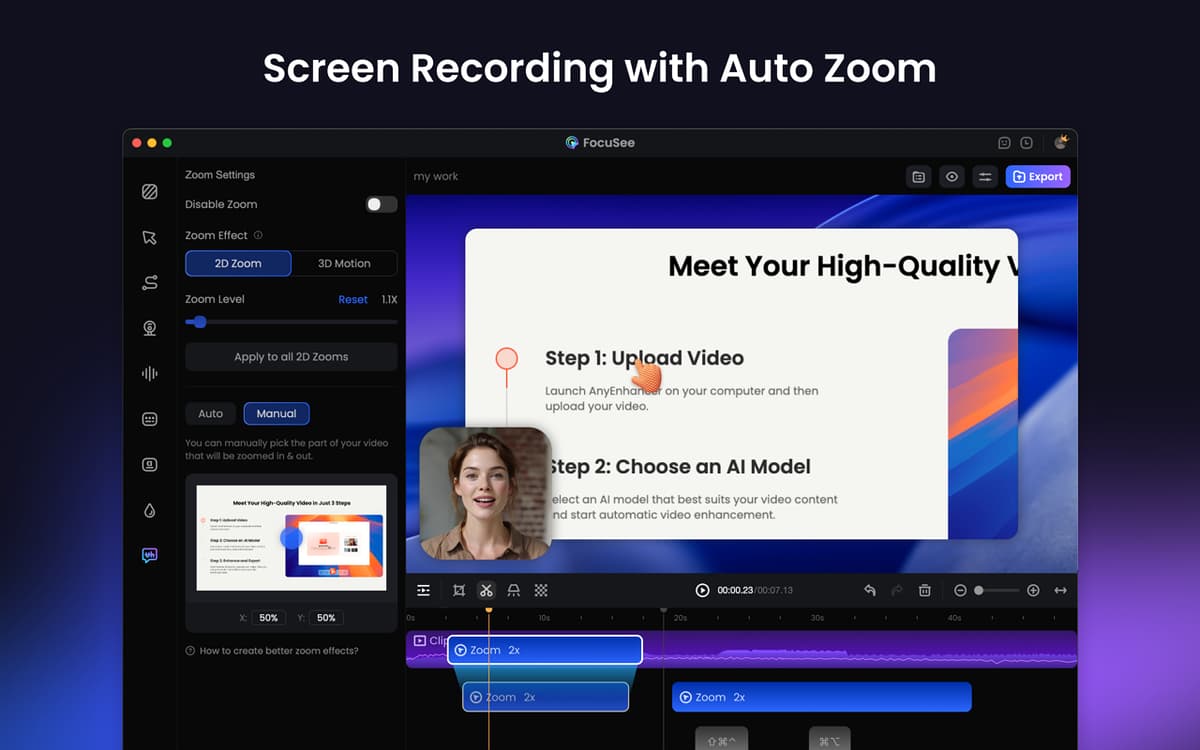
L'editing di video per tutorial, presentazioni o contenuti social può richiedere ore. FocuSee snellisce il lavoro aggiungendo in automatico ingrandimenti, evidenziazioni del cursore, sfondi e sovrapposizioni, per rendere il tuo video impeccabile. Non devi far altro che registrare, FocuSee trasformerà le tue riprese grezze in contenuti professionali, in modo semplice e veloce.
Registra schermo, webcam e audio in una volta sola
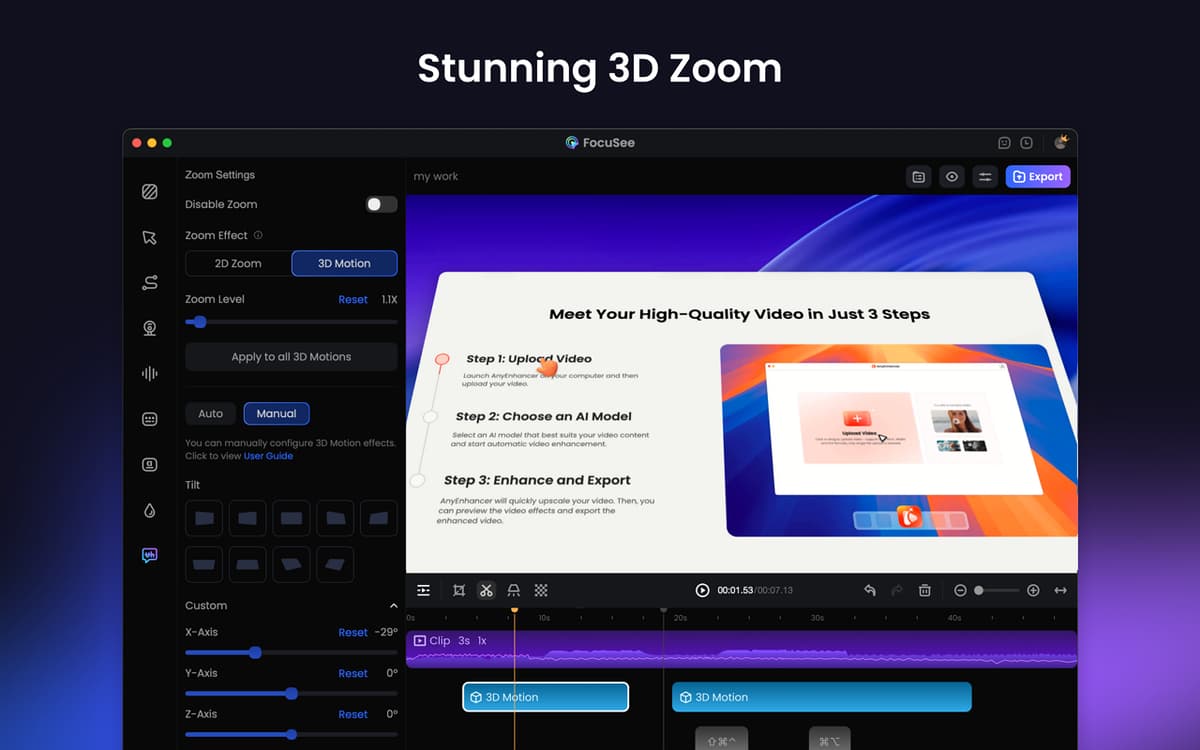
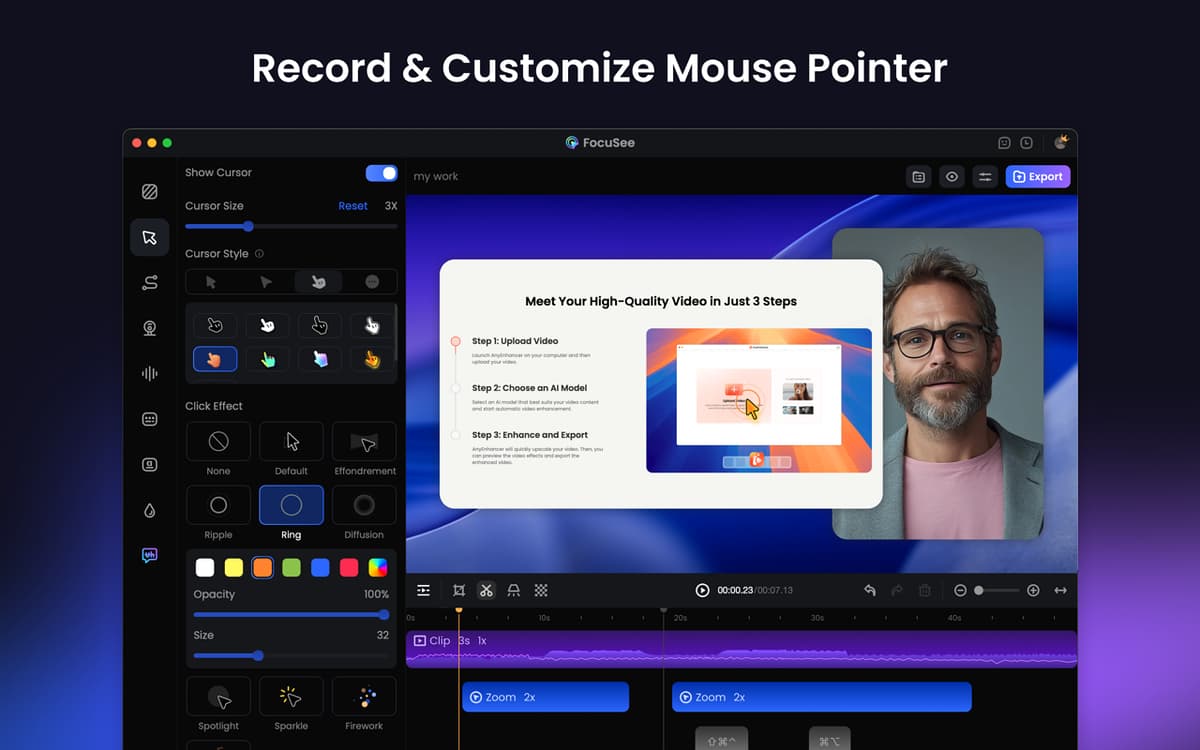
Evidenziazioni del cursore e ingrandimenti
Ritaglio, velocità, riduzione del rumore e sfondi
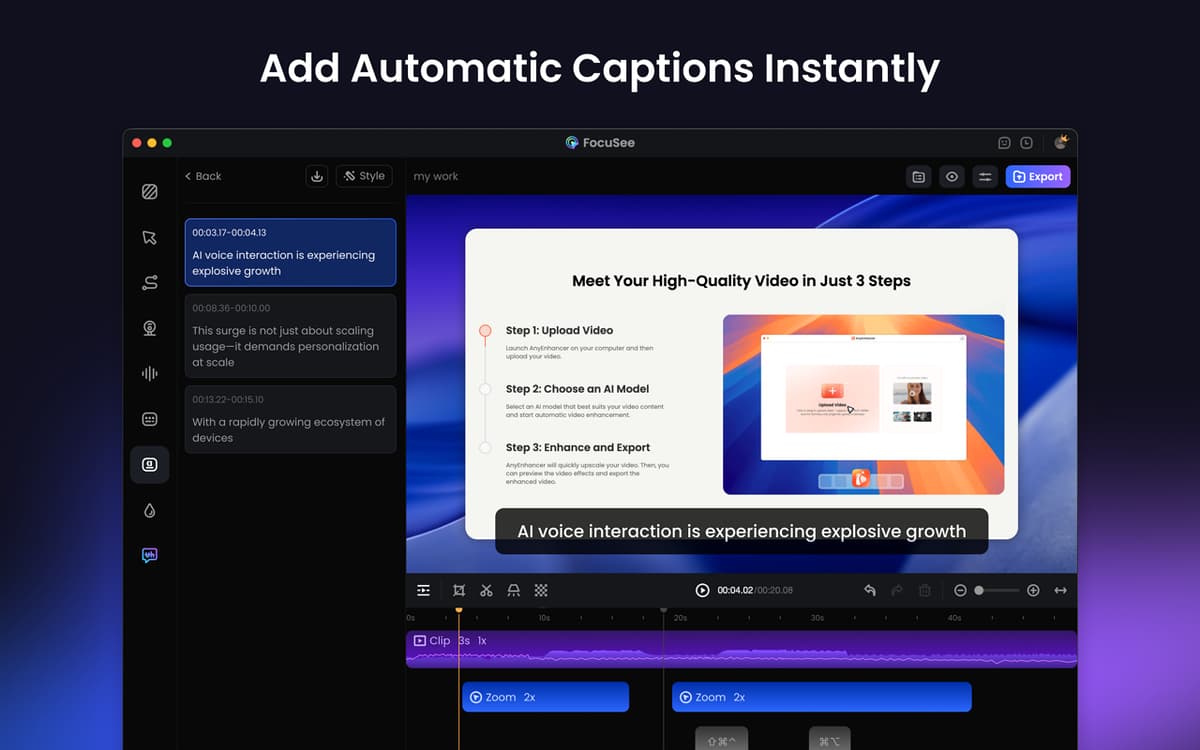
Usa un copione e aggiungi sottotitoli
Funzionalità di FocuSee
Registra tutto in una sola volta
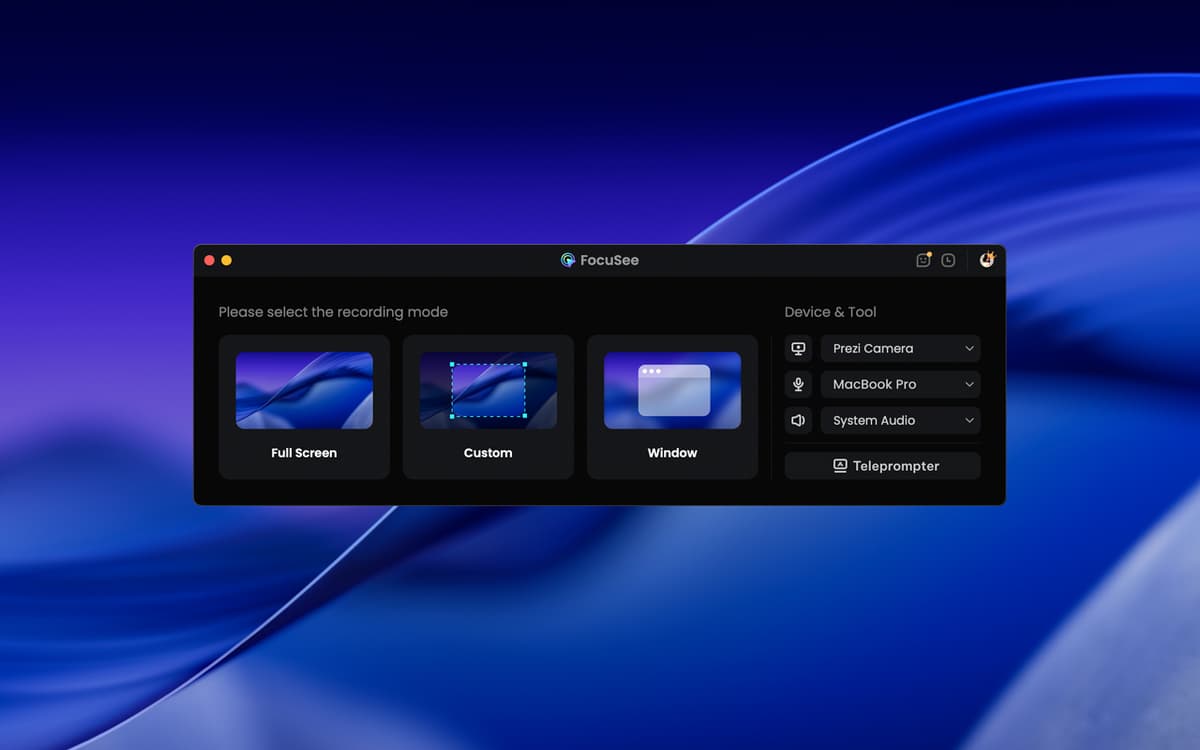
FocuSee ti consente di registrare schermo, webcam e audio in contemporanea. Puoi registrare tutto lo schermo, una singola finestra o un'area personalizzata. È l'ideale per interventi, tutorial, presentazioni di prodotti e non solo L'app segue in automatico il cursore, evidenzia i punti salienti e aggiunge ingrandimenti fluidi. Vuoi mostrare delle scorciatoie da tastiera durante la registrazione? Desiderio esaudito.
Migliora e personalizza i tuoi video
Dopo la registrazione, puoi ritagliare delle clip, modificare la velocità di riproduzione (anche solo di alcune parti), inserire call to action, utilizzare cornici e filtri, aggiungere sfondi e non solo. E non è tutto! Puoi salvare le tue impostazioni preferite e riutilizzarle in un secondo momento, per velocizzare il flusso di lavoro e preservare la coerenza.
Aggiungi narrazione e sottotitoli
Usa il testo in sovrimpressione per mostrare un copione sullo schermo, in modo da non perdere il filo e registrare i video con un atteggiamento sciolto e sicuro. Puoi anche migliorare il volume dell'audio e ridurre il rumore di sottofondo per ottenere un audio cristallino. Infine, aggiungi i sottotitoli per aiutare il pubblico a seguire meglio il contenuto.
Condividi i tuoi video dove vuoi
Esporta video in alta qualità (da HD a 4K) adatti per YouTube, i social o le tue presentazioni. Ridimensionali per le diverse piattaforme in un paio di clic. Puoi anche creare link ai tuoi video in tutta semplicità, per condividerli direttamente, caricarli su una pagina web o inserirli all'interno un corso online.
Valutazioni e recensioni
FocuSee
•
181 valutazioni
Giuseppe Mineo
10 ott 2026
Versione app: 2.5.0
love it!
Ariadny Austin
21 set 2026
Versione app: 2.5.0
excelente programa para hacer tutoriales muy facil de utilizar
D
4 ago 2026
Versione app: 2.4.0
Love the ease and flexibility of this app and that it gives a polished look automatically.
Centinaia di app con la Membership
Diventa membro di Setapp e utilizza centinaia di app straordinarie con un unico abbonamento.
Prova gratis per 7 giorni, poi paga una tariffa unica.
Installa Setapp sul Mac
Scopri le app per Mac, iOS e il web. Trova modi semplici per risolvere le attività quotidiane.

Ottieni l'app che stavi cercando
Quell'app tanto desiderata ti aspetta in Setapp. Installala con un clic.

FocuSee
Scegli un abbonamento
Una o più app con un abbonamento Setapp. Acquista le app come preferisci.

Centinaia di app con la Membership
Diventa membro di Setapp e utilizza centinaia di app straordinarie con un unico abbonamento.
Prova gratis per 7 giorni, poi paga una tariffa unica.
1
Installa Setapp sul Mac
Scopri le app per Mac, iOS e il web. Trova modi semplici per risolvere le attività quotidiane.
2
Ottieni l'app che stavi cercando
Quell'app tanto desiderata ti aspetta in Setapp. Installala con un clic.
FocuSee
3
Scegli un abbonamento
Una o più app con un abbonamento Setapp. Acquista le app come preferisci.
Sede delle migliori app
Dalla pianificazione e dai lavori di routine alle attività creative e di scrittura di codice, con le app di Setapp potrai affrontare di tutto.

TypingMind
Chat IA con un'interfaccia utente diversa
genera o riassumi un testo
usa la libreria di prompt
IA

Spark Mail
Gestisci le email
IA

CleanMyMac
Elimina i file spazzatura

Bartender
Personalizza la barra dei menu

CleanShot X
Cattura screenshot versatili

Luminar Neo
Modifica le tue foto
IA

ClearVPN
Connessione più sicura

Craft
Lavora con i documenti
IA
FocuSee
Registra lo schermo e perfeziona il video