
GetFerret
Find any file, any drive
Mac
Versione 1.0.11
macOS 14.0 o successivo
24.5 MB
1 lingue
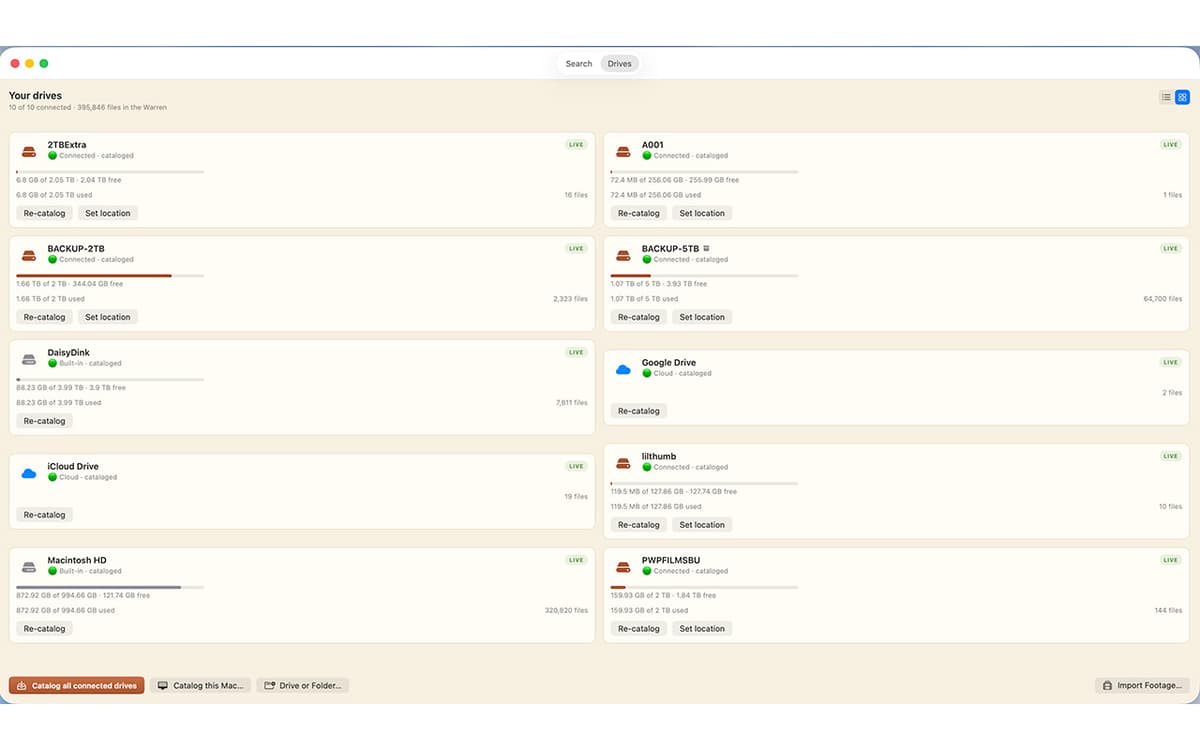
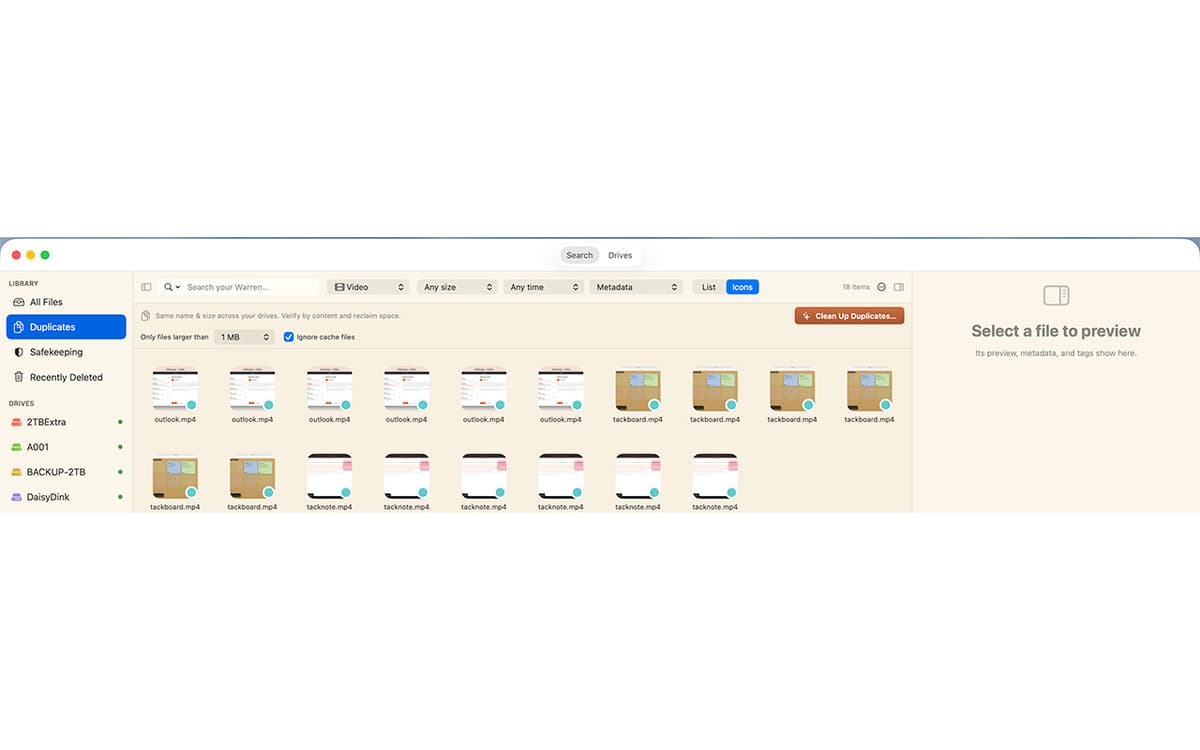
GetFerret is a file finder for Mac with a long memory. Plug in a drive once and GetFerret catalogs it — after that, you can search it anytime, even when it's unplugged and sitting in a drawer. Type a few letters, and GetFerret finds the file, tells you which drive it's on, and reminds you where that drive is stored. It also checks that your important files are backed up and offloads camera cards with verified copies. Everything stays on your Mac, private, with nothing sent to a server.
Search drives plugged in or sitting in a drawer
Find files on disconnected drives
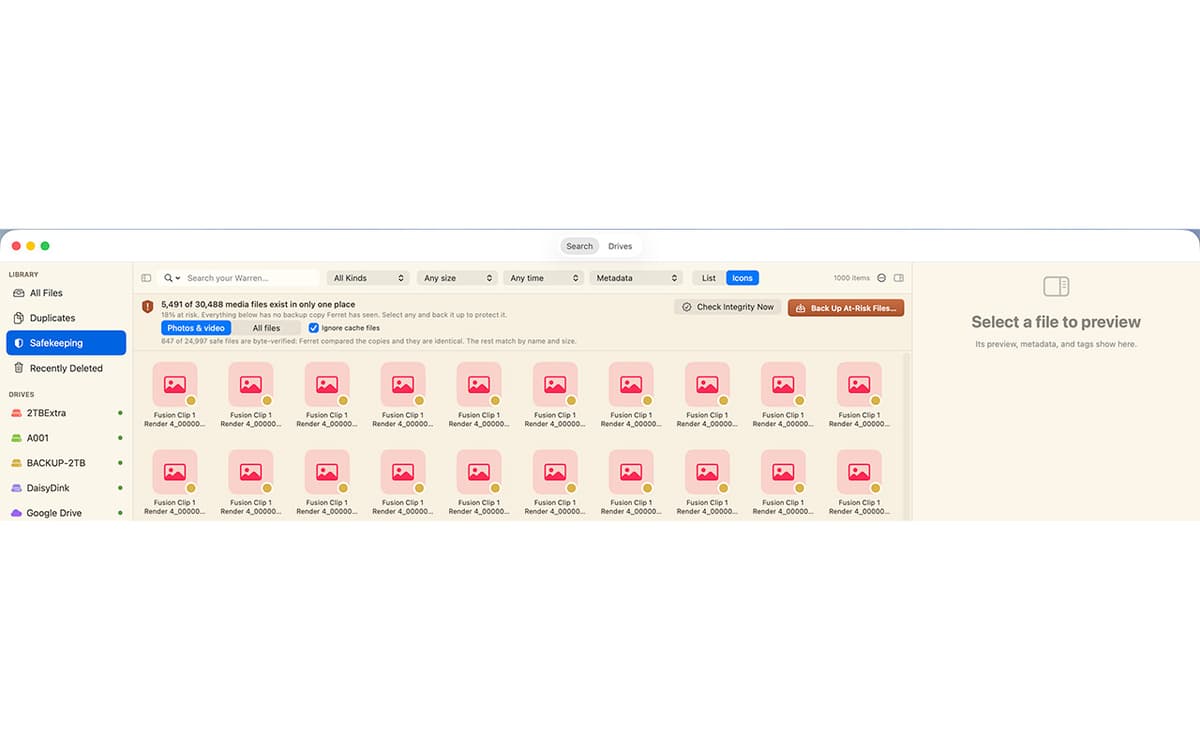
Check that important files are backed up safely
Offload camera cards with verified copies
Funzionalità di GetFerret
Search across every drive
One bar covers every drive you've cataloged, whether it's plugged in or not. Results appear as you type, merged from live search and your catalog.
Find files on unplugged drives
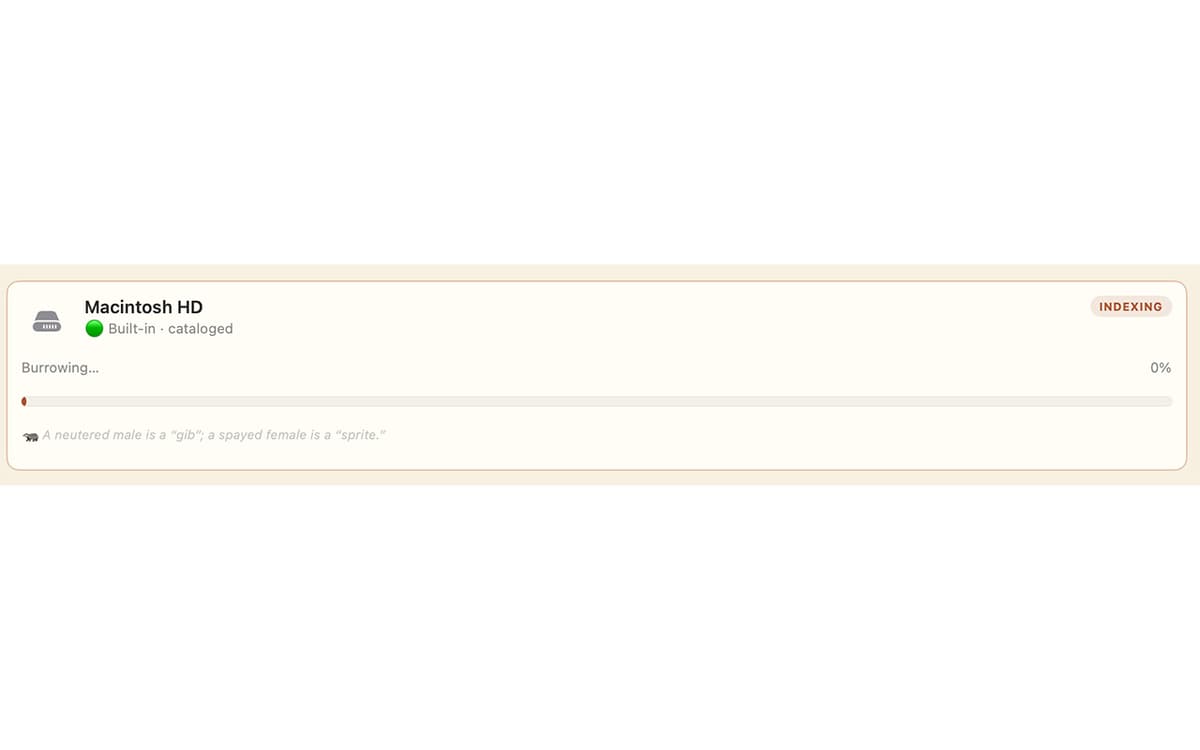
Catalog a drive once by plugging it in, and its files stay searchable after you unplug it. GetFerret even remembers which drawer you put the drive in.
Know your files are safe
Safekeeping checks that your important files live on more than one drive, verifies the copies by their actual contents, and catches silent corruption before it spreads.
Verified camera-card offload
Copy footage off a card to as many drives as you like. Every file is hashed and read back to confirm it landed intact, with a checksum manifest saved beside it.
Back up a drive, the safe way
Make a 1-for-1 backup to another drive. GetFerret copies only what changed, never deletes anything, and confirms every file by content.
Private by design
Your files and their catalog stay on your Mac, encrypted. No account, no cloud, nothing sent to us.
Centinaia di app con la Membership
Diventa membro di Setapp e utilizza centinaia di app straordinarie con un unico abbonamento.
Prova gratis per 7 giorni, poi paga una tariffa unica.
Installa Setapp sul Mac
Scopri le app per Mac, iOS e il web. Trova modi semplici per risolvere le attività quotidiane.

Ottieni l'app che stavi cercando
Quell'app tanto desiderata ti aspetta in Setapp. Installala con un clic.

GetFerret
Scegli un abbonamento
Una o più app con un abbonamento Setapp. Acquista le app come preferisci.

Centinaia di app con la Membership
Diventa membro di Setapp e utilizza centinaia di app straordinarie con un unico abbonamento.
Prova gratis per 7 giorni, poi paga una tariffa unica.
1
Installa Setapp sul Mac
Scopri le app per Mac, iOS e il web. Trova modi semplici per risolvere le attività quotidiane.
2
Ottieni l'app che stavi cercando
Quell'app tanto desiderata ti aspetta in Setapp. Installala con un clic.
GetFerret
3
Scegli un abbonamento
Una o più app con un abbonamento Setapp. Acquista le app come preferisci.
Sede delle migliori app
Dalla pianificazione e dai lavori di routine alle attività creative e di scrittura di codice, con le app di Setapp potrai affrontare di tutto.

TypingMind
Chat IA con un'interfaccia utente diversa
genera o riassumi un testo
usa la libreria di prompt
IA

Spark Mail
Gestisci le email
IA

CleanMyMac
Elimina i file spazzatura

Bartender
Personalizza la barra dei menu

CleanShot X
Cattura screenshot versatili

Luminar Neo
Modifica le tue foto
IA

ClearVPN
Connessione più sicura

Craft
Lavora con i documenti
IA
GetFerret
Find any file, any drive