
JoyCast
Migliora la qualità audio durante le riunioni
Mac
Versione 26.5.17.0
macOS 13.0 o successivo
52.3 MB
1 lingue
Basta ambienti rumorosi, cani che abbaiano o echi durante le videochiamate. JoyCast trasforma il microfono del Mac in un microfono da studio, per dare un tocco di professionalità a ogni tua riunione, lezione o registrazione. Funziona all'istante, senza bisogno di tanta preparazione, né di strumenti sofisticati.
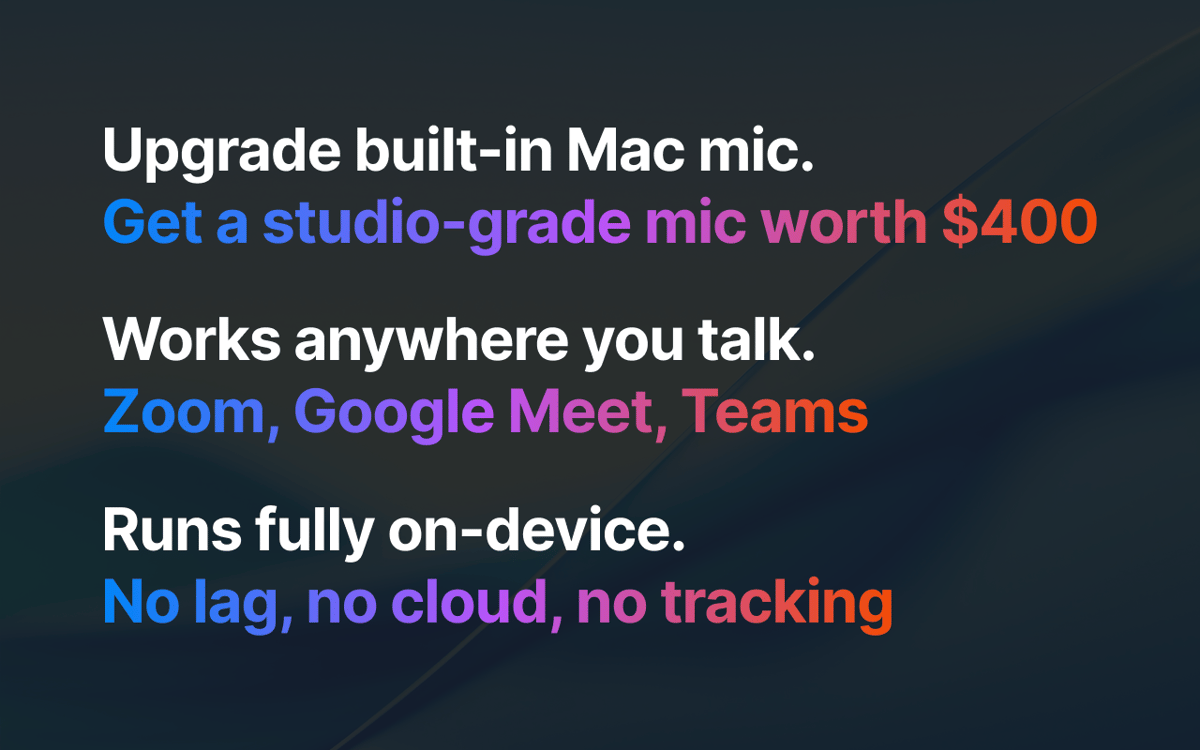
Miglioramento del microfono integrato Mac
Rimozione automatica de rumore di fondo
Traccia audio pulita per video e podcast
Controllo della videocamera prima delle call
Funzionalità di JoyCast
Migliora il microfono del Mac all'istante
JoyCast rimuove i rumori di sottofondo, migliora la voce in modo discreto e restituisce un audio costante, in tutta semplicità. Funziona con Zoom, Google Meet, Teams, Slack o con qualsiasi altra app che utilizzi il microfono. Non devi far altro che selezionare il microfono di JoyCast come dispositivo in entrata nell'app che vuoi usare.
Anteprima della videocamera prima della chiamata
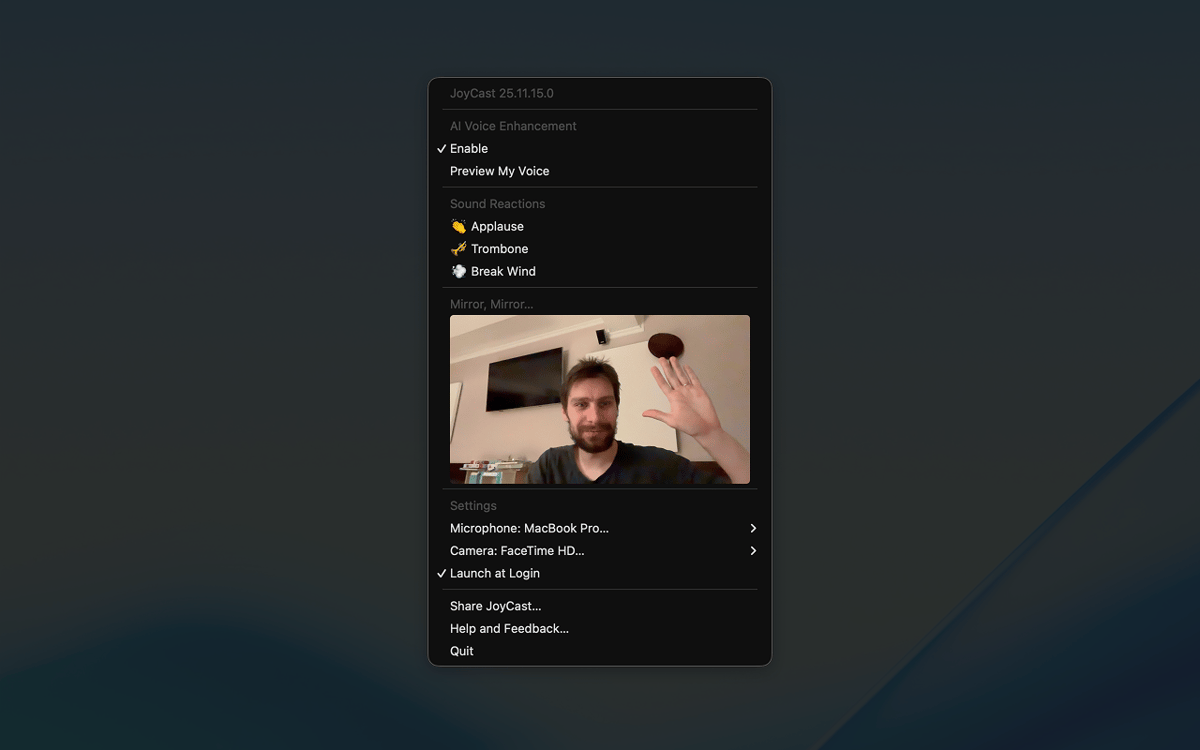
Non partecipi mai alle videochiamate senza darti un'ultima occhiata allo specchio? Con la funzione Mirror, puoi aprire la fotocamera del Mac in un attimo dalla barra dei menu, controllare l'inquadratura, regolare l'illuminazione e assicurarti che dietro di te sia tutto in ordine.
Più personalità con le reazioni sonore
Durante riunioni, lezioni e videochiamate c'è spesso tensione, i partecipanti si annoiano ed è difficile coinvolgerli. La funzione Sound Reactions di JoyCast ti consente di riprodurre brevi audio (applausi, risate o altri effetti) durante le chiamate, per rompere il ghiaccio, strappare un sorriso o enfatizzare i momenti chiave.
Valutazioni e recensioni
JoyCast
•
78 valutazioni
Mitchel
9 set 2026
Versione app: 26.5.17.0
The app stopped working after about a week. I tried a complete reinstall, but nothing has helped. I’ve also contacted the developer several times and haven’t received any response. I think Setapp really needs to improve the level of support it expects from developers on the platform. We’re paying customers, but at the moment it feels like some developers stop caring about support once their app is included in Setapp.
jkristine
21 ago 2026
Versione app: 26.5.17.0
Works amazingly, wish there was a yearly or one-time subscription option
Daniel
17 feb 2026
Versione app: 26.2.11.0
I couldn’t tell any difference between having this on or off.
Risposta dello sviluppatore
23 feb 2026
Hey, Daniel 👋. I'm sorry JoyTap caused you inconvenience. Sorry 🙏. I'd love to help, but I'm missing some details. Feel free to email me at [email protected]. Always at your service!
Centinaia di app con la Membership
Diventa membro di Setapp e utilizza centinaia di app straordinarie con un unico abbonamento.
Prova gratis per 7 giorni, poi paga una tariffa unica.
Installa Setapp sul Mac
Scopri le app per Mac, iOS e il web. Trova modi semplici per risolvere le attività quotidiane.

Ottieni l'app che stavi cercando
Quell'app tanto desiderata ti aspetta in Setapp. Installala con un clic.

JoyCast
Scegli un abbonamento
Una o più app con un abbonamento Setapp. Acquista le app come preferisci.

Centinaia di app con la Membership
Diventa membro di Setapp e utilizza centinaia di app straordinarie con un unico abbonamento.
Prova gratis per 7 giorni, poi paga una tariffa unica.
1
Installa Setapp sul Mac
Scopri le app per Mac, iOS e il web. Trova modi semplici per risolvere le attività quotidiane.
2
Ottieni l'app che stavi cercando
Quell'app tanto desiderata ti aspetta in Setapp. Installala con un clic.
JoyCast
3
Scegli un abbonamento
Una o più app con un abbonamento Setapp. Acquista le app come preferisci.
Sede delle migliori app
Dalla pianificazione e dai lavori di routine alle attività creative e di scrittura di codice, con le app di Setapp potrai affrontare di tutto.

TypingMind
Chat IA con un'interfaccia utente diversa
genera o riassumi un testo
usa la libreria di prompt
IA

Spark Mail
Gestisci le email
IA

CleanMyMac
Elimina i file spazzatura

Bartender
Personalizza la barra dei menu

CleanShot X
Cattura screenshot versatili

Luminar Neo
Modifica le tue foto
IA

ClearVPN
Connessione più sicura

Craft
Lavora con i documenti
IA
JoyCast
Migliora la qualità audio durante le riunioni