
KeyComposer
Dal prompt alla presentazione perfetta
Mac
Versione 1.3.0
macOS 15.0 o successivo
20.6 MB
6 lingue
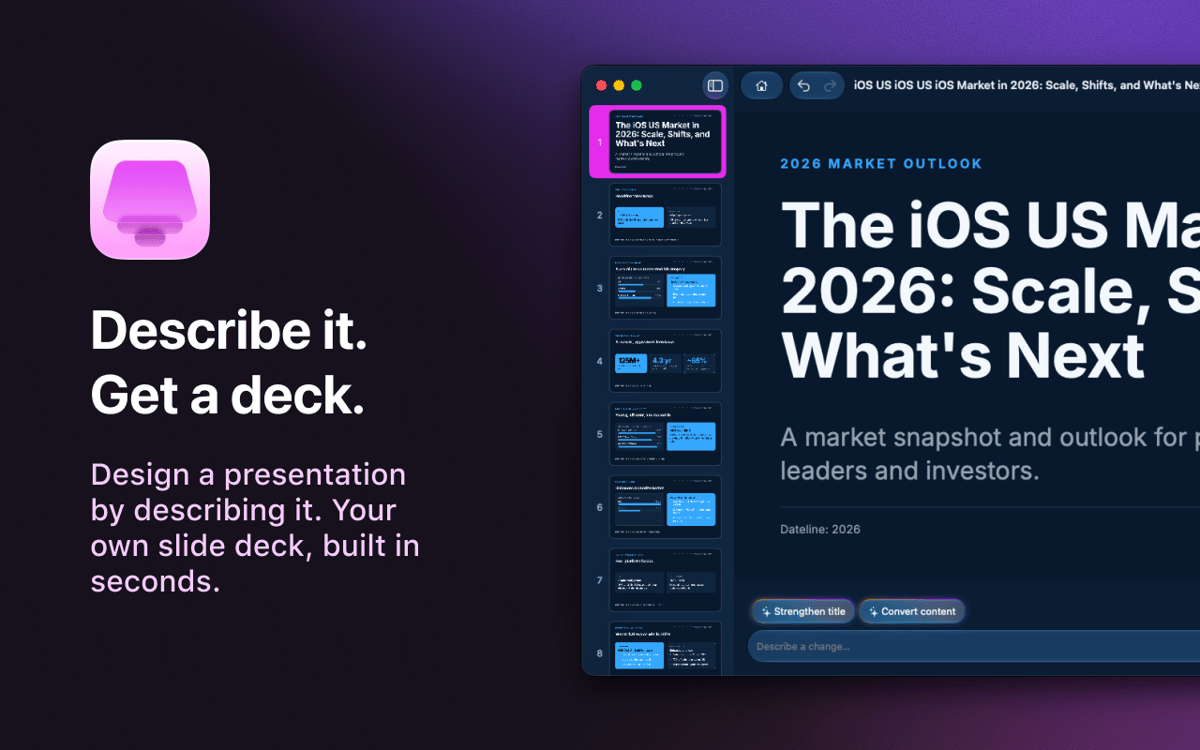
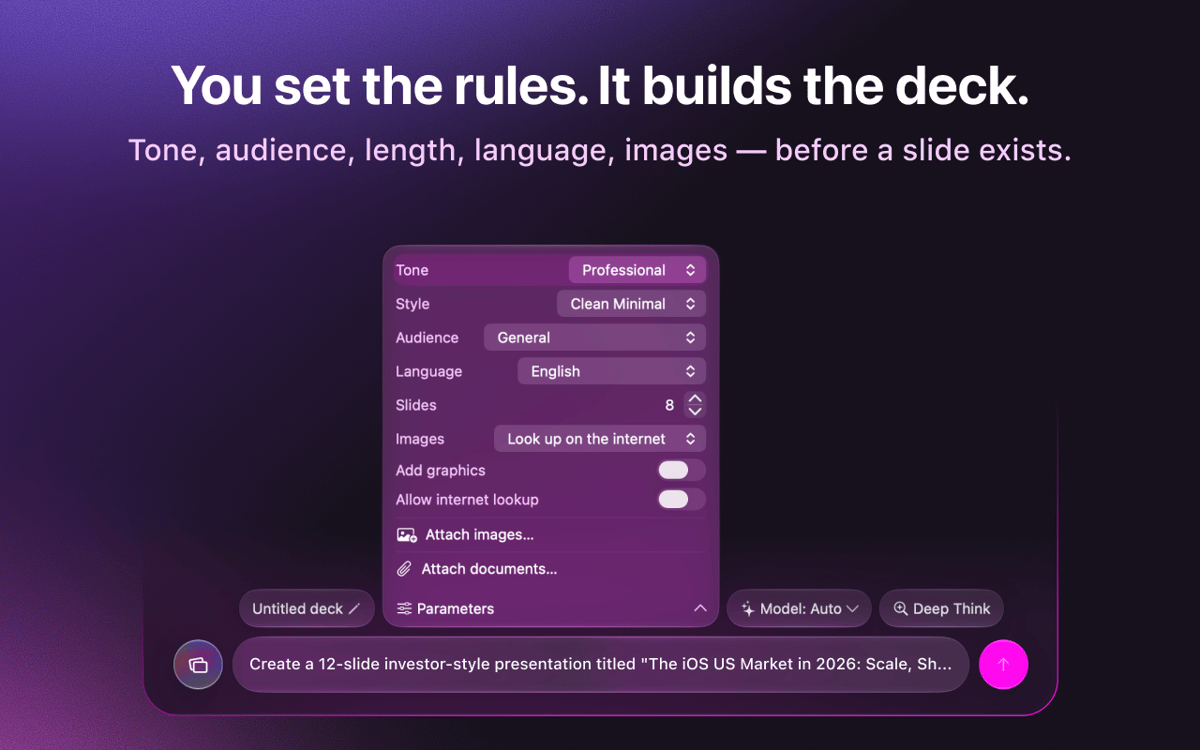
KeyComposer — creatore di presentazioni basato su IA per Mac. Descrivi la presentazione che desideri e otterrai diapositive modificabili da plasmare a tuo piacimento: niente ansia da pagina bianca, niente lotte con i layout. Inserisci i tuoi appunti o documenti per mantenere il contenuto pertinente, poi sostituisci le immagini, modifica il testo e riorganizza le diapositive direttamente nell'app. Quando è pronta, esportala in PDF, PPTX, Keynote o HTML e presentala ovunque.
Crea una presentazione da un unico prompt
Trasforma appunti sparsi in diapositive vere
Esporta in PDF, PPTX o Keynote
Modifica immagini e testi senza sforzo
Funzionalità di KeyComposer
Presentazioni da un unico prompt
Scrivi ciò di cui hai bisogno. KeyComposer crea una presentazione completa, struttura e testo inclusi, in un'unica passata.
Modifica tutto senza rompere nulla
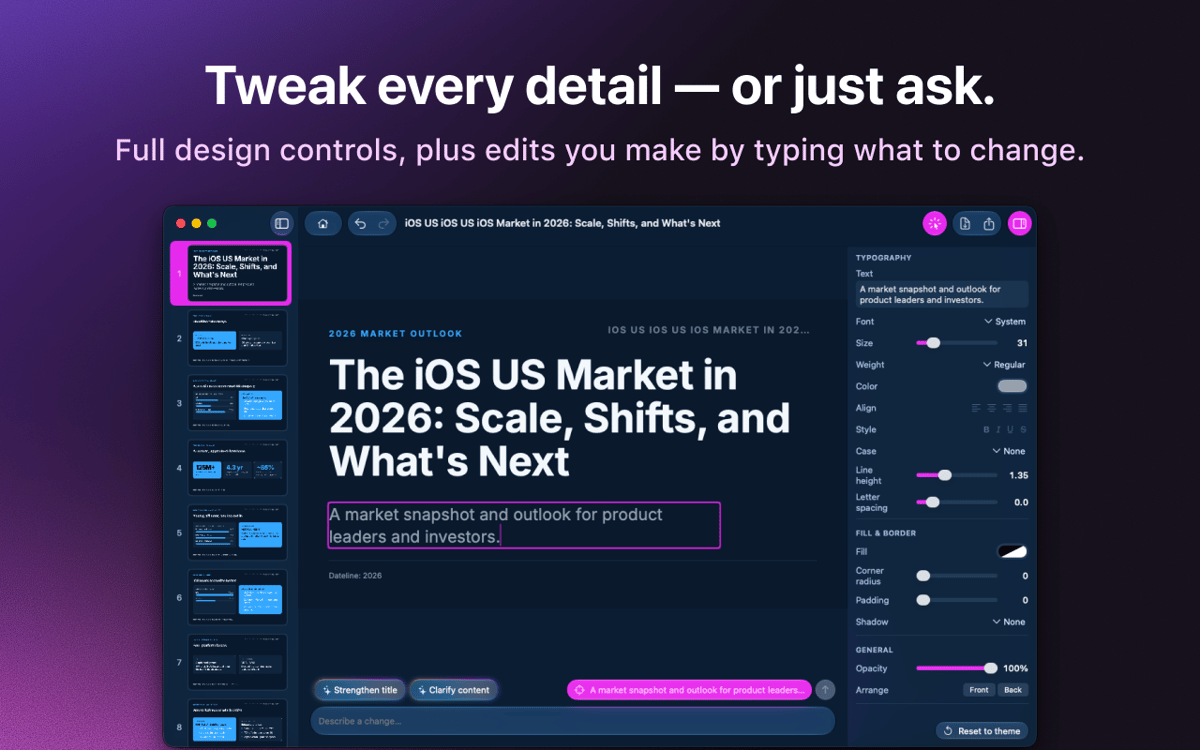
Riscrivi il testo, riordina le diapositive e modifica lo stile dei layout in un editor visuale. Niente HTML, niente codice.
I tuoi contenuti, i tuoi fatti
Inserisci appunti, PDF o documenti e KeyComposer crea la presentazione attorno a essi, così le diapositive restano precise.
Immagini con licenza, pronte all'uso
Cerca foto stock selezionate e con regolare licenza, e inseriscile direttamente in una diapositiva.
Esporta in qualsiasi formato
Esporta la tua presentazione in PDF, PPTX, Keynote o HTML autonomo e aprila ovunque tu debba presentarla.
Modelli di marca che restano coerenti
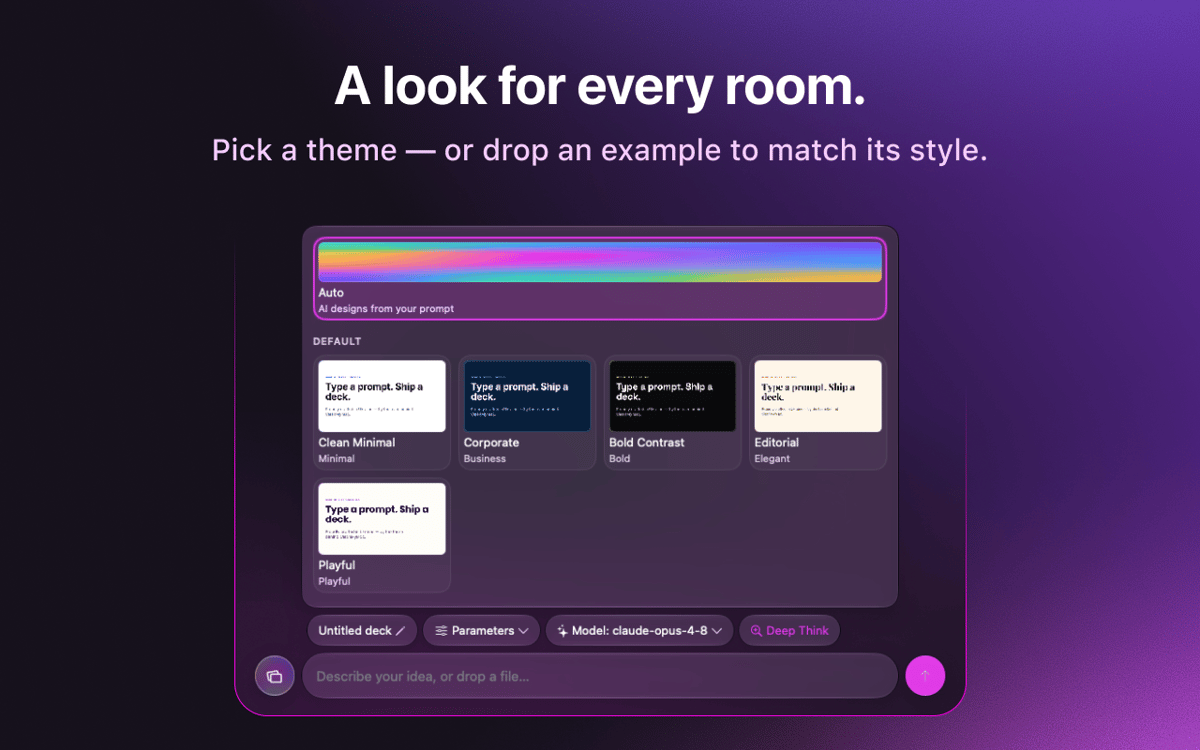
Importa lo stile del tuo marchio una sola volta e riutilizzalo in tutte le presentazioni per un effetto coerente.
Valutazioni e recensioni
KeyComposer
•
18 valutazioni
Anja
27 ago 2026
Versione app: 1.1.0
I love it! useful app, helps with your presentation in minutes
Nadir Palacios
19 ago 2026
Versione app: 1.1.0
Great app
Marek Skrabak
10 ago 2026
Versione app: 1.1.0
Wiped out 300 ai credits. did nothing.
Risposta dello sviluppatore
11 ago 2026
Thank you for the feedback! To dig into your case, it would really help if you could email us at [email protected] and share how you built your deck — what you were creating and which settings you used. We appreciate you taking the time to try it.
Centinaia di app con la Membership
Diventa membro di Setapp e utilizza centinaia di app straordinarie con un unico abbonamento.
Prova gratis per 7 giorni, poi paga una tariffa unica.
Installa Setapp sul Mac
Scopri le app per Mac, iOS e il web. Trova modi semplici per risolvere le attività quotidiane.

Ottieni l'app che stavi cercando
Quell'app tanto desiderata ti aspetta in Setapp. Installala con un clic.

KeyComposer
Scegli un abbonamento
Una o più app con un abbonamento Setapp. Acquista le app come preferisci.

Centinaia di app con la Membership
Diventa membro di Setapp e utilizza centinaia di app straordinarie con un unico abbonamento.
Prova gratis per 7 giorni, poi paga una tariffa unica.
1
Installa Setapp sul Mac
Scopri le app per Mac, iOS e il web. Trova modi semplici per risolvere le attività quotidiane.
2
Ottieni l'app che stavi cercando
Quell'app tanto desiderata ti aspetta in Setapp. Installala con un clic.
KeyComposer
3
Scegli un abbonamento
Una o più app con un abbonamento Setapp. Acquista le app come preferisci.
Sede delle migliori app
Dalla pianificazione e dai lavori di routine alle attività creative e di scrittura di codice, con le app di Setapp potrai affrontare di tutto.

TypingMind
Chat IA con un'interfaccia utente diversa
genera o riassumi un testo
usa la libreria di prompt
IA

Spark Mail
Gestisci le email
IA

CleanMyMac
Elimina i file spazzatura

Bartender
Personalizza la barra dei menu

CleanShot X
Cattura screenshot versatili

Luminar Neo
Modifica le tue foto
IA

ClearVPN
Connessione più sicura

Craft
Lavora con i documenti
IA
KeyComposer
Dal prompt alla presentazione perfetta