KeyStruck
Make every shortcut visible
Mac
Versione 1.1.6
macOS 13.0 o successivo
15.6 MB
11 lingue
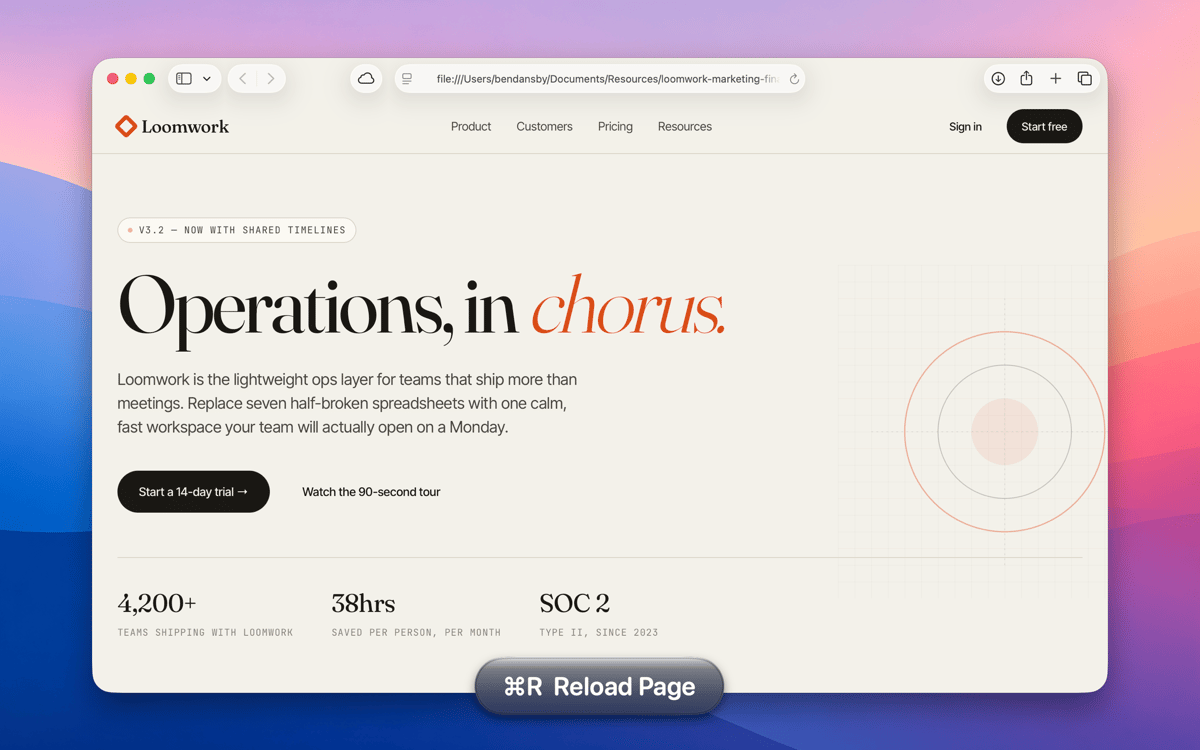
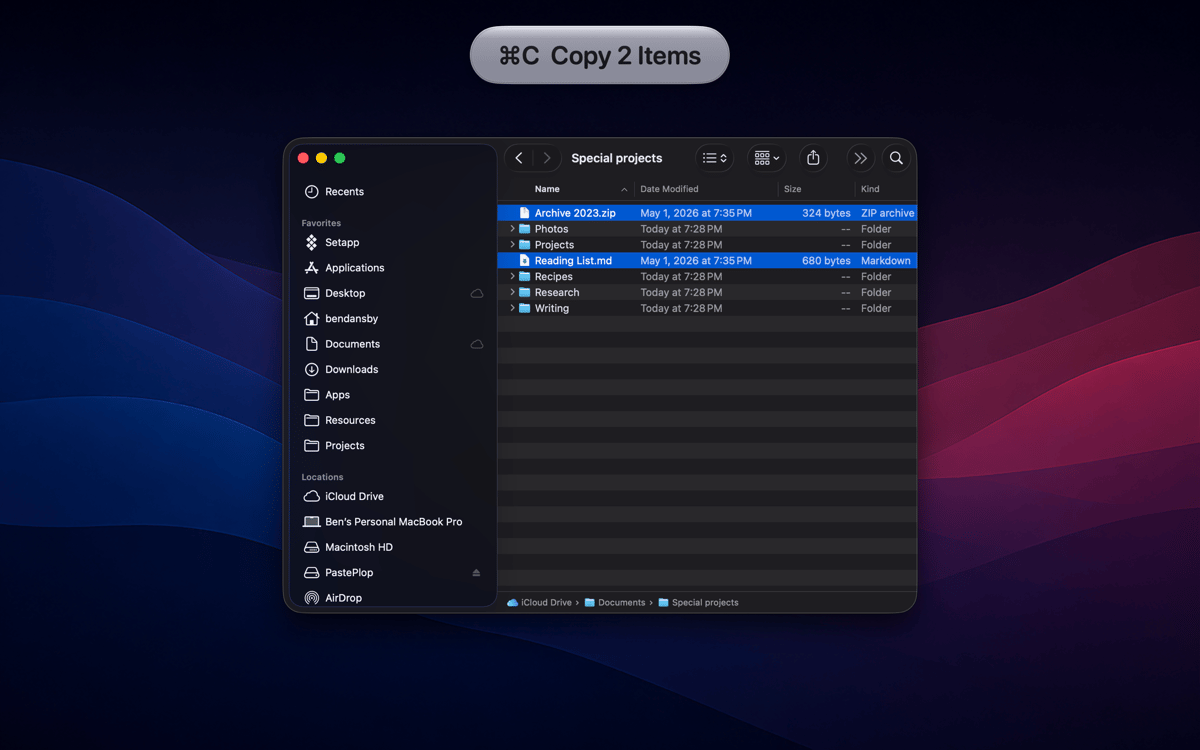
KeyStruck pops a clean HUD with the action name every time you fire a keyboard shortcut. Record a demo, run a class, or share your screen, and the audience sees what you're doing instead of leaning in to read your keyboard. It’s also great for anyone learning shortcuts and to feel confident you invoked the right function.
Record tutorials without narrating keys
Learn a new app's shortcuts fast
Confirm you hit the right shortcut
Create onboarding videos that teach
Funzionalità di KeyStruck
HUD on every shortcut
The moment you hit a keyboard shortcut, KeyStruck pops a small, readable overlay showing the menu action's name. No need to pause and explain what just happened — your audience can read it right on screen. It works quietly in the background and shows up only when it's needed.
Make it yours
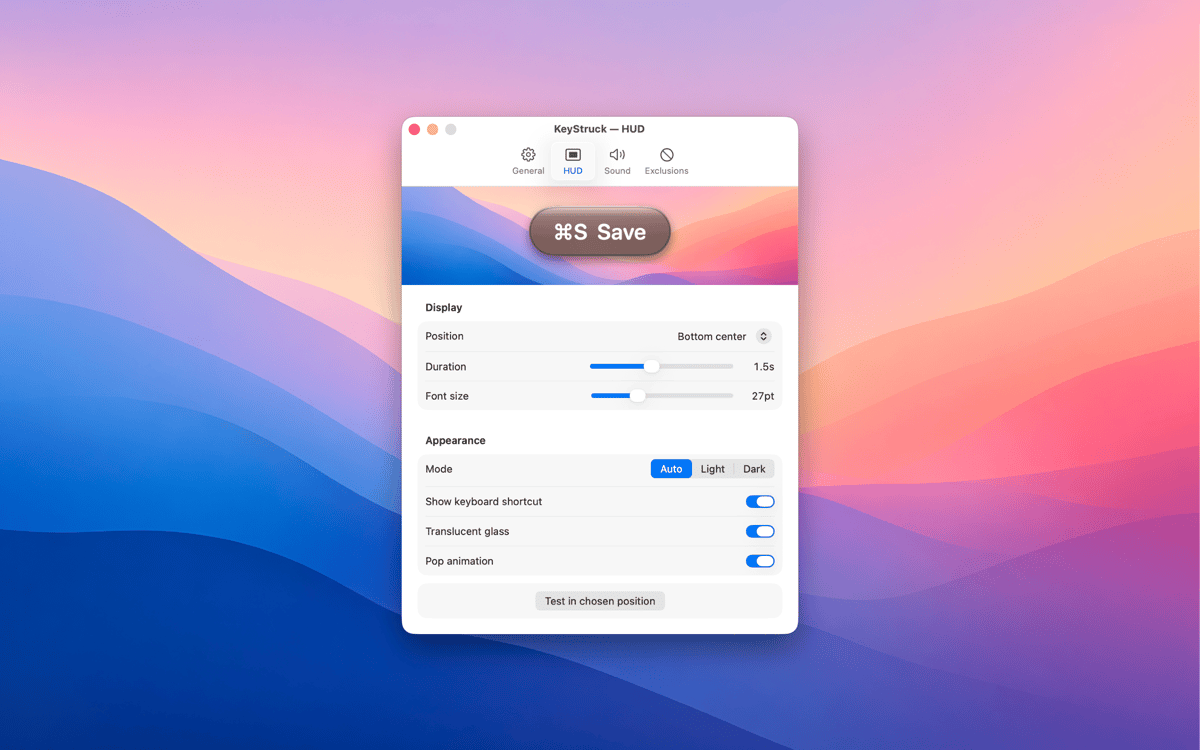
KeyStruck comes with light, dark, glossy, and flat themes so the overlay fits whatever's on screen. Pick a position that works for you — top-left, bottom-right, center, or anywhere in between. The HUD is there to help, not to get in the way.
Mute it when you need to
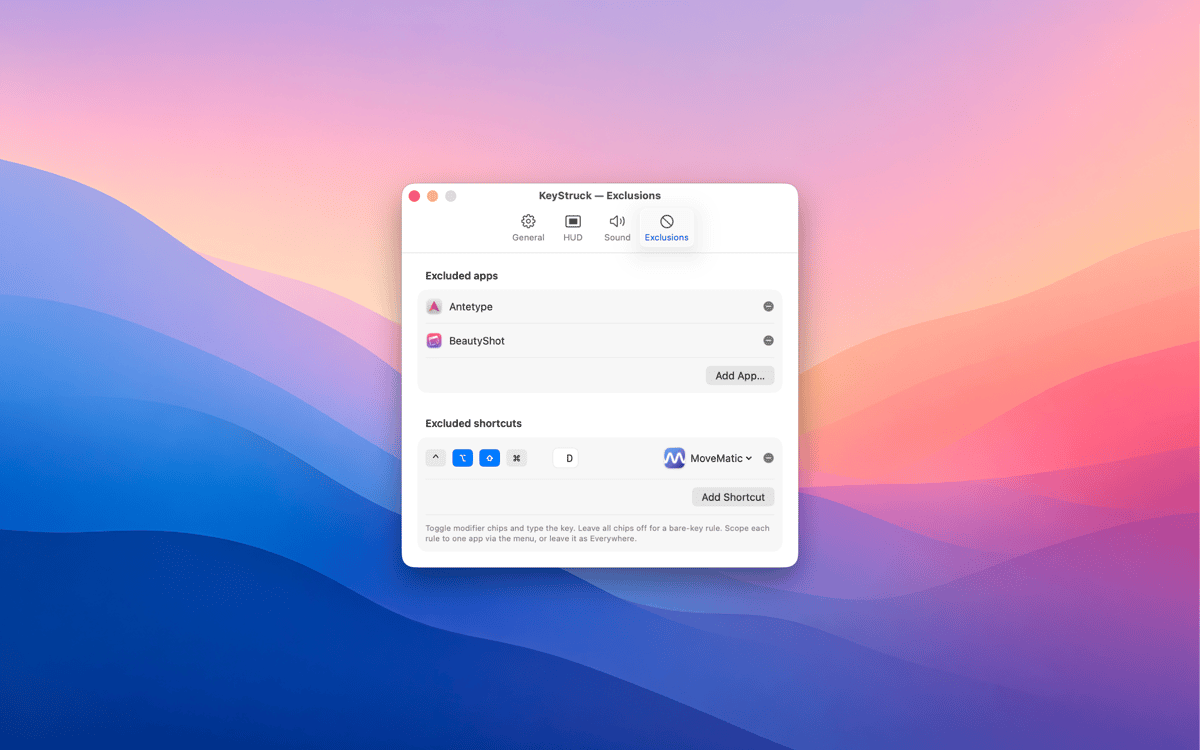
Not every shortcut needs an audience. With exclusions, you can silence the HUD for specific apps or particular shortcuts you'd rather keep private. Share your screen confidently, knowing KeyStruck only shows what you want it to show.
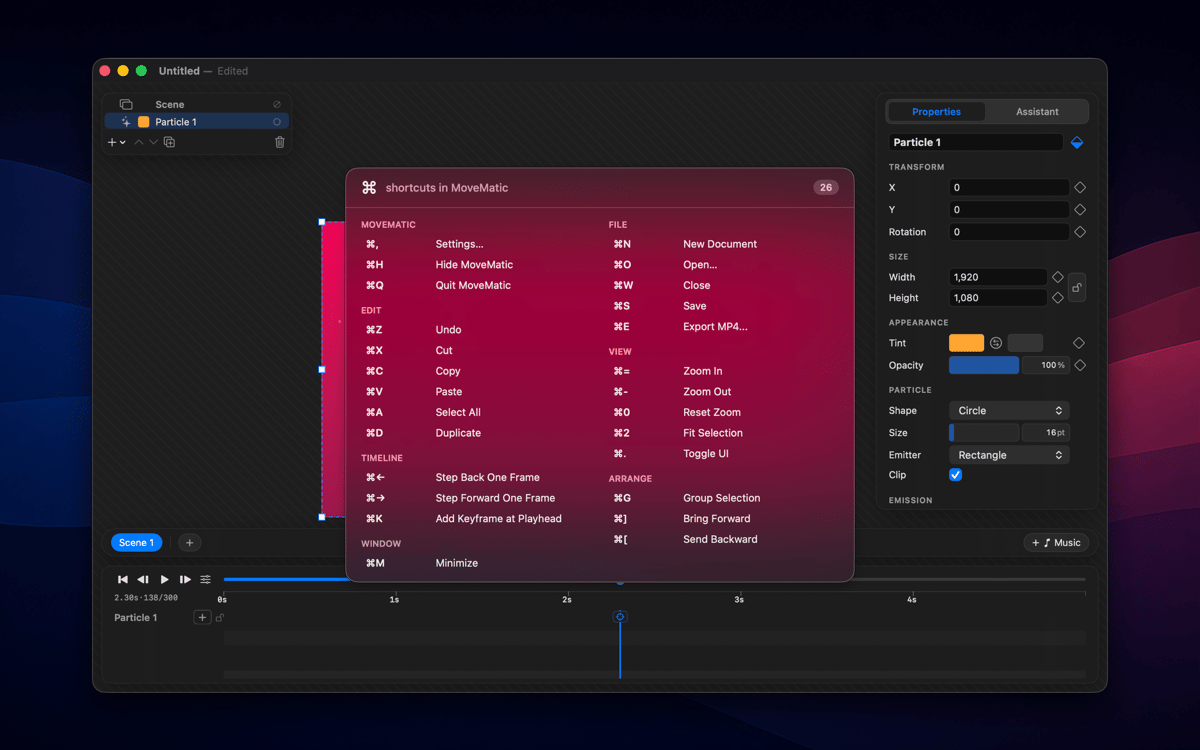
Built-in shortcut cheat sheet
Forget Alt-tabbing to a reference doc. KeyStruck can display every shortcut available in the active app, right there when you need it. It's a great way to explore an app's shortcuts or brush up on ones you haven't memorized yet.
Menu-bar only, no distractions
KeyStruck lives in your menu bar and stays out of your Dock. When you don't need it, pause it with one click. It's the kind of tool that only shows up when it's useful — which is exactly the kind of tool you want.
Centinaia di app con la Membership
Diventa membro di Setapp e utilizza centinaia di app straordinarie con un unico abbonamento.
Prova gratis per 7 giorni, poi paga una tariffa unica.
Installa Setapp sul Mac
Scopri le app per Mac, iOS e il web. Trova modi semplici per risolvere le attività quotidiane.

Ottieni l'app che stavi cercando
Quell'app tanto desiderata ti aspetta in Setapp. Installala con un clic.

KeyStruck
Scegli un abbonamento
Una o più app con un abbonamento Setapp. Acquista le app come preferisci.

Centinaia di app con la Membership
Diventa membro di Setapp e utilizza centinaia di app straordinarie con un unico abbonamento.
Prova gratis per 7 giorni, poi paga una tariffa unica.
1
Installa Setapp sul Mac
Scopri le app per Mac, iOS e il web. Trova modi semplici per risolvere le attività quotidiane.
2
Ottieni l'app che stavi cercando
Quell'app tanto desiderata ti aspetta in Setapp. Installala con un clic.
KeyStruck
3
Scegli un abbonamento
Una o più app con un abbonamento Setapp. Acquista le app come preferisci.
Sede delle migliori app
Dalla pianificazione e dai lavori di routine alle attività creative e di scrittura di codice, con le app di Setapp potrai affrontare di tutto.

TypingMind
Chat IA con un'interfaccia utente diversa
genera o riassumi un testo
usa la libreria di prompt
IA

Spark Mail
Gestisci le email
IA

CleanMyMac
Elimina i file spazzatura

Bartender
Personalizza la barra dei menu

CleanShot X
Cattura screenshot versatili

Luminar Neo
Modifica le tue foto
IA

ClearVPN
Connessione più sicura

Craft
Lavora con i documenti
IA
KeyStruck
Make every shortcut visible