
Looq
A better Quick Look
Mac
Versione 1.7.5
macOS 14.0 o successivo
53 MB
5 lingue
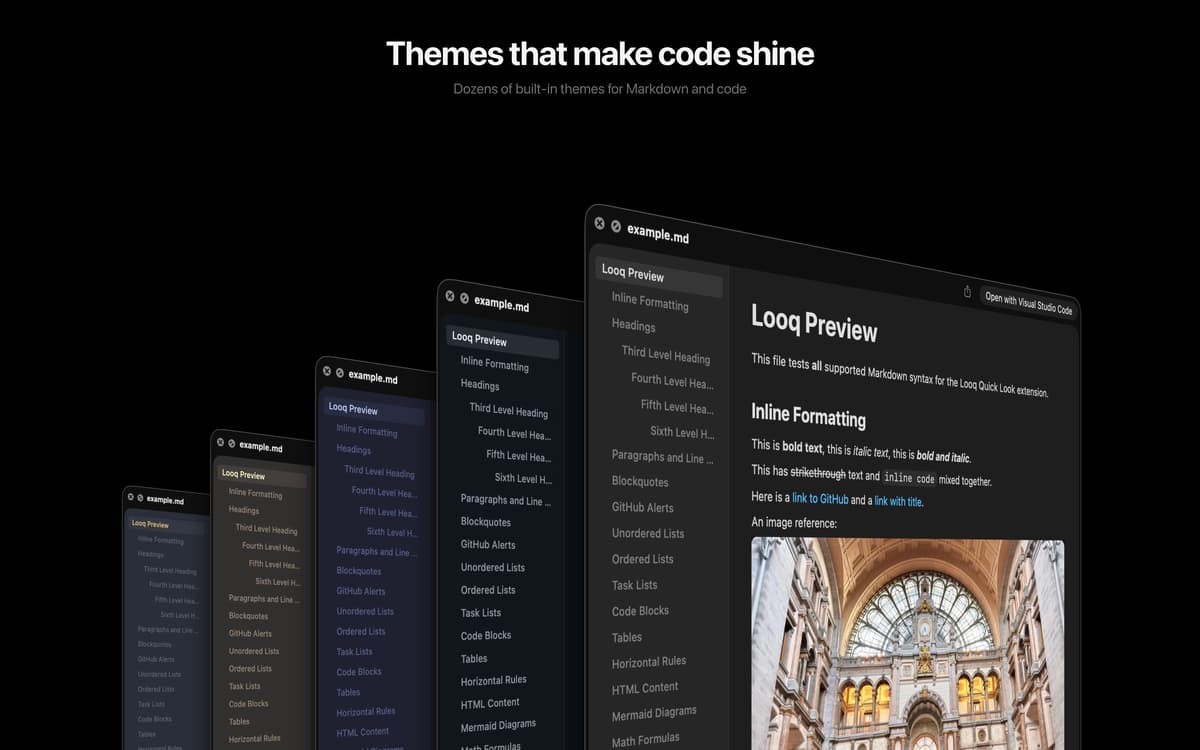
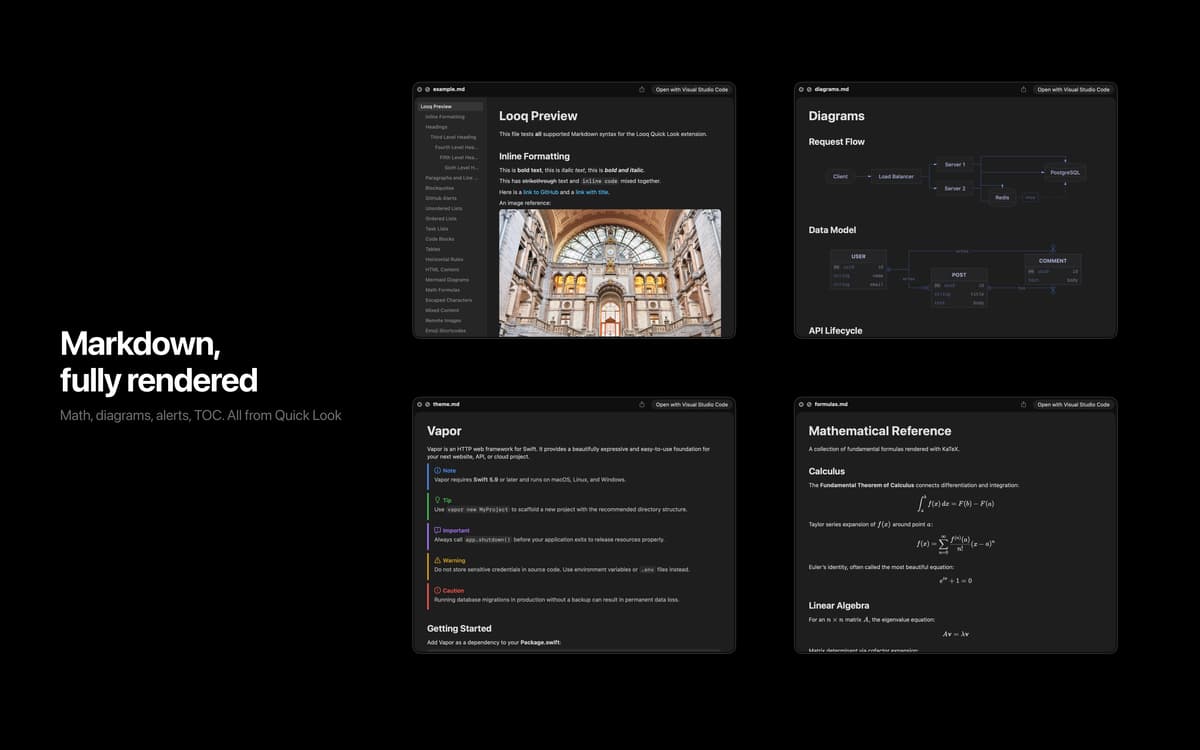
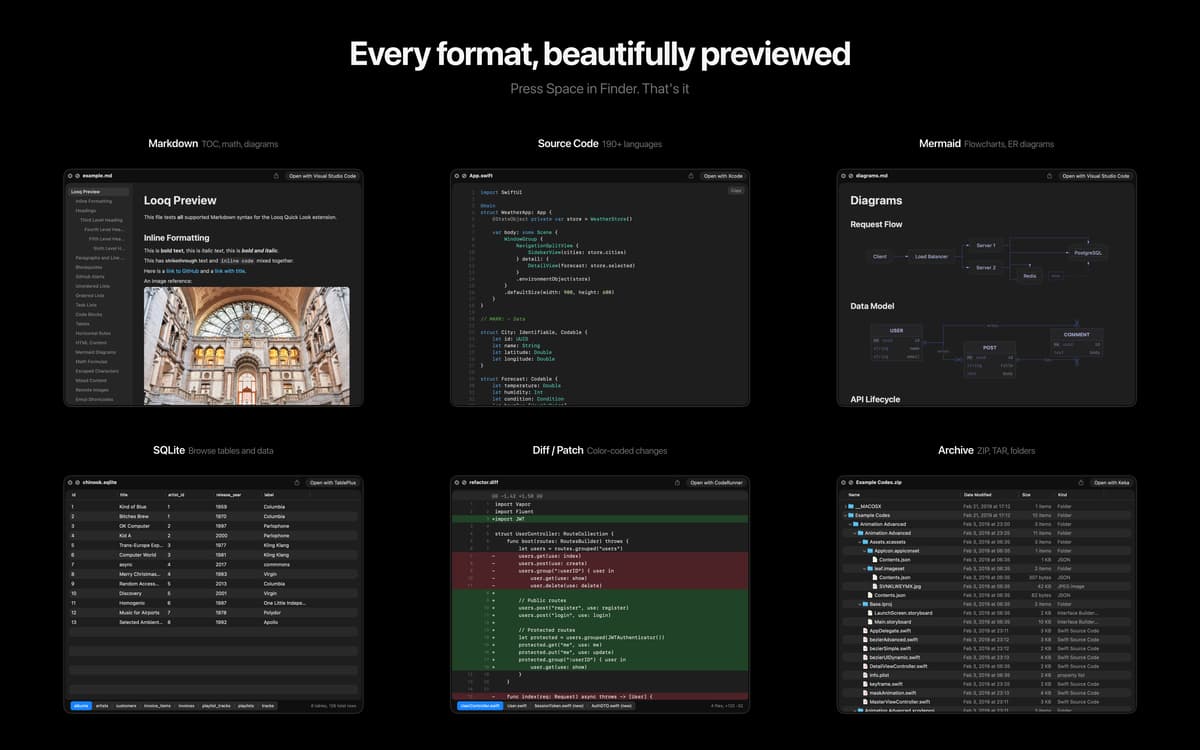
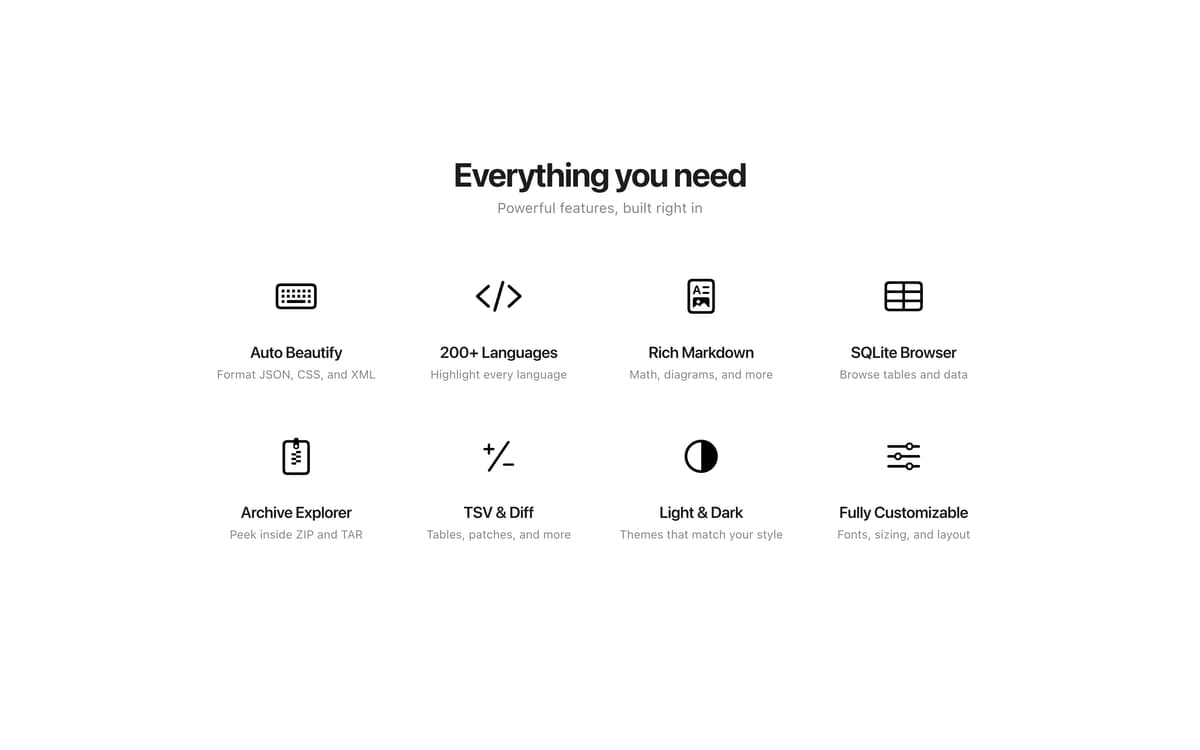
Looq is a Quick Look extension for macOS that previews the files Finder gives up on. Press Space on any file to read code in 200+ languages, render Markdown with KaTeX math and Mermaid diagrams, paginate huge SQLite tables, or peek inside ZIP archives without unpacking. Everything stays in the native Quick Look panel, so you can stay in flow.
Preview Markdown with KaTeX and Mermaid
Read code in 200+ programming languages
Open SQLite, TSV, archives, and folders
Inspect app bundles, IPAs, and profiles
Funzionalità di Looq
Markdown and Org-mode previews
Render Markdown with GitHub Alerts, KaTeX math, Mermaid diagrams (including XY Chart), tables, and footnotes. Org-mode (.org) files get a dedicated rich preview too. Live Rendering refreshes the preview as you edit, scroll position resumes where you left off (choose Off, Session, or Persistent), and the table of contents tracks your view.
Code in 200+ languages
Syntax highlighting across 200+ programming languages, with sticky function and class headers so you never lose context in long files. Diff and patch files render side-by-side with color-coded line markers and add/delete statistics. Customizable themes for light and dark.
Databases and tables without the wait
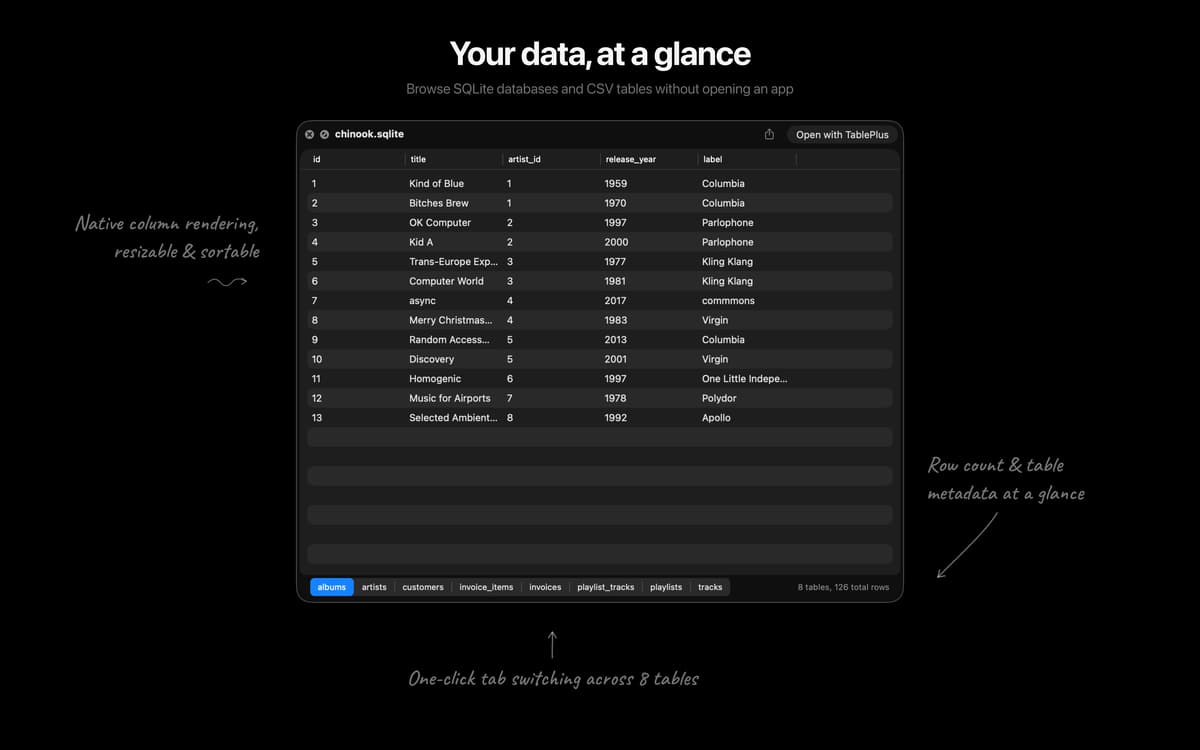
SQLite and TSV files open with smart pagination (500 rows per page), column sorting, and column type tooltips, so huge files stay responsive. SQL is auto-formatted for readability.
Archives and folders, no unpacking
Browse the contents of ZIP and TAR archives, plus regular folders, without extracting a thing. Enhanced folder icons and SVG thumbnails make scanning easier.
Metadata for app bundles and more
Rich previews for app bundles, IPAs, installer packages, provisioning and configuration profiles, torrents, and disk images. See what's inside before you decide to install.
Diagnostics to keep Quick Look healthy
Detect and repair conflicting Quick Look extensions with one-click fixes. When something breaks Quick Look on macOS, Looq tells you which app is responsible.
Centinaia di app con la Membership
Diventa membro di Setapp e utilizza centinaia di app straordinarie con un unico abbonamento.
Prova gratis per 7 giorni, poi paga una tariffa unica.
Installa Setapp sul Mac
Scopri le app per Mac, iOS e il web. Trova modi semplici per risolvere le attività quotidiane.

Ottieni l'app che stavi cercando
Quell'app tanto desiderata ti aspetta in Setapp. Installala con un clic.

Looq
Scegli un abbonamento
Una o più app con un abbonamento Setapp. Acquista le app come preferisci.

Centinaia di app con la Membership
Diventa membro di Setapp e utilizza centinaia di app straordinarie con un unico abbonamento.
Prova gratis per 7 giorni, poi paga una tariffa unica.
1
Installa Setapp sul Mac
Scopri le app per Mac, iOS e il web. Trova modi semplici per risolvere le attività quotidiane.
2
Ottieni l'app che stavi cercando
Quell'app tanto desiderata ti aspetta in Setapp. Installala con un clic.
Looq
3
Scegli un abbonamento
Una o più app con un abbonamento Setapp. Acquista le app come preferisci.
Sede delle migliori app
Dalla pianificazione e dai lavori di routine alle attività creative e di scrittura di codice, con le app di Setapp potrai affrontare di tutto.

TypingMind
Chat IA con un'interfaccia utente diversa
genera o riassumi un testo
usa la libreria di prompt
IA

Spark Mail
Gestisci le email
IA

CleanMyMac
Elimina i file spazzatura

Bartender
Personalizza la barra dei menu

CleanShot X
Cattura screenshot versatili

Luminar Neo
Modifica le tue foto
IA

ClearVPN
Connessione più sicura

Craft
Lavora con i documenti
IA
Looq
A better Quick Look