NapMac
Don't doze off at your desk
Mac
Versione 1.0
macOS 26.4 o successivo
7.7 MB
1 lingue
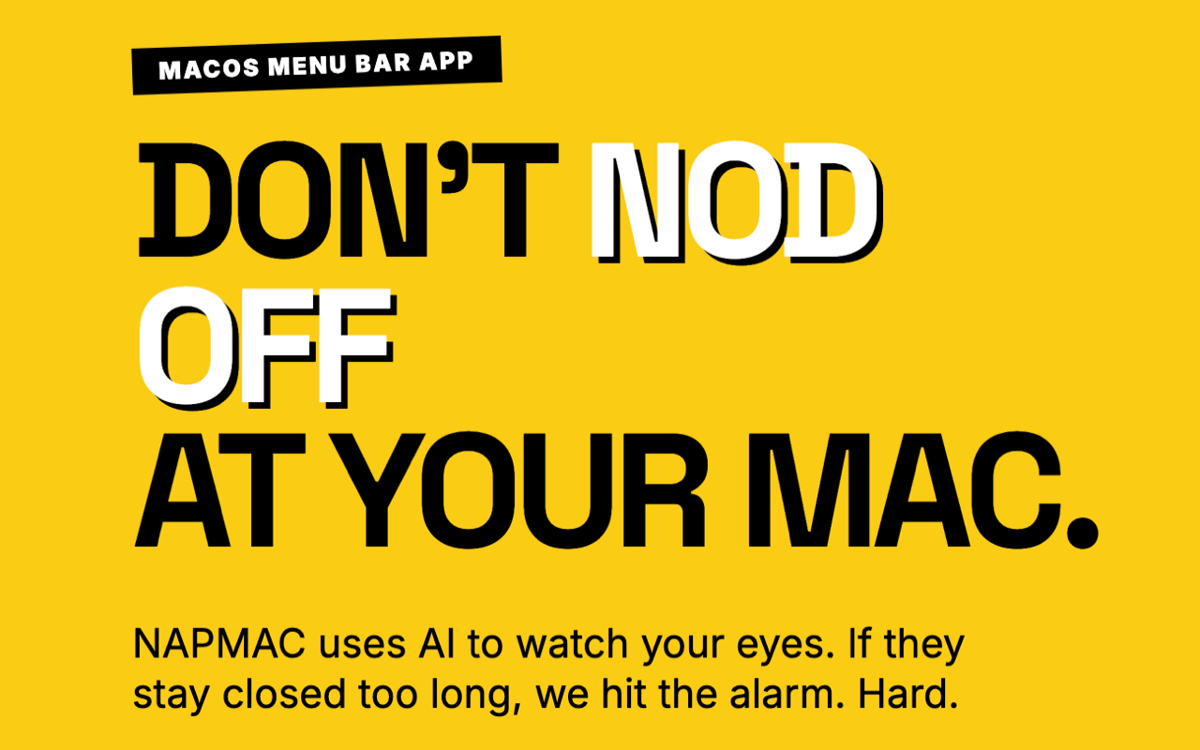
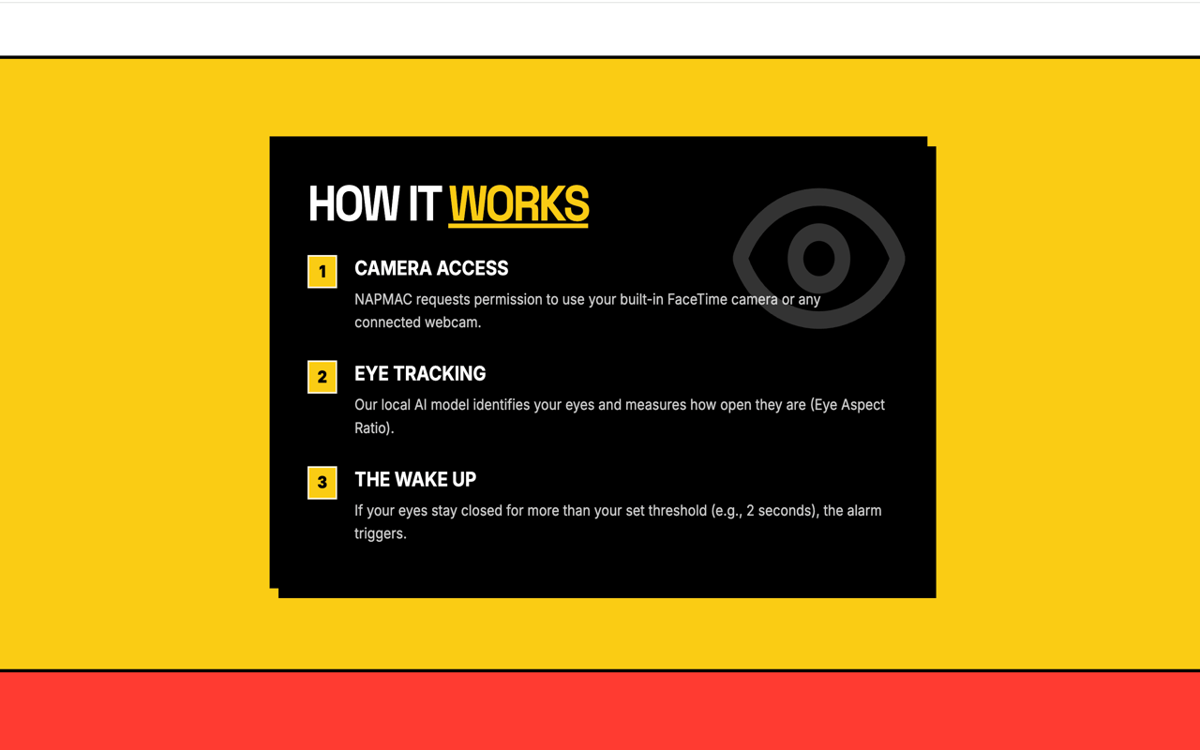
NapMac is a drowsiness detection and focus app for Mac. It watches for the moment your eyes stay shut too long — and sounds the alarm before you fully drift off. Three built-in Pomodoro timers (25, 52, and 90 minutes) help you work in focused sprints, so you stay on task and alert. Powered by Apple's Vision framework and your Mac's built-in camera, it works entirely on-device. No video recorded, no data sent anywhere, no accounts needed. Just a quiet menu bar app that's got your back during long work sessions.
Catch yourself dozing off mid-workday
Set work-hours-only monitoring
Track your nap history and sleep stats
Stay focused with built-in Pomodoro timers
Funzionalità di NapMac
Eyes closed — alarm open
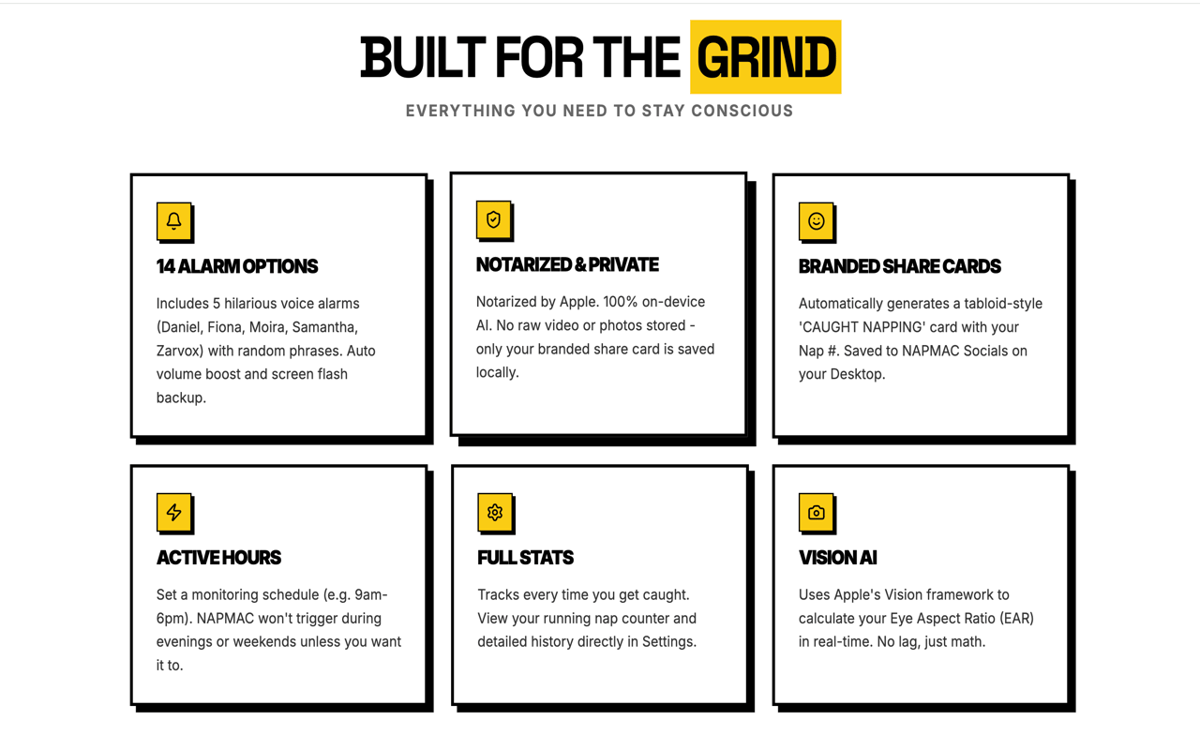
NapMac uses Apple's Vision framework to detect when your eyes stay closed too long. The moment it spots the sign of a doze, it triggers an alarm. You stay in control of the sensitivity, and the app stays out of your way until it's needed.
Three Pomodoro timers
Built-in focus timers for every kind of work session — 25 minutes for classic sprints, 52 minutes for deep work, and 90 minutes for flow state. Pick your mode, start the timer, and let NapMac keep you honest at both ends: focused while you're working, awake while you're trying to.
14 alarms — including voices
Pick from 14 alarm options, including voice alarms with characters like Zarvox, Fiona, and Samantha. Whether you want something subtle or something that'll jolt you back to life, there's a tone for every level of stubbornness.
Sleep stats and nap counter
NapMac keeps a quiet log of your drowsy moments. Check your nap count, see patterns over time, and get a clearer picture of when your energy dips most. Useful data — without the data creep.
"CAUGHT NAPPING" share card
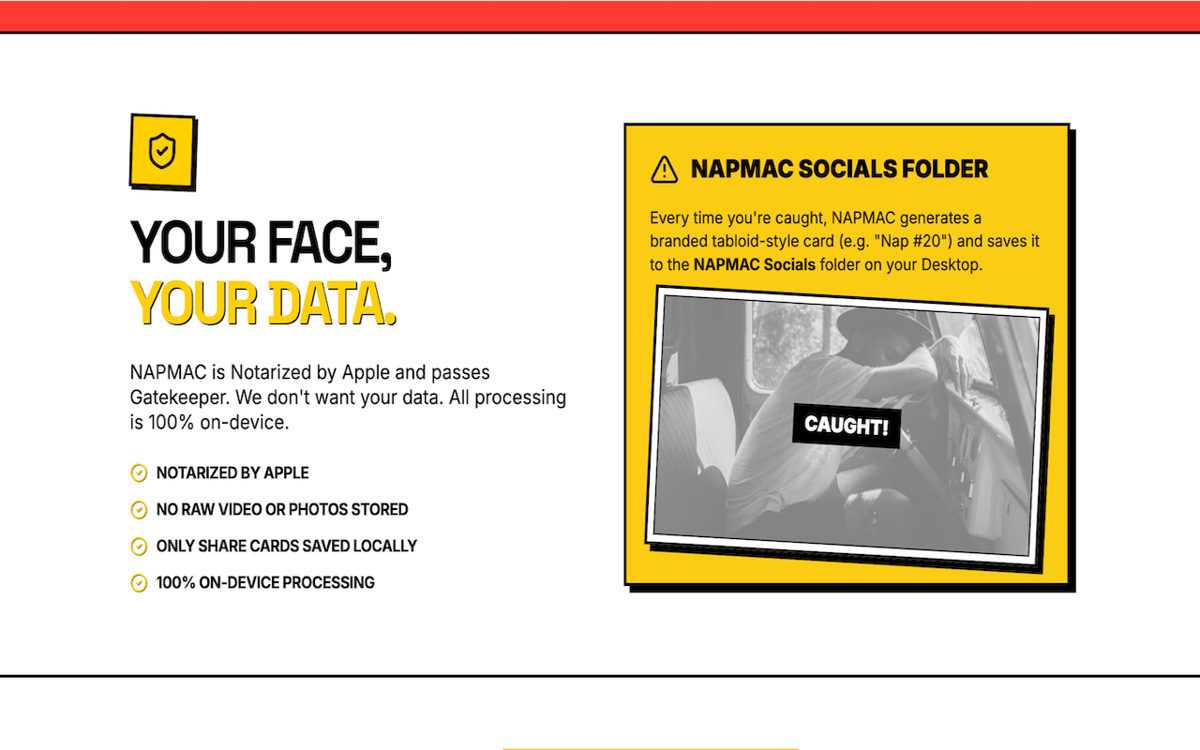
Every time NapMac catches a nap, it auto-generates a share card and saves it to your Desktop. A small, slightly shameful memento. Or the perfect thing to send your team on a Monday afternoon.
Active Hours scheduling
Only need monitoring during the 9-to-5? Set your Active Hours and NapMac will watch for naps within that window only. No need to remember to switch it on or off — it respects your schedule automatically.
Centinaia di app con la Membership
Diventa membro di Setapp e utilizza centinaia di app straordinarie con un unico abbonamento.
Prova gratis per 7 giorni, poi paga una tariffa unica.
Installa Setapp sul Mac
Scopri le app per Mac, iOS e il web. Trova modi semplici per risolvere le attività quotidiane.

Ottieni l'app che stavi cercando
Quell'app tanto desiderata ti aspetta in Setapp. Installala con un clic.

NapMac
Scegli un abbonamento
Una o più app con un abbonamento Setapp. Acquista le app come preferisci.

Centinaia di app con la Membership
Diventa membro di Setapp e utilizza centinaia di app straordinarie con un unico abbonamento.
Prova gratis per 7 giorni, poi paga una tariffa unica.
1
Installa Setapp sul Mac
Scopri le app per Mac, iOS e il web. Trova modi semplici per risolvere le attività quotidiane.
2
Ottieni l'app che stavi cercando
Quell'app tanto desiderata ti aspetta in Setapp. Installala con un clic.
NapMac
3
Scegli un abbonamento
Una o più app con un abbonamento Setapp. Acquista le app come preferisci.
Sede delle migliori app
Dalla pianificazione e dai lavori di routine alle attività creative e di scrittura di codice, con le app di Setapp potrai affrontare di tutto.

TypingMind
Chat IA con un'interfaccia utente diversa
genera o riassumi un testo
usa la libreria di prompt
IA

Spark Mail
Gestisci le email
IA

CleanMyMac
Elimina i file spazzatura

Bartender
Personalizza la barra dei menu

CleanShot X
Cattura screenshot versatili

Luminar Neo
Modifica le tue foto
IA

ClearVPN
Connessione più sicura

Craft
Lavora con i documenti
IA
NapMac
Don't doze off at your desk